

Flyers that keep signing up volunteers after the form changes
Flyers stay on community boards for months. If the code on them opens a sign-up link that later moves, every one of them goes dead. A dynamic code opens your volunteer or newsletter form, you change what it opens any time, and each poster, flyer or stall shows how many people it brought in.
In short
What a nonprofit uses QR codes for
In shortVolunteer and newsletter sign-ups, registration and tickets for events, a page about your work in your community’s languages, and campaigns that show which poster or flyer brought people in. The flyer stays the same while the form behind it changes. Sign-ups land in one list and can go straight to a Google Sheet. We don’t take donations: a page can link to the donation page you already use.
If you cancel, the flyers still open your page or form, because the code points to a short link we run, not to your plan. Until you subscribe again, the page can’t be edited and forms and event registration stop taking sign-ups. The sign-ups you have stay in your account to export. The pledge sets this out.
At a glance
- Volunteers
- Sign-up forms, replies in one list and Google Sheets (any paid plan)
- Newsletter
- A sign-up form with a recorded consent question
- Events
- Free registration, QR tickets, waitlist and check-in
- Languages
- Hosted pages in the reader’s phone language: Lite 1 extra, Pro 5
- Not included
- Taking donations or payments
The workflow
From poster to volunteer list
Make the form
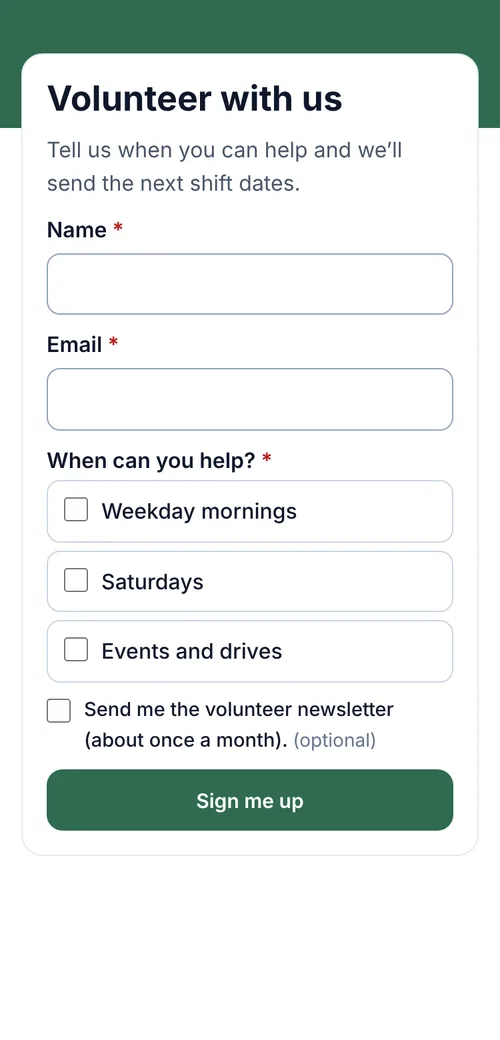
Name, email, when they can help as checkboxes, and a consent box for your newsletter.
A code per place
One for the library board, one for the café, one for the market stall, in one campaign.
Sign-ups arrive
In Leads with the code they came from, by email, and in a Google Sheet your coordinator already uses.
See what worked
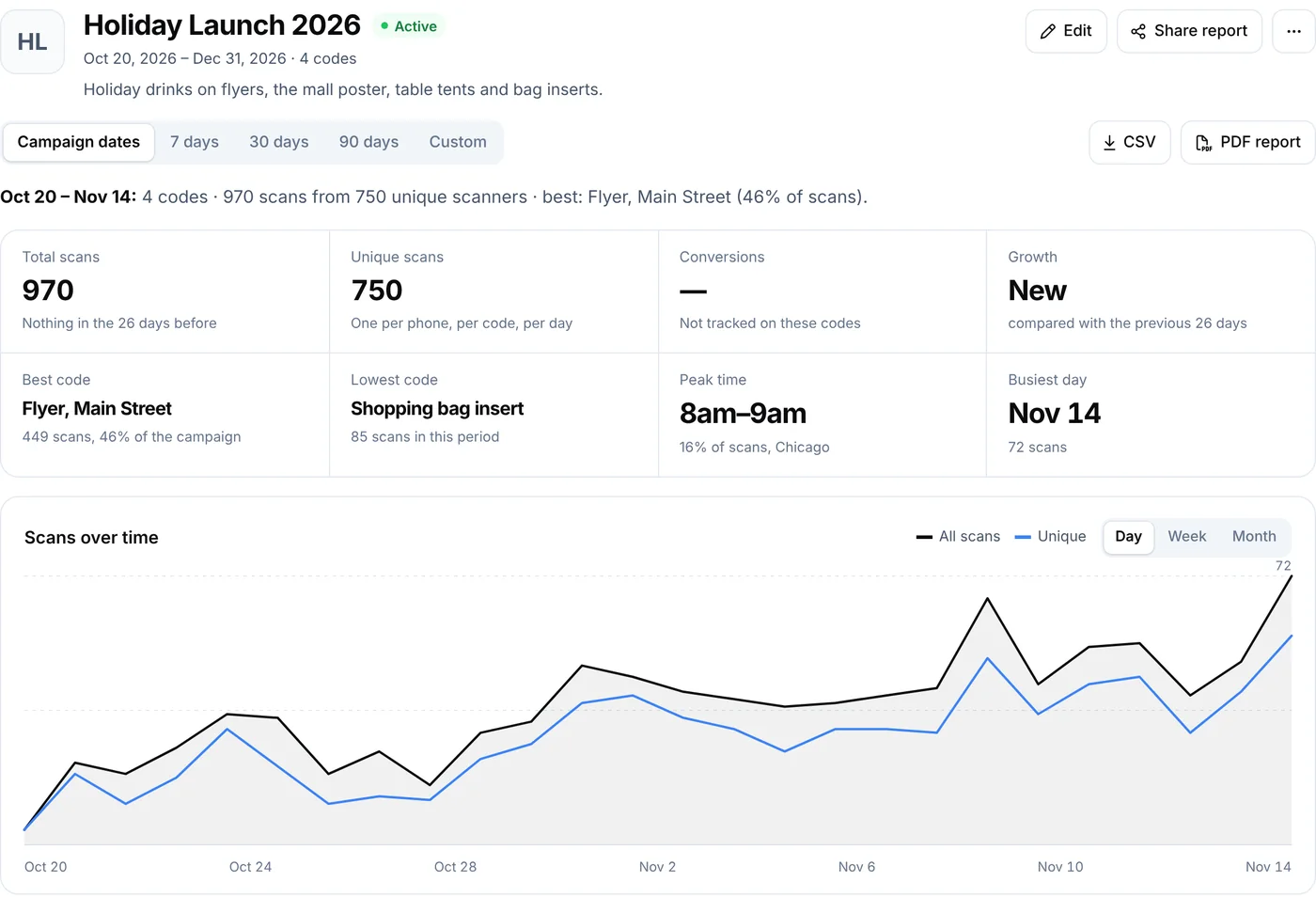
Scans and sign-ups per poster, so next time you print more of what people answer.
The codes
What each code does
- Volunteer sign-upsA short form people finish on a phone, with the shifts or roles as choices. Lead forms.
- Newsletter sign-upsA form with a consent question that records the exact wording agreed to and when. Export the list as a CSV for your email tool.
- Events and drivesRegistration for a dinner, a clean-up or a fair: places, a closing time, a waitlist and a QR ticket each, checked in with the app. Free tickets. Event tickets.
- Pages in your community’s languagesA page about your services or an event that opens in the reader’s phone language. Multi-language pages.
- A page about your workWhat you do, how to help and how to reach you, from the nonprofit template in the page builder. Its Donate button links to your own donation page.
- CampaignsGroup the codes of one appeal or season and compare them in one report. Campaigns.
Compared
Paper sign-up sheet or QR form?
| Compared | Clipboard at the stall | QR sign-up form |
|---|---|---|
| Reading the handwriting | Often guesswork | Typed by the person |
| Consent for emails | A tick on paper, if any | The wording and time, recorded |
| Getting it into your list | Typed up later | In Leads and Google Sheets at once |
| Which stall or poster worked | Unknown | Shown per code |
| Works when the stall is closed | No | Yes, from any poster |
Placement
Where each code goes
Write what people get next to the code: “Volunteer on Saturdays: scan to sign up”. More in the call to action guide.
| Compared | What it opens | Print it at |
|---|---|---|
| Community boards and shop windows | The volunteer form or the next event | 2–3 in (5–8 cm) |
| Flyers and leaflets | The newsletter form or a page about your work | 1–1.2 in (2.5–3 cm) |
| Stalls and events | Volunteer and newsletter sign-ups, on a stand | 3–4 in (8–10 cm) |
| Thank-you cards | A page about what their help did | About 1 in (2.5 cm) |
Plans
What it costs
Lite and Pro start with a 14-day free trial.
Free
- Links to your website or donation page, as static codes
- Social media codes
- Wi-Fi codes for events
- No watermark, no expiry
Lite, $9 a month or $72 a year
- 3 forms and 500 sign-ups a month
- Event registration for 100 people per event
- Sign-ups to Google Sheets
- 10 active campaigns, pages with 1 extra language
- Pro ($24 a month) adds 10,000 sign-ups a month, 1,000 per event, 5 languages and seats for your team
Good to know
Before you start
- No donations or paymentsWe don’t process donations or sell tickets. Link a code or a page button to the donation page you already use.
- Forms are in one languageHosted pages are translated; for forms, make one per language you need.
- Ask before emailingUse the consent question on newsletter forms and keep the export with your records.
- Share with volunteersOn Pro, invite coordinators as Editors or Viewers instead of sharing one password.
FAQ
Questions people ask
Can’t find yours? A person answers every email within 2 working days.
Email usCan people donate through the QR code?
Not through us: we don’t process donations or payments. A code, or a button on your page, can open the donation page you already use.
Can volunteers sign up for specific shifts?
Yes. List the shifts as choices on the form. For an event with limited places, use registration with a waitlist instead.
Do event tickets cost anything to issue?
Registration and tickets are free to guests and part of every paid plan: up to 100 attendees per event on Lite, 1,000 on Pro.
Can sign-ups go to a spreadsheet?
Yes. New sign-ups can be added to a Google Sheet on every paid plan, and you can export them as CSV.
Can our page be in several languages?
Yes. Hosted pages open in the reader’s phone language, from 32 languages, translated for you to check. Lite includes 1 extra language per page, Pro 5.
Keep reading
Related
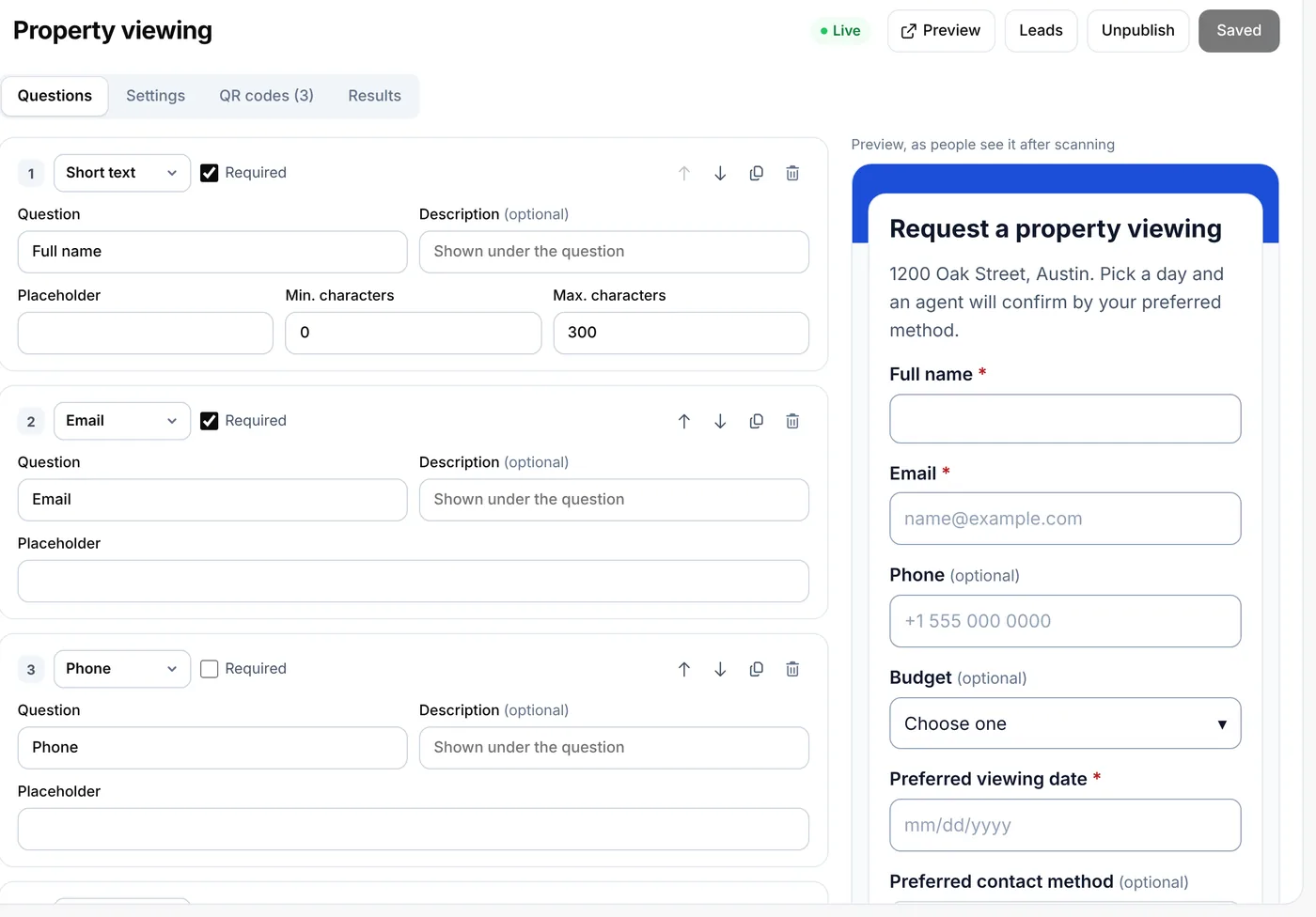 QR lead formsVolunteer and newsletter forms.
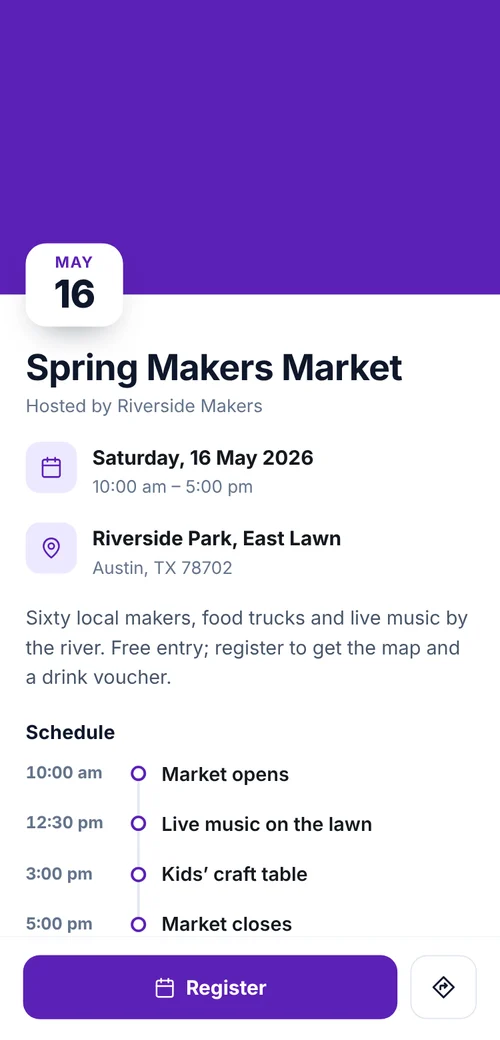 QR code event check-inFree registration and QR tickets.
- QR codes for event registrationPosters that follow a venue change, with QR tickets and check-in at the door.
 QR campaignsGroup codes and compare their results
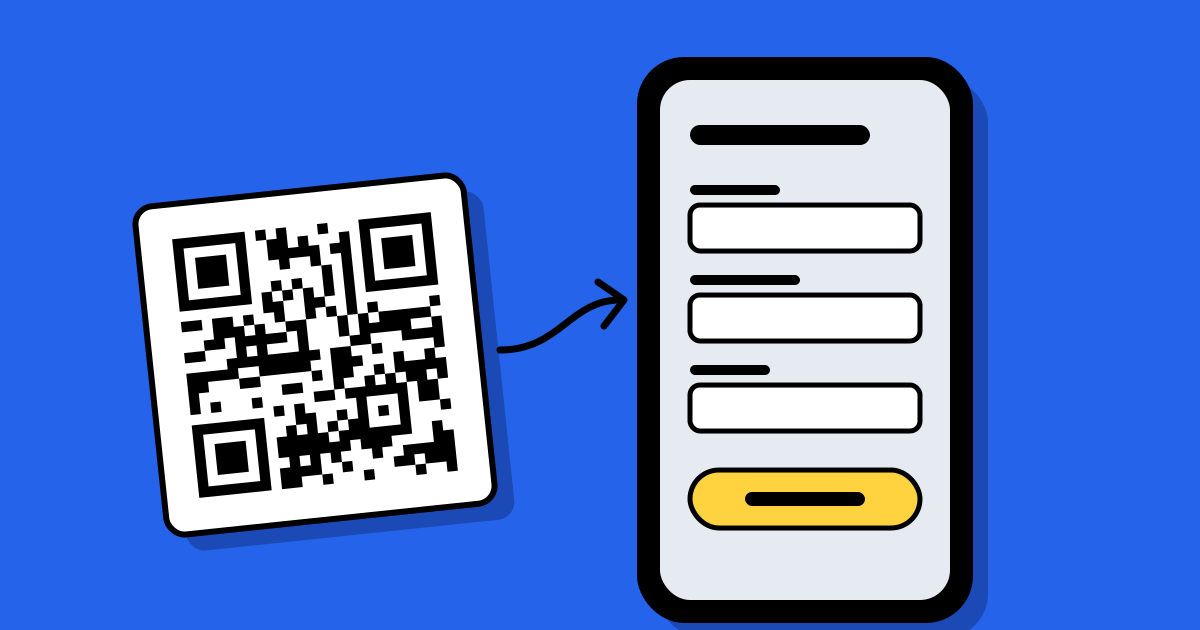 How to collect leads with QR codesShort forms, the right spot, and fast follow-up.