

QR codes for restaurants and cafés
Four codes cover most of what a restaurant needs: the menu, the Wi-Fi, a Google review and a way to order. Here’s how to set each up so it keeps working when prices and dishes change.
In short
What a restaurant uses QR codes for
In shortFour codes cover most of it: a menu you can edit after printing, guest Wi-Fi, a Google review link and a way to order. The menu is a dynamic code to a page we host; the other three are free static codes.
At a glance
- Menu
- Hosted menu page, edit any time (any paid plan)
- Wi-Fi
- Free static code
- Reviews
- Free Google review code
- Orders
- Free WhatsApp code
- Per-table codes
- Bulk from a CSV
The workflow
From printed menu to a menu you can edit
Build the menu page
Sections, dishes, short descriptions, prices and photos, from a restaurant template. Or upload the PDF you already have.
Make one code per table
Bulk creation makes a code for every table from a list, each tagged with its table number.
Print the table tents
With a short label, “Scan for the menu”. Add the Wi-Fi code to the same tent.
Change prices any time
Edit the page and publish. The tents on the tables stay as they are.
The codes
Four codes cover most of a restaurant
Here’s what each one opens and where it does the most work.
- The menuA menu page we host, easier to read on a phone than a PDF. Dynamic, so you also see when guests open it.
- Guest Wi-FiA free Wi-Fi code on a separate guest network. Nobody has to ask staff for the password.
- Google reviewsA free review code on the bill folder or receipt, where happy guests are already looking.
- Orders and bookingsA WhatsApp code with “Hi, I’d like to order for pickup” already typed, or a booking form on your page.
Per table
One code per table
Use bulk creation to make a code for every table, each pointing to the menu with the table number added, for example ?table=12. Your ordering system, or simply the scan counts, then show which tables are busiest.
Need a lunch and a dinner menu? On Pro, a smart redirect opens the lunch menu until 4 pm and the dinner menu after, from the same printed code.
Placement
Where each code goes
Table tents are read from 30–40 cm; window posters from a metre or two. Laminate codes that get wiped down, with a matte finish so ceiling lights don’t cause glare. More sizes are in the printing guide.
| Compared | What it opens | Print it at |
|---|---|---|
| Table tents and stickers | The menu, with the Wi-Fi code beside it | 1–1.2 in (2.5–3 cm) |
| Window and door posters | The menu, for people deciding whether to come in | 4–8 in (10–20 cm) |
| Bill folder and receipt | The review code | About 1 in (2.5 cm) |
| Takeaway bags and flyers | WhatsApp orders or a reorder page | 1–1.2 in (2.5–3 cm) |
| Wall menus and counters | One code per area, to compare where people scan | 2–4 in (5–10 cm) |
Plans
What it costs
Lite and Pro start with a 7-day free trial.
Free
- The Wi-Fi code
- The review code
- A WhatsApp order code
- No watermark, no expiry
Lite, $9 a month or $72 a year
- The menu page, edit it any time
- Up to 25 dynamic codes, enough for most dining rooms
- Scan counts by table and by hour
- Pro ($24 a month) adds lunch and dinner redirects, 250 codes and team seats
Good to know
Mistakes to avoid
- A PDF that changes name each seasonUse a dynamic code and replace the file, or a menu page you edit in place.
- No words next to the code“Scan for the menu” tells people what they get before they lift the phone.
- Prices behind a sign-up formKeep the menu open to everyone. Ask for details only for bookings or feedback.
- Glossy codes under ceiling lightsGlare hides the pattern. Use a matte finish.
FAQ
Questions people ask
Can’t find yours? A person answers every email within 2 working days.
Email usDo guests need an app to see the menu?
No. The phone camera opens the menu page in the browser.
What if I stop paying for the menu page?
The code keeps opening your last menu. You just can’t edit it until you subscribe again, so your table tents never lead to an error.
Can I have a different menu for lunch and dinner?
Yes. Either make two codes, or update one menu page when service changes. On Pro, a smart redirect can do it for you: one printed code opens the lunch menu until 4pm and the dinner menu after.
Keep reading
Related
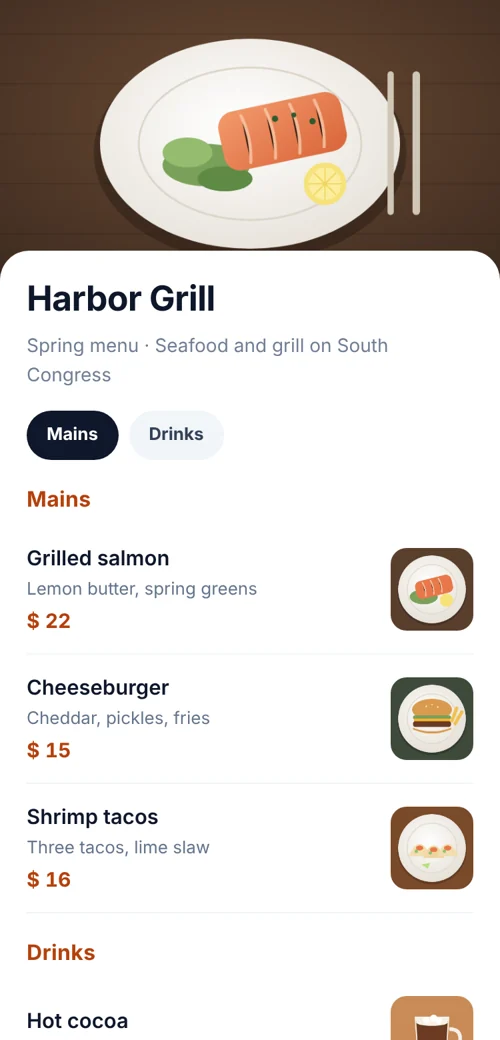 QR code menuA mobile menu page with sections and prices. Edit it any time.
 Wi-Fi QR codeGuests scan once and they’re on your network. No password typing.
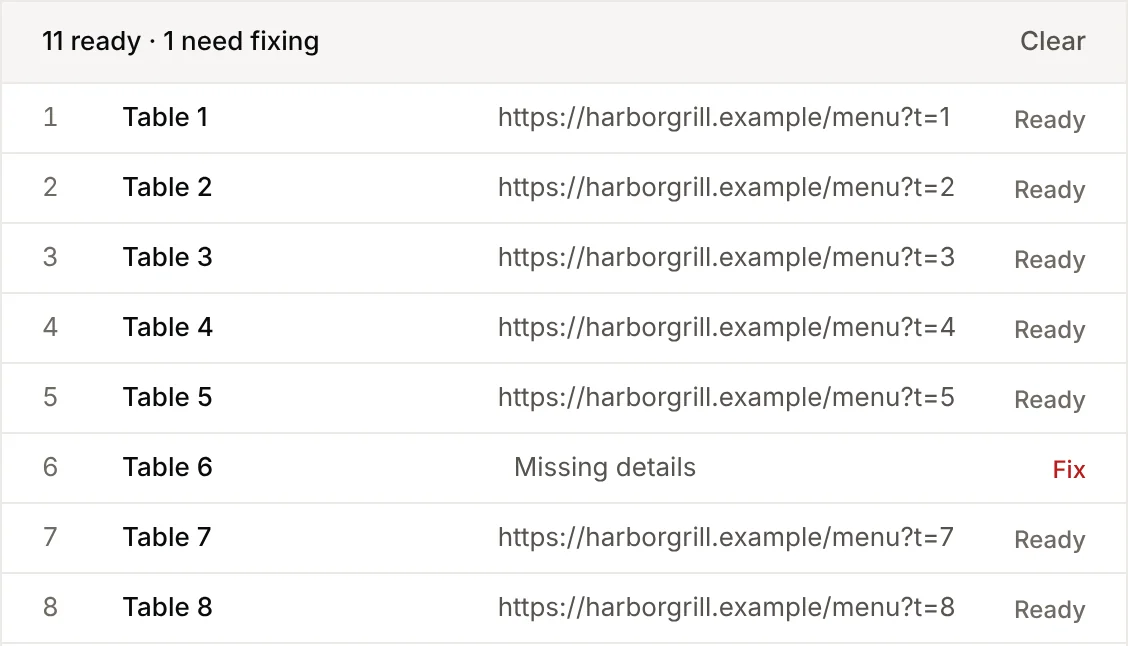 Bulk QR codesUpload a spreadsheet, get a ZIP of codes. 15 types supported.
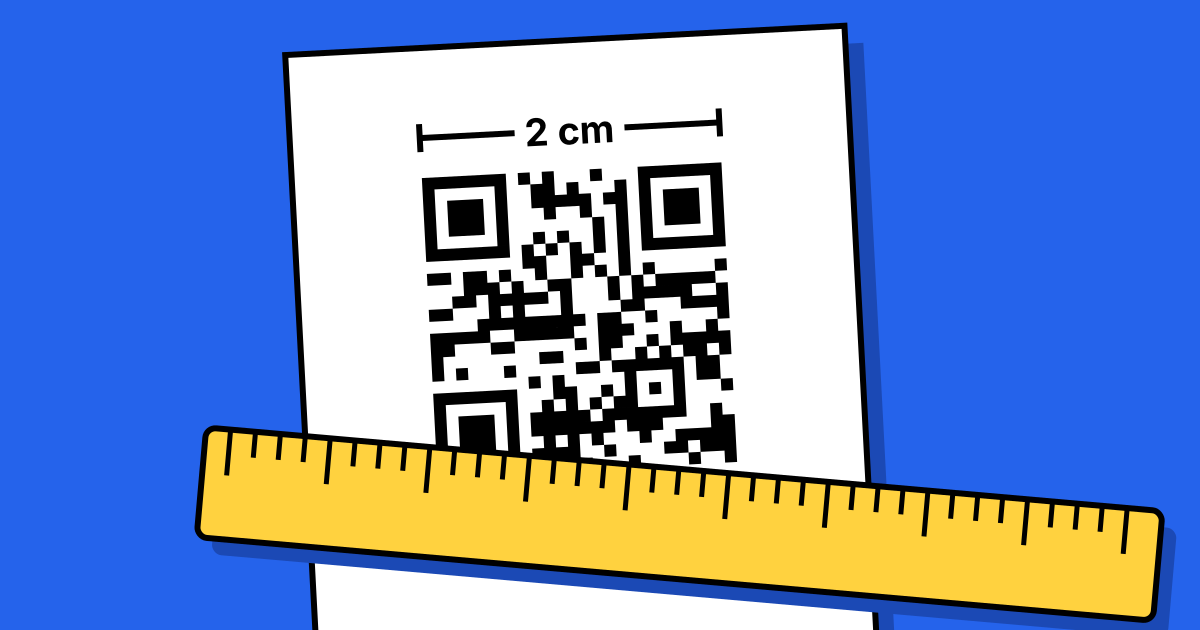 QR code printing and size guideSizes for every distance, plus the checks before you print.