A/B test your QR code landing pages
One printed code, two or three pages. Scans are split by the shares you choose, leads are counted for each page, and you send everyone to the winner when the numbers are clear.

Definition
What is a QR code A/B test?
In shortA QR code A/B test splits the scans of one printed code between two or three destinations, called variants. You compare the scans and leads each one gets, then send every scan to the page that works best.
It runs on a dynamic link code. Smart redirect rules are checked first; scans that no rule catches go into the test.
At a glance
- Plans
- Pro and Agency
- Variants
- 2 or 3: web links, or your own pages and forms
- Split
- Any shares, such as 50/50 or 70/30
- Results
- Scans and leads per variant, with a confidence level
- Returning scanners
- Same variant for 30 days (optional)
How it works
Run a test without reprinting
Pick a dynamic link code
Code details → A/B test, or the A/B test row in the app.
Add 2 or 3 variants
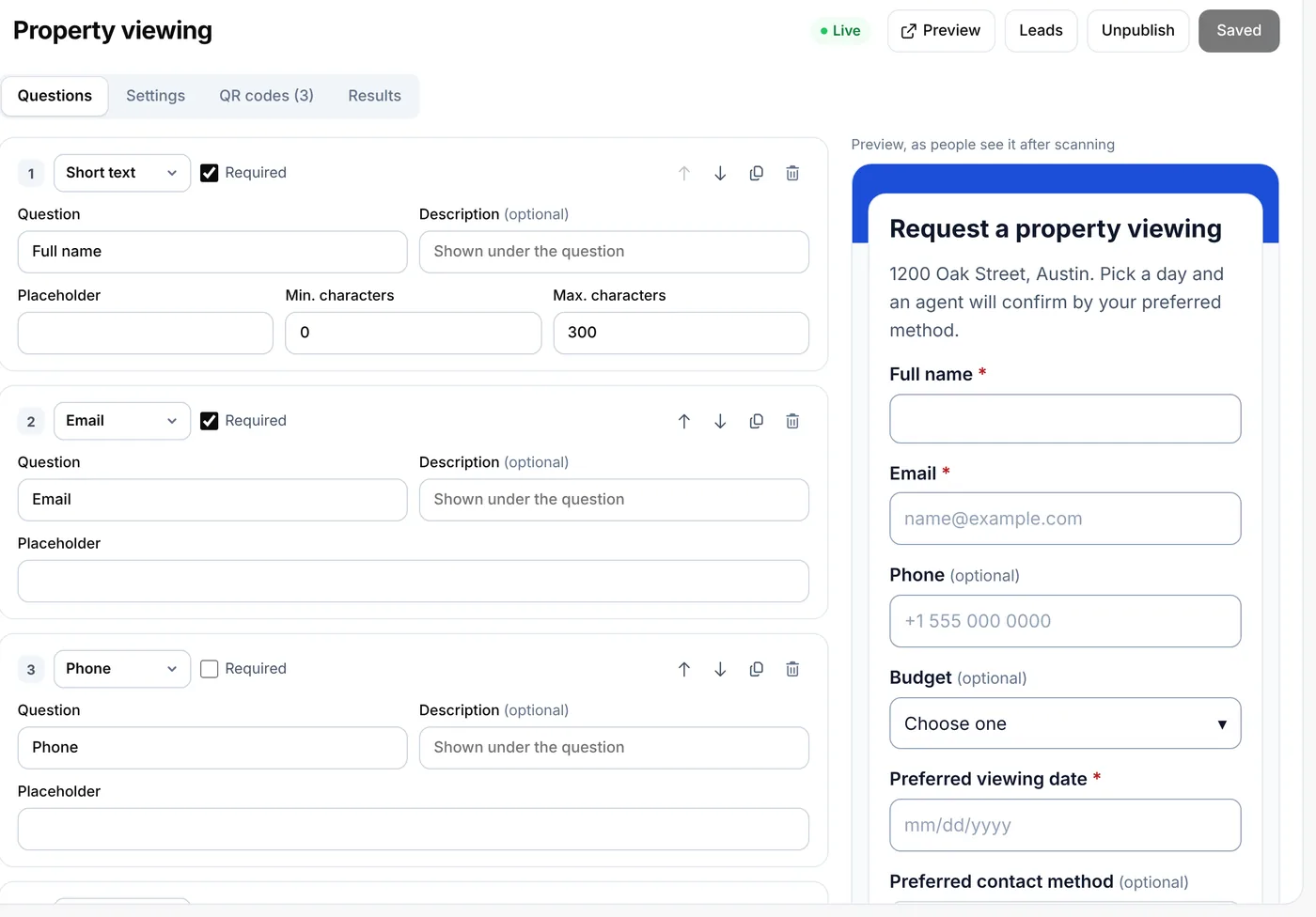
Each is a web address or one of your own pages or forms. Set the share of scans each gets.
Watch the results
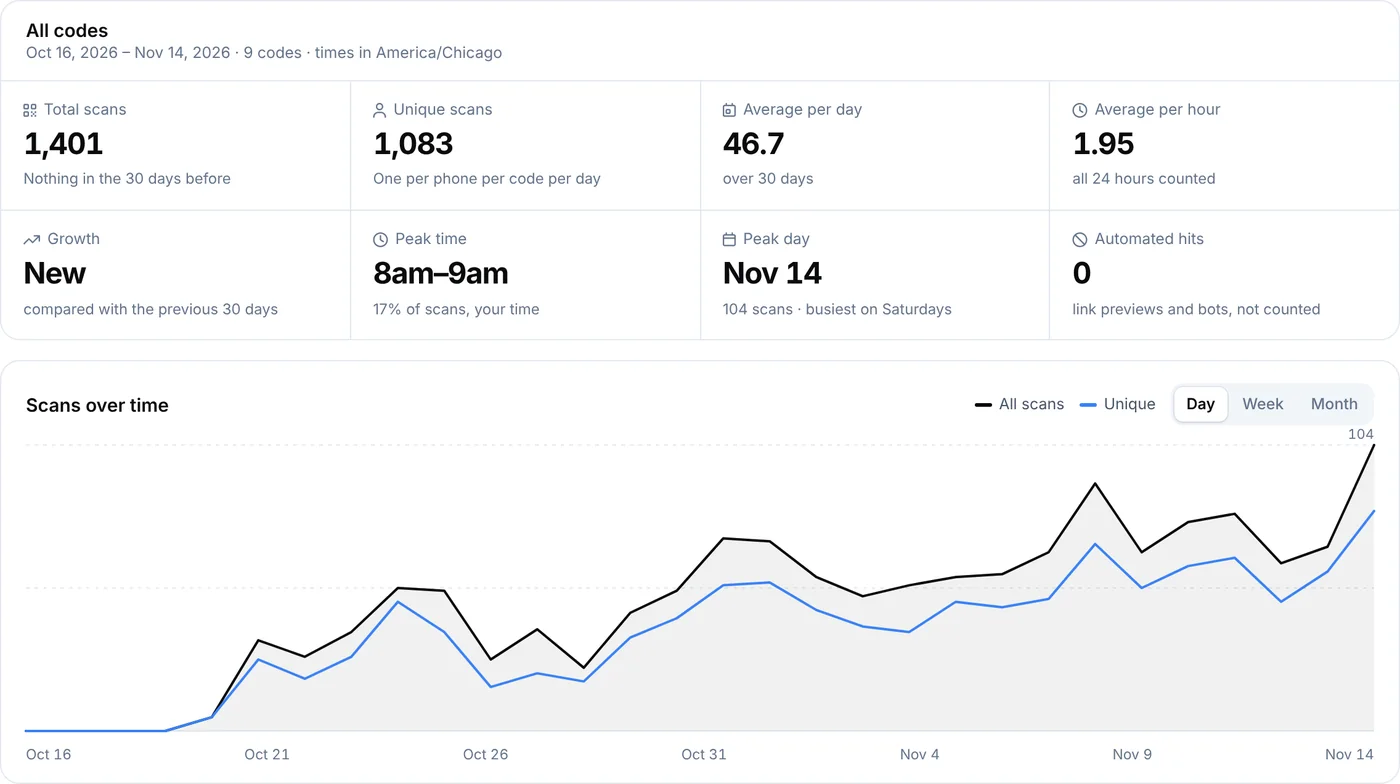
Scans per variant, and leads when the variants are your own pages or forms. A hint says when one is ahead, and how sure that is.
Pick a winner
The test ends and every scan goes to the winner. The printed code stays the same.
Ideas
What to test
- Two landing pagesA short page against a long one, or a video against photos.
- Form lengthThree questions against six, to see which brings more replies.
- Offers10% off against a free gift, on the same flyer.
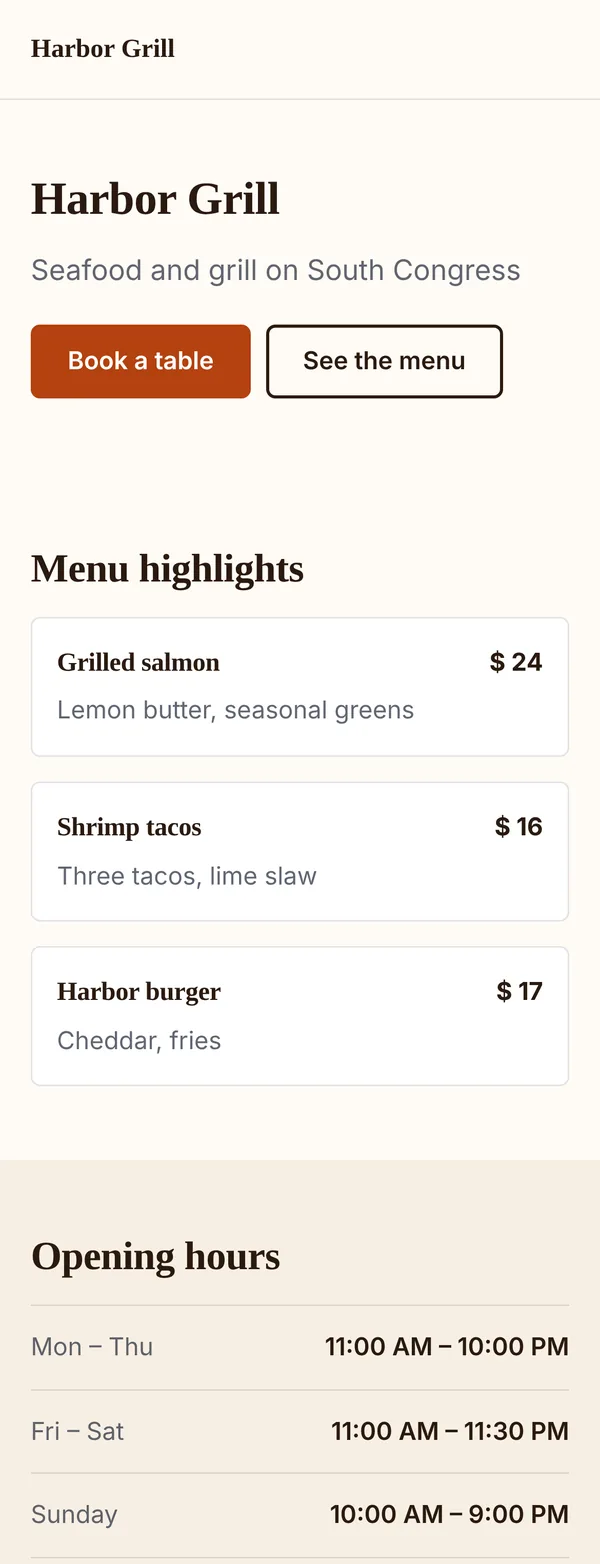
- Your site or a hosted pageYour own website against a page made in the page builder.
Results
How the result is worked out
The hint compares the two variants with the best lead rate. It waits until each has at least 30 scans and the two have at least 10 leads between them; before that it says “Not enough scans yet”.
Then a standard two-proportion test gives the confidence. “B is ahead with ~95% confidence” means a gap this large is unlikely to be chance. Below 90% it says “No clear winner yet”.
Plans
What each plan includes
| Feature | Free | Lite | Pro | Agency |
|---|---|---|---|---|
| A/B tests | Not included | Not included | Included | Included |
| Variants per test | Not included | Not included | 2 or 3 | 2 or 3 |
| Leads per variant | Not included | Not included | Included | Included |
| Same variant for returning scanners | Not included | Not included | Included | Included |
A running test keeps running if the plan ends; starting or changing a test needs Pro or Agency. Pro starts with a 7-day free trial.
Good to know
Good to know
- Dynamic link codesThe code under test is a dynamic link code. Your hosted pages and forms can be its variants.
- Leads need your own pagesLeads are counted when a variant is your own builder page or form. Other variants count scans.
- Smart rules come firstIf a smart redirect rule matches a scan, that scan skips the test.
- No personal dataThe 30-day “same variant” cookie holds only the test and the variant.
Also new
More new features
Each works with the dynamic codes, pages and forms you already have.
- Retargeting pixelsShow ads to people who scanned
- IntegrationsGoogle Sheets, HubSpot, Zapier and Make
- Wallet passesCards, coupons and tickets in Apple and Google Wallet
- Multi-language pagesEach scanner reads the page in their language
- Table orderingOrders to the table and table bookings
- Event ticketsQR tickets and check-in with your phone
- Loyalty cardsDigital stamp cards, no app to install
- Team business cardsOne design for everyone, managed in one place
- GS1 Digital LinkPackaging QR codes for Sunrise 2027
- SSO & activity logSAML sign-in and a log of every change
FAQ
Questions people ask
Can’t find yours? A person answers every email within 2 working days.
Email usHow many scans do I need?
At least 30 scans on each of the two leading variants and 10 leads between them before a result shows. More scans give a clearer answer.
Do scanners notice the test?
No. The code opens one of the pages straight away, like any dynamic code.
Can I test a code that’s already printed?
Yes, if it’s a dynamic link code. Add the variants and the printed code starts splitting scans at once.
What happens to the results when I start a new test?
The counts of the earlier run are deleted when a new run starts, so note them first.
How is this different from smart redirects?
Keep reading