

- Home
- QR code types
- vCard QR code
vCard QR code generator
Put your contact details into a QR code. People scan it with their phone camera and save you to their contacts, without typing your name or number.
 Scan to save my contact
Definition
What is a vCard QR code?
In shortA vCard QR code stores your contact card (name, phone, email, business and website) in the code itself. Scanning it offers to add you to the phone’s contacts. It’s free on QR Code Planet, works offline and never expires; if your details change, you make a new code.
A vCard is the standard file format phones use for contact cards. The camera recognises it and shows an “Add contact” option, with your details already filled in. Nothing is looked up online, so it works in a basement venue or on a trade-show floor with no signal.
At a glance
- Price
- Free
- Fields
- Name, business, phone, email, website
- Works on
- iPhone and Android camera apps
- Code type
- Static: details stay in the pattern
- Needs internet?
- No. The contact saves offline.
How it works
Make one in four steps
Choose vCard
Open the generator and pick the vCard type.
Fill in your details
First and last name, business, phone, email and website. Leave out anything you don’t want shared.
Check it scans
The preview runs a live scan check as you change colours or shapes.
Download and print
SVG, PDF or EPS keep it sharp on business cards and badges.
Compare
vCard or vCard Plus?
| Compared | vCard (static) | vCard Plus (hosted page) |
|---|---|---|
| Price | Free | paid plan |
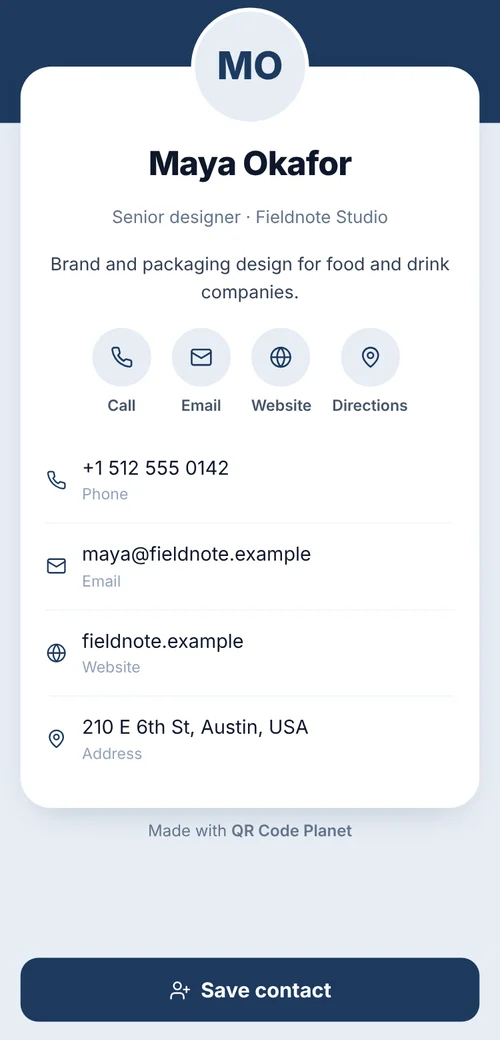
| What a scan does | Offers to save the contact | Opens a contact page with a photo, links and a save button |
| Edit after printing | No, make a new code | Yes |
| Scan counts | No | Yes |
| Works offline | Yes | No |
Good to know
Things to know
- Fewer fields, easier scansEvery field goes into the pattern, so a full card makes a denser code. Name, phone, email and website are usually enough.
- Print it at least 2 cm wideOn a business card, 2.5 cm is safer for a dense vCard. The printing guide covers other sizes.
- Skip the logo on a dense cardA centre logo hides modules the code needs; use one on a vCard Plus code instead.
- Whole team?Make one code per person from a spreadsheet with bulk creation.
FAQ
Questions people ask
Can’t find yours? A person answers every email within 2 working days.
Email usIs a vCard QR code free?
Yes. vCard is one of the 15 static types, made in your browser with no watermark and no expiry. A free account includes 10 static codes a month.
Does it work without internet?
Yes. All the details are in the code, so the phone can save the contact offline.
What if my phone number changes?
A static vCard can’t be edited, so you make a new code. If your details change often, use a vCard Plus page, which you can update after printing.
Will it work on iPhone and Android?
Yes. The built-in camera on iPhone and most Android phones reads vCard codes and offers to add the contact.
Keep reading
Related
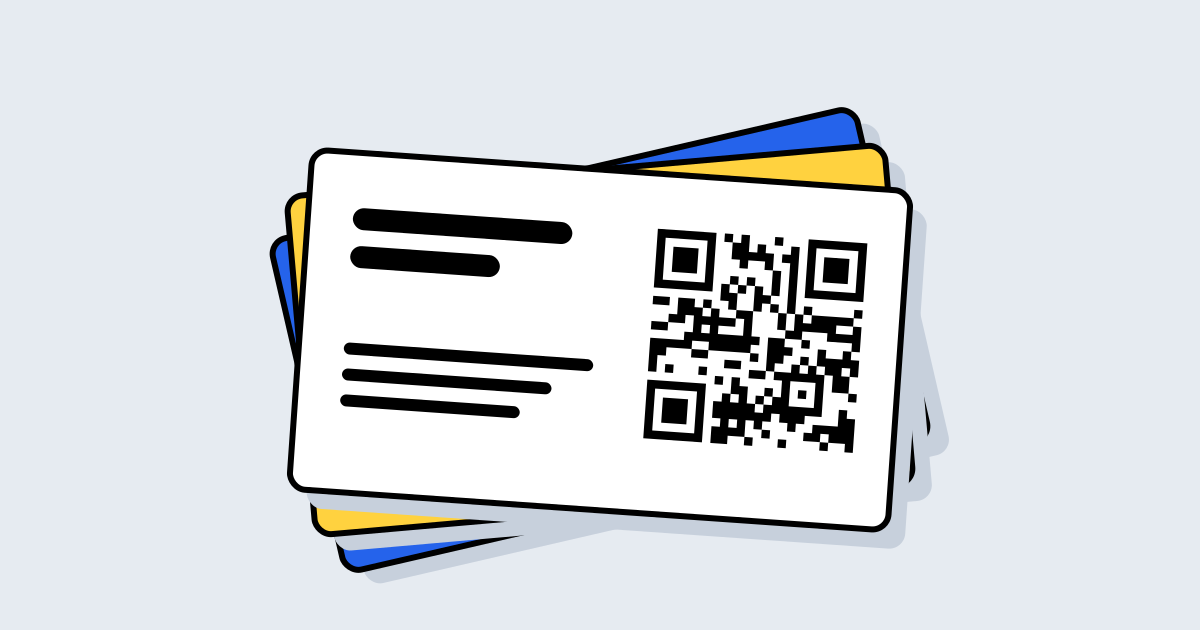 QR codes for business cardsWhich code, how big, and how to do a whole team at once.
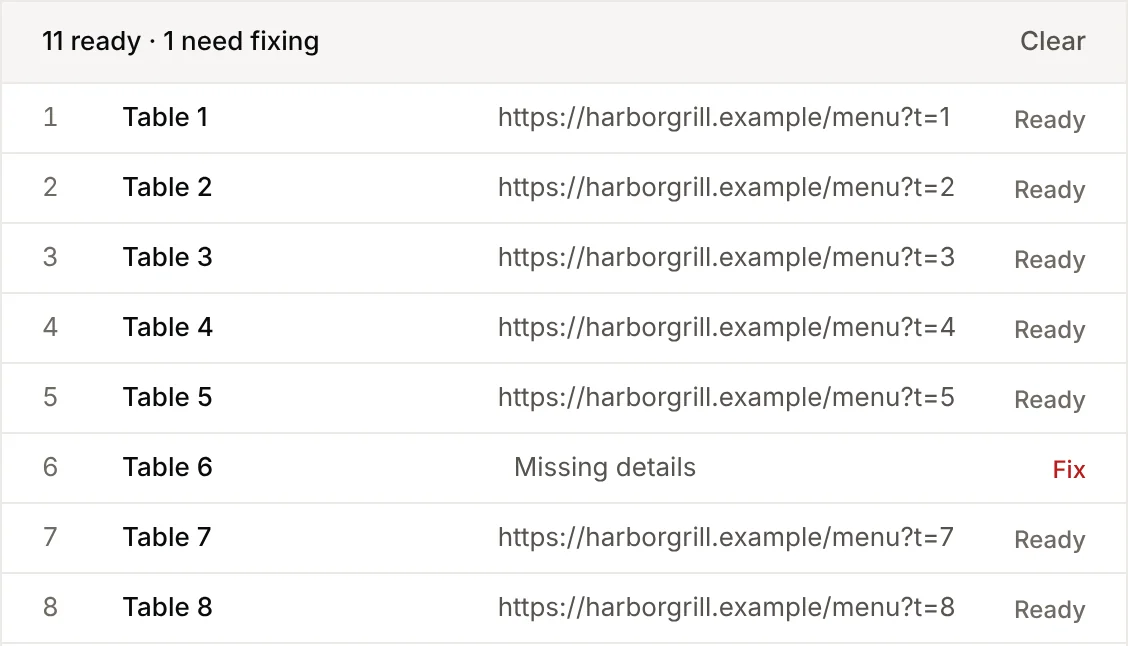 Bulk QR codesUpload a spreadsheet, get a ZIP of codes. 15 types supported.
 QR codes for business cardsOne contact code per person, free or editable after printing.
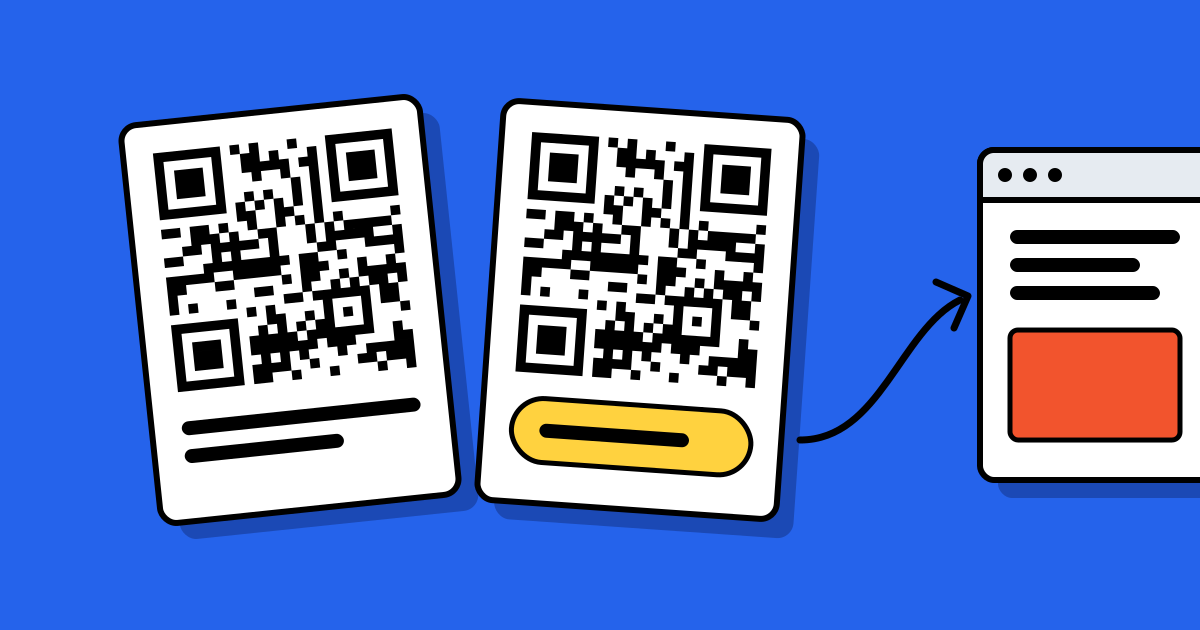 Static vs dynamic QR codesThe one decision to make before you print, explained with examples.