- Home
- QR code types
- Links QR code
Links QR code generator
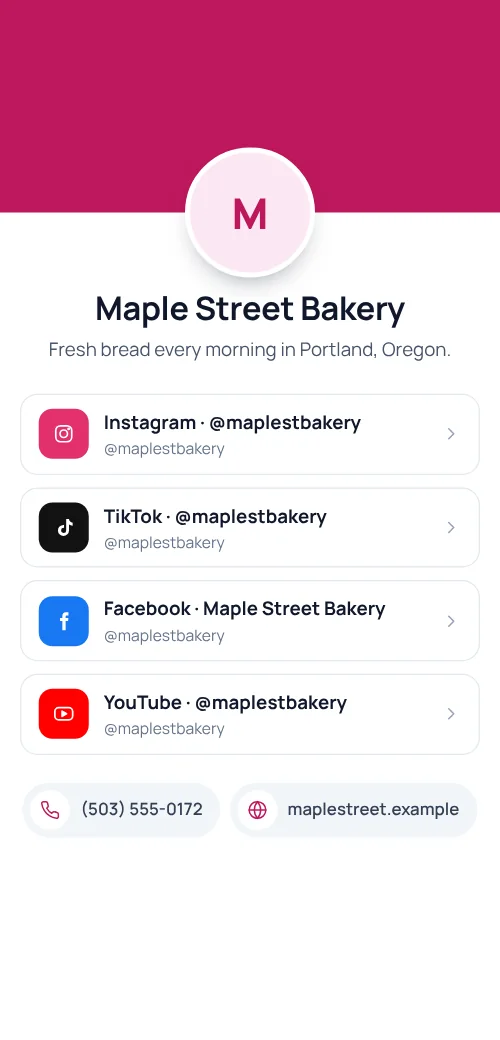
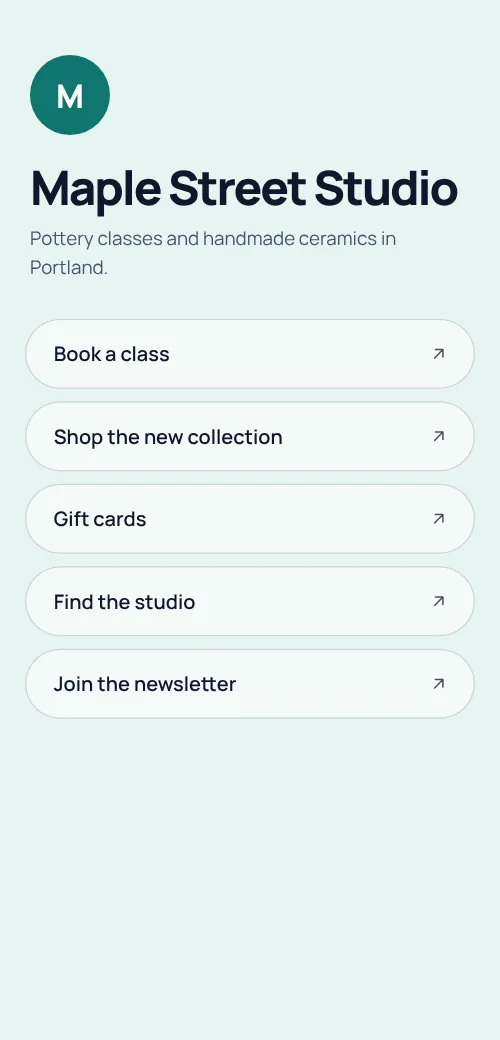
One QR code that opens a page of buttons: your website, booking page, shop, newsletter and socials. Add, remove or reorder links whenever you like.
 All our links
Definition
What is a links QR code?
In shortA links QR code opens a page we host with a button for each of your links. One printed code can then lead to several places, and you can change the list at any time.
It solves the problem of having room for only one code. In place of choosing between your shop, your booking page and your Instagram, you print one code and let people pick.
At a glance
- Plan
- Any paid plan (hosted page)
- Shows
- A title, a short description and a button per link
- Edit after printing
- Yes, any time
- Code type
- Dynamic
- Scan analytics
- Included
How it works
Make one in four steps
Choose Links
Open the generator and pick Links, signed in on a paid plan.
Add your links
A label and an address for each. Use separators to group them.
Pick colours and a logo
So the page matches your brand.
Download and print
PNG for screens; SVG, PDF or EPS for print. Add a frame so people know what the code does.
Where to use it
Where it helps
- PackagingInstructions, reorder and support behind one code.
- Shop windowsShop online, book, and follow.
- Creators and bandsMusic, tickets and merch.
- Business cardsWebsite, portfolio and calendar.
Good to know
Things to know
- Put the main link firstMost people tap the first button.
- Change links for each seasonThe printed code stays the same.
- The code keeps workingIf a plan ends, the page stays up and the code keeps opening it. You can’t edit it until you subscribe again.
- Try it firstLite and Pro start with a 7-day free trial. Cancel before day 8 and nothing is charged.
FAQ
Questions people ask
Can’t find yours? A person answers every email within 2 working days.
Email usIs a links QR code free?
Hosted pages need a paid plan; Lite and Pro start with a 7-day free trial. Static types such as a link, Wi-Fi or a contact card are free.
How many links can I add?
As many as you need. A short list is easier to use on a phone.
Can I change the page after printing?
Yes. Edit it in your account and the printed code shows the new version on the next scan.
Keep reading