- Home
- Expiring QR codes
Expiring QR codes: decide when a code starts and stops
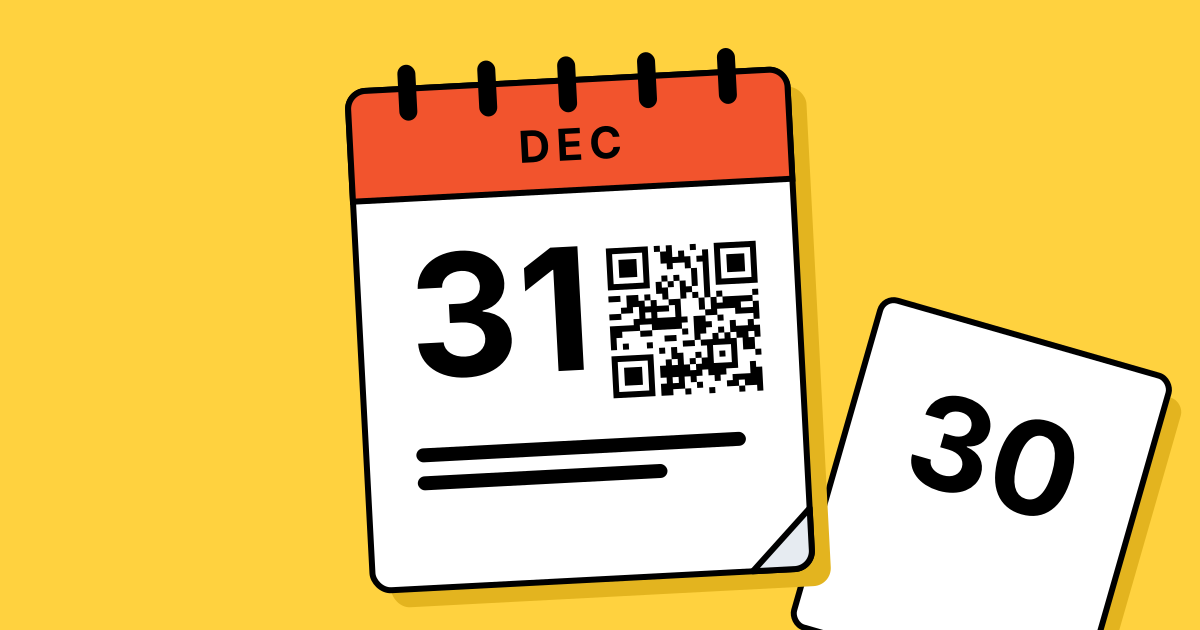
Give a code a start date, an end date or a scan limit, and choose what people see once it stops.
Definition
What is an expiring QR code?
In shortAn expiring QR code stops opening its link after a date or a number of scans. Before it starts, or after it ends, people see a page or link you chose instead.
Codes from QR Code Planet never expire on their own. A code only stops if you set an end date or scan limit, pause it or delete it. More on that in Do QR codes expire?
At a glance
- Plans
- Every paid plan
- Start and end
- Any dates, in your time zone
- Scan limit
- Any number of scans
- When it stops
- Status page, backup link or your message
- Warnings
- Email 3 days before, and at 90% of the limit
The problem
Offers end. Printed codes don’t.
Coupons, flyers and event signs stay up long after the offer is over. People who scan them land on an old page and leave annoyed.
| Compared | Without an end | With dates or a limit |
|---|---|---|
| A coupon runs out | The code keeps offering it | It stops on the last day |
| Gift for the first 500 | You count by hand | Stops after 500 scans |
| The event is over | Last month’s page | A backup link to your next event |
| Launching next week | Early scans see an unfinished page | A “not live yet” page until the start date |
How it works
Set it up in three steps
Make a dynamic code
A link or any hosted page.
Set dates or a limit
Under Access, turn on Schedule or Scan limit.
Choose what people see
Our status page, a backup link or your own message.
Options
Three ways to time a code
- Start dateBefore it, scans see a “not live yet” page. The code switches on by itself.
- End dateWorks to the end of the last day, then stops by itself.
- Scan limitStops after the number of scans you set. Bots and link previews don’t count.
After it stops
Choose what people see
Set a default for all your codes in Settings, then change it for one code on its page.
- Our status pageA neutral page that says the code has ended. It can show your business name, website and phone.
- A backup linkSend people to your current offers or next event instead.
- Your own messageUp to 280 characters, like “This offer ended March 31.”
No surprises
We tell you before it stops
- Ending soonAn email 3 days before a code’s end date.
- Near its limitAn email when a code has used 90% of its scans.
- Easy to undoChange or remove the end date or limit on the code’s page, and it works again straight away.
On Agency, the API can also send a webhook when a code reaches its scan limit.
Plans
What each plan includes
| Feature | Free | Lite | Pro | Agency |
|---|---|---|---|---|
| Dynamic codes | 3 | 25 | 250 | 2,000 |
| Start and end dates | Not included | Included | Included | Included |
| Scan limit | Not included | Included | Included | Included |
| Status page, backup link or message | Not included | Included | Included | Included |
| Ending soon emails | Not included | Included | Included | Included |
| Webhook when a limit is reached | Not included | Not included | Not included | Included |
Free accounts make static codes. They never expire, and they can’t be timed.
Good to know
Before you rely on it
- Whole daysDates run from the start of the first day to the end of the last, in the time zone in your Settings.
- No time zone set?We stay generous, so a code never ends early anywhere in the world.
- Busy momentsIf many people scan at the same second, a few extra scans can get through the limit.
- When you can set itChange the end date and limit any time. The start date is set when you make the code, or by editing a hosted page.
- Dynamic codes onlyA static code has the link inside it, so it can’t be timed.
- Plans can end, codes don’tIf your plan ends, codes keep working with their last link and their own dates.
FAQ
Questions people ask
Can’t find yours? A person answers every email within 2 working days.
Email usDo QR codes expire on their own?
Not ours. Static codes never expire. Dynamic codes only stop if you set an end date or scan limit, pause them or delete them.
Can I bring an ended code back?
Yes. Remove or move the end date, or raise the limit, on the code’s page. It works again straight away.
What do people see after it ends?
Your choice: our status page, a backup link or your own short message. You can preview it before it happens.
Which time zone do the dates use?
The one in your Settings. If you haven’t set one, a code starts and ends late enough that nobody anywhere loses a day.
Do bots count towards the scan limit?
No. Link previews, crawlers and scripts still get the link, but they aren’t counted.
Can I limit scans per person?
No. A scan limit counts every real scan of the code, from anyone.
Let your offers end on time
Make a dynamic code and set its dates or scan limit under Access.
Free QR codes. No watermark. No expiry.
Keep reading