

- Home
- QR code types
- Google review QR code
Google review QR code generator
Turn your Google review link into a QR code. Customers scan it at the counter, the table or on a receipt and land straight on the form to rate you.
Definition
What is a Google review QR code?
In shortCopy the review link from your Google Business Profile (Ask for reviews), paste it into a Google review QR code and print it. Scanning opens the review form directly. On QR Code Planet it’s free, has no watermark and never expires, because the link is stored in the code itself.
Find your review link. Sign in to your Google Business Profile, choose Ask for reviews (or Read reviews → Get more reviews) and copy the short link Google gives you. It opens the review form for your business, not just your listing, so customers have one less tap to make.
At a glance
- Price
- Free
- You need
- Your Google Business Profile review link
- Code type
- Static: never expires
- Want scan counts?
- Use a dynamic code (any paid plan)
How it works
Make the code in three steps
Where to put it
Where it works best
- TablesA table tent or the bill folder in a restaurant or café.
- The counterNext to the card reader.
- Receipts and packagingPrinted receipts, packaging inserts and thank-you cards.
- ReceptionThe reception desk of a salon, clinic or hotel.
Static or dynamic?
Static or dynamic?
A static review code is free and works for as long as your review link does. Choose a dynamic code (any paid plan) if you want to count scans by day, or compare which spot, such as tables versus receipts, brings in the most reviews.
Google’s rules
Stay within Google’s rules
Google’s review policies don’t allow offering discounts or gifts in exchange for reviews, or asking only happy customers to review. Ask everyone, and let the code make it easy.
FAQ
Questions people ask
Can’t find yours? A person answers every email within 2 working days.
Email usIs a Google review QR code free?
Yes. It’s one of the 15 static types, with no watermark and no expiry. A free account includes 10 static codes a month.
Do customers need an app?
No. The phone camera opens the link in the browser or the Google Maps app, straight on the review form.
Can I see how many people scanned it?
Not with a static code. Make a dynamic code with your review link instead to see scans by day, country and device.
Keep reading
Related
 QR code with logoYour logo in the middle, brand colours, and a live scan check.
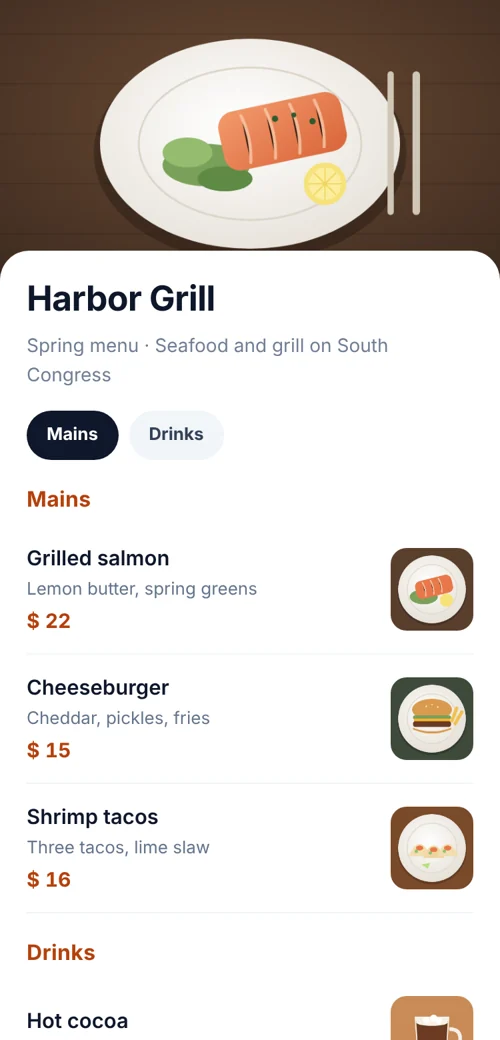 QR codes for restaurantsMenu, Wi-Fi, reviews and table codes that you can update.
 QR code typesAll 28 types: what each one does and which are free.
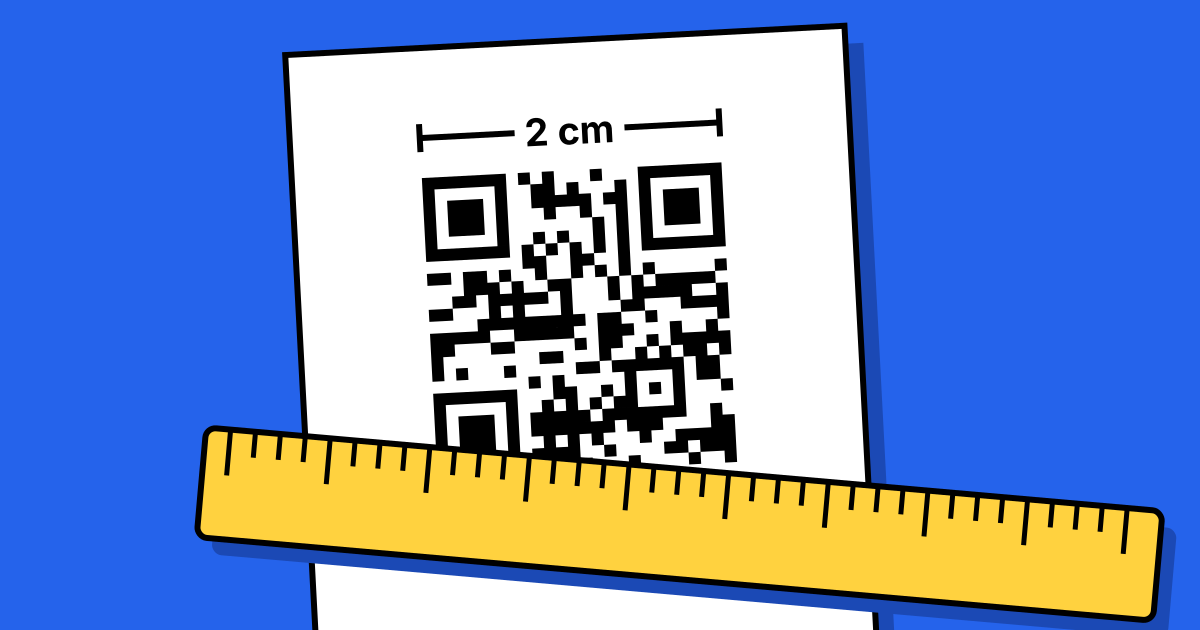 QR code printing and size guideSizes for every distance, plus the checks before you print.