

Window offers you can change without scraping off the decal
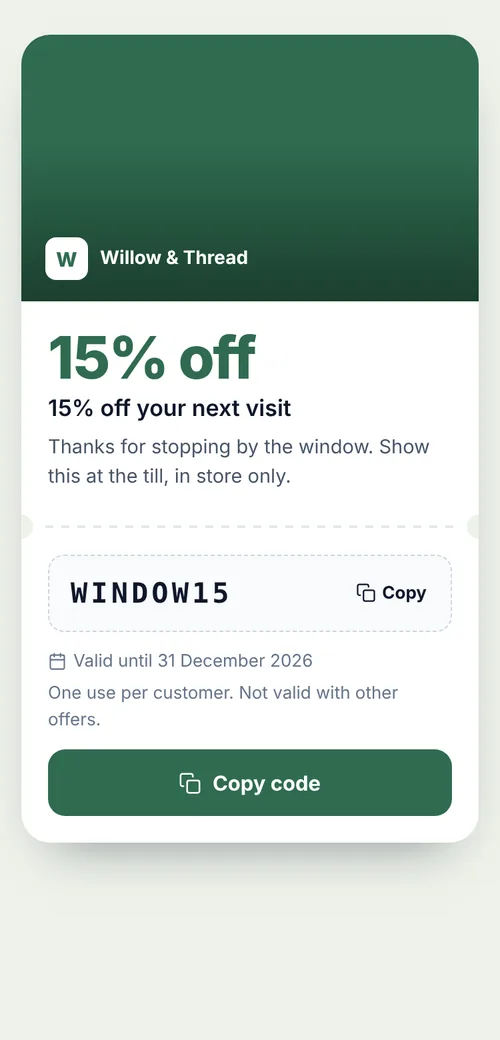
The offer ends on Sunday and the decal in the window still says 15% off. Put a dynamic code on it instead: it opens a coupon page you change or end in a minute. Every window and shelf gets its own code, so you also see which one people actually scan.
In short
What a shop uses QR codes for
In shortAn offer in the window, a product page on the shelf talker, a newsletter sign-up at the till, a loyalty card and a review link. Each placement gets its own dynamic code, so you change what it opens when the display does, and the campaign report shows which window or shelf earned its spot.
If you cancel, the decals and shelf talkers still open their last page, because the code points to a short link we run, not to your plan. Until you subscribe again you can’t change the offer, the sign-up form stops taking entries and new loyalty stamps stop. So point window codes at a page that won’t date before you cancel. The pledge sets this out.
At a glance
- Product pages
- Mobile pages for a shelf or product, from a template (any paid plan)
- Offers
- Coupon pages you can change or end after printing (any paid plan)
- Sign-ups
- Newsletter and inquiry forms, replies in one Leads list (any paid plan)
- Results
- One code per window or shelf, compared in a campaign (any paid plan)
- Ad pixels
- Meta, Google, TikTok and LinkedIn on each scan (Pro)
The workflow
One code per window and shelf
Start a campaign
Name it after the season, like “Winter windows”, and set its dates and UTM tags once.
Make a code per spot
Front window, side window, aisle 2, the till. Make them one by one or from a spreadsheet.
Point each at a page
An offer, a product page or a sign-up form. Swap it when the display changes.
Compare the spots
Scans per code, side by side, with days, times and devices. Move what doesn’t get scanned.
The codes
What shops put behind them
- Window offersA coupon page with the offer, a code to copy and an end date. Change or end it without scraping off the decal.
- Product pagesSizes, materials, care and a video on a mobile page next to the product, made from a shop template in the page builder.
- Newsletter sign-upsA short form with a consent box that records the exact wording and when it was ticked. Replies land in Leads and, on every paid plan, a Google Sheet. Lead forms.
- Loyalty cardsA stamp card on the customer’s phone, from your business page, with stamps given at the till. Loyalty cards.
- ReviewsA free Google review code on receipts and bags.
- Ads to people who scannedOn Pro, a Meta, Google, TikTok or LinkedIn pixel fires on each scan, so you can show ads to people who stopped at your window. Retargeting.
Measuring
See which window earned its spot
Put the codes for one season in a campaign. The report shows total and unique scans, scans by day and time, and every code side by side with its share. If the side window gets a tenth of the front window’s scans, you know where the next poster goes.
For codes that open your own website, the campaign adds UTM tags when someone scans, so visits arrive in Google Analytics labelled by window or shelf. A scan is someone opening the code, not a sale: we count scans, and your till counts sales.
Compared
A printed URL, or a code per spot?
| Compared | Website address on the sign | A dynamic code per spot |
|---|---|---|
| Effort for the shopper | Type it in | Point the camera |
| Which display worked | You can’t tell | Scans per code, side by side |
| Changing the offer | Reprint | Edit the page; the decal stays |
| Collecting emails | Only if they find the form | The form opens from the code |
| Ads to people who looked | No | Pixels on each scan (Pro) |
Placement
Where each code goes
A window code is read from a step or two outside, so print it larger than you think and keep it at eye level. More in where to put a QR code.
| Compared | What it opens | Print it at |
|---|---|---|
| Front and side windows | The current offer or the season’s campaign page | 3–5 in (8–12 cm) |
| Shelf talkers and swing tags | The product page | 0.8–1.2 in (2–3 cm) |
| Till | The loyalty card and the newsletter form | 1.5–2 in (4–5 cm) |
| Receipts and bags | The review code | About 1 in (2.5 cm) |
Plans
What it costs
Lite and Pro start with a 14-day free trial.
Free
- The review code
- Instagram and other social codes
- A link to your online shop, as a static code
- No watermark, no expiry
Lite, $9 a month or $72 a year
- 25 dynamic codes, coupon and product pages
- 10 active campaigns with UTM tags and reports
- 3 forms and 500 sign-ups a month, one loyalty program
- Codes from a spreadsheet, 100 rows at a time
- Pro ($24 a month) adds retargeting pixels, A/B tests, 250 codes and 10,000 sign-ups a month
Good to know
Before you start
- No checkoutPages can link to your online shop, but we don’t take payments or hold stock.
- Pixels need consent where you sellTurn on the consent prompt if the law where you trade requires it.
- Packaging is differentCodes printed on products themselves belong in GS1 Digital Link; see product packaging.
- Tell people what they get“Scan for 15% off today” beats a bare code in a window.
FAQ
Questions people ask
Can’t find yours? A person answers every email within 2 working days.
Email usCan I change the window offer without reprinting?
Yes. The code is dynamic, so edit the coupon page or point the code at a new one. The decal in the window stays the same.
How do I know which window or shelf works best?
Give each spot its own code and put them in one campaign. The report shows each code’s scans and share side by side.
Can I collect email addresses for a newsletter?
Yes, with a lead form that has a consent question. It records the wording people agreed to and when. Replies go to Leads, a CSV export and, on every paid plan, Google Sheets.
Can customers buy through the code?
Not from us: we don’t take payments. A page or code can link to your own online shop.
Do I need a code for every product?
Only where it helps the customer. For a whole range, bulk creation makes many codes from one spreadsheet: 100 rows at a time on Lite, 500 on Pro.
Keep reading
Related
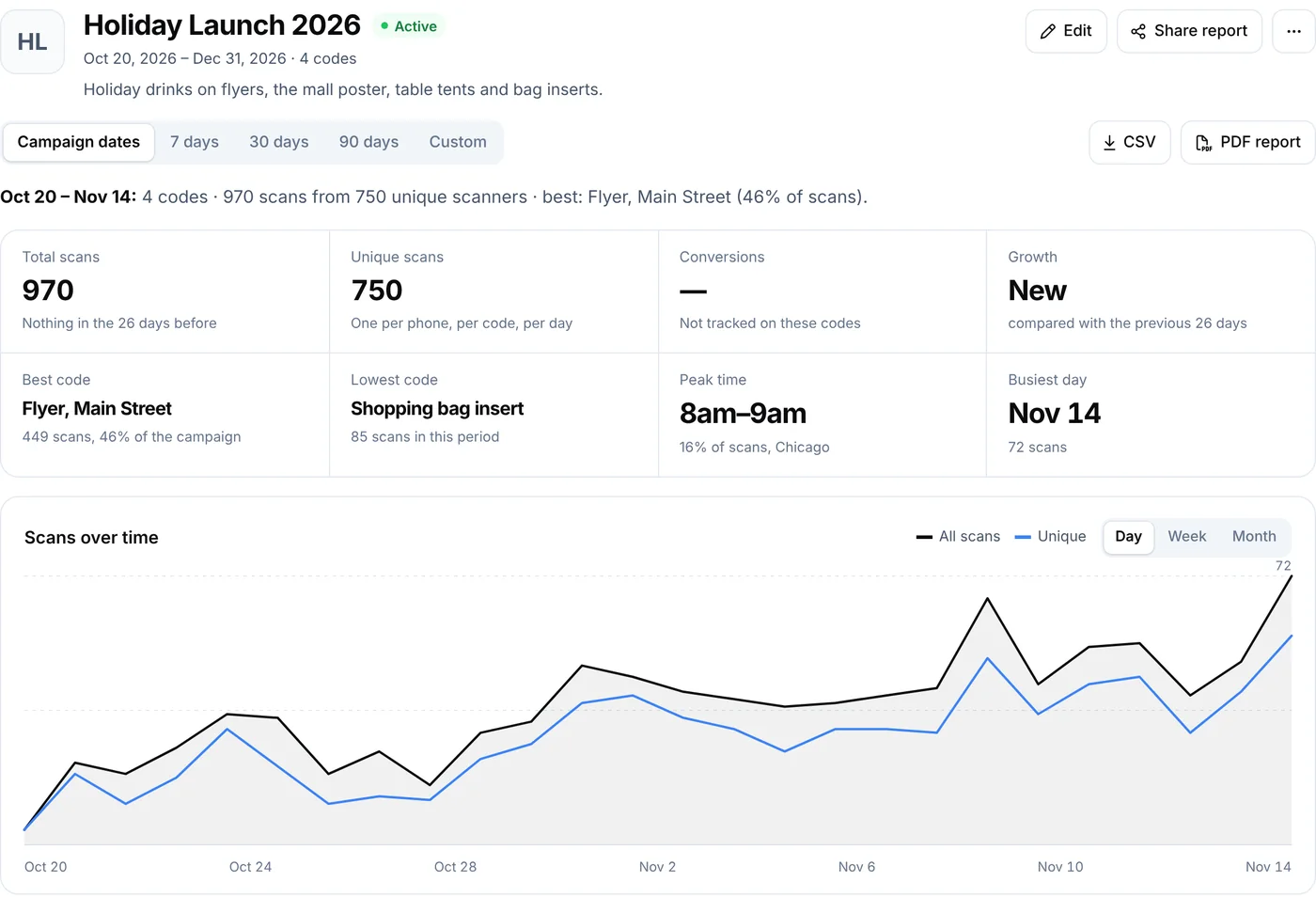 QR campaignsGroup codes and compare windows and shelves.
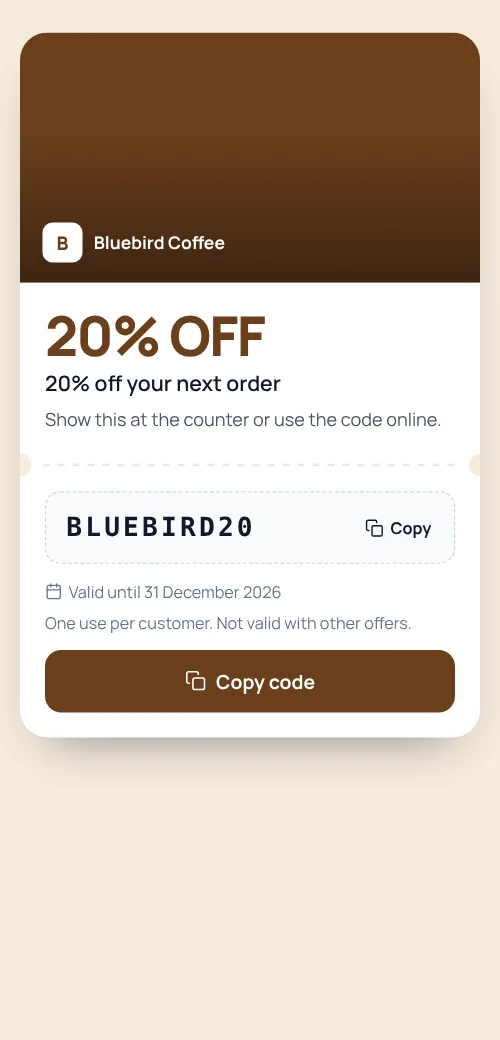 Coupon QR codeA discount with a code and terms.
 QR code retargetingAds to people who scanned (Pro).
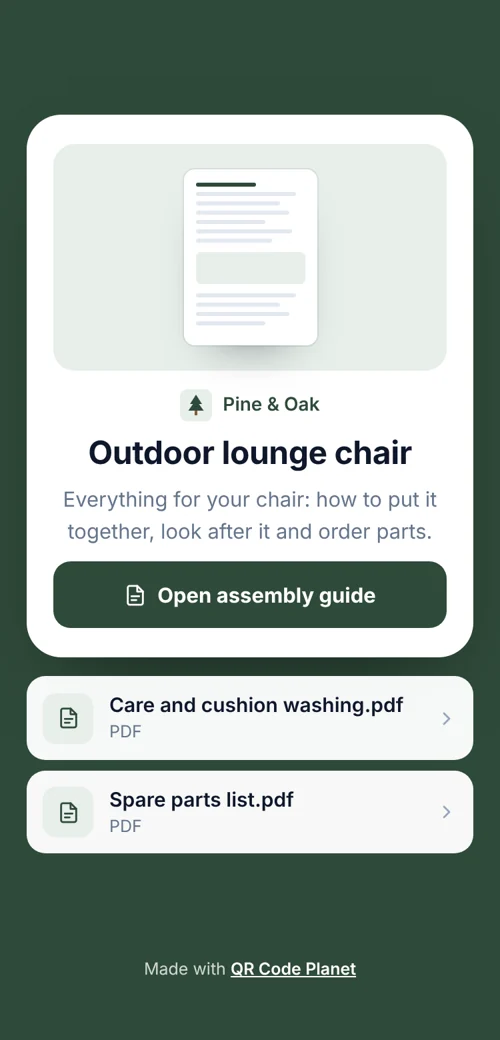 QR codes for product packagingBoxes that open the current manual, and a recall notice if a batch goes wrong.
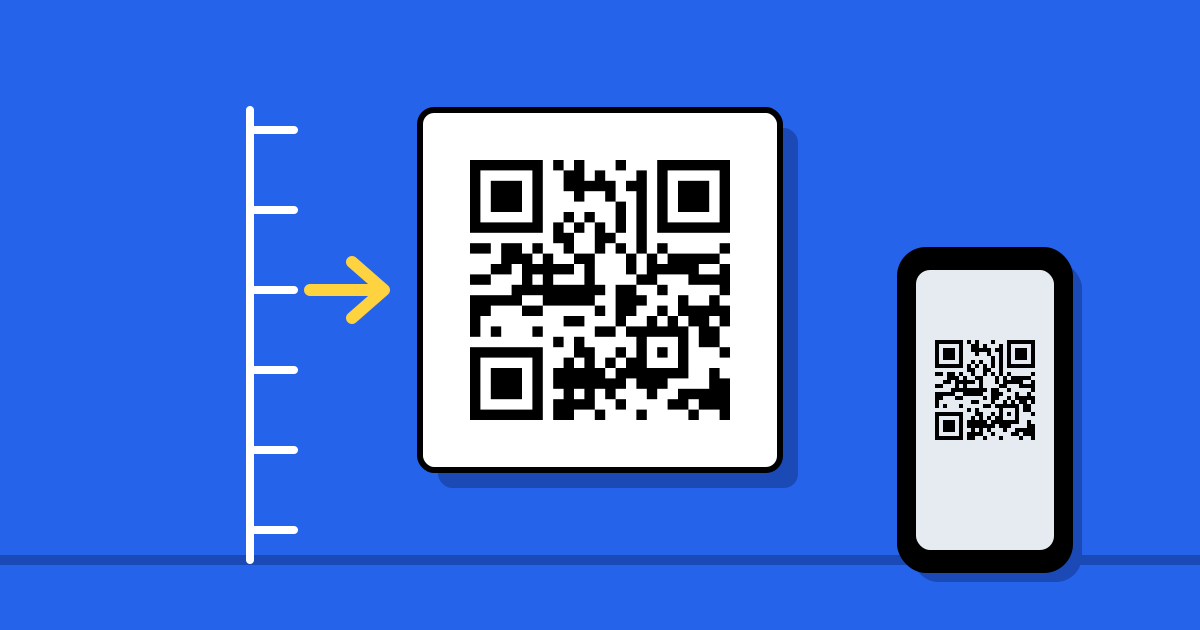 Where to put a QR codeHeight, distance and surfaces that get a code scanned.