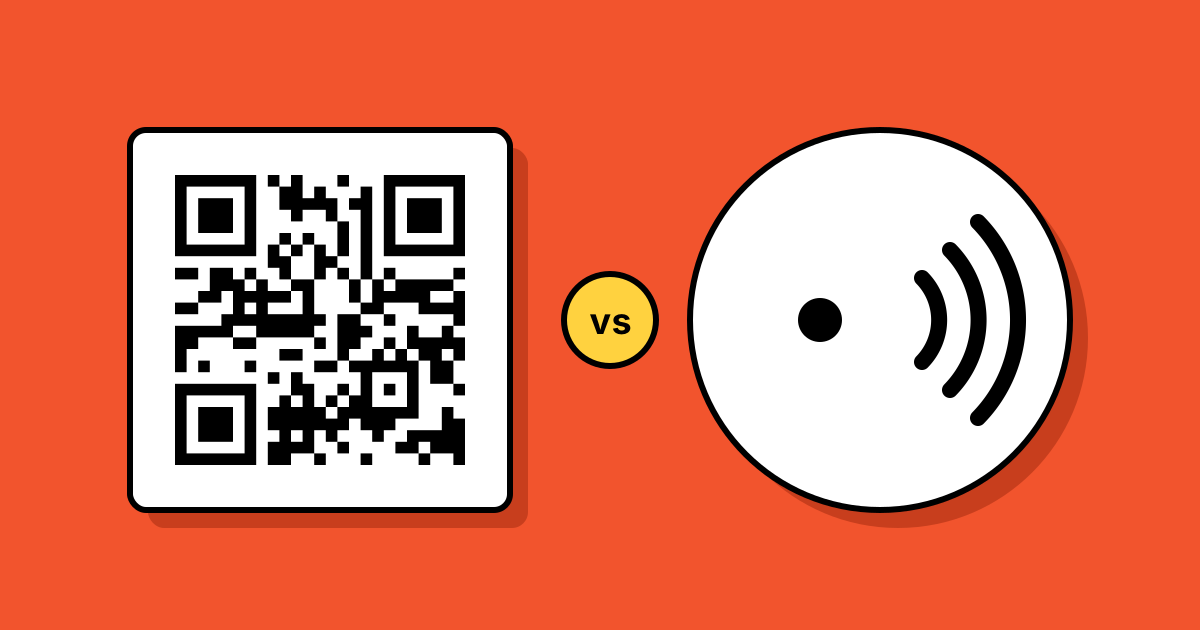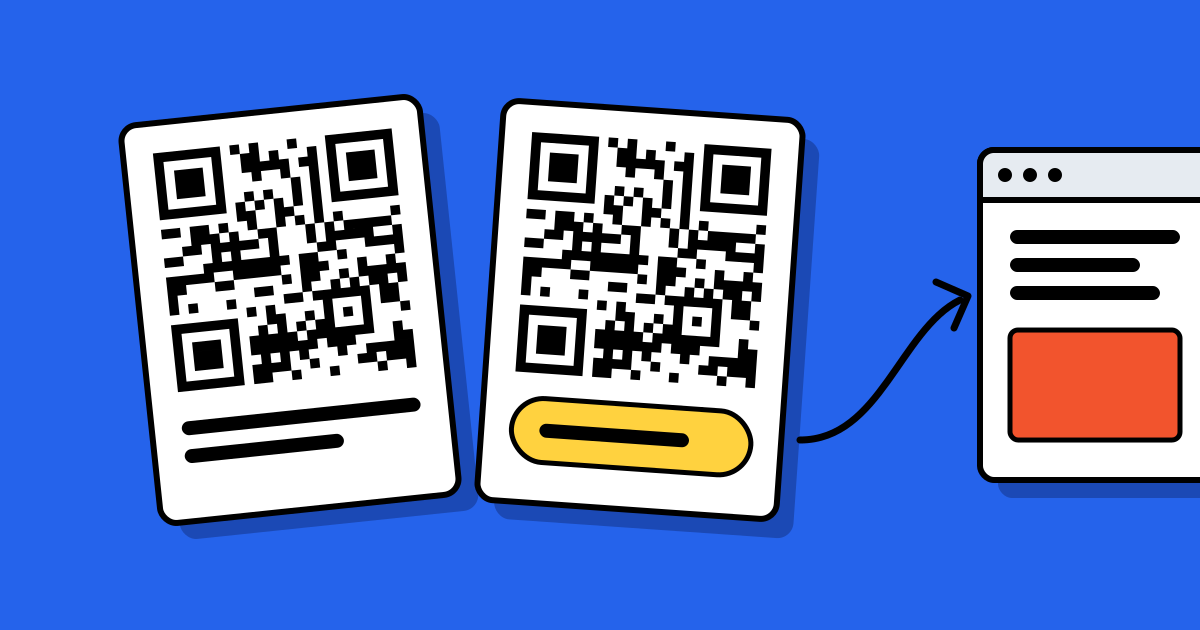
Short answerA static QR code stores its content, such as a link or Wi-Fi password, directly in the pattern: it’s free, works forever and can’t be changed or tracked. A dynamic QR code stores a short link to a service that redirects to your content: you can change the destination after printing and count scans, but it depends on that service.
Side by side
| Compared | Static | Dynamic |
|---|---|---|
| What’s in the pattern | Your content itself | A short link, e.g. qrcodeplanet.com/r/menu |
| Change after printing | No | Yes |
| Scan counts | No | Yes, by day, place and device |
| Needs a provider to keep working | No | Yes |
| Works offline (e.g. Wi-Fi join) | Yes | No |
| Pattern size | Denser as content grows | Always simple, scans well small |
| Cost on QR Code Planet | Free: 10 a month; unlimited on every paid plan | Any paid plan; 7-day free trial on Lite and Pro |
Choose static when…
- The content won’t change: your homepage, a Wi-Fi network, a phone number.
- You want the code to keep working no matter what happens to any company, including us.
- You don’t need to know how many people scanned.
Example: a Wi-Fi code on a café table. The password is the same for a year, and guests aren’t online yet, so a static code is the only kind that would work anyway.
Choose dynamic when…
- The destination might change: a seasonal menu, a campaign page, a product manual.
- You’re printing in volume, where a typo in the link would be expensive.
- You want scan counts to judge a poster, flyer or placement.
- You need a hosted page, such as a menu or PDF, rather than an existing website.
Example: 5,000 product boxes with a code to the setup guide. If the guide moves, you update the code’s destination once instead of reprinting boxes.
The risk with dynamic codes, and how to reduce it
Because a dynamic code depends on its provider, the provider’s rules matter. On many platforms, dynamic codes stop working when a free trial or subscription ends. Before choosing a provider, check three things:
- What happens to my codes if I stop paying?
- Can I export every code and its destination?
- Can I use my own domain, so I could move the redirects elsewhere?
On QR Code Planet, codes keep redirecting to their last link if your plan ends, you can export every redirect as a CSV, and Pro lets you use your own domain. See our pledge and why QR codes stop working.
Can you convert one into the other?
Not for codes already printed: the pattern is fixed. But you can make a dynamic code that points to the same content as a static one, and use it on your next print run.
FAQ
Questions people ask
Can’t find yours? A person answers every email within 2 working days.
Email usDo static QR codes keep working for free?
Yes. Once downloaded, a static code works forever at no cost, because no server is involved when it’s scanned. The Free plan includes 10 new static codes a month.
Do dynamic QR codes expire?
Only if the provider stops them or you set an end date. On QR Code Planet they keep working even if your plan ends.
Which is more secure?
Static codes can’t be redirected by anyone. Dynamic codes can be changed by the account owner, so protect that account. See are QR codes safe?