Short answerPut a short line next to every QR code that says what the scan does and what the person gets: “Scan to see the menu”, “Scan for 20% off”, “Scan to book a viewing”. Start with a verb, name the benefit, and keep it to a few words that can be read at the distance the code is scanned from.
Why the words matter
People can’t read a QR code. Without a label they have to guess what it opens, and most won’t bother. A label also builds trust: a code that says where it goes is easier to believe than one that doesn’t, which matters now that people are told to be careful with codes in public places. More on that is in are QR codes safe?
A simple formula
Scan to + what happens + why it’s worth it, in as few words as you can.
- Say what happens. “See the menu”, “Join the Wi-Fi”, “Leave a review”. Name the thing, not “more information”.
- Say what they gain when it isn’t obvious: a discount, a faster way, something they can’t get elsewhere.
- Set expectations. “Takes 30 seconds” or “No app needed” removes a reason not to scan.
Examples you can adapt
| Where | Weak | Better |
|---|---|---|
| Restaurant table | Scan me | Scan to see the menu |
| Counter or receipt | Feedback | How did we do? Scan to tell us in 30 seconds |
| Packaging | Learn more | Scan for the setup video |
| Flyer | Visit our website | Scan for 20% off your first order |
| Property board | Details | Scan for photos, price and viewing times |
| Business card | (nothing) | Scan to save my contact |
| Event poster | Register | Scan to book your free place |
| Guest Wi-Fi | Wi-Fi | Scan to join the Wi-Fi. No password to type |
Where to put the words
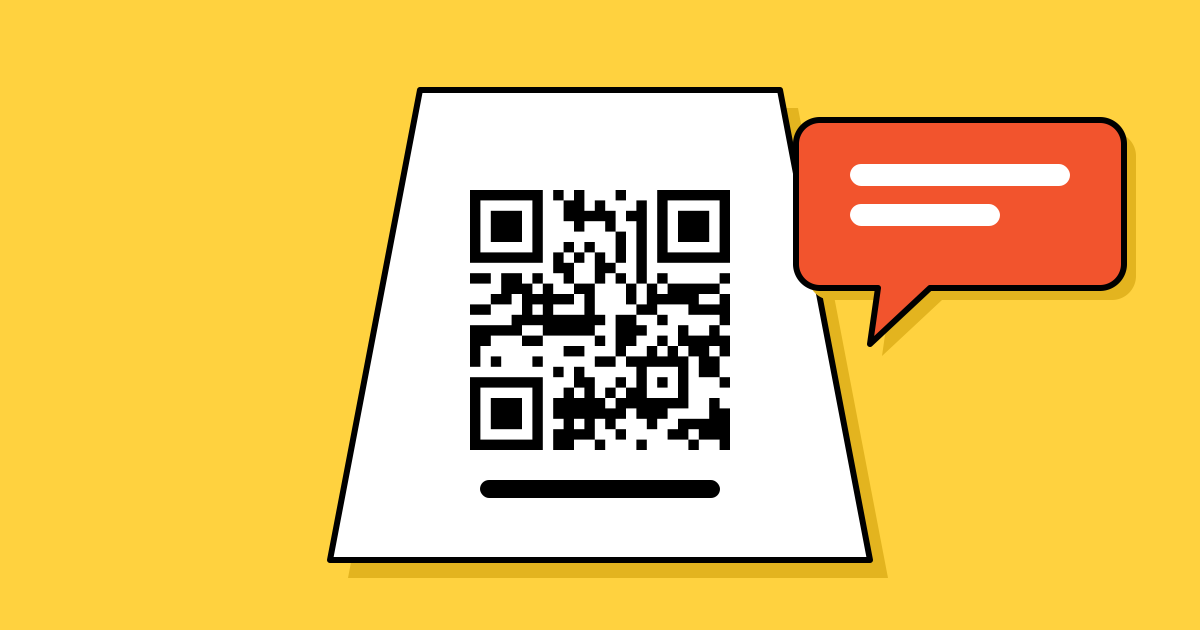
- Next to the code, not across the page. The label and the code should read as one thing. A frame around the code with the text inside it does this well.
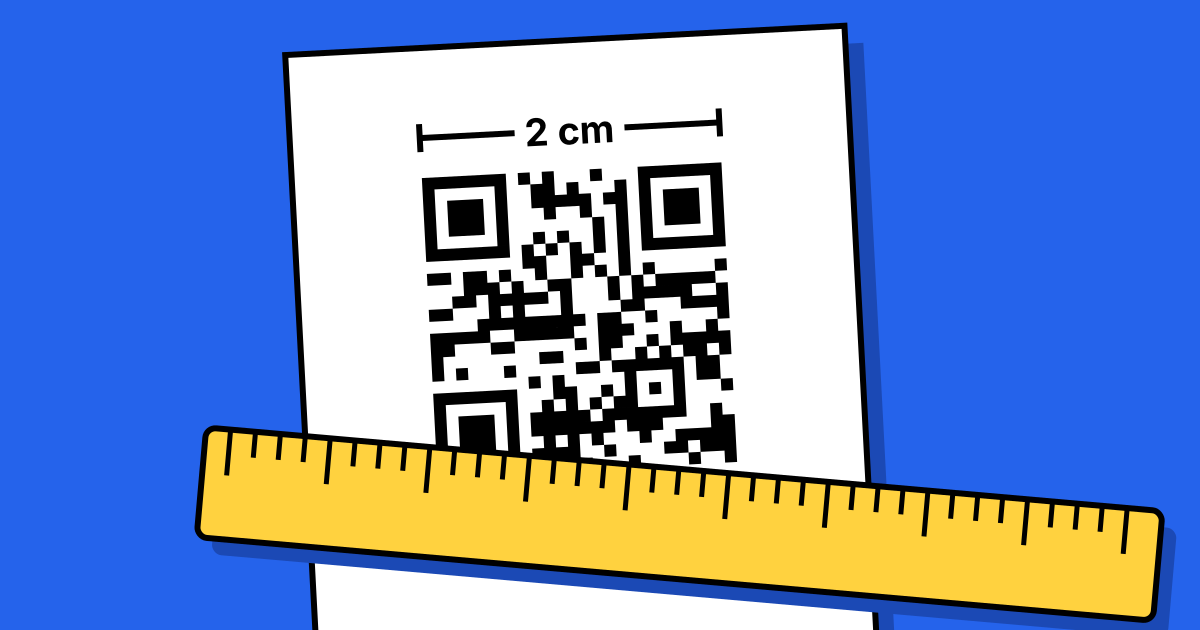
- Outside the quiet zone. Keep the empty margin around the code clear. Text that touches the pattern can stop it scanning.
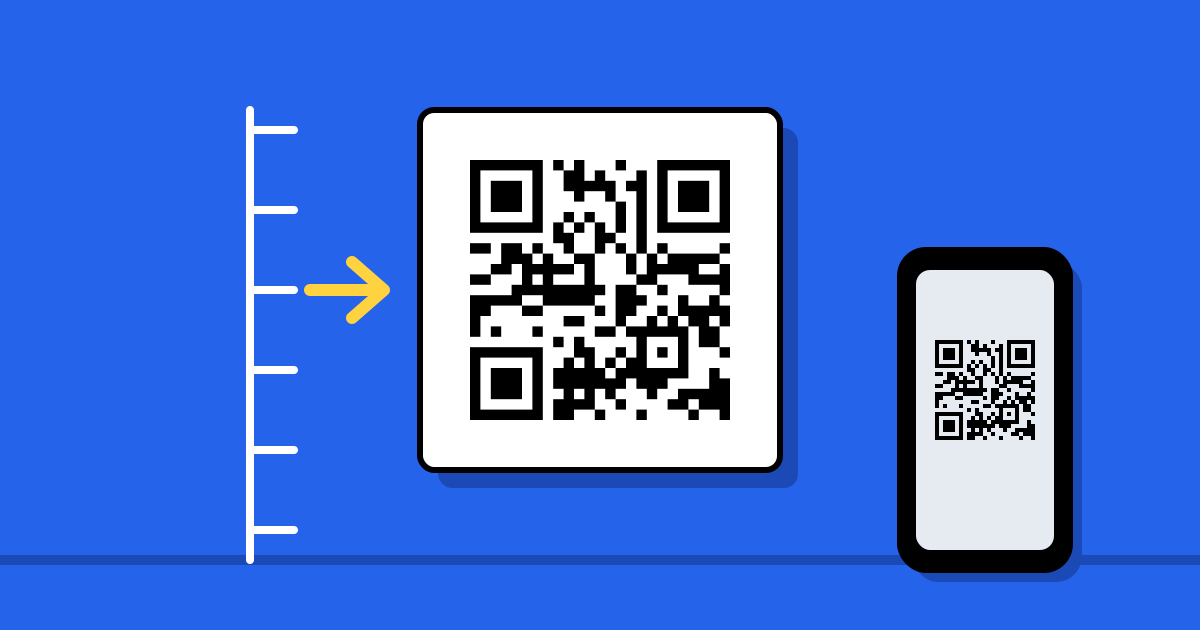
- Large enough to read from where people stand. If the code is sized for two metres, the words need to be readable from two metres too.
- Above or below, in the reading direction. People read the line, then look at the code.
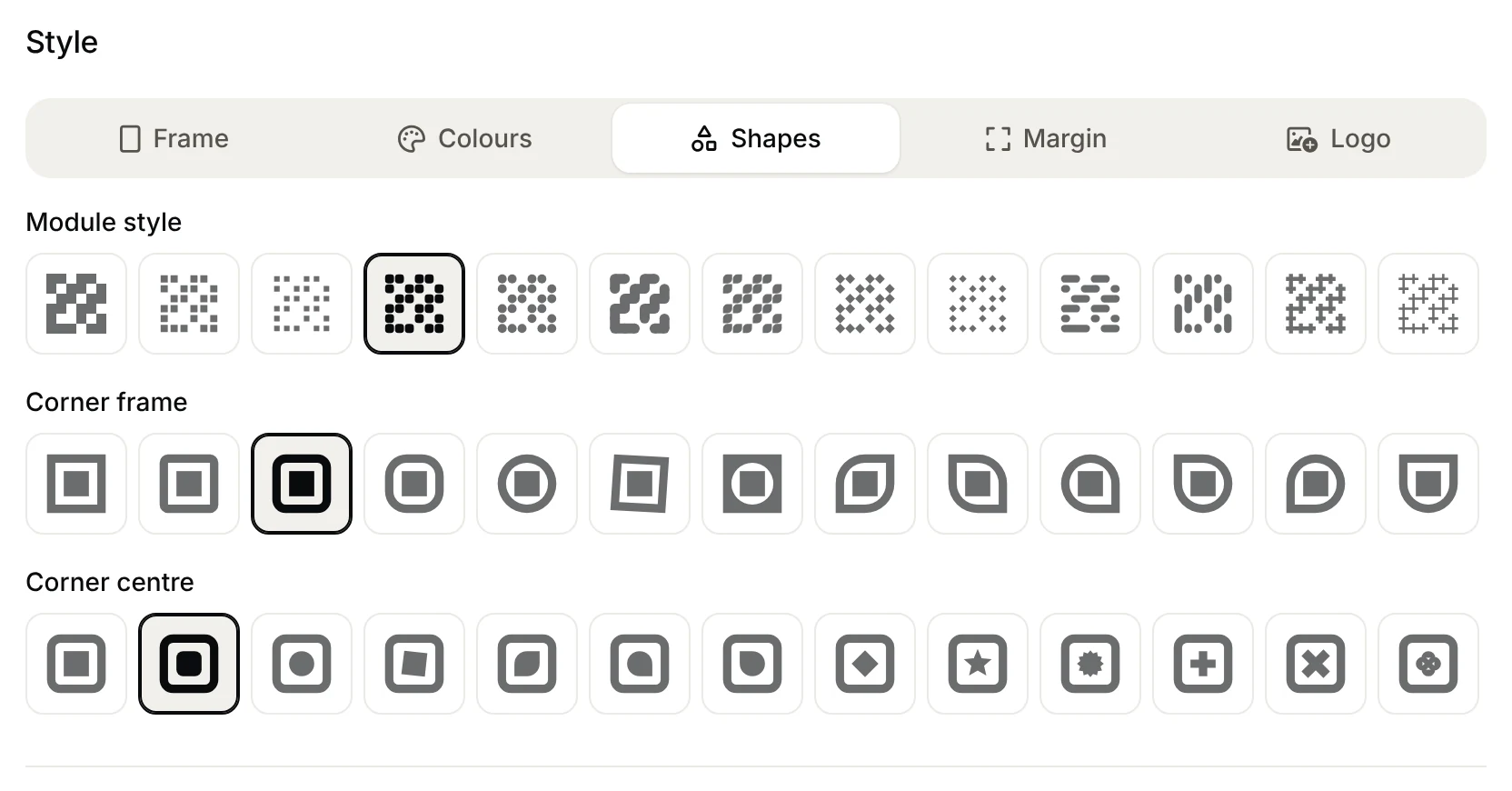
Our generator has frames with a line of text built in, so the call to action travels with the code wherever the image is used. Size and margin rules are in the printing guide.
Keep the promise
The page that opens has to deliver what the label said, straight away and on a phone. “Scan for the menu” should open the menu, not a home page with a menu link somewhere on it. If the offer changes, change the destination: a dynamic code lets you do that without reprinting, though the printed words stay as they are, so write a label that will still be true next season.
Find out which wording works
Print two versions with different wording, give each its own dynamic code, and compare the scan counts after a week or two. Keep everything else the same, including size and position, or you won’t know what made the difference. How to set that up is in how to track QR code campaigns.
Mistakes to avoid
- “Scan me” and nothing else. It tells people how, not why.
- Too many words. A sentence is plenty. A paragraph won’t be read.
- A promise the page doesn’t keep. People close it and don’t scan your codes again.
- Words in a language your customers don’t read. Use the language of the place it is printed for.
- No fallback. A short web address under the code helps anyone whose camera won’t scan.
FAQ
Questions people ask
Can’t find yours? A person answers every email within 2 working days.
Email usDo I really need text next to a QR code?
Yes, almost always. Without it people don’t know what the code opens, and few will scan to find out.
How long should the call to action be?
A few words to one short sentence. It should be readable in a glance from where the code is scanned.
Should it say “Scan me”?
It’s better than nothing, but “Scan to see the menu” tells people what they get, which is what makes them scan.
Can I add the text in the generator?
Yes. Frames include a line of text, so the words are part of the image you download.