

Digital business cards for your whole team
One company design, a card for everyone. Each person gets their own QR code, link and wallet pass; you keep the logo, colours and company details locked, and update every card at once.
Definition
What are digital business cards for teams?
In shortThey’re digital business cards for everyone in a company, all made from one template. The company controls the design and the shared details; each person fills in their own name, title and phone, and shares the card as a QR code, a link or a wallet pass.
Each card is a Contact page with its own dynamic QR code, so it can be printed on paper cards, badges and email signatures and still be changed later.
At a glance
- Plans
- Pro and Agency
- Cards
- Pro 10, Agency 250
- Add people
- By hand, from your team, or CSV
- Share as
- QR code, link, Apple or Google Wallet
- Contacts
- “Share your details” replies go to Leads
How it works
Cards for the whole team in an afternoon
Design the template
Logo, colours, layout, fonts, company address, website, office phone and social networks. Choose what people may change.
Add people
By hand, from people already on your team, or a CSV import that checks every row before anything is made.
Everyone gets their card
Under My card on the website and in the app: copy the link, download the QR code, add it to a wallet.
Change the design once
Saving the template updates every card at once.
What you get
Made for companies, not just one person
- Locked brand fieldsPeople change only the fields you allow, such as photo, title and phone.
- Contacts become leadsWith “Share your details” on, visitors send their name, email or phone. Each reply lands in Leads, assigned to that person.
- To your CRMShared details go to Google Sheets, HubSpot or Zapier like any lead. See integrations.
- Views and savesViews, contact saves and shared details per person, over 7, 30 or 90 days or a year.
- When someone leavesTurn their card off: its code and link show a company page instead of the person.
- Wallet passesEach card can be saved to Apple Wallet or Google Wallet.
Plans
What each plan includes
| Feature | Free | Lite | Pro | Agency |
|---|---|---|---|---|
| Team cards | Not included | Not included | Included | Included |
| Cards per workspace | Not included | Not included | 10 | 250 |
| CSV import and locked fields | Not included | Not included | Included | Included |
| “Share your details” to Leads | Not included | Not included | Included | Included |
Each card is a dynamic code and counts towards the plan’s dynamic codes. Pro is $24 a month; Agency is $75 a month.
Good to know
Good to know
- Who manages cardsThe workspace owner and admins manage the template and all cards. Anyone with a card can edit their own open fields.
- One card per emailEach email address can have one card.
- Turn off, don’t deleteDeleting a card deletes its code, and printed copies stop working. Turning it off keeps them pointing at your company.
- Leads countShared details count towards the plan’s monthly leads.
Also new
More new features
Each works with the dynamic codes, pages and forms you already have.
- Retargeting pixelsShow ads to people who scanned
- IntegrationsGoogle Sheets, HubSpot, Zapier and Make
- A/B testingSplit scans between two or three pages
- Wallet passesCards, coupons and tickets in Apple and Google Wallet
- Multi-language pagesEach scanner reads the page in their language
- Table orderingOrders to the table and table bookings
- Event ticketsQR tickets and check-in with your phone
- Loyalty cardsDigital stamp cards, no app to install
- GS1 Digital LinkPackaging QR codes for Sunrise 2027
- SSO & activity logSAML sign-in and a log of every change
FAQ
Questions people ask
Can’t find yours? A person answers every email within 2 working days.
Email usCan people change their own card?
Yes, but only the fields the template leaves open, such as photo, job title and phone. Everything else stays locked.
What happens when someone leaves the company?
Turn their card off. Its QR code and link then show a company page with your logo, website, office phone and address, and an optional message.
How do I add a large team?
Import a CSV with a header row: name (or first and last name), title, email, phone, mobile, photo link, bio and LinkedIn. Every row is checked first, and nothing is made until all rows are right.
Do cards work without the app?
Yes. A card is a web page that opens in any phone browser, with a button to save the contact.
Keep reading
Related
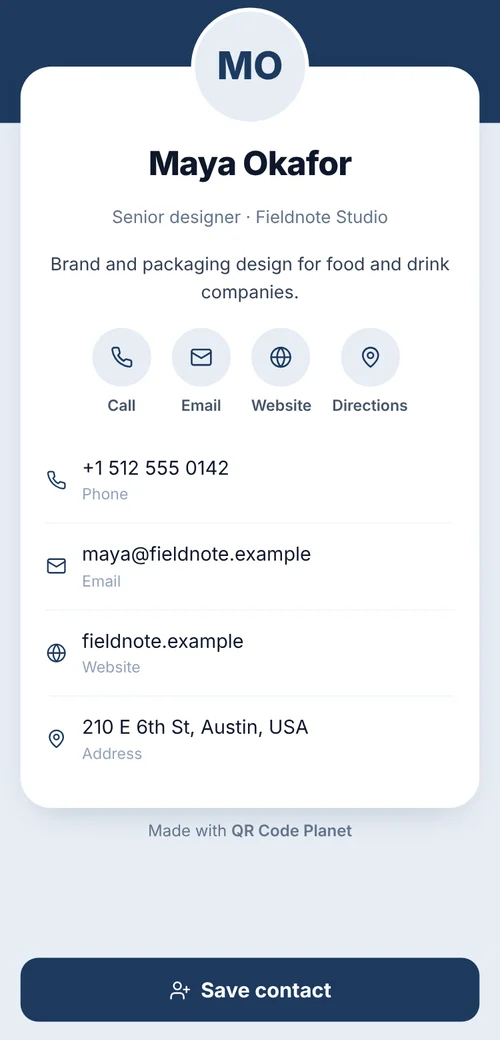 QR codes for business cardsA contact-card code that saves your details in one scan, plus digital cards for whole teams.
- vCard Plus QR codeA contact page with photo, links and a save button.
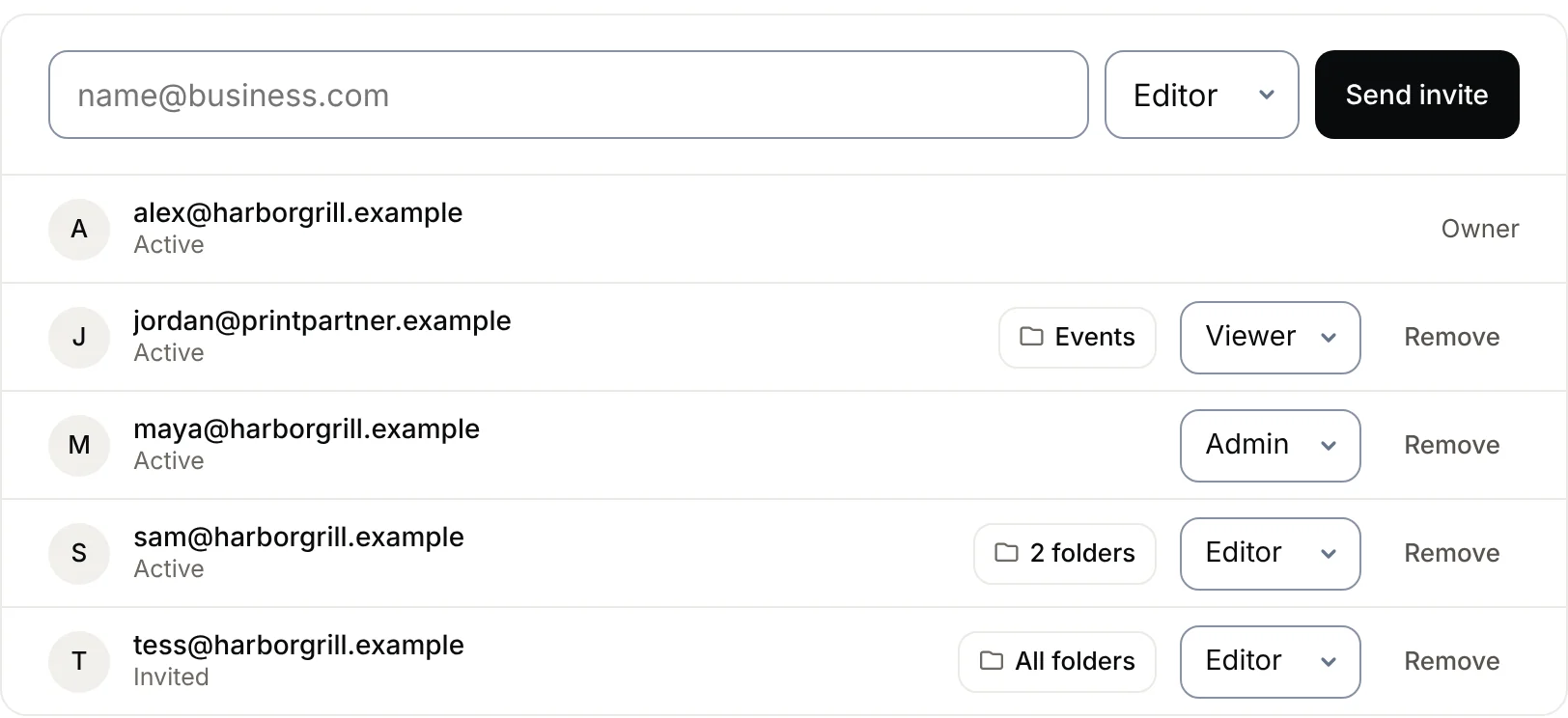 Team workspaceWork on QR codes with your team in one workspace. Invite people as Admin, Editor or Viewer, limit them to certain folders, and keep billing with one owner. Pro and Agency.
 QR codes for business cardsWhich code, how big, and how to do a whole team at once.