

- Home
- QR code types
- Wi-Fi QR code
Wi-Fi QR code generator
Put your network name and password into a QR code. Guests point their phone camera at it and join, without asking for the password or mistyping it.
 Scan to join Wi-Fi
Definition
What is a Wi-Fi QR code?
In shortA Wi-Fi QR code holds your network name and password. Guests point their phone camera at it and join, with no typing. It’s free, made in your browser, and the password is never sent to us.
The code holds a short line of text in a standard format that phones understand, for example WIFI:T:WPA;S:CafeGuest;P:espresso42;;. The phone’s camera recognises it and offers to join the network. Nothing is looked up online, which matters because the person scanning isn’t connected yet.
At a glance
- Price
- Free
- Works on
- iPhone (iOS 11+) and Android camera apps
- Security types
- WPA/WPA2/WPA3, WEP, or open
- Code type
- Static: details stay in the pattern
- Leaves our servers?
- Never. It’s made in your browser.
How it works
Make one in four steps
Choose Wi-Fi
Open the generator and pick the Wi-Fi type.
Type the network name
Exactly as it appears, including capitals and spaces.
Add the password and security type
Most routers use WPA/WPA2; choose “None” for an open network.
Download and print
A frame that says “Scan to join Wi-Fi” helps people understand what the code does.
Where to put it
Good places to put it
- Café or restaurantA table tent on every table.
- Holiday rentalInside the welcome book or on the fridge.
- Office or clinicOn the reception desk.
- Meetings and eventsA meeting room wall or an event check-in table.
Good to know
Things to know
- Change the password, reprint the codeThe password is stored in the pattern, so a new password needs a new code. If you rotate passwords often, keep a print template ready.
- Anyone who sees the code can joinUse a separate guest network rather than the one your business systems run on.
- It can’t be dynamicA dynamic code would need the internet to look up the details, and guests aren’t online yet. That’s why Wi-Fi codes are always static, and always free.
- Hidden networksSupported; tick “hidden” so phones know to search for the network name.
FAQ
Questions people ask
Can’t find yours? A person answers every email within 2 working days.
Email usDo guests need an app?
No. The built-in camera on iPhone (iOS 11 and later) and on most Android phones reads Wi-Fi codes directly.
Is my password sent to QR Code Planet?
No. Static codes are made in your browser. The password goes into the image on your device and is never sent to us.
What size should I print it?
For a table tent read from about 30 cm, 2.5 cm wide is plenty. The printing guide has sizes for other distances.
It says “unable to join”. Why?
Usually the network name or password has a typo, or the security type is wrong. Check capitals and spaces, then make the code again.
Keep reading
Related
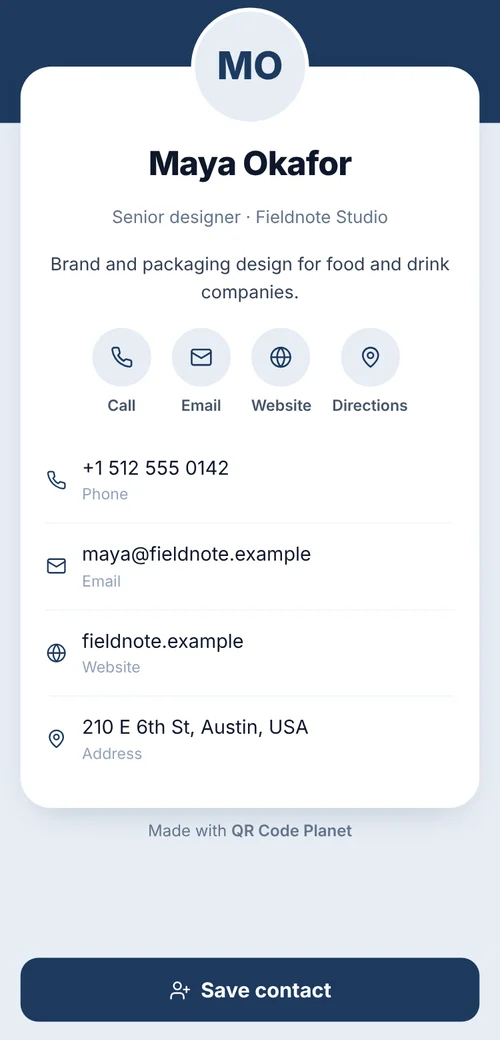 QR code typesAll 28 types: what each one does and which are free.
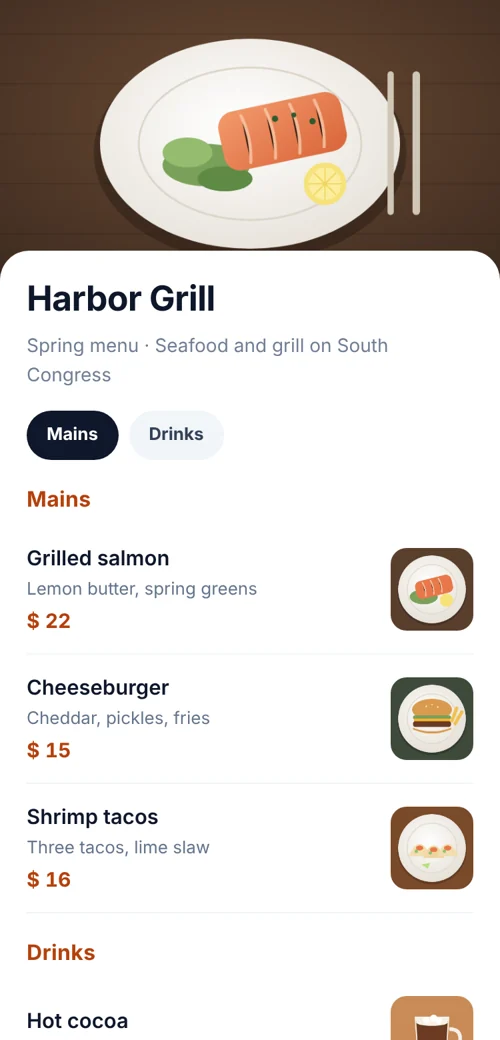 QR codes for restaurantsMenu, Wi-Fi, reviews and table codes that you can update.
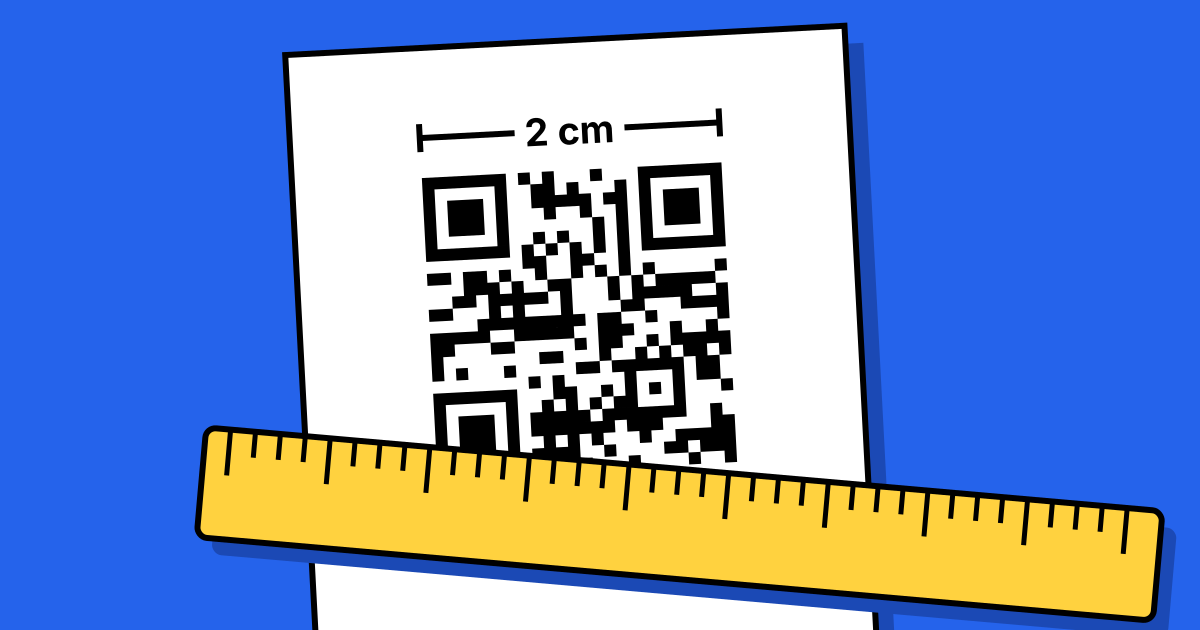 QR code printing and size guideSizes for every distance, plus the checks before you print.
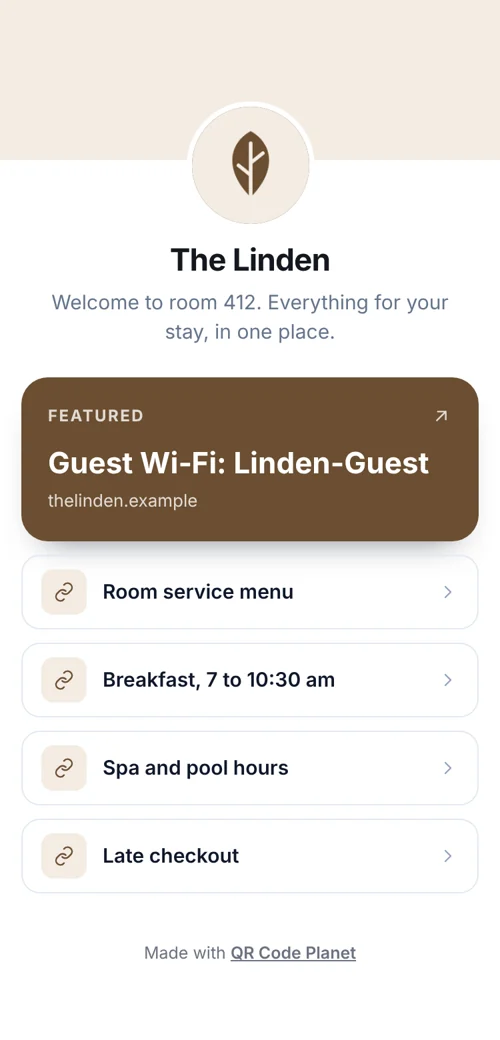 QR codes for hotelsGuest Wi-Fi, room information pages, menus and reviews.