

- Home
- QR code types
- Feedback QR code
Feedback QR code generator
Print a QR code that opens a short survey. Customers answer in a few taps on their phone, and the replies are saved in your account.
Definition
What is a feedback QR code?
In shortA feedback QR code opens a short survey we host: up to five questions answered with stars, smileys or text. Replies are saved in your account, and you can change the questions after printing.
It is meant for quick, in-the-moment feedback. For longer forms with names, emails, file uploads or notifications, use lead forms.
At a glance
- Plan
- Any paid plan (hosted page)
- Questions
- Up to five: stars, smileys or text
- Edit after printing
- Yes, any time
- Code type
- Dynamic
- Scan analytics
- Included
How it works
Make one in four steps
Choose Feedback
Open the generator and pick Feedback, signed in on a paid plan.
Write your questions
Up to five. Choose stars, smileys or a text answer for each.
Pick colours
So the page matches your brand.
Download and print
PNG for screens; SVG, PDF or EPS for print. Add a frame so people know what the code does.
Where to use it
Where it helps
- Tables and bills“How was your meal?” while guests are still there.
- Counters and receiptsOne question at the point of sale.
- Hotel rooms and clinicsFeedback before people leave.
- Parcel insertsA rating a few days after delivery.
Good to know
Things to know
- Keep it shortOne or two questions get far more replies than five.
- Want public reviews?A Google review code sends people to your review form.
- The code keeps workingIf a plan ends, the page stays up and the code keeps opening it. You can’t edit it until you subscribe again.
- Try it firstLite and Pro start with a 7-day free trial. Cancel before day 8 and nothing is charged.
FAQ
Questions people ask
Can’t find yours? A person answers every email within 2 working days.
Email usIs a feedback QR code free?
Hosted pages need a paid plan; Lite and Pro start with a 7-day free trial. Static types such as a link, Wi-Fi or a contact card are free.
Where do the replies go?
They are saved in your account, with the code they came from.
Can I change the questions later?
Yes. Edit the page and the printed code shows the new questions.
Keep reading
Related
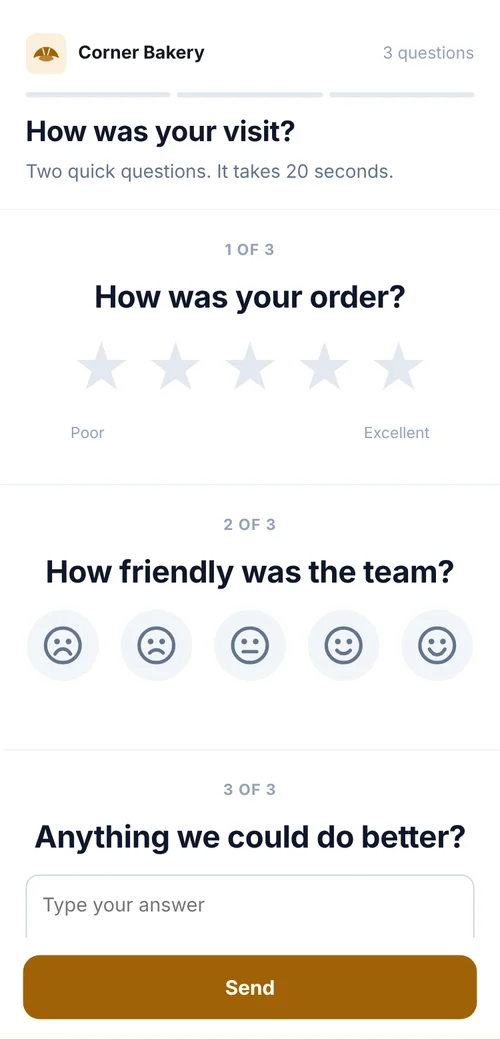 QR codes for customer feedbackShort rating forms on receipts and counters, replies tagged by location, review codes.
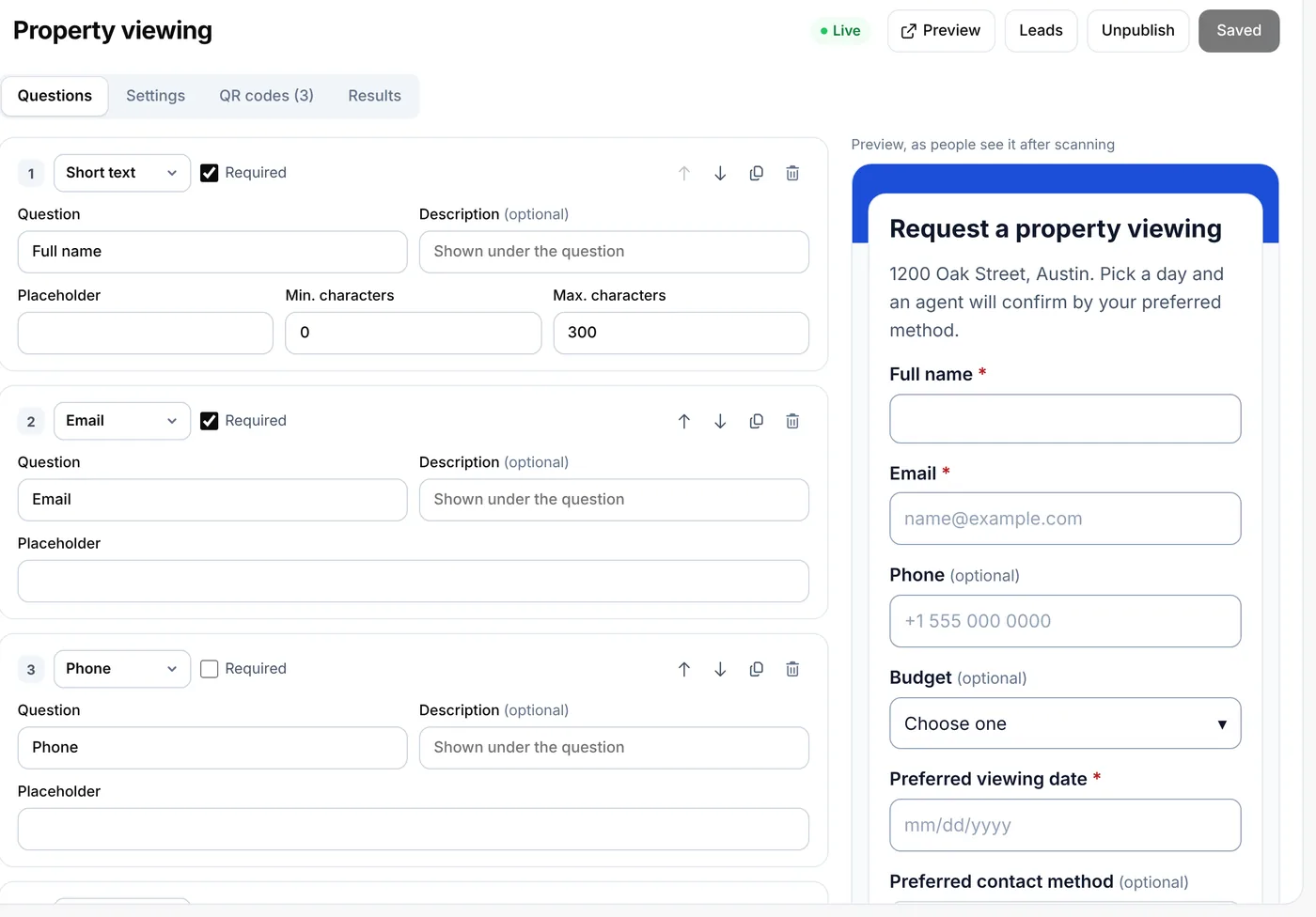 QR lead formsCollect bookings and inquiries from a scan
 Google review QR codeCustomers scan and land straight on your Google review form.
- PricingFree, Lite, Pro and Agency, monthly or yearly.