

Single sign-on and an activity log for your team
Sign people in with your company’s identity provider, and see who changed which code, page or setting, and when. Built for teams that need to answer to IT and compliance.
Definition
What do SSO and the activity log do?
In shortSingle sign-on lets your team sign in to QR Code Planet through your company’s identity provider over SAML 2.0, such as Okta, Microsoft Entra ID or Google Workspace. The activity log records who in the workspace changed what, and when.
Together they answer the two questions IT asks about any tool: who can get in, and what did they do.
At a glance
- Single sign-on
- Agency
- Activity log
- Pro and Agency
- Identity providers
- Okta, Entra ID, Google Workspace, any SAML 2.0
- Log kept
- 90 days on Pro, 1 year on Agency
- Export
- Activity log as CSV
Single sign-on
Set up SSO
Connect your provider
Paste the identity provider’s metadata XML, or its entity ID, sign-in address and certificate. Copy our side into the provider.
Verify your domains
Add a DNS TXT record for each email domain. Only people on verified domains can sign in through your provider.
People sign in
They enter their work email and go to your provider. New people get an account and join with the default role, if a seat is free.
Require SSO
Optionally, people on your domains can no longer use a password, Google or Apple. The owner always can, as a way back in.
Activity log
What the activity log records
- WhoThe person, their email and their role at the time.
- WhatThe action and what it changed: codes, pages, forms, leads, orders, events, loyalty cards, products, campaigns, team, billing and settings.
- When and where fromThe time, the country of the request and the device, such as “Chrome on Mac”. No IP addresses.
- Find and exportFilter by person or type of change, and export the log as CSV.
Plans
What each plan includes
| Feature | Free | Lite | Pro | Agency |
|---|---|---|---|---|
| Activity log | Not included | Not included | Included | Included |
| Activity kept | Not included | Not included | 90 days | 1 year |
| SAML single sign-on | Not included | Not included | Not included | Included |
| Require SSO for your domains | Not included | Not included | Not included | Included |
Pro is $24 a month with 3 team seats; Agency is $75 a month with 10 seats.
Good to know
Good to know
- Who sees the logThe workspace owner and admins, under Settings → Activity, or Team → Activity in the app.
- No secrets in the logKeys, tokens, passwords and lead answers are never stored in it.
- Company domains onlyPublic email domains such as gmail.com can’t be verified, and a domain belongs to one workspace.
- In the app tooSSO works in the QR Code Planet app: it opens your provider’s sign-in in the browser.
Also new
More new features
Each works with the dynamic codes, pages and forms you already have.
- Retargeting pixelsShow ads to people who scanned
- IntegrationsGoogle Sheets, HubSpot, Zapier and Make
- A/B testingSplit scans between two or three pages
- Wallet passesCards, coupons and tickets in Apple and Google Wallet
- Multi-language pagesEach scanner reads the page in their language
- Table orderingOrders to the table and table bookings
- Event ticketsQR tickets and check-in with your phone
- Loyalty cardsDigital stamp cards, no app to install
- Team business cardsOne design for everyone, managed in one place
- GS1 Digital LinkPackaging QR codes for Sunrise 2027
FAQ
Questions people ask
Can’t find yours? A person answers every email within 2 working days.
Email usWhich identity providers work?
Any SAML 2.0 identity provider, including Okta, Microsoft Entra ID and Google Workspace.
Can I sign in from the identity provider’s dashboard?
No. Sign-in starts on QR Code Planet: People enter their work email and are sent to your provider.
What if our identity provider is down?
The workspace owner can always sign in with their own password or Google or Apple account, even with Require SSO on.
How long is the activity log kept?
90 days on Pro and 1 year on Agency. Export it as CSV to keep it longer.
Does the log slow down scans?
No. It records changes made by your team; scans of your codes are never touched by it.
Keep reading
Related
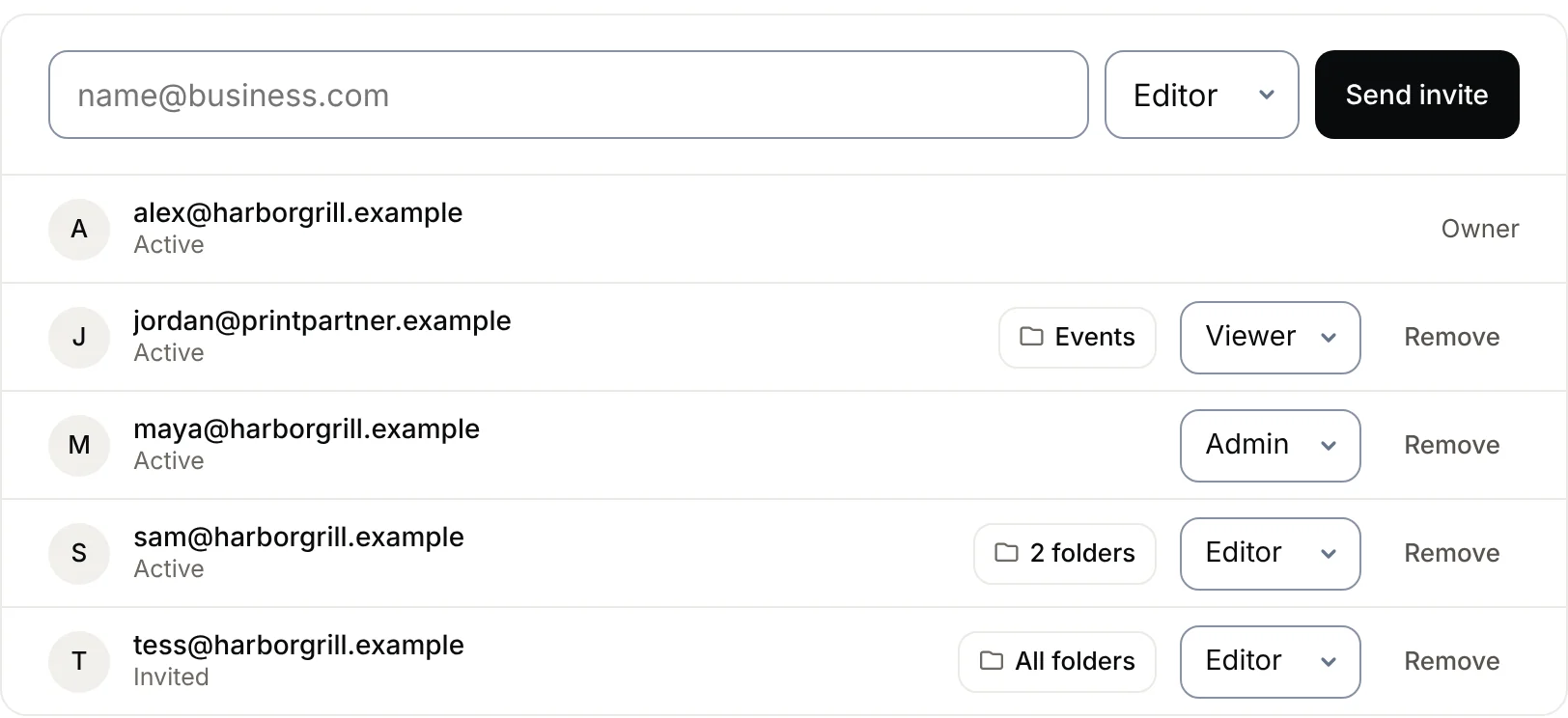 Team workspaceWork on QR codes with your team in one workspace. Invite people as Admin, Editor or Viewer, limit them to certain folders, and keep billing with one owner. Pro and Agency.
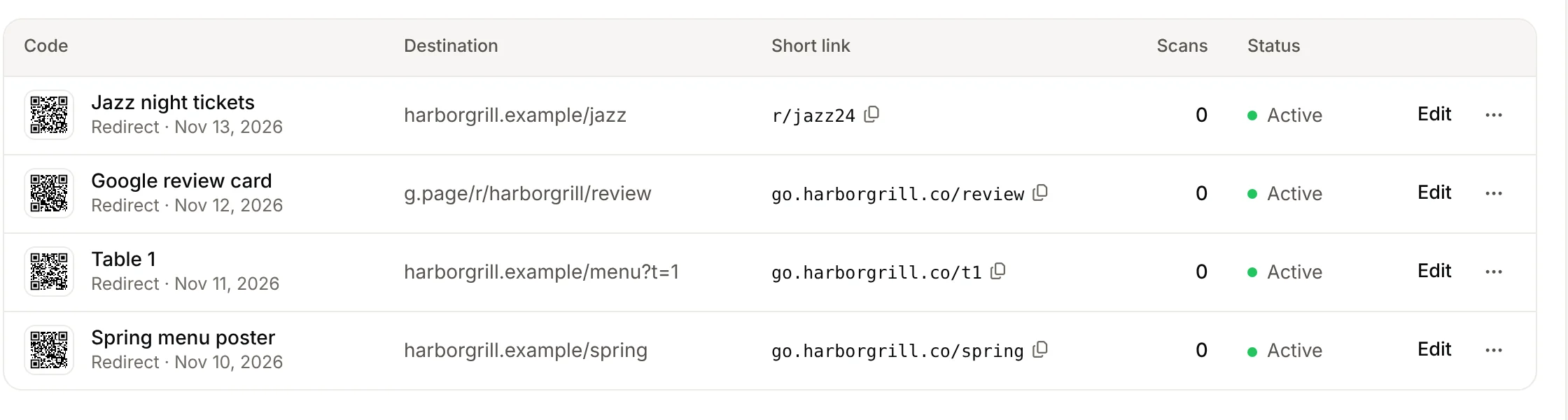 Custom domainPut your QR codes’ short links on your own domain, like go.yourbrand.com/menu. Three DNS records, HTTPS included. Pro includes 1 domain, Agency 5, plus white label.
 White-label QR codesHide “Made with QR Code Planet” from the pages, menus and forms your QR codes open, and use your own domain for short links. For agencies, on the Agency plan.
- Our pledgeYour codes keep working if your plan ends.