

QR code table ordering and table booking
Guests scan the code on their table, add dishes from your menu and send the order. The same page takes table bookings. Both arrive on your phone and on the Orders page.
Definition
How does QR code table ordering work?
In shortEach table gets its own code that opens your menu page with the table number filled in. Guests add dishes, send the order and pay at the table as usual. You see the order at once and move it from New to Preparing to Served.
The same Menu page, or a Business page, can also take table bookings, with times based on your opening hours.
At a glance
- Ordering to the table
- Pro and Agency
- Table booking
- Lite, Pro and Agency
- Payment
- At the table, no online payment
- Alerts
- App notification, and email if you want it
- Kept
- 90 days
How it works
From table to kitchen
Build your menu page
Dishes, prices and photos on a Menu page.
Print a code per table
Turn on ordering, enter how many tables you have, and print each table’s code. Its link carries the table number.
Guests order
They add dishes from each dish’s sheet, check the order and send it. No app, no account.
You serve
The order arrives as a notification. Mark it Preparing, then Served, on the website or in the app.
Bookings
Table booking from the same page
- Booking timesSet the gap between times, the largest party and how many days ahead people can book.
- Your hoursA Business page uses its opening hours; on a Menu page you set the booking hours.
- Confirm or accept at onceAccept bookings straight away, or confirm or decline each request. Guests who gave an email hear back.
- Guests can cancelEach booking has its own status page, where the guest can cancel it.
Plans
What each plan includes
| Feature | Free | Lite | Pro | Agency |
|---|---|---|---|---|
| Table booking | Not included | Included | Included | Included |
| Ordering to the table | Not included | Not included | Included | Included |
| Orders page and app notifications | Not included | Included | Included | Included |
| Email for each order or booking | Not included | Included | Included | Included |
Lite is $9 a month and Pro $24 a month; both start with a 7-day free trial. No commission on orders.
Good to know
Good to know
- Payment at the tableOrders are marked “Pay at the table”. There’s no online payment.
- Prices from your menuThe price of each dish comes from your saved menu, never from the guest’s phone.
- No double ordersThe same order sent twice within ten minutes counts once.
- Kept 90 daysOrders and bookings are deleted after 90 days.
Also new
More new features
Each works with the dynamic codes, pages and forms you already have.
- Retargeting pixelsShow ads to people who scanned
- IntegrationsGoogle Sheets, HubSpot, Zapier and Make
- A/B testingSplit scans between two or three pages
- Wallet passesCards, coupons and tickets in Apple and Google Wallet
- Multi-language pagesEach scanner reads the page in their language
- Event ticketsQR tickets and check-in with your phone
- Loyalty cardsDigital stamp cards, no app to install
- Team business cardsOne design for everyone, managed in one place
- GS1 Digital LinkPackaging QR codes for Sunrise 2027
- SSO & activity logSAML sign-in and a log of every change
FAQ
Questions people ask
Can’t find yours? A person answers every email within 2 working days.
Email usDo guests need to download an app?
No. They order on your menu page in the phone’s browser, without an account.
Can guests pay online?
No. Orders are paid at the table, the way you take payment today.
How do I know which table ordered?
Each table’s code carries its number, so every order shows the table.
Can I take bookings without ordering?
Yes. Table booking works on its own, on Lite and up, from a Menu or Business page.
Do you take a commission?
No. Ordering and booking are part of the plan price.
Keep reading
Related
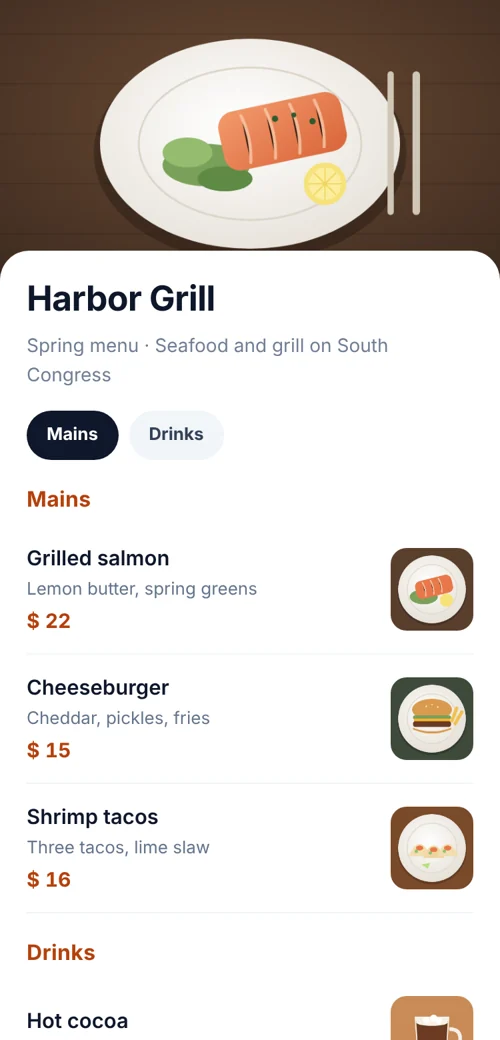 QR code menuA mobile menu page with sections and prices. Edit it any time.
- QR codes for restaurantsMenus, orders to the table, bookings and loyalty cards from codes you can update.
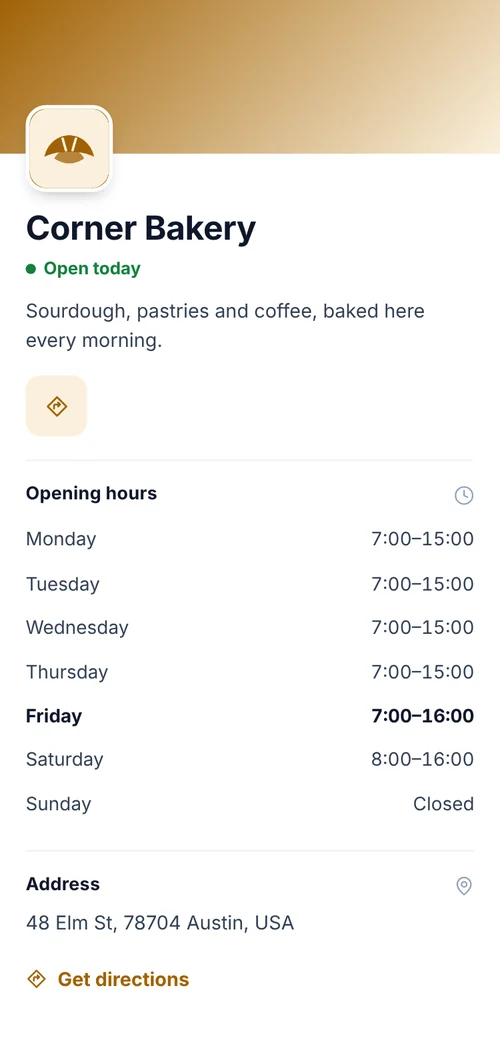 Business page QR codeOpening hours, address, contact and links.
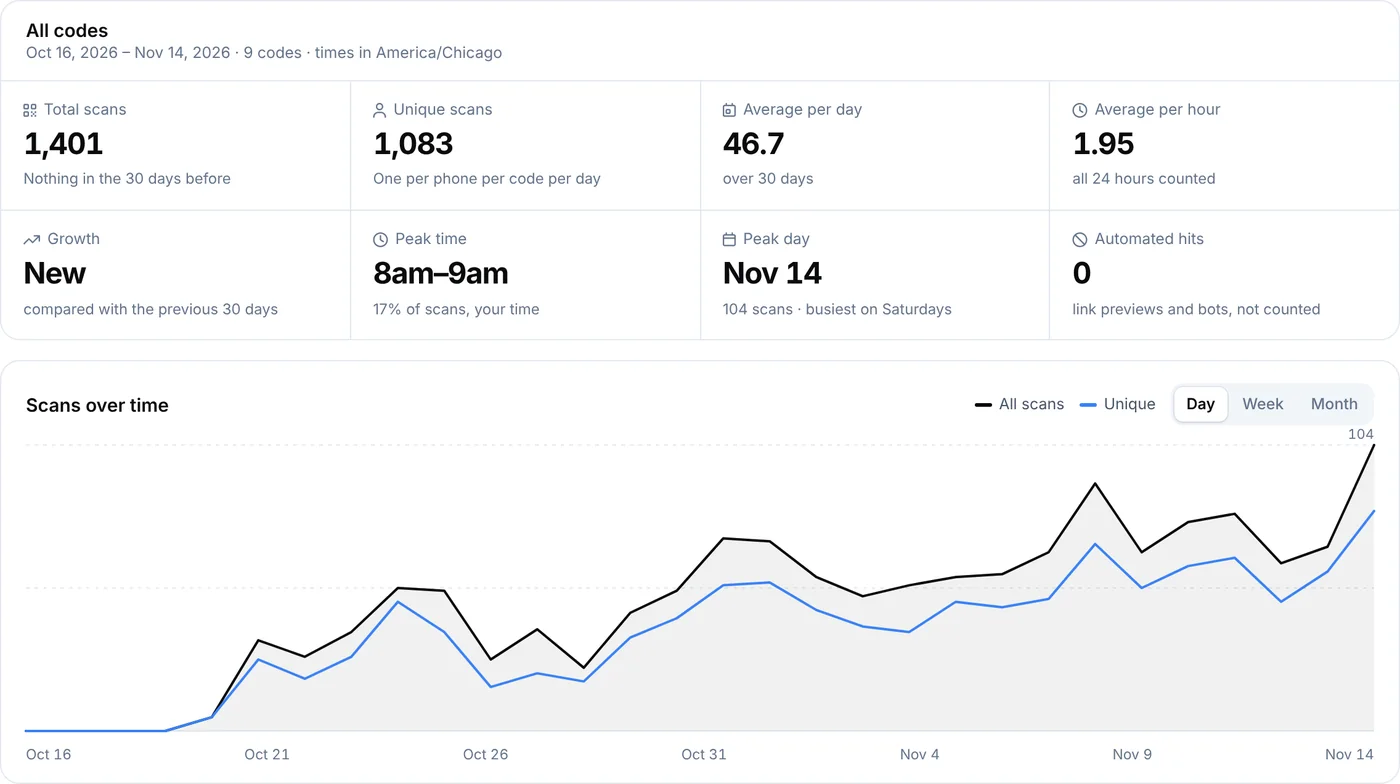 QR code analyticsScans by day, hour, country, city and device for every dynamic code.