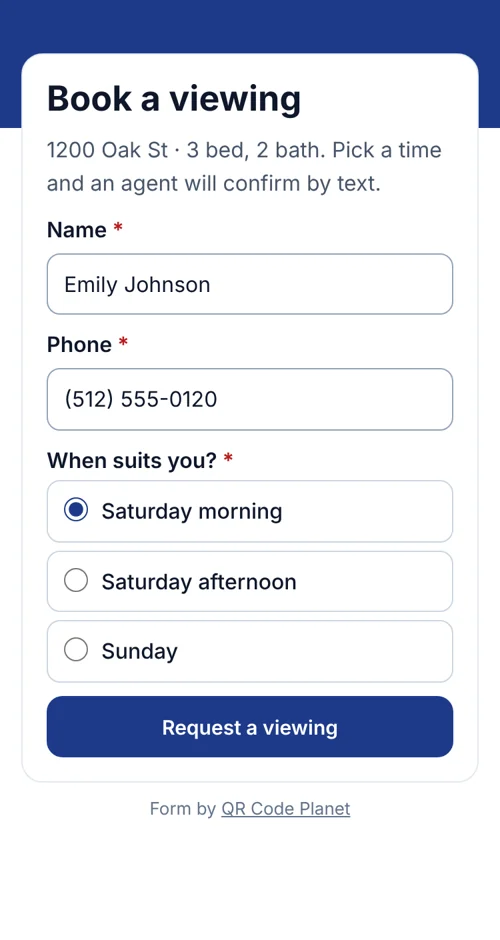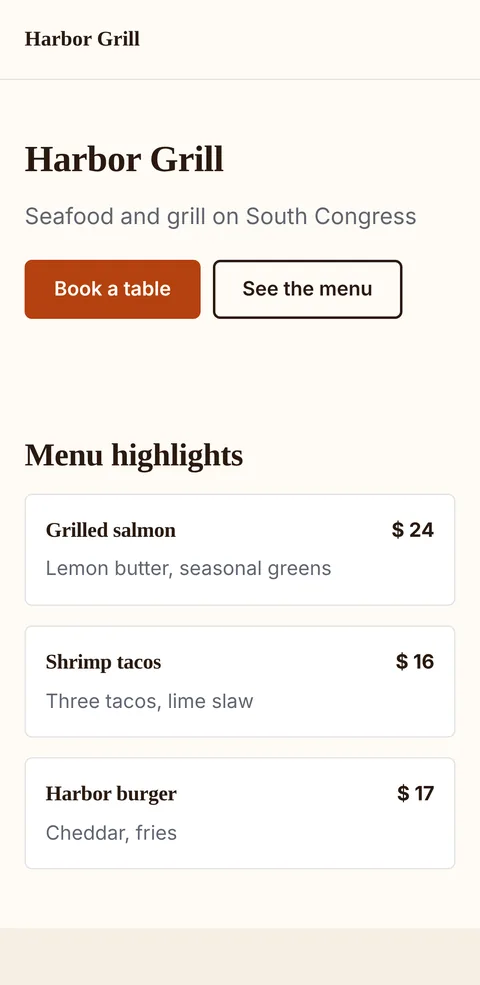
Restaurants and cafés
- Printed on
- Table tents, windows and takeaway bags
- People see
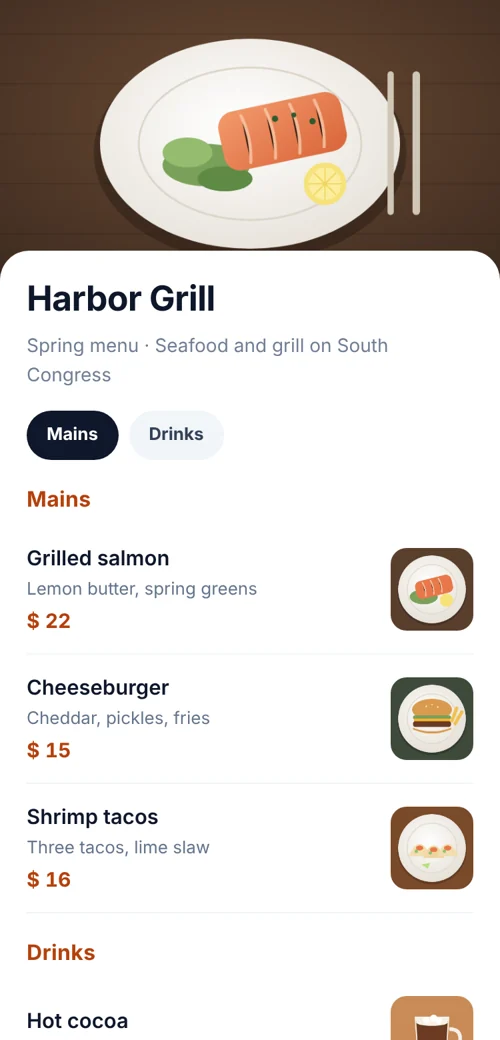
- Menu, prices, hours and a map
- They can
- Book on WhatsApp or get directions
Pick a template, add your sections and publish. Edit any time; the printed code stays the same.
Your sections
 Table cardqrcodeplanet.com/r/harbor-menu
Definition
In shortA QR code landing page builder lets you create a mobile-friendly page and connect it to a QR code. When someone scans the code, the page opens on their phone, where they can read information, follow links or take an action such as booking, calling or filling in a form.
With QR Code Planet you build that page without a website, and we host it at the code’s short address.
At a glance
How it works
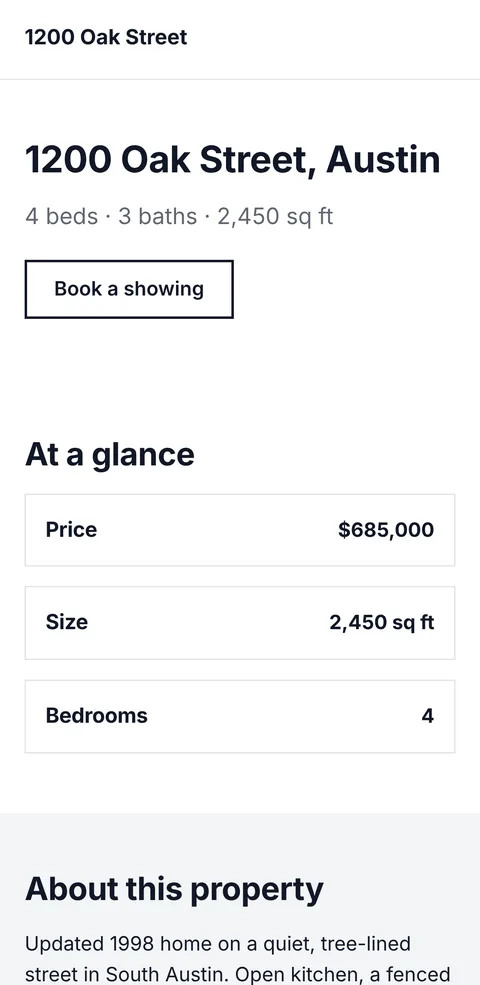
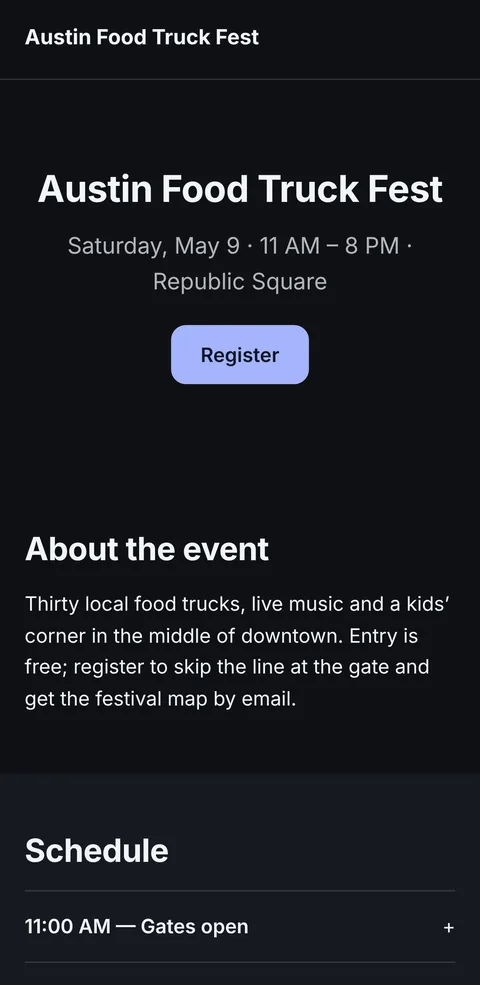
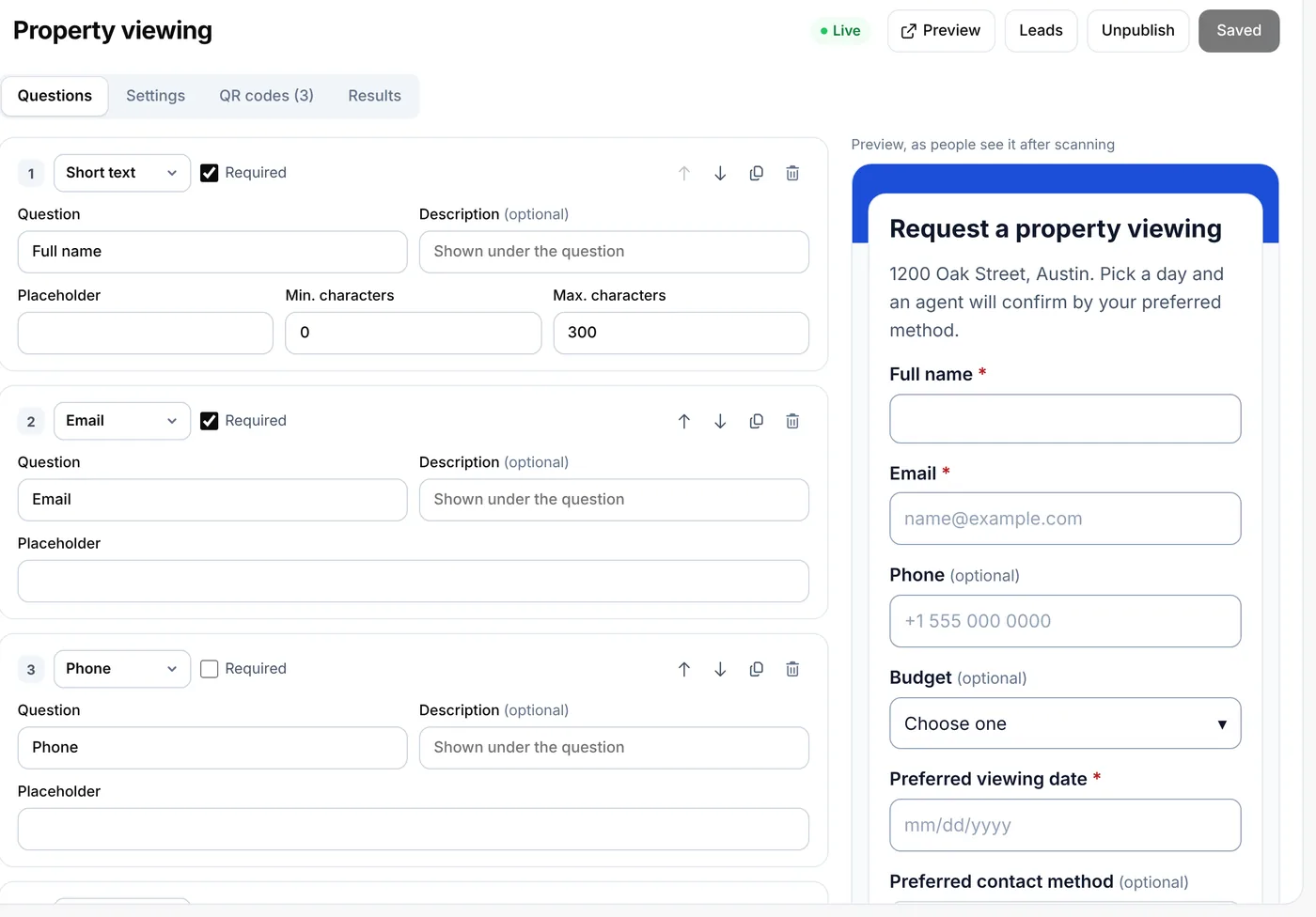
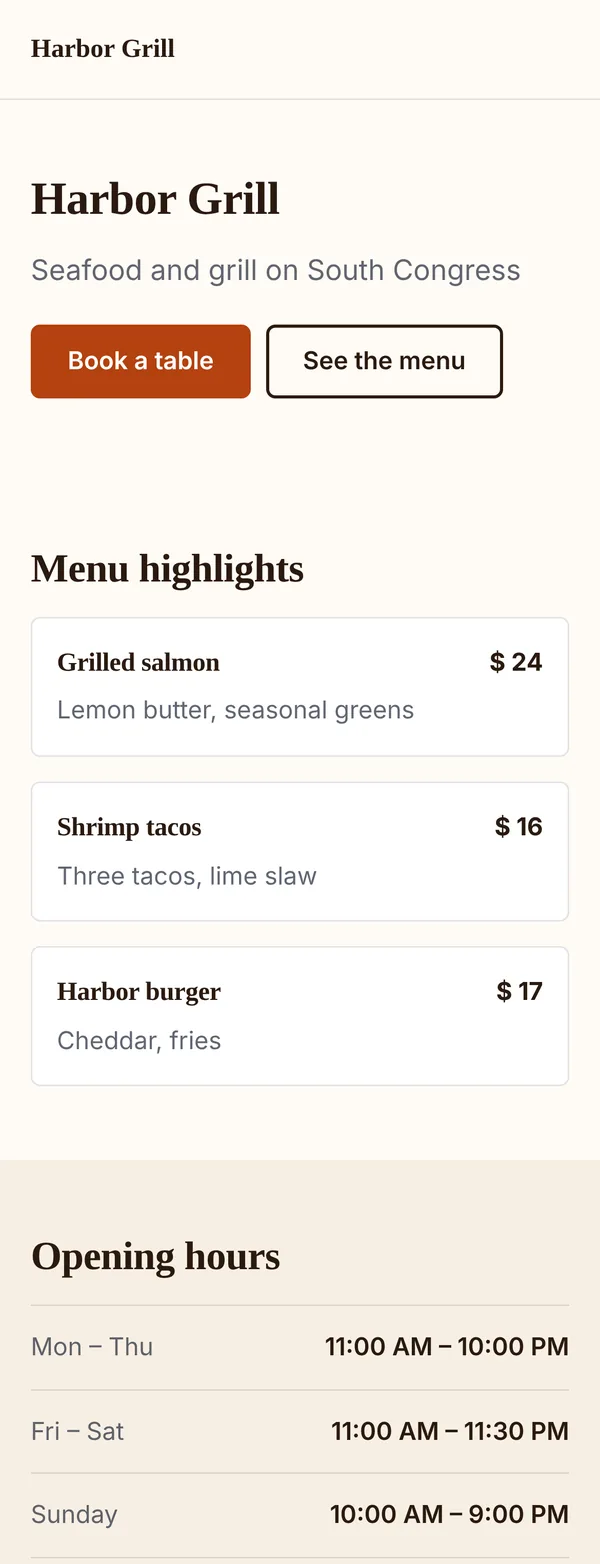
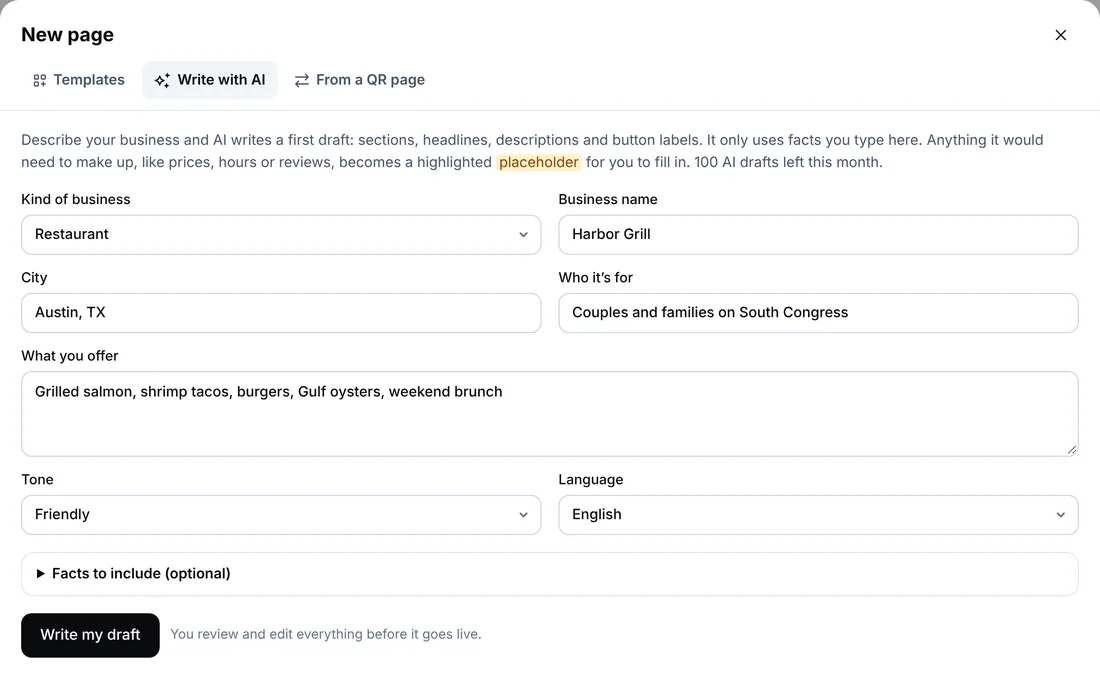
Real screens from the page builder, editing an example restaurant.
 Table cardqrcodeplanet.com/r/harbor-menuOpens the published page
AI draft
Tell it your kind of business, name, city and what you offer. It writes the headline, descriptions and button labels, laid out in the right template.
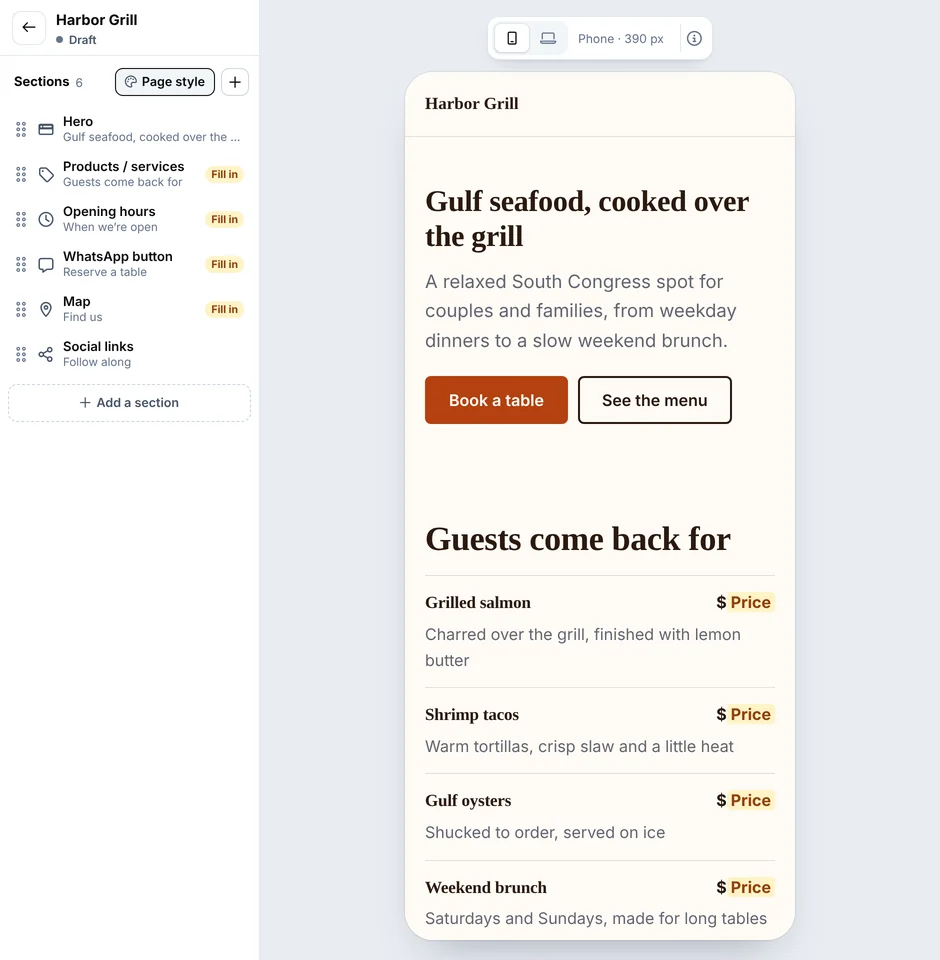
Sections
Every page is a stack of sections. All 34 are below; the ones marked Pro need Pro or Agency.
Templates
Each template comes with the sections, layout and example text already in place. Swap in your details, publish, and print the code where people already look.
Editing
Change text, prices, hours or photos and press Publish. The page updates at the same address within about a minute; the QR code doesn’t change.
To send a printed code somewhere else entirely, change the code’s destination. That needs a dynamic QR code, which builder pages use. A static code’s link is fixed in the pattern. Static vs dynamic QR codes
Plans
Free QR codes and the page builder are separate: the Free plan makes static codes (10 a month), while pages need a paid plan.
| Feature | Free | Lite | Pro | Agency |
|---|---|---|---|---|
| Page builder, 36 templates, 19 themes | Not included | Included | Included | Included |
| Published pages | Not included | 5 | 25 | 200 |
| AI drafts a month | Not included | 10 | 50 | 200 |
| Sections | Not included | 31 of 34 | All 34, adds video, map and form | All 34, adds video, map and form |
| Storage for images and files | Not included | 200 MB | 500 MB | 2,000 MB |
| Open pages on your own domain | Not included | Not included | Included | Included |
| Remove “Made with QR Code Planet” | Not included | Not included | Not included | ✓ with white label |
Lite fits one business with a few pages. Pro adds video, maps and forms, far more pages, your own domain and no branding. See prices
Limits
What the builder doesn’t do, so you can decide before you start.
FAQ
Can’t find yours? A person answers every email within 2 working days.
Email usA mobile web page that opens when someone scans a QR code: one page built for a phone, with the details and buttons people need, like a menu, hours, directions or a booking form.
No. We host the page at the QR code’s short address (qrcodeplanet.com/r/…). On Pro it can open on your own domain.
Start from a template, an AI draft or an existing QR page, arrange the sections, choose your style and publish. Then make a QR code for the page or point a dynamic code at it.
Yes, on Lite (10 drafts a month) and Pro (100). The AI writes from what you type and leaves prices, addresses, phone numbers, hours and reviews as placeholders for you.
Yes: 19 themes, your own colors, 14 font pairings, corner and button shapes, section edges, motion and a dark mode.
Images and galleries work on every paid plan. Video (YouTube or Vimeo), map and form sections need Pro or Agency.
Yes. Edits stay in a draft until you press Publish; then the page updates at the same address within about a minute. The printed code stays the same.
Yes. Builder pages open from a dynamic QR code, a short link we host. Static codes store their link in the pattern, so what they open can’t change after printing.
Yes. Open a menu, business page or other hosted page in the builder. The old page stays until you point the code at the new one.
5 on Lite, 25 on Pro and 200 on Agency. Drafts don’t count. The Free plan doesn’t include the page builder.
Your pages and drafts are kept, but published pages show “This page isn’t available right now” until you subscribe again. Moving from Pro to Lite hides video, map and form sections.
Yes, on Agency: turn on white label in Settings.
Start from a template or an AI draft. Publish when it’s ready.
Keep reading