- Home
- QR code design
QR code design: your colours, shapes and logo, and it still scans
Style every part of the code, add a frame that tells people what to do, and check it scans before you print.
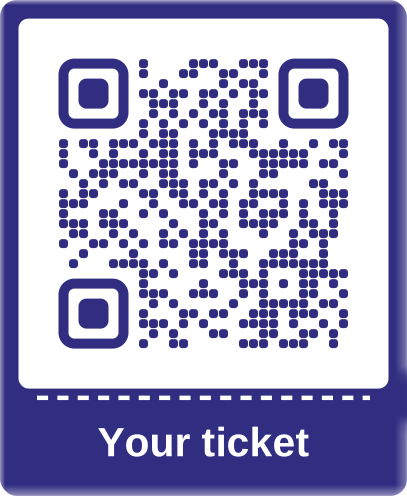
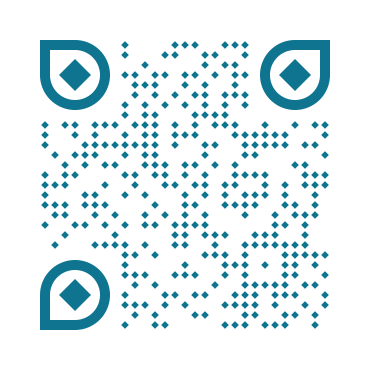
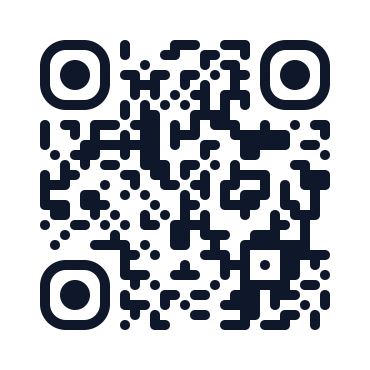
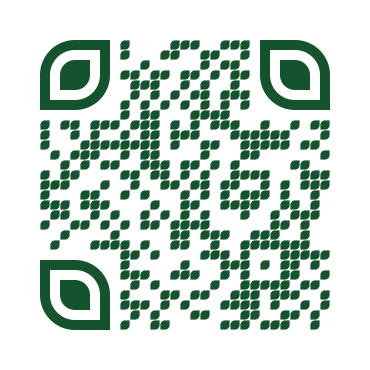
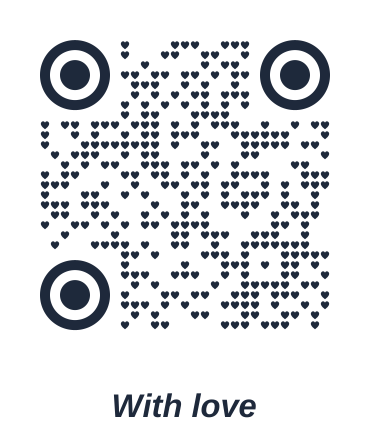
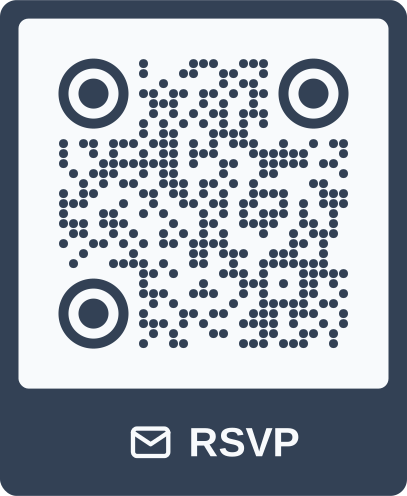
Definition
What is QR code design?
In shortQR code design is changing how a code looks, its colours, shapes, frame and logo, without changing what it does when scanned.
In QR Code Planet you design in the generator’s Design step, with a live preview. A scan check runs as you go and tells you if a choice could stop phones reading the code, with a one-click fix. The print size guide then tells you how big to print it.
At a glance
- Price
- Free on every plan
- Shapes
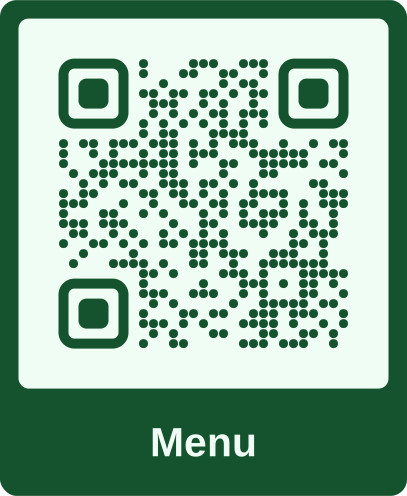
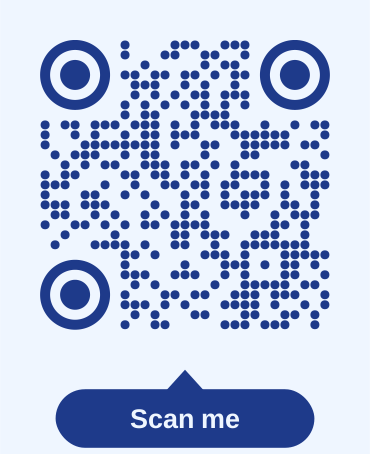
- 17 module styles, 14 corner frames, 14 corner centres
- Frames
- 27, with a label you write
- Logo
- Your file, an icon or your initials
- Files
- PNG, SVG, PDF, JPG and EPS
The problem
A plain code doesn’t say what it’s for
A black square on a poster gives people no reason to scan it. Design helps, but it’s easy to go too far: low contrast, a big logo or fancy corners can stop a code scanning, and you only find out after printing.
| Compared | Plain code | Designed with a scan check |
|---|---|---|
| What it’s for | People have to guess | A label says Menu, Book a table or Scan for Wi-Fi |
| Brand | Black and white, the same as every other code | Your colours, shapes and logo |
| Will it scan? | Usually | Checked as you design, with a fix for each problem |
| Print size | A guess | Worked out from how far away people will scan |
How it works
Design a code in three steps
Add your content
A link, Wi-Fi, a menu or any of the 28 types. The design step comes next.
Style it
Pick a frame, colours, shapes, margin and logo, and watch the preview change.
Check and download
When the preview says Scans reliably, choose a print size and a file format.
Shapes and colours
Every part of the code, your way
Change the small squares, the three big corner squares and their centres separately, then pick your colours.
- 17 module stylesSquares, dots, rounded, fluid, leaf, diamonds, bars, stars, hearts and more.
- 14 corner frames and 14 centresMix them freely. Corner centres that phones can’t read are flagged.
- Any coloursColour presets or your own hex codes, with the contrast shown as you pick.
Frames and labels
Tell people why to scan
A frame puts a short call to action next to the code. Write your own label, or pick one of the ready-made ones.
 NoneBook a tableLabel belowBook a tableLabel aboveBook a tableOutlineBook a tableTagBook a tableBubbleBook a tableTicket
- 27 framesLabels above or below, tags, bubbles, tickets, a phone, a coffee cup, a gift and seasonal frames.
- Your own labelUp to 28 characters, or pick Scan me, Menu, Scan for Wi-Fi, Book a table, Pay here and more.
- Print-readyFrames are part of the file you download, in PNG, SVG, PDF and JPG.
Logo
Put your logo in the middle
Upload your logo, or use an icon or your initials if you don’t have one to hand. See also QR code with logo.
- Your file, an icon or initialsPNG, JPG or SVG. A square logo works best.
- Size from 10% to 35%Keep it under about 25% of the code. Above that, the check warns you.
- Highest error correctionCodes with a logo use level H, so the hidden part doesn’t stop them scanning.
Scan check
Know it scans before you print
The preview checks your design as you change it. When something could stop phones reading the code, it says what and offers a fix.
- ContrastAim for 4:1 or more. Below 2.5:1 the code won’t scan.
- Dark on lightLight codes on dark backgrounds fail on some scanner apps.
- Quiet zoneThe clear margin around the code. 4 modules is standard.
- Logo sizeToo big and it hides too much of the code.
- Corner centresStars, crosses, clovers and hearts in the corner centres stop codes scanning.
Print size
Print it big enough
Tell the guide how far away people will be. It works out the smallest width that scans, and the PDF download uses it.
Your codebank card 8.6 cm- Table, 30 cm awayAt least 3 cm wide.
- Wall poster, 2 m awayAt least 20 cm wide.
- Window, 5 m awayAt least 50 cm wide. Or set any distance up to 10 m.
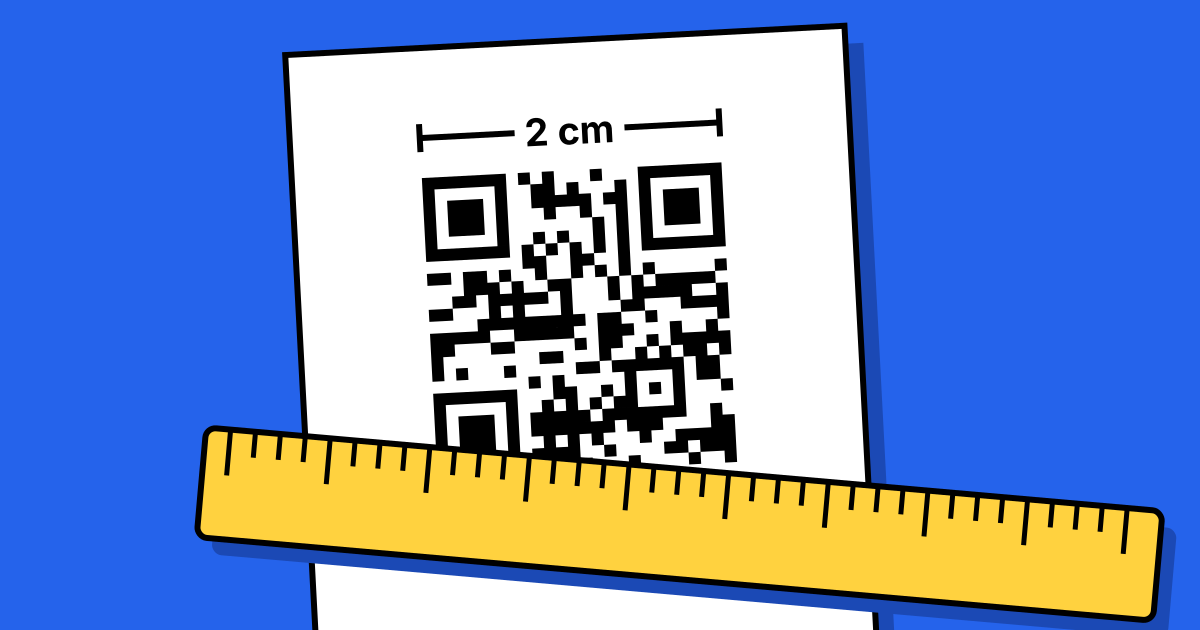
The rule of thumb is a tenth of the scanning distance, never under 2 cm. Codes with more content need to be a little bigger. More in the QR code printing guide.
Files
Five formats, free
| Format | Best for | Notes |
|---|---|---|
| PNG | Documents, slides and the web | Sharp at the size you choose, at least 1,200 px. |
| SVG | Print and design tools | Vector: sharp at any size, with your frame and logo. |
| Printing at the right size | Print-ready at the width from the print size guide. | |
| JPG | Email and documents | White background, for places that don’t take PNG. |
| EPS | Print shops that ask for it | Square modules only, without a frame or logo. |
Good to know
Before you print
- Test-scan a printPrint one at the real size and scan it with a couple of phones before a big run.
- Design is fixed once printedWith a dynamic code you can still change where it points.
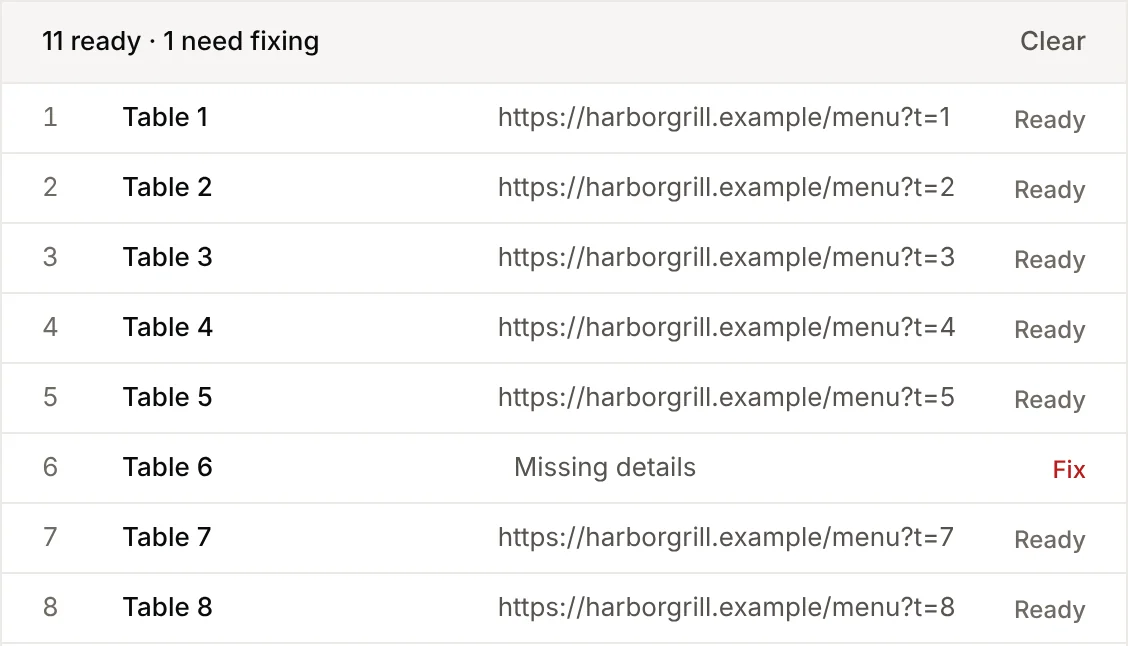
- One design, many codesBulk creation uses the same design for every row of a spreadsheet.
- EPS is plainEPS files have square modules only, with no frame or logo.
- Check light-on-darkInverted codes look good but some scanner apps can’t read them.
- No watermarkDownloads are clean on every plan, including Free.
FAQ
Questions people ask
Can’t find yours? A person answers every email within 2 working days.
Email usIs QR code design free?
Yes. Colours, shapes, frames, labels, logos and every download format are free on every plan, including Free.
Will a designed QR code still scan?
It will if it passes the scan check. The check looks at contrast, colour order, the margin, logo size and corner shapes, and shows “Scans reliably” when everything is fine. Test-scan a print before a big run.
What colours work best?
A dark code on a light background, with a contrast of at least 4:1. The check shows the ratio as you pick colours, and warns about light-on-dark codes because some scanner apps can’t read them.
How big can my logo be?
From 10% to 35% of the code. Keep it under about 25%: above that the check warns you. Codes with a logo use the highest error correction so they still scan.
How big should I print my code?
About a tenth of the scanning distance, and at least 2 cm wide: 3 cm for a table, 20 cm for a poster seen from 2 m. Codes with more content need to be a little bigger. The print size guide works it out for you.
Which file format should I download?
SVG for print and design tools, PDF for printing at the right size, PNG or JPG for documents, email and the web, and EPS for print shops that ask for it.
Can I change the design after printing?
The look of a printed code can’t change. With a dynamic code you can still change where it points, so the same design keeps working with a new link.
Can I use the same design for many codes?
Yes. Bulk creation applies one design to every code in a spreadsheet, on every paid plan.
Design a code that people want to scan
Pick your colours, shapes and frame, and check it scans.
Free QR codes. No watermark. No expiry.
Keep reading