

- Home
- QR code types
- URL QR code
URL QR code generator
Paste a web address and get a QR code that opens it. Use it for your homepage, a booking page, a form or any other link.
Definition
What is a URL QR code?
In shortA URL QR code holds a web address. A phone camera reads it and offers to open the page. It’s free as a static code, has no watermark and never expires.
The address is written into the pattern exactly as you typed it. A short address makes a simpler pattern with larger squares, which scans more easily at small sizes.
At a glance
- Price
- Free as a static code
- You enter
- A web address
- Opens
- The page, in the phone’s browser
- Code type
- Static, or dynamic on a paid plan
- Leaves our servers?
- A static code is made in your browser
How it works
Make one in four steps
Choose URL
Open the generator and pick the URL type.
Paste the address
Include
https://. Open the link once to check it goes where you expect.Style it
Colours, shapes, a frame and a logo. The preview checks that it still scans.
Download and print
PNG for screens; SVG, PDF or EPS for print. Add a frame so people know what the code does.
Where to use it
Where a link code helps
- Posters and flyersSend people to a booking, ticket or sign-up page.
- PackagingInstructions, a reorder page or a product video.
- Business cardsYour website or portfolio.
- Shop windowsOpening hours, a menu or an online shop when you’re closed.
Good to know
Things to know
- Static codes can’t be editedA static URL code keeps its content in the pattern. To change it, make a new code.
- Choose Dynamic to edit laterOn a paid plan you can save it as a dynamic code. A scan goes through a short link that redirects to your address. You can then change it after printing and see scan counts.
- Short addresses scan betterA long address with tracking tags makes a dense pattern. A dynamic code always holds only the short link.
- Print it large enoughAbout 2 cm wide for something held in the hand, larger for posters. The printing guide has sizes by distance.
FAQ
Questions people ask
Can’t find yours? A person answers every email within 2 working days.
Email usIs a URL QR code free?
Yes, as a static code: no watermark and no expiry. A free account includes 10 static codes a month; paid plans have no limit.
Can I change the link after printing?
Only on a dynamic code. A free account includes 3; paid plans include more. A static code would have to be made and printed again.
Does the code expire?
No. A static code works for as long as the page it points to exists.
Keep reading
Related
 Dynamic QR codesChange the link after printing and see who scans. Codes never get switched off.
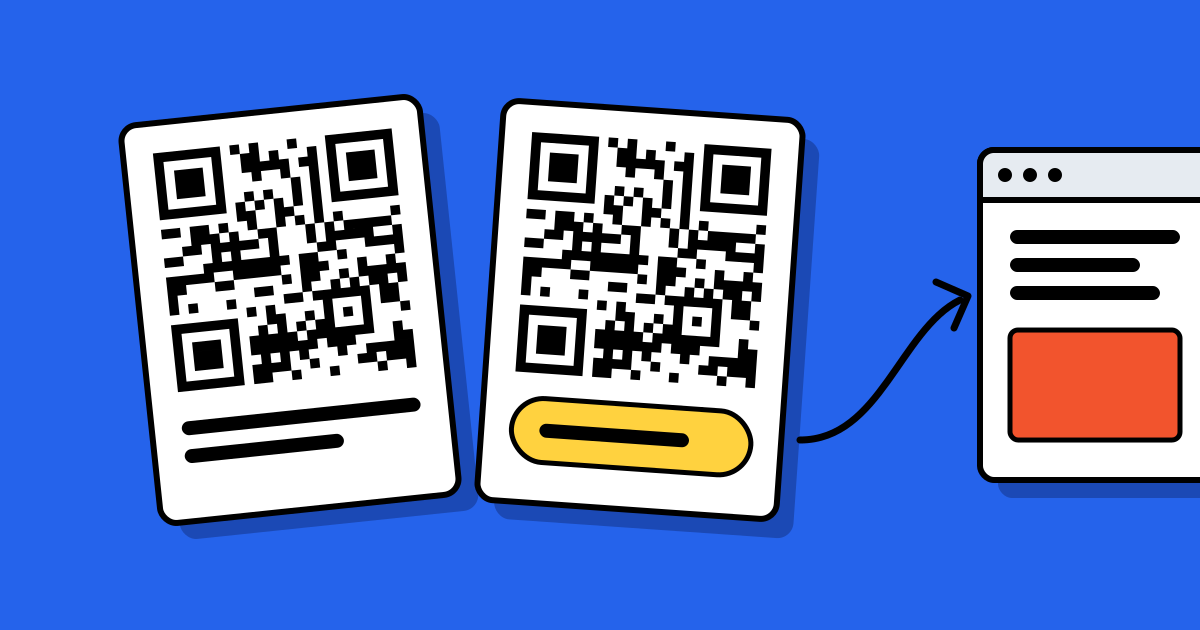 Static vs dynamic QR codesThe one decision to make before you print, explained with examples.
- QR code with logoYour logo in the middle, brand colours, and a live scan check.
 QR code typesAll 28 types: what each one does and which are free.