

Gallery labels that play the audio guide and outlast the exhibition
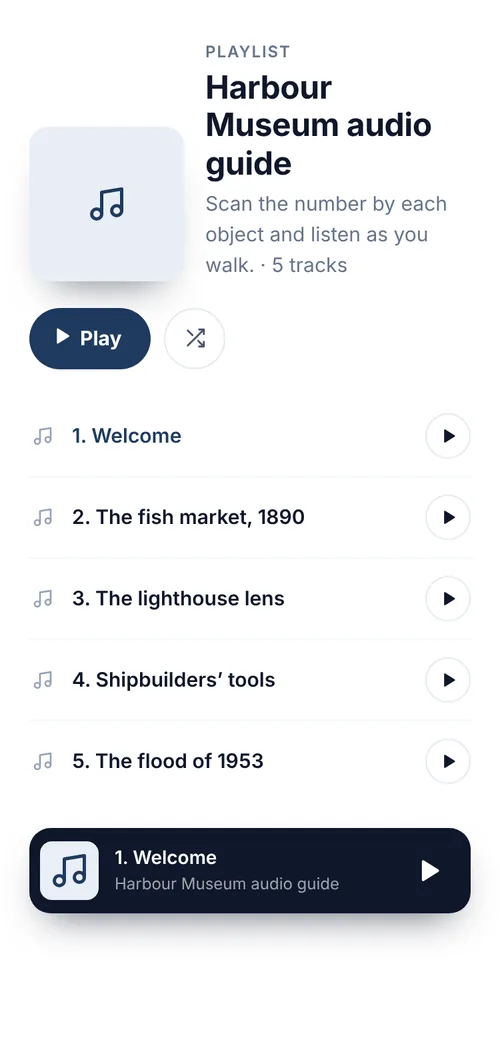
Audio guide handsets need charging, cleaning and handing back, and a new exhibition means new labels. A QR code on each object label plays the track on the visitor’s own phone, in their language. When the exhibition changes, you replace the audio, not the labels.
In short
What do museums and tourist sites use QR codes for?
In shortAn audio guide on the visitor’s own phone, object and site information in their language, maps and directions, tickets for talks and events, and a feedback form on the way out. Each is a page we host behind a dynamic code, so the label on the wall stays while what it opens changes with the exhibition.
If you cancel, the labels still open their audio pages, and redirects by phone language keep working, because the code points to a short link we run, not to your plan. Until you subscribe again, tracks and pages can’t be replaced and new event registrations stop. The pledge sets this out.
At a glance
- Audio guides
- An audio page with your tracks, replaceable after printing (any paid plan)
- Languages
- Page text in the visitor’s phone language: Lite 1 extra, Pro 5
- Maps and directions
- Free Google Maps codes; a page with hours and address
- Events
- Free registration with QR tickets and check-in (any paid plan)
- Feedback
- A short form with stars or smileys (any paid plan)
The workflow
From handsets to the visitor’s phone
Upload the tracks
One audio page for the tour, with a numbered track per stop, or one page per room.
Add languages
Titles and descriptions are translated for you. Record audio per language and give each its own page.
Label each stop
A small code with the stop number and “Scan to listen”, at the height people read labels.
Change the exhibition
Replace tracks and text in your account. The labels on the wall stay.
The codes
What each code does
- Audio guidesAn audio page with a player and your tracks. Visitors use their own headphones, and you can let them download a track or not.
- Labels in their languageObject stories, room guides and visitor information on a hosted page that opens in the phone’s language, from 32 languages. Multi-language pages.
- One code, the right audioOn Pro, a smart redirect sends each scan to the audio page in the phone’s language, so one label serves every tour.
- Maps and directionsA free Google Maps code on leaflets and signposts, or a business page with hours, address and directions.
- Talks and eventsRegistration for a late opening or a guided walk, with a set number of places, a waitlist and a QR ticket each. Free tickets only. Event tickets.
- Visitor feedbackA feedback page by the exit: up to five questions with stars, smileys or text.
Languages
What is translated, and what isn’t
On a hosted page, such as an audio, links, PDF or business page, you choose the main language and extra ones: 1 on Lite, 5 on Pro, 10 on Agency. The page’s text is translated automatically, you can correct any line, and the page opens in the language the visitor’s phone uses, with a switcher on the page. Arabic, Urdu, Persian and Hebrew are laid out right to left.
Recordings and PDF files aren’t translated. For an audio guide in three languages, record three sets of tracks, put each on its own audio page, and either print a code per language or, on Pro, use one code with a smart redirect by phone language.
Placement
Where each code goes
Galleries are often dim: test each code under the room’s own light, and avoid glossy labels under spotlights. More in where to put a QR code.
| Compared | What it opens | Print it at |
|---|---|---|
| Object labels | That stop’s track, or the object’s story in the visitor’s language | 1–1.2 in (2.5–3 cm) |
| Room entrances | The room’s audio and a room guide | 2 in (5 cm) |
| Entrance, leaflets and signposts | Maps, opening hours and event registration | 1.2–2 in (3–5 cm) |
| Exit and café | The feedback page and guest Wi-Fi | 1.5–2 in (4–5 cm) |
Plans
What it costs
Lite and Pro start with a 14-day free trial.
Free
- Google Maps codes
- A Wi-Fi code
- A Google or TripAdvisor review link, as a static code
- No watermark, no expiry
Lite, $9 a month or $72 a year
- 25 dynamic codes and scan counts per code
- Audio pages, 200 MB of storage
- 1 extra language per page
- Event registration for 100 people per event
- Pro ($24 a month) adds 250 codes, 500 MB, 5 languages and redirects by phone language
Good to know
Before you start
- Visitors need signalAudio streams from the page. If reception is poor in the building, offer guest Wi-Fi at the entrance.
- Free tickets onlyEvent registration doesn’t take payments. Link to your ticket shop for paid entry.
- Keep files smallCompressed audio starts sooner on mobile data and uses less storage.
- Number the stopsPrint the stop number next to the code, so it matches the track list.
FAQ
Questions people ask
Can’t find yours? A person answers every email within 2 working days.
Email usDo visitors need an app for the audio guide?
No. The phone’s camera opens the audio page in the browser, and the tracks play there.
Can the audio guide be in several languages?
Yes, but the recordings aren’t translated for you. Make an audio page per language; the page text is translated automatically. On Pro, one printed code can send each phone to its language.
Can I change the tracks for a new exhibition?
Yes. Replace the tracks on the audio page and the printed labels open the new ones on the next scan.
How much audio can I upload?
Files count towards your storage: 200 MB on Lite, 500 MB on Pro and 2,000 MB on Agency.
Can I see which objects people scan most?
If each stop has its own code, yes: scan counts per code, by day, time and device. With one code for the whole tour, you see the tour’s scans only.
Keep reading
Related
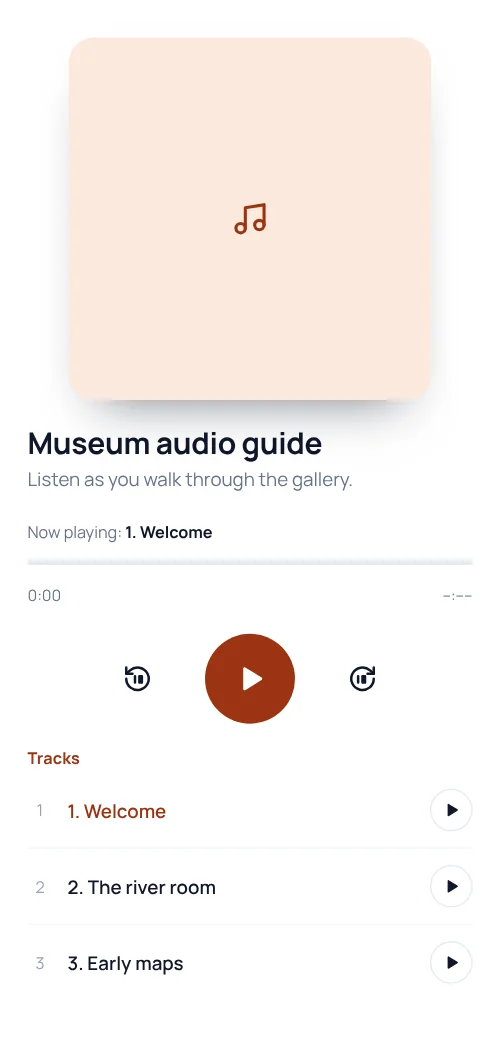 Audio QR codePlays an audio track.
 Multilingual QR codesPages in each visitor’s language.
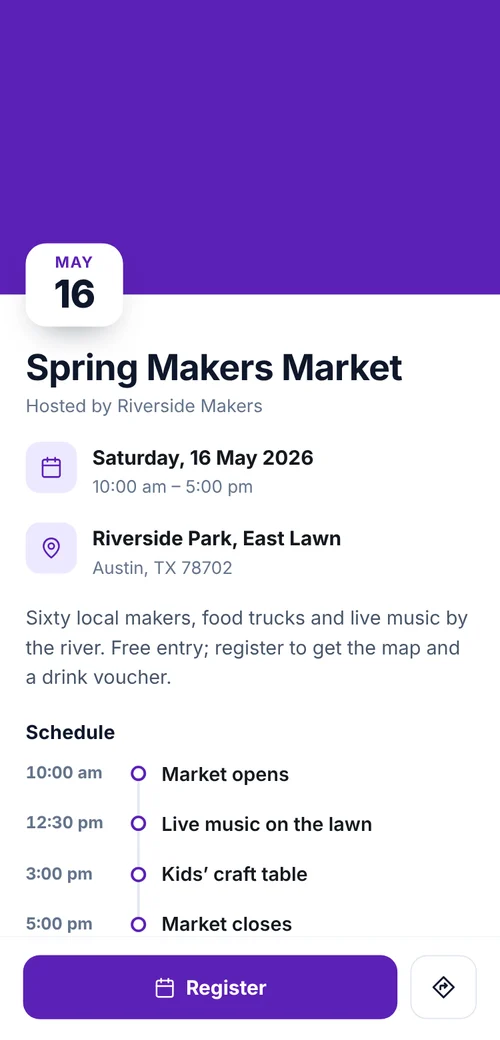 QR code event check-inFree registration and QR tickets.
- Google Maps QR codeOpens a place in Google Maps, ready for directions.
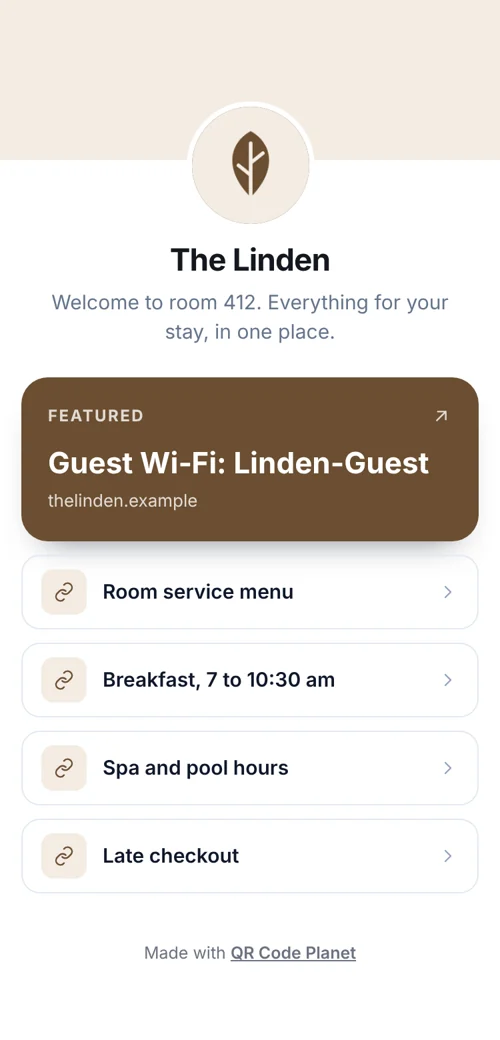 QR codes for hotelsRoom cards that stay right when breakfast hours change, in each guest’s language.