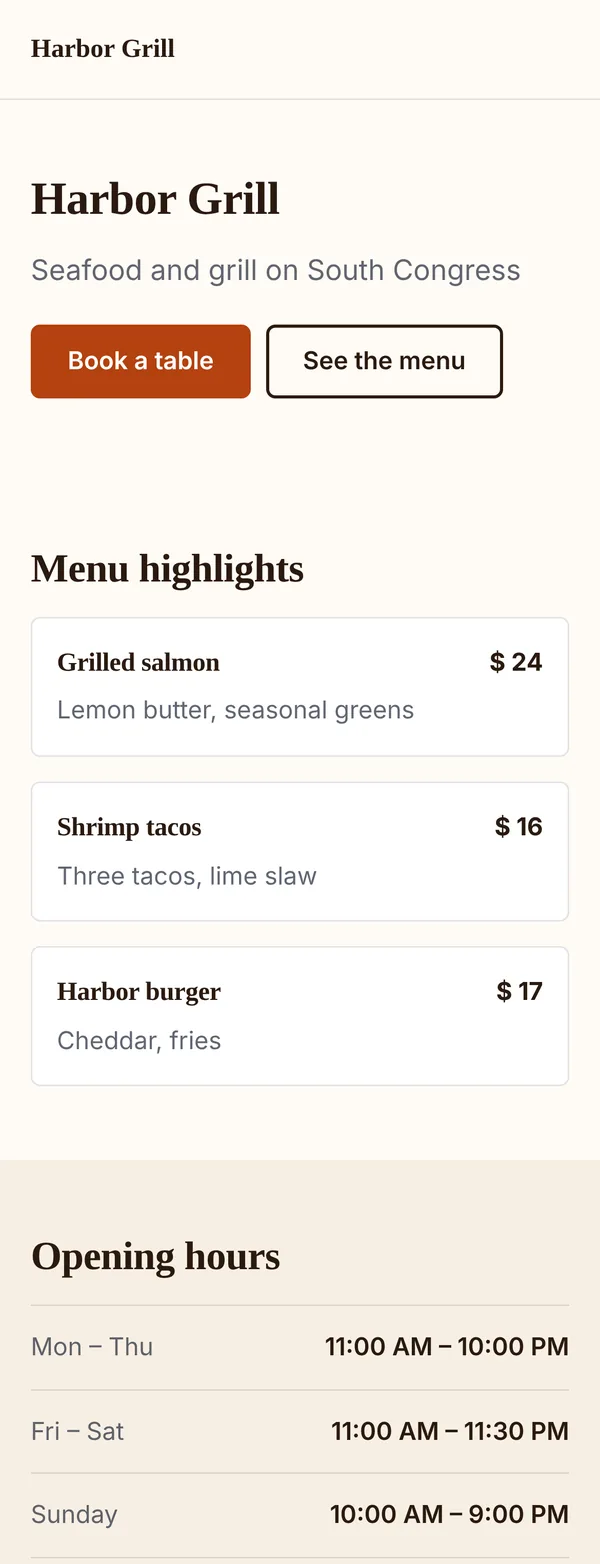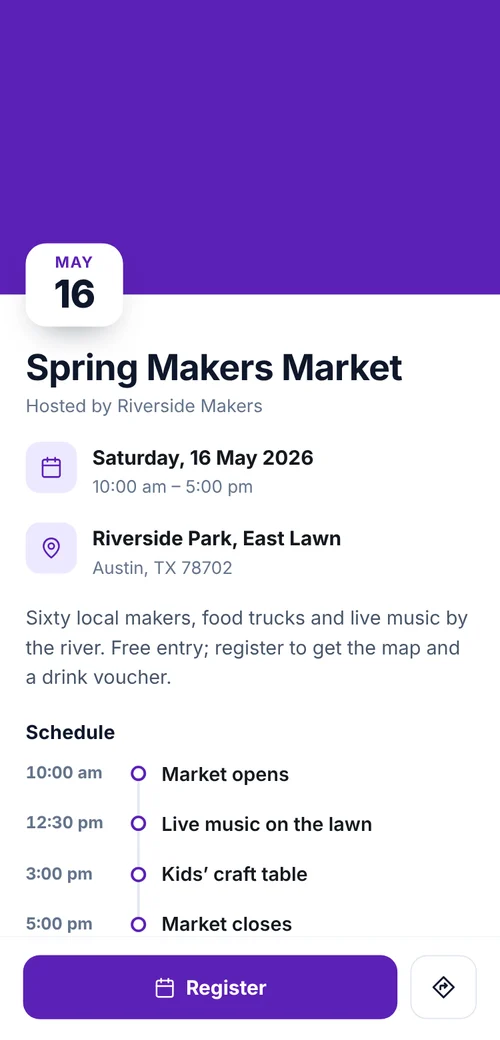

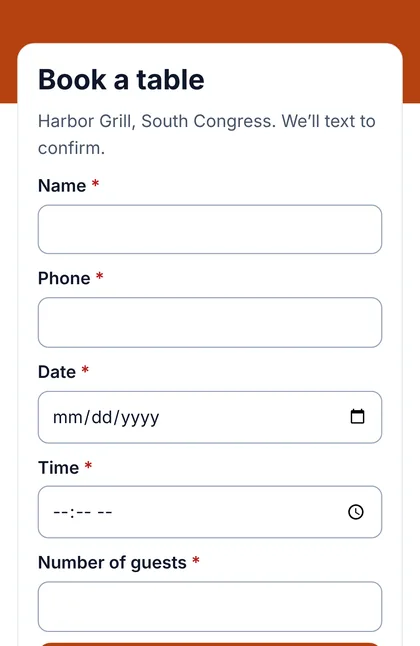
Restaurant reservations
- Where the code goesTable tents and menus
- What they sendDate, time and guests
Put a short form behind your code. Every reply lands in one Leads list, tagged with the code it came from.
Definition
In shortQR code lead generation uses a QR code to send people to a form where they leave their contact details, an inquiry, a registration or feedback. You manage the replies in one place and see which QR code or campaign generated each one.
At a glance
How it works
Pick one of 7 templates or start blank, then add the questions you need.
Make a code for the form, or point an existing dynamic code at it. Each code can belong to a campaign.
People scan, fill in the form on their phone and press send. No app or account needed.
Replies land in your Leads list with their source. Set a status, filter and export.
Form builder
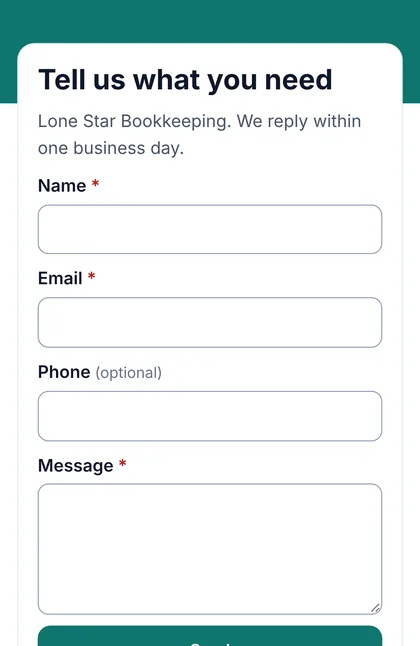
Each question has a type, a label, optional help text and a required switch. Move questions up or down, duplicate or delete them, and watch the live preview. Set the heading, button text, color and thank-you message, then publish. You can unpublish or edit at any time; printed codes keep working.
Templates
Templates open in the New form panel after you sign in; every question can be changed.
Leads
It’s a simple list for following up, not a full CRM.
Attribution
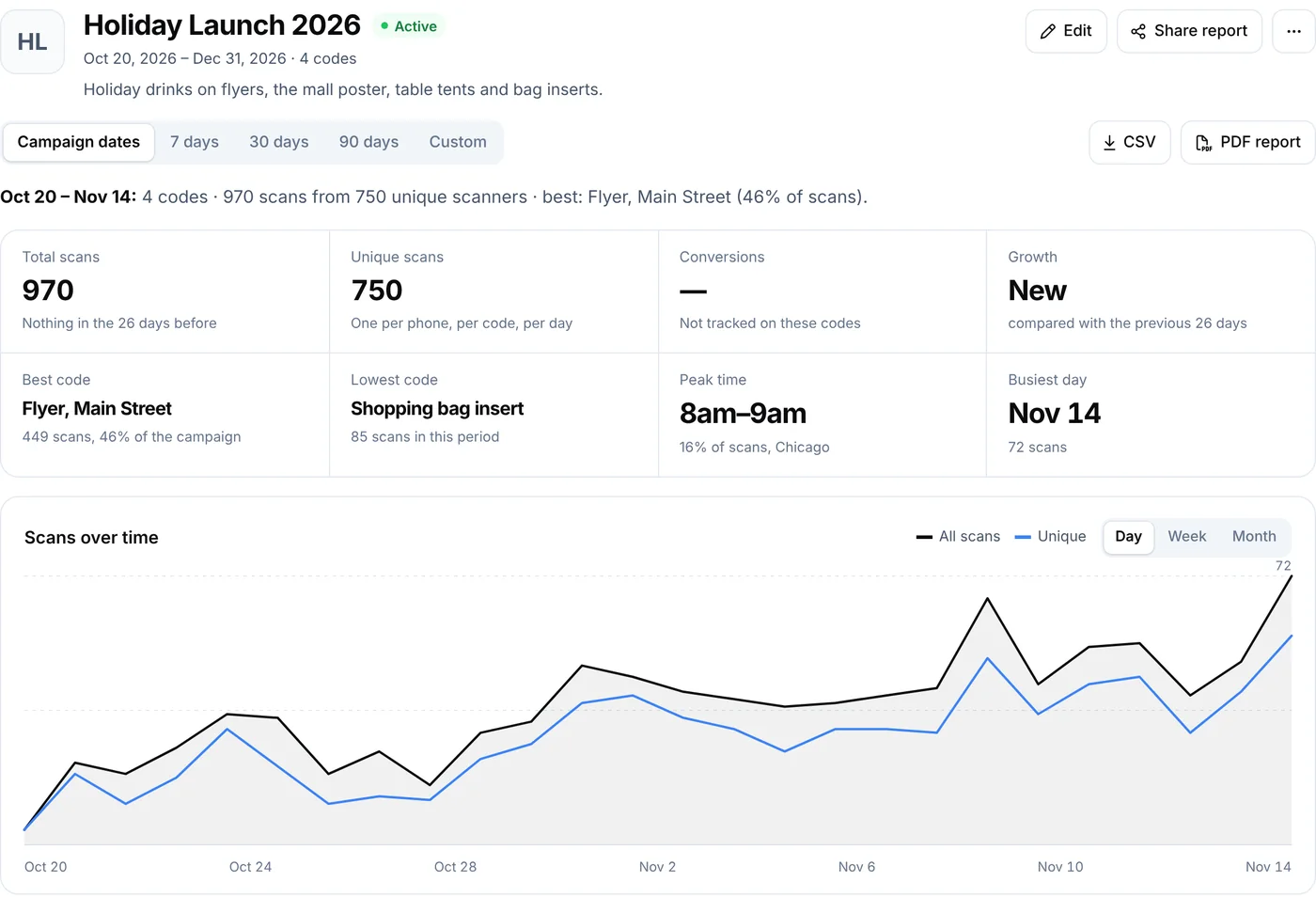
Each printed code is its own QR code, even when they all open the same form. A shop that puts one form behind three codes sees where every reply started:
| QR code | Campaign | What the lead shows |
|---|---|---|
| Store counter | Fall promotion | “QR code: Store counter” |
| Printed flyer | Fall promotion | “QR code: Printed flyer” |
| Product packaging | None | “QR code: Product packaging” |
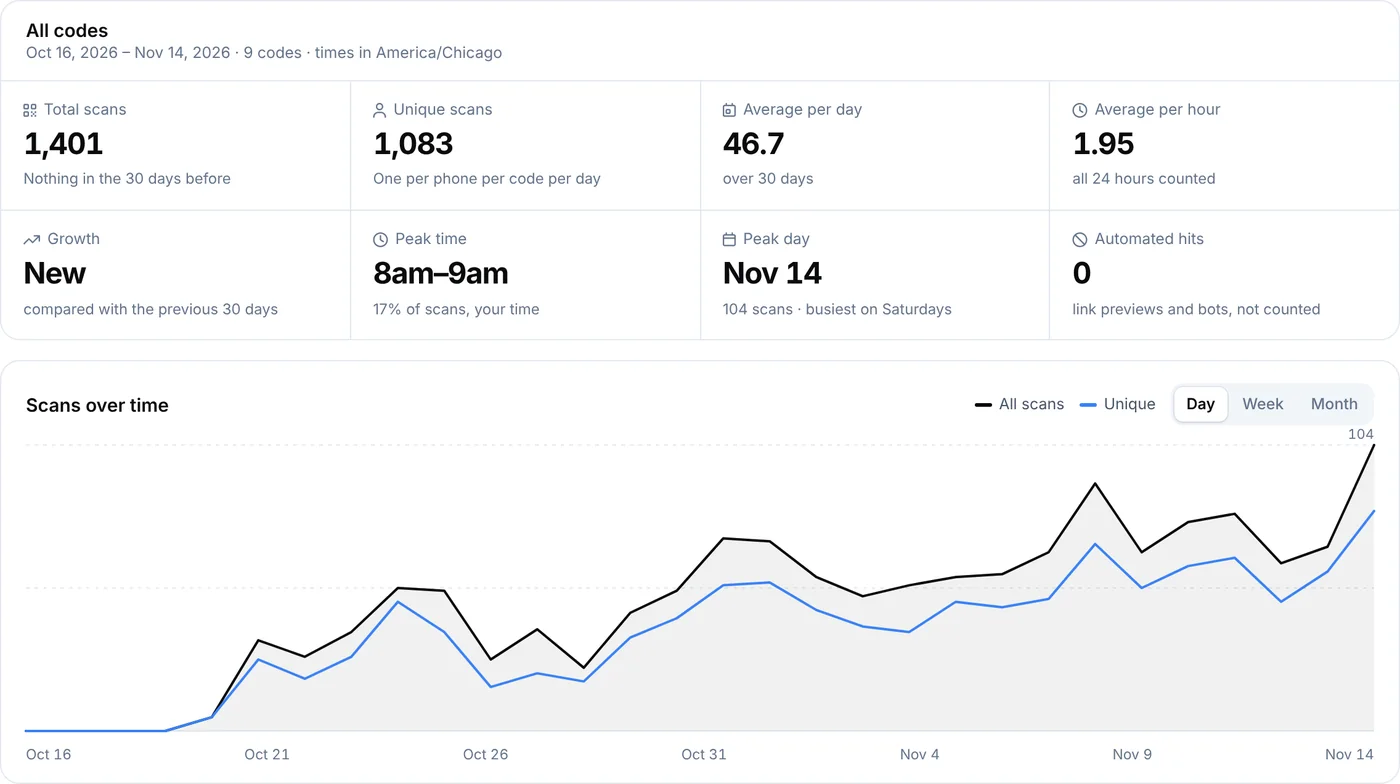
Each lead also records the device type and country of the connection. Nothing tracks people across sites or their exact location. To compare whole campaigns, see QR campaigns.
Use cases
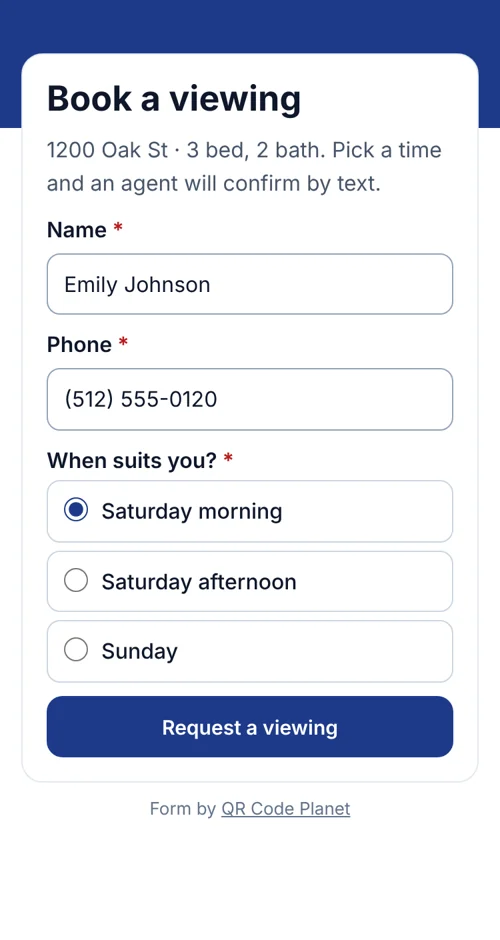
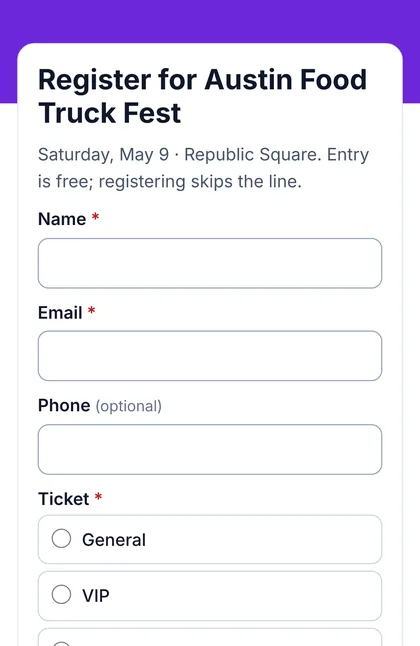
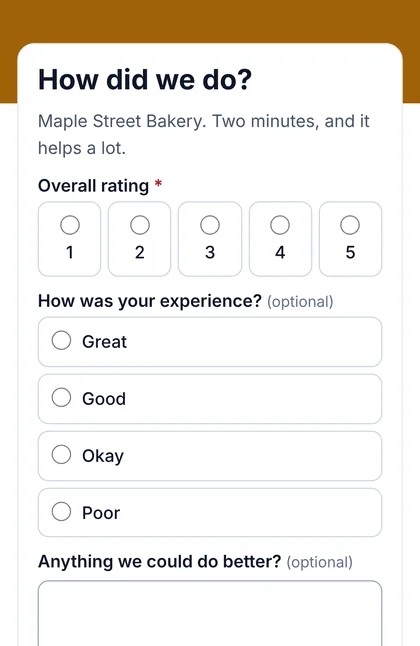
Example businesses, not customers. Every reply lands in your Leads list, tagged with the code that was scanned.
Spam protection
Every reply is checked on our server before it reaches you, with nothing to set up.
These checks stop most automated spam, not every unwanted message.
Plans
| Feature | Free | Lite | Pro | Agency |
|---|---|---|---|---|
| Lead forms and Leads list | Not included | Included | Included | Included |
| Active forms | Not included | 3 | 100 | 500 |
| Replies a month | Not included | 500 | 10,000 | 50,000 |
| File upload questions | Not included | Not included | Included | Included |
| Form inside a page builder page | Not included | Not included | Included | Included |
| Webhook to your own system | Not included | Not included | Not included | Included |
Lite fits one business with a few forms. Pro is for more forms, higher volume, file uploads and webhooks. Replies count across all your forms and reset on the 1st of each month. See prices
Limits
See our Privacy Policy and Terms.
FAQ
Can’t find yours? A person answers every email within 2 working days.
Email usUsing a QR code to open a short form where people leave their details, a question, a booking or feedback. You then manage the replies and see which code or campaign brought each one in.
Make a form from a template or a blank form, choose the questions and publish it. Then make a QR code for it on the form’s QR codes tab, or point a dynamic code you already have at it.
Short and long text, email, phone, number, dropdown, single choice, multiple choice, date, time, a 1–5 rating, a consent checkbox and, on Pro and Agency, file uploads. Up to 30 questions per form, each required or optional.
Into the Leads list in your account. Each lead shows the form, the QR code and the campaign it came from, and you can set its status, add notes, reply by email or phone, filter and export.
Yes. Every lead records the QR code that was scanned and that code’s campaign, if it has one. You can filter the Leads list by campaign and form.
Yes. Each form can email you, and anyone else you add, for every new lead, with or without the answers in the email.
Yes. Export all leads, one form, one status or the leads you select. The file includes the QR code, campaign, status and one column per question.
Yes, on Pro and Agency. The page builder’s form section places one of your lead forms inside the page.
Every reply is checked on our server: a hidden field that only bots fill in, a signed time stamp that rejects instant or replayed posts, a limit of 8 replies an hour from one connection, and identical replies within 10 minutes count once. No setup needed, though no check stops every unwanted message.
No. Forms collect replies, not payments.
Your forms stop taking replies until the 1st of the next month or until you change plan. Visitors see “This form isn’t taking replies right now. Please try again later,” and you get an email.
No. A form opens from a dynamic QR code, a short link we host, which is also how each lead knows which code it came from.
Your forms stop taking replies, and your existing leads stay in your account until you delete them or your retention setting removes them.
Pick a template, print the code, and replies come to you.
Keep reading