

QR code tickets and event check-in
Guests register on your event page and get a ticket with its own QR code. At the door, scan tickets with the QR Code Planet app, even without a connection, or tick people off the attendee list.
Definition
How does QR code event check-in work?
In shortEach registered guest gets a ticket page with a unique QR code. At the door you scan it with the QR Code Planet app: it shows the guest’s name and ticket type and checks them in, or tells you the ticket was already used, cancelled or is for another event.
Registration runs on an Event page, so the poster’s code opens the date, venue and details with a Register button.
At a glance
- Tickets
- Free tickets
- Attendees per event
- Lite 100, Pro 1,000, Agency 5,000
- Check-in
- App scanner or attendee list
- No signal
- Check-ins are kept and sent later
- Export
- Attendee list as CSV
How it works
From poster to door
Make an event page
Date, time, venue and details on an Event page.
Turn on registration
Set the places, when registration closes, ticket types, a phone field, up to 5 questions and a waitlist.
Guests get a ticket
Each one gets a ticket page with its own QR code, and an email with the link.
Check in at the door
Scan tickets with the app, or check people in from the attendee list. Team editors can help.
What you get
Built for the door
- Ticket typesGeneral, VIP or workshop places, each with its own limit.
- WaitlistWhen it’s full, people join the waitlist. If someone cancels, the next person gets the place and an email.
- Works offlineNo signal in the hall? Check-ins are kept on the phone and sent when the connection is back.
- Stops reused ticketsA ticket scanned twice shows as already checked in. Ticket codes can’t be guessed or edited.
- Attendee listSearch, check in or undo, and export the list as CSV.
- Your questionsUp to 5 extra questions, such as dietary needs or company.
Plans
What each plan includes
| Feature | Free | Lite | Pro | Agency |
|---|---|---|---|---|
| Registration and QR tickets | Not included | Included | Included | Included |
| Attendees per event | Not included | 100 | 1,000 | 5,000 |
| App scanner and offline check-in | Not included | Included | Included | Included |
| Waitlist and CSV export | Not included | Included | Included | Included |
No fee per ticket: registration is part of the plan. Lite is $9 a month and starts with a 7-day free trial.
Good to know
Good to know
- Free tickets onlyRegistration doesn’t take payment. For a paid event, link the event page to your ticket seller.
- One ticket per emailEach email address can hold one ticket per event.
- Guest details stay privateOnly your workspace sees attendee details. Tickets are deleted 18 months after they were made.
- Spam protectionThe registration form has bot checks built in.
Also new
More new features
Each works with the dynamic codes, pages and forms you already have.
- Retargeting pixelsShow ads to people who scanned
- IntegrationsGoogle Sheets, HubSpot, Zapier and Make
- A/B testingSplit scans between two or three pages
- Wallet passesCards, coupons and tickets in Apple and Google Wallet
- Multi-language pagesEach scanner reads the page in their language
- Table orderingOrders to the table and table bookings
- Loyalty cardsDigital stamp cards, no app to install
- Team business cardsOne design for everyone, managed in one place
- GS1 Digital LinkPackaging QR codes for Sunrise 2027
- SSO & activity logSAML sign-in and a log of every change
FAQ
Questions people ask
Can’t find yours? A person answers every email within 2 working days.
Email usDo I need a special scanner?
No. The QR Code Planet app on iPhone or Android scans tickets. You can also check people in from the attendee list in any browser.
What if the venue has no internet?
The app keeps check-ins on the phone and sends them as soon as the connection is back.
Can I sell tickets?
No, tickets are free. For a paid event, link the event page to your ticket seller.
How many people can register?
Up to 100 per event on Lite, 1,000 on Pro and 5,000 on Agency. You can set a lower limit, and a limit per ticket type.
What does the guest get?
A ticket page with their name, the event details and a QR code, and an email with the link.
Keep reading
Related
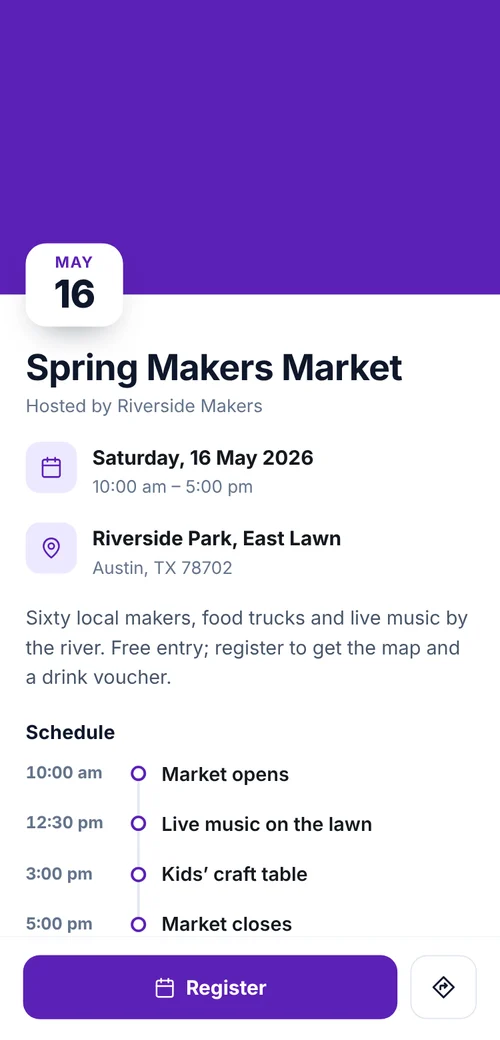 QR codes for event registrationRegistration from posters, a QR ticket for each guest, check-in from the app and a waitlist.
- Event QR codeDate, place and an add-to-calendar button.
 QR codes for eventsSchedules that change, Wi-Fi, room signs and feedback.
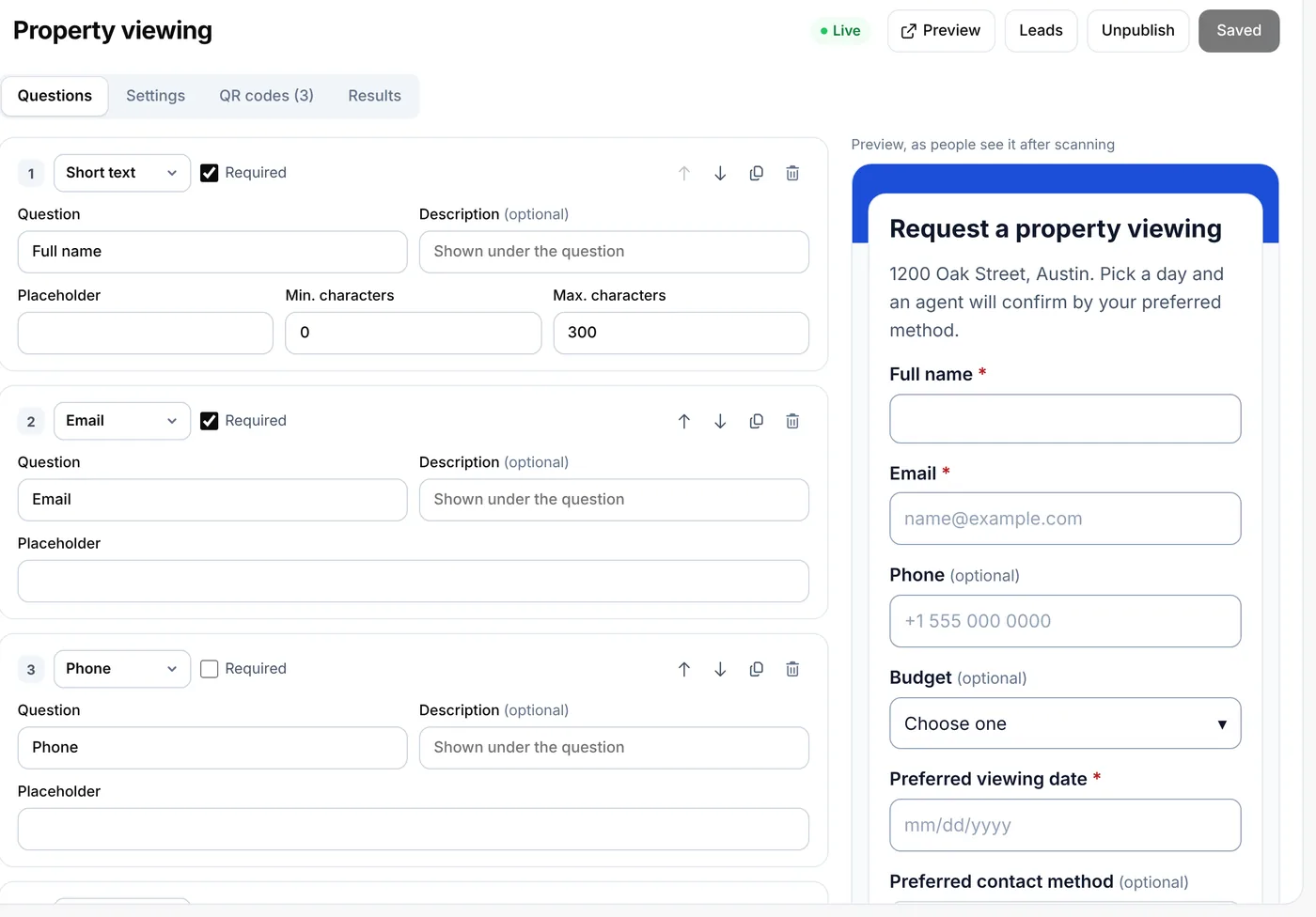 QR lead formsCollect bookings and inquiries from a scan