QR codes for hotels and guest houses
Guests ask the same questions every day: the Wi-Fi password, breakfast hours, how to get to the airport. One page and a few codes answer them in the room, so the front desk doesn’t have to.
In short
What a hotel uses QR codes for
In shortAnswering the questions guests ask every day. One guest page behind a code in each room covers Wi-Fi, breakfast, checkout and local tips; a free Wi-Fi code and a review code at checkout do the rest. Edit the page and every printed card updates.
At a glance
- Wi-Fi
- Free static code, joins in one scan
- Room information
- Hosted page, edit any time (any paid plan)
- Restaurant menu
- Menu page with prices
- Reviews
- Review link code at checkout
- Breakfast menu at 7 am
- Smart redirect by time of day (Pro)
The workflow
Set up a hotel in an afternoon
Build one guest page
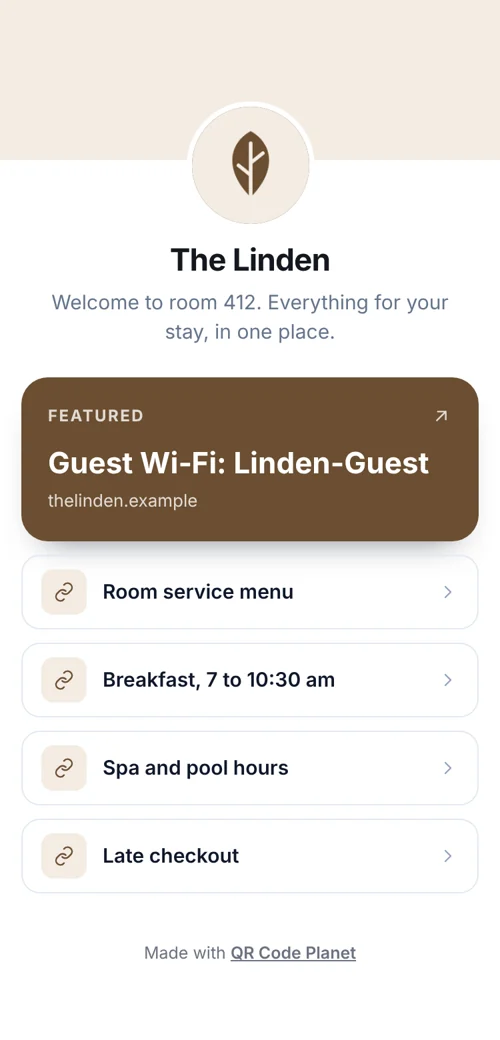
Start from the hotel template: Wi-Fi, breakfast and checkout times, house rules, local tips, a map and the front-desk number.
Print a code per room type
On the key-card sleeve or a card by the bed. It’s a dynamic code, so the page can change without reprinting.
Add a Wi-Fi code
Next to it. Guests join the guest network without typing the password.
Ask for a review at checkout
A code on the receipt or the lobby sign opens your review page.
The codes
Four codes cover most questions
Each one replaces a question the front desk answers every day.
- Guest pageHours, house rules, local tips and the front-desk number, built in the page builder.
- Guest Wi-FiA free Wi-Fi code. Guests join in one scan.
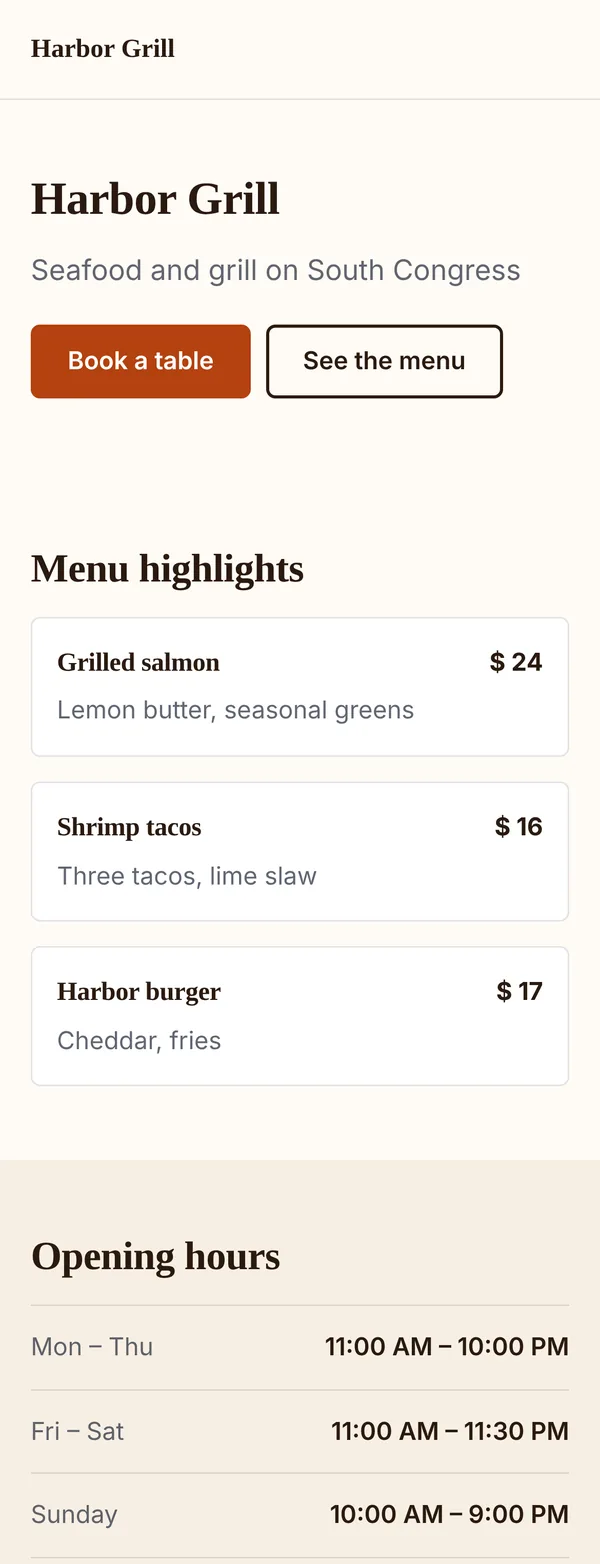
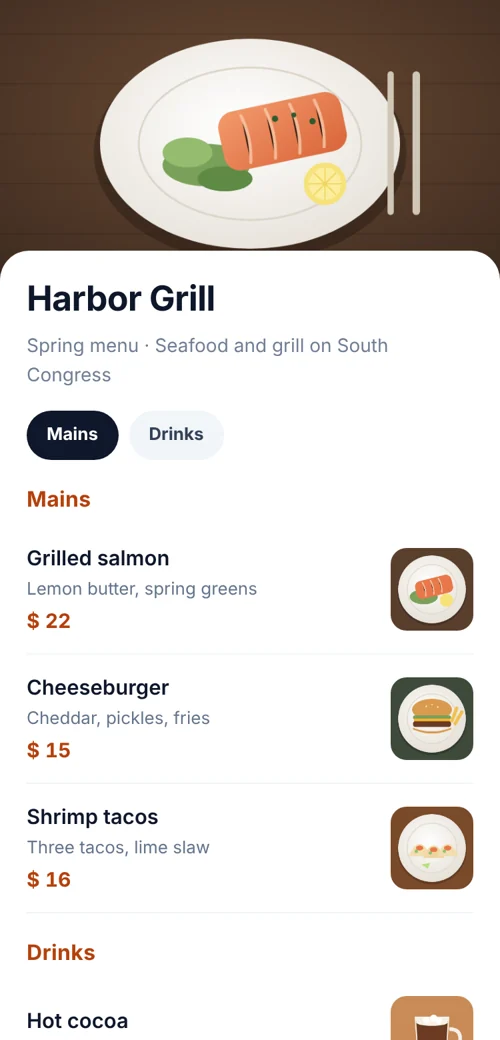
- Restaurant and room serviceA menu page with prices, so a price change doesn’t mean reprinting.
- ReviewsA Google review code at checkout, when guests are most likely to leave one.
Keep it current
Change the page, not the cards
When breakfast hours or the pool schedule change, edit the page and publish. Every printed card shows the new hours straight away.
On Pro, a smart redirect can open the breakfast menu in the morning and the dinner menu in the evening from the same printed code. Guests can also book a table from the page with a reservation form; bookings arrive in your Leads list with an email for each one.
Placement
Where each code goes
Cards read at arm’s length need a small code; signs read across the lobby need a bigger one. Use a matte finish, so lamps don’t cause glare.
| Compared | What it opens | Print it at |
|---|---|---|
| Key-card sleeve or bedside card | The guest page | About 1 in (2.5–3 cm) |
| Desk or TV unit | The Wi-Fi code | About 1 in (2.5–3 cm) |
| Restaurant tables and room-service menu | The menu page | 1–1.2 in (2.5–3 cm) |
| Reception and checkout receipt | The review code | 1 in on a receipt, 4 in (10 cm) on a sign |
| Lift and corridor signs | Shuttle times, spa offers or events, one code each | 4–8 in (10–20 cm) |
Plans
What it costs
Most guest houses and small hotels fit in Lite. Lite and Pro start with a 7-day free trial.
Free
- The Wi-Fi code
- The review code
- No watermark, no expiry
Lite, $9 a month or $72 a year
- The guest page, menu and room-type codes (up to 25 dynamic codes and 5 pages)
- Scan counts for every code
- Pro ($24 a month) adds time-of-day redirects, team seats and your own domain
Good to know
Mistakes to avoid
- The main network’s passwordPut guests on a separate guest network, and change the code when you change its password.
- Glossy laminate under lampsBright bedside lamps cause glare. Use a matte finish.
- Tiny bedside codesUnder about 1 inch (2.5 cm), older phones struggle in dim rooms.
- A page that covers everythingKeep the first screen to Wi-Fi, breakfast, checkout and the front-desk number.
FAQ
Questions people ask
Can’t find yours? A person answers every email within 2 working days.
Email usIs the Wi-Fi password visible to anyone?
The password is inside the code, like on a printed card. Use a separate guest network, and change the code when you change the password.
Can I update the room page without reprinting?
Yes. The page is hosted and the code is dynamic, so edits appear as soon as you publish.
Can guests book the restaurant from the page?
Yes. Add a reservation form; bookings arrive in your Leads list with an email for each one.
Keep reading