

- Home
- QR code with logo
Make a QR code with your logo
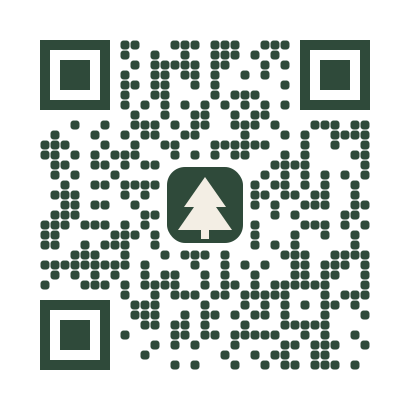
Put your logo in the centre of the code, match your brand colours and add a frame with a call to action. A live check tells you if the design still scans before you download.
Definition
Can a QR code have a logo?
In shortYes. A QR code carries spare data called error correction, so a small logo in the middle can cover part of the pattern and the code still scans. Adding a logo is free on every code.
At the highest level, about 30% of the pattern can be covered or damaged and the code still reads. A logo uses part of that spare capacity, which is why logos have a size limit: cover too much and there isn’t enough left to rebuild the content.
At a glance
- Price
- Free, on every code
- Files
- PNG or SVG
- Best logo
- Square, transparent background
- Shapes
- Square, rounded or circle
- Error correction
- Raised to High with a logo
- Check
- Scan check on every change
How it works
Add your logo in four steps
Make your code
In the generator: a link, Wi-Fi, vCard or any other type.
Open Logo
In the Style step, upload a PNG or SVG. A square logo with a transparent background looks best.
Adjust size and shape
Keep the logo small enough that the scan check stays green.
Colours, frame, download
Pick colours and a frame, then download SVG or PDF for print, or PNG for screens.
Design rules
Rules that keep it scannable
- Dark on lightPhones expect dark modules on a light background. Light-on-dark codes fail on many older phones.
- Enough contrastNavy on white is fine; mid-grey on light grey isn’t.
- Keep the corners clearThe three large squares are how phones find the code. Don’t cover them.
- Leave a quiet zoneKeep the empty margin around the code, so the camera can tell where it starts.
- Test on two phonesOne iPhone and one Android, before a big print run.
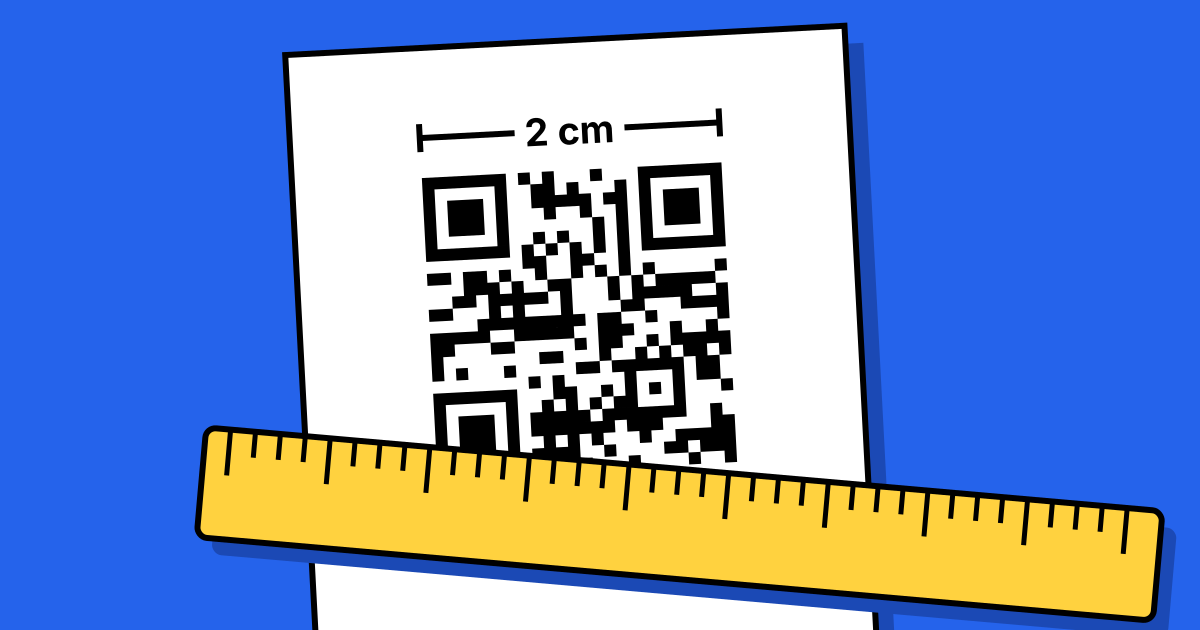
- Print big enoughSmall codes leave less room for a logo. See the printing guide.
Static or dynamic?
Which code is better with a logo
Both can carry a logo. A dynamic code holds only a short link, so its pattern is simpler and has more room for a logo at small sizes.
If you’re printing small, such as on a business card, a dynamic code usually scans more reliably with a logo than a static code holding a long URL.
FAQ
Questions people ask
Can’t find yours? A person answers every email within 2 working days.
Email usIs adding a logo free?
Yes, on every code, static or dynamic.
What file should I upload?
A square PNG with a transparent background, or an SVG. Keep it simple; fine detail disappears at small sizes.
My code with a logo won’t scan. What now?
Make the logo smaller, increase contrast, or shorten the content. A dynamic code has a simpler pattern and handles logos better.
Keep reading
Related
 QR code printing and size guideSizes for every distance, plus the checks before you print.
 Free QR code generatorStatic codes for links, Wi-Fi and more. No watermark, no expiry.
 QR code typesAll 28 types: what each one does and which are free.
 QR codes for business cardsWhich code, how big, and how to do a whole team at once.