QR codes on product packaging
Packaging is printed in the thousands and sits in homes for years. A dynamic code on the box can open today’s manual, a setup video or a reorder page, and it can change when the product does.
In short
What a QR code on a box should open
In shortThe manual, a setup video or a reorder page, and something different later if the product changes. Use a dynamic code, one per product or batch, so you can change it after the boxes are printed.
At a glance
- Manual or guide
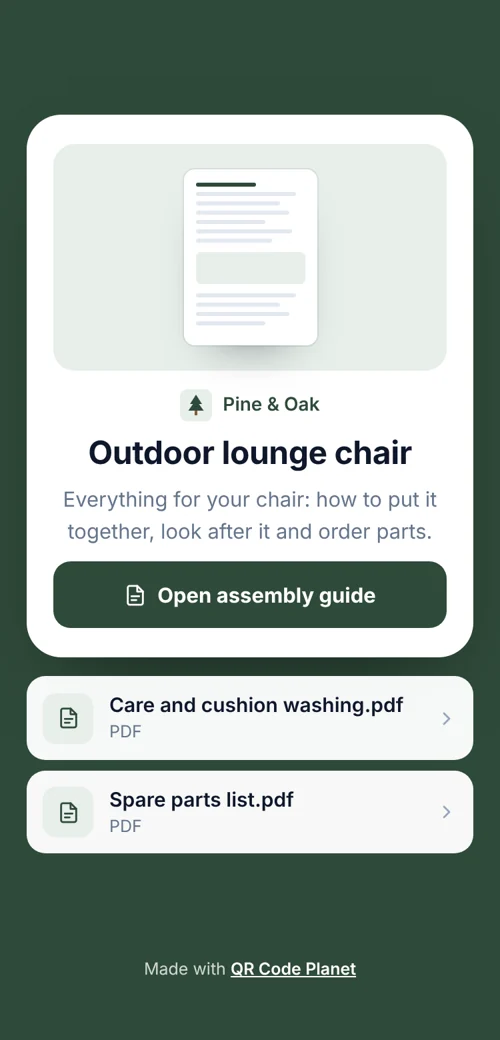
- PDF code, replace the file any time
- Setup video
- Video code
- Reorder or register
- Link to your shop or a form
- Per-product counts
- One code per product or batch
- Small labels
- Print-size guide in the generator
The workflow
A code that changes when the product does
One code per product
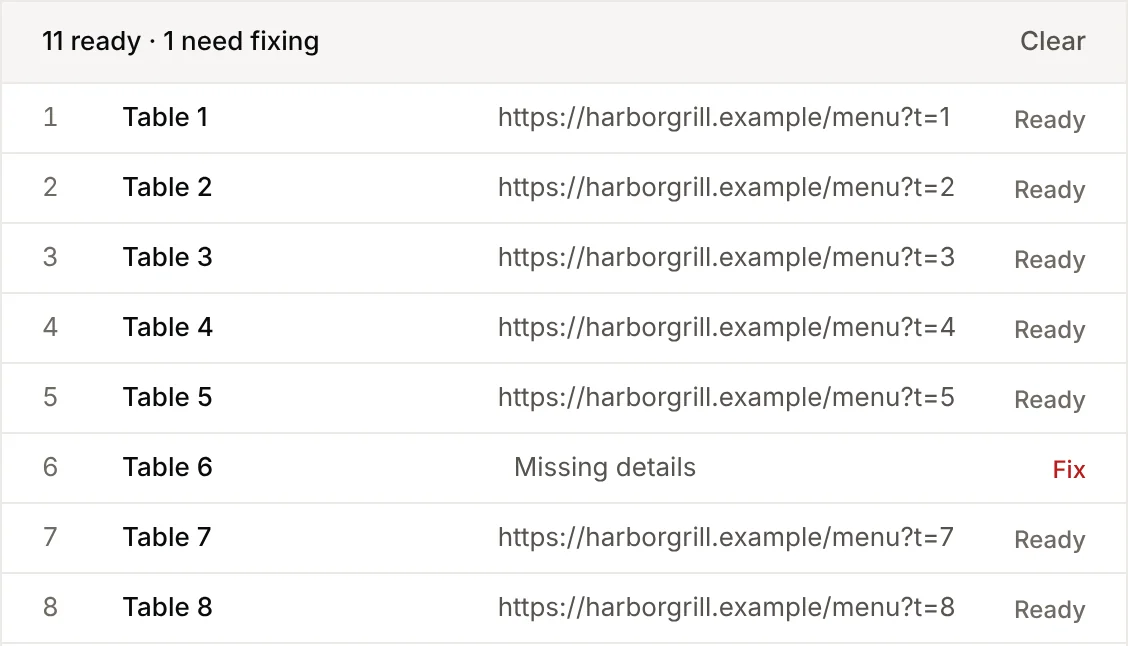
Or per batch, to track shipments separately. Bulk creation does it from a spreadsheet of SKUs.
Point it at the manual
Upload a PDF, or link to a setup video.
Check the print size
Tell the generator how far the box is held and it gives the size. Keep a clear margin.
Change it later
A new manual, a recall notice or a reorder page, without touching boxes already sold.
The codes
Good uses on a box
Packaging sits in homes for years. These keep it useful.
Planning
Codes for a product line
- One code per productSuits most brands: it opens the right manual and shows which products get scanned.
- One code per batchWhen something goes wrong, point a single batch at a notice without touching the rest.
- One campaign per launchWith shared UTM tags, so web analytics shows which product brought the visit. See campaigns.
Placement
Where each code goes
Keep the code dark on a light background, on a flat face, away from folds and seams. Test a printed sample with two or three phones before the full run.
| Compared | What it opens | Print it at |
|---|---|---|
| Box side or lid | The manual or setup video | At least 0.8 in (2 cm) |
| Product label | Ingredients, care or safety details | 0.6–0.8 in (1.5–2 cm) |
| Insert card | Warranty registration | 1 in (2.5 cm) |
| The product itself | Parts and reorder page | 0.6 in (1.5 cm), on a flat surface |
| Shipping box | A thank-you page or review | 1.2–2 in (3–5 cm) |
Plans
What it costs
If you stop paying, codes on boxes already sold keep opening their last link. You just can’t change it until you resubscribe.
Lite, $9 a month or $72 a year
- 25 dynamic codes, enough for a small range
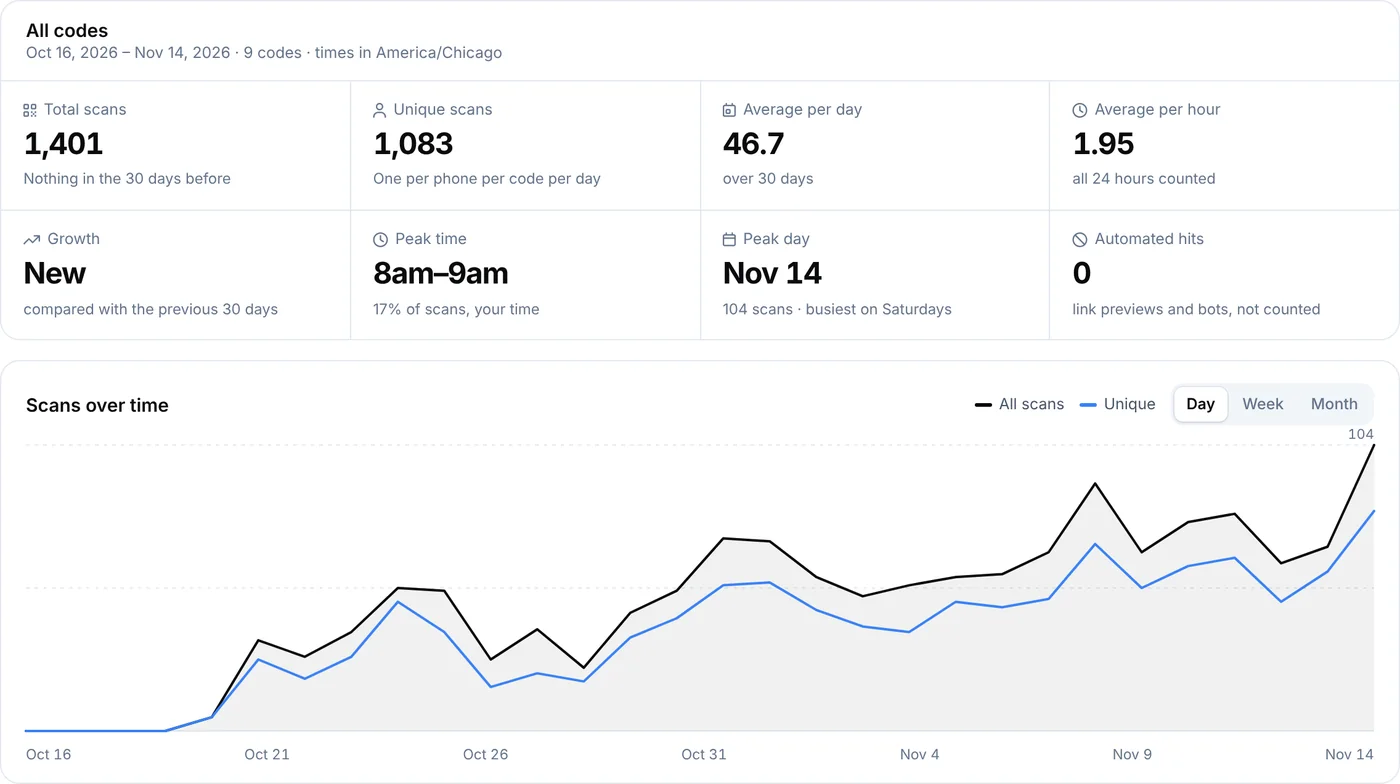
- Scan counts by product and country
- PDF and video codes you can replace
Pro and Agency
- Pro ($24 a month): 250 dynamic codes and team seats
- Agency ($75 a month): 2,000 codes
- An API to create codes from your own product system
Good to know
Mistakes to avoid
- Linking to a file that may moveA shared-drive file or shop page can change address. Use a dynamic code.
- Printing over a fold or curvePut the code on a flat face, away from seams.
- Pale brand coloursThey look good and scan badly. Test a printed sample first.
- A bare codeA line such as “Scan for the setup video” tells people why to scan.
FAQ
Questions people ask
Can’t find yours? A person answers every email within 2 working days.
Email usWhat if the manual changes after printing?
Upload the new file or change the link. Every box already on shelves opens the new version.
Will the code still work in five years?
Yes. If your plan ends, a dynamic code keeps pointing to its last link instead of being switched off.
Can I see which products get scanned?
Yes. Give each product its own code and compare them on the Analytics page or in a campaign.
Keep reading