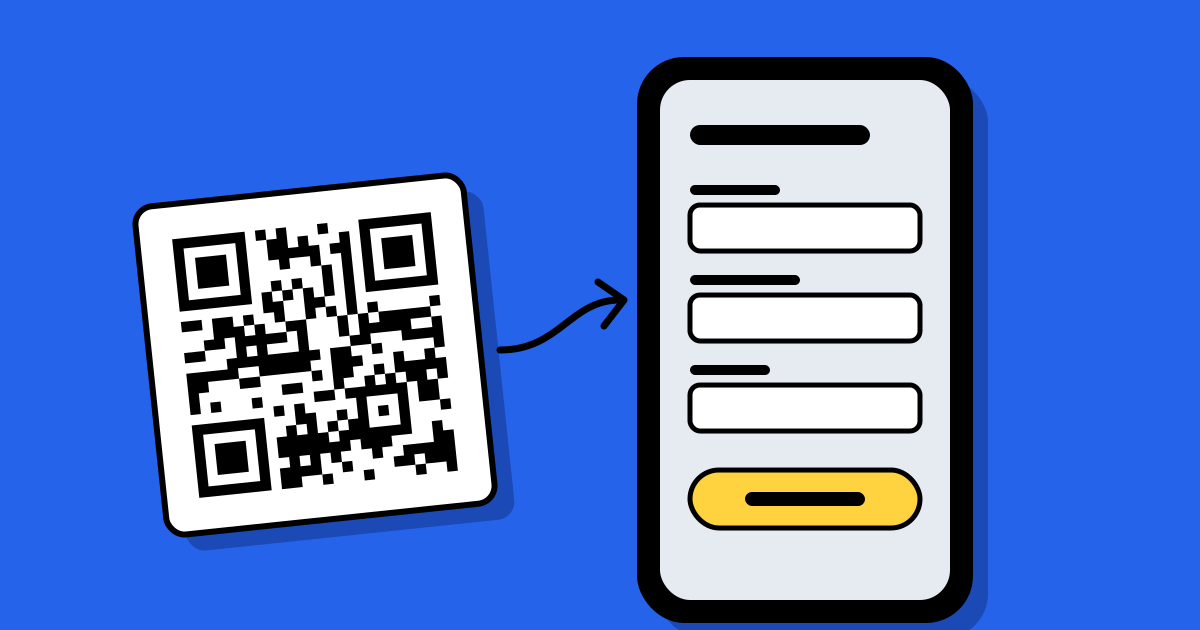
Short answerCreate a short form that asks only for what you need, publish it, and give each placement its own QR code that opens the form. People scan, fill it in on their phone and press send; each reply arrives in your Leads list tagged with the code that was scanned.
1. Decide what a lead is
Write down what you’ll do with each reply before you write the form. A real estate agent needs a phone number and a budget. A café taking bookings needs a date, a time and the number of guests. A newsletter needs an email and consent. Everything else is optional, or left out.
2. Keep the form short
People fill this in standing up, on a phone, often with one hand. Every question costs replies.
- Three to five questions is plenty for a first contact. You can ask the rest when you follow up.
- Use the right field types: an email field brings up the email keyboard, a phone field the number pad, a dropdown or choice saves typing.
- Make only the essentials required.
- Write a button that says what happens: “Book my table” rather than “Submit”.
Templates for business inquiries, real estate, restaurant reservations, event registration, customer feedback, product inquiries and newsletter sign-ups are a quick starting point; every question can be changed.
3. Give each spot its own code
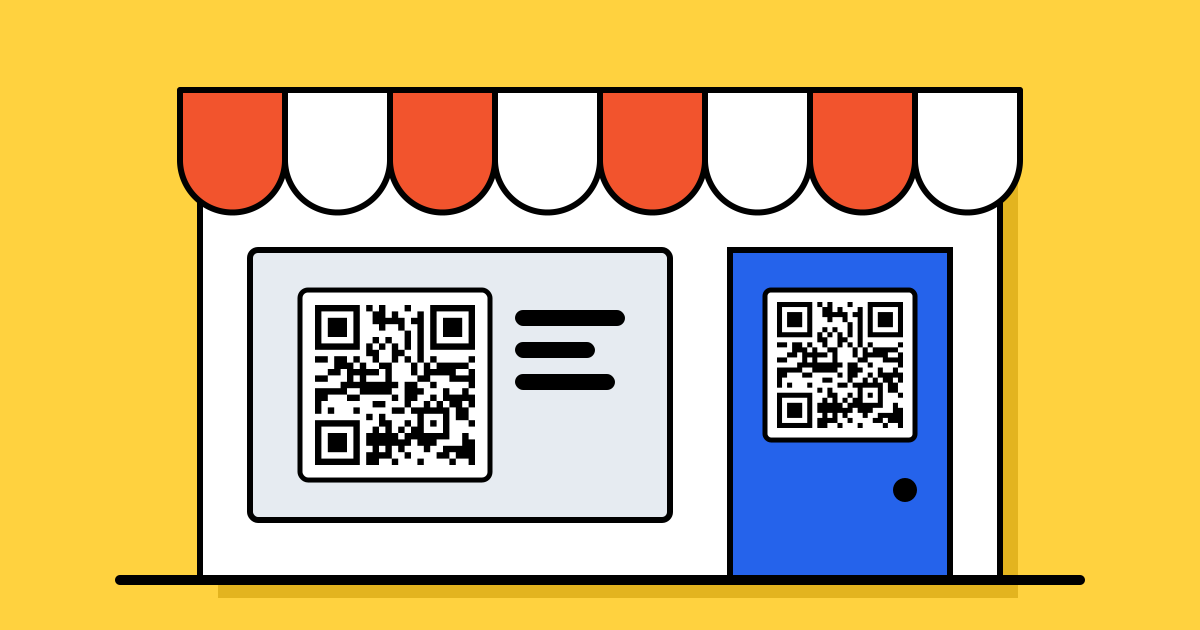
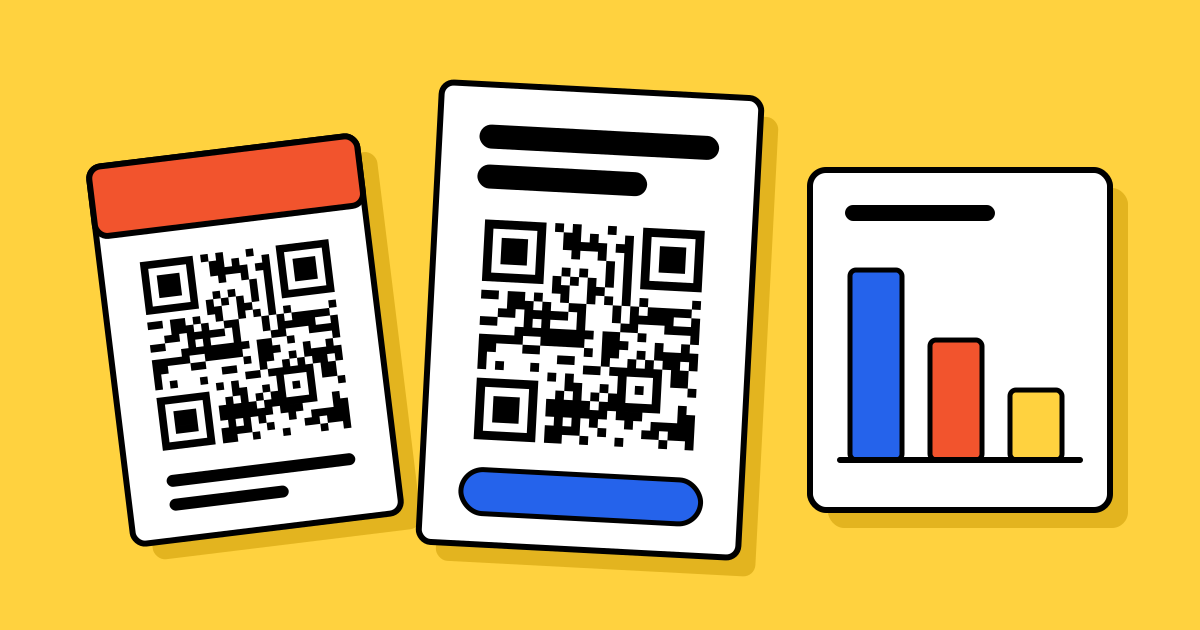
One form can sit behind several QR codes. Make one for the counter, one for the flyer and one for the packaging, and every lead shows which code it came from. After a few weeks you know which spot is worth the space. Codes for forms are dynamic, so you can edit the form after printing.
4. Ask for consent properly
If you’ll send marketing emails, add a consent question that people tick themselves, say how you’ll use their details, and link your privacy policy under the form. Ask only for what you need, and limit who in your team can see leads.
5. Follow up the same day
- Turn on email alerts so you hear about each new lead straight away.
- Set a status as you go: New, Contacted, Qualified, Converted or Rejected.
- Add notes after each call, and export to CSV when you need the list somewhere else.
A lead who scanned this morning remembers you this afternoon. Next week they may not.
Where lead codes work best
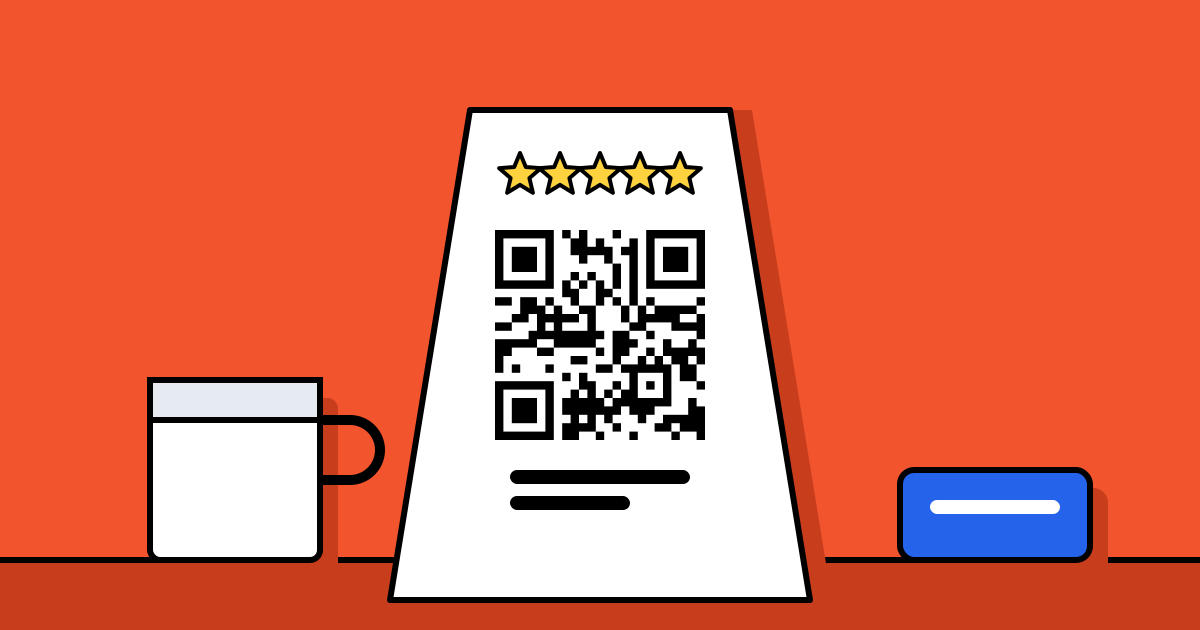
- Shop counters and receipts: feedback, loyalty sign-ups, “tell me when it’s back in stock”.
- Property boards and brochures: viewing requests outside office hours.
- Event posters and badges: registrations and session feedback. See QR codes for events.
- Restaurant tables: reservations for next time.
FAQ
Questions people ask
Can’t find yours? A person answers every email within 2 working days.
Email usDo people need an app to fill in the form?
No. The phone camera opens the form in the browser. There’s no app and no account for the person scanning.
Can I see which QR code a lead came from?
Yes. Each lead records the code that was scanned and that code’s campaign, if it has one.
What about spam?
Every reply is checked on the server before it reaches you: a hidden trap field, a signed time stamp, a rate limit per connection and duplicate merging. That stops most automated spam, though not every unwanted message.
Which plans include lead forms?
Lead forms are part of the paid plans, with a monthly reply limit. See pricing for each plan’s limits.