

Manage your QR codes from your AI assistant
Add one address to Claude, ChatGPT, Cursor or VS Code, sign in, and ask: “Which code got the most scans this week?” or “Point the spring menu code to the summer menu.”
Which code got the most scans this week?
list_codes3 codes
- Spring menu412
- Window poster187
- Table tents96
Point the spring menu to the summer menu.
Change where “Spring menu” goes?Every printed copy will openexample.com/summer-menu
Definition
What does the QR Code Planet MCP server do?
In shortIt lets an AI assistant work with the QR codes in your workspace. MCP (Model Context Protocol) is the standard way assistants like Claude, ChatGPT, Cursor and VS Code connect to other services. You add our address once, sign in on qrcodeplanet.com, pick a workspace and tick what the assistant may do.
The assistant works with the same rules as the website: your plan’s limits, your role in the workspace, folder access and your brand kit.
At a glance
- Plans
- Every plan can connect and read
- Address
https://qrcodeplanet.com/api/mcp- In Claude
- Listed in the connectors directory
- Sign-in
- OAuth with PKCE, workspace picker
- Changes
- Follow your plan and role
- Disconnect
- Settings → Connected apps
How it works
Connect in four steps
Copy the address
It’s in the set-up section below, and in Settings → Connected apps.
Add it to your assistant
As a connector or MCP server. In Claude, find QR Code Planet in the connectors directory.
Sign in and choose
Sign in on qrcodeplanet.com, pick the workspace and tick what the assistant may do. Reading leads is off unless you tick it.
Ask
Find codes, check scans, make codes, change links. It asks before changing a printed code.
Set-up
Set it up in Claude, ChatGPT, Cursor and VS Code
https://qrcodeplanet.com/api/mcp Claude
- Open Settings → Connectors in claude.ai or the Claude desktop app.
- Choose Browse connectors and search for QR Code Planet. It’s listed in Claude’s directory.
- Choose Connect, sign in on qrcodeplanet.com and pick your workspace.
You can also add it by hand: Add custom connector, then paste the server address.
Claude Code
- Run this in your terminal:
claude mcp add --transport http qrcodeplanet https://qrcodeplanet.com/api/mcp- Type
/mcpin Claude Code and sign in.
 ChatGPT
- In Settings → Apps & Connectors → Advanced settings, turn on developer mode.
- Create a connector with the server address and OAuth as the sign-in.
- Sign in on qrcodeplanet.com and pick your workspace.
Which ChatGPT plans offer developer mode is up to OpenAI.
 Cursor
- Open Settings → MCP → Add new MCP server, or add this to
~/.cursor/mcp.json:
{
  "mcpServers": {
    "qrcodeplanet": { "url": "https://qrcodeplanet.com/api/mcp" }
  }
}- Choose Connect next to QR Code Planet and sign in.
 VS Code
- Add this to
.vscode/mcp.json, or run MCP: Add Server:
{
  "servers": {
    "qrcodeplanet": { "type": "http", "url": "https://qrcodeplanet.com/api/mcp" }
  }
}- Start the server in Copilot agent mode and sign in.
Other
- Connect to the server address over Streamable HTTP. Clients register themselves with OAuth.
- On Pro and Agency, an API key also works as the sign-in:
Authorization: Bearer qcp_live_…Tools
What your assistant can do
11 tools. Reading is on every plan; making and changing codes follow your plan and your role.
Find and read codes
ReadsSearch by name, link or short link, filter by folder, status or campaign, and see where each code goes.
list_codesget_codeReport on scans
ReadsScans by day for any code or campaign; by country and device on paid plans, for up to a year.
get_codelist_campaignsget_campaign_reportMake codes
MakesStatic codes on every plan (Free: 10 a month) and dynamic link codes within your plan, in a folder or campaign.
create_static_codecreate_dynamic_link_codeChange and pause
ChangesChange where a dynamic code goes, pause it or turn it back on. These reach every printed copy, so the assistant asks you first.
update_code_destinationpause_coderesume_codeRecent leads
ReadsOwners and admins can let it read form replies. Off unless ticked, marked as personal data, and every read is logged.
list_recent_leadsPlan and usage
ReadsHow many codes, campaigns and leads you’ve used, and what this connection may do.
get_usage
Plans
What each plan includes
| Feature | Free | Lite | Pro | Agency |
|---|---|---|---|---|
| Connect and read codes | Included | Included | Included | Included |
| Make static codes | 10 a month | Included | Included | Included |
| Make dynamic codes | 3 in total | 25 | 250 | 2,000 |
| Scans by country and device, 1 year | 30 days, by day | Included | Included | Included |
| Campaign reports | Not included | Included | Included | Included |
| Read leads (owners and admins) | Not included | Included | Included | Included |
| API key as the sign-in | Not included | Not included | Not included | Included |
Lite is $9 a month and Pro $24 a month; both start with a 14-day free trial.
Good to know
Good to know
- Your password stays hereYou sign in on qrcodeplanet.com. Assistants get short-lived tokens for one workspace, never your password.
- Your role appliesViewers can read but not change anything. Folder limits, what each member may make and the locked brand template apply as on the website.
- Logged and limitedChanges show in the activity log as “AI assistant”. Up to 120 requests a minute and 60 changes an hour per connection.
- No deletingAssistants can’t delete codes, pages, forms or leads. Disconnect any time in Settings → Connected apps.
Also new
More new features
Each works with the dynamic codes, pages and forms you already have.
- Retargeting pixelsShow ads to people who scanned
- IntegrationsGoogle Sheets, HubSpot, Zapier and Make
- A/B testingSplit scans between two or three pages
- Wallet passesCards, coupons and tickets in Apple and Google Wallet
- Multi-language pagesEach scanner reads the page in their language
- Table orderingOrders to the table and table bookings
- Event ticketsQR tickets and check-in with your phone
- Loyalty cardsDigital stamp cards, no app to install
- Team business cardsOne design for everyone, managed in one place
- GS1 Digital LinkPackaging QR codes for Sunrise 2027
- SSO & activity logSAML sign-in and a log of every change
- Canva and Figma appsYour codes inside your designs
FAQ
Questions people ask
Can’t find yours? A person answers every email within 2 working days.
Email usWhat is an MCP server?
MCP (Model Context Protocol) is an open standard that lets AI assistants use other services through tools. Our MCP server gives assistants tools for your QR codes: find, report, make, change and pause.
Is it free?
Yes, on every plan. Free accounts can connect, read their codes, make 10 static codes a month and use their 3 dynamic codes. Scan details, campaigns and leads come with paid plans.
Which assistants work?
Any app that supports remote MCP servers over Streamable HTTP with OAuth: Claude (QR Code Planet is in its connectors directory), ChatGPT (developer mode), Cursor, VS Code, Claude Code and others. Each app decides which of its own plans offer connectors.
Can the assistant change my printed codes?
Only if you tick “Change where your dynamic codes go, and pause them” when you connect, and only for dynamic codes. It asks you first, and every change is in the link history and activity log.
Does the assistant see my leads?
Only if you are the workspace owner or an admin and tick “Read leads” when you connect. It’s off by default, and each read is written to the activity log.
How do I disconnect?
In Settings → Connected apps on the website, or More → Connected apps in the app. The owner and admins can disconnect anyone’s assistant from their workspace.
Keep reading
Related
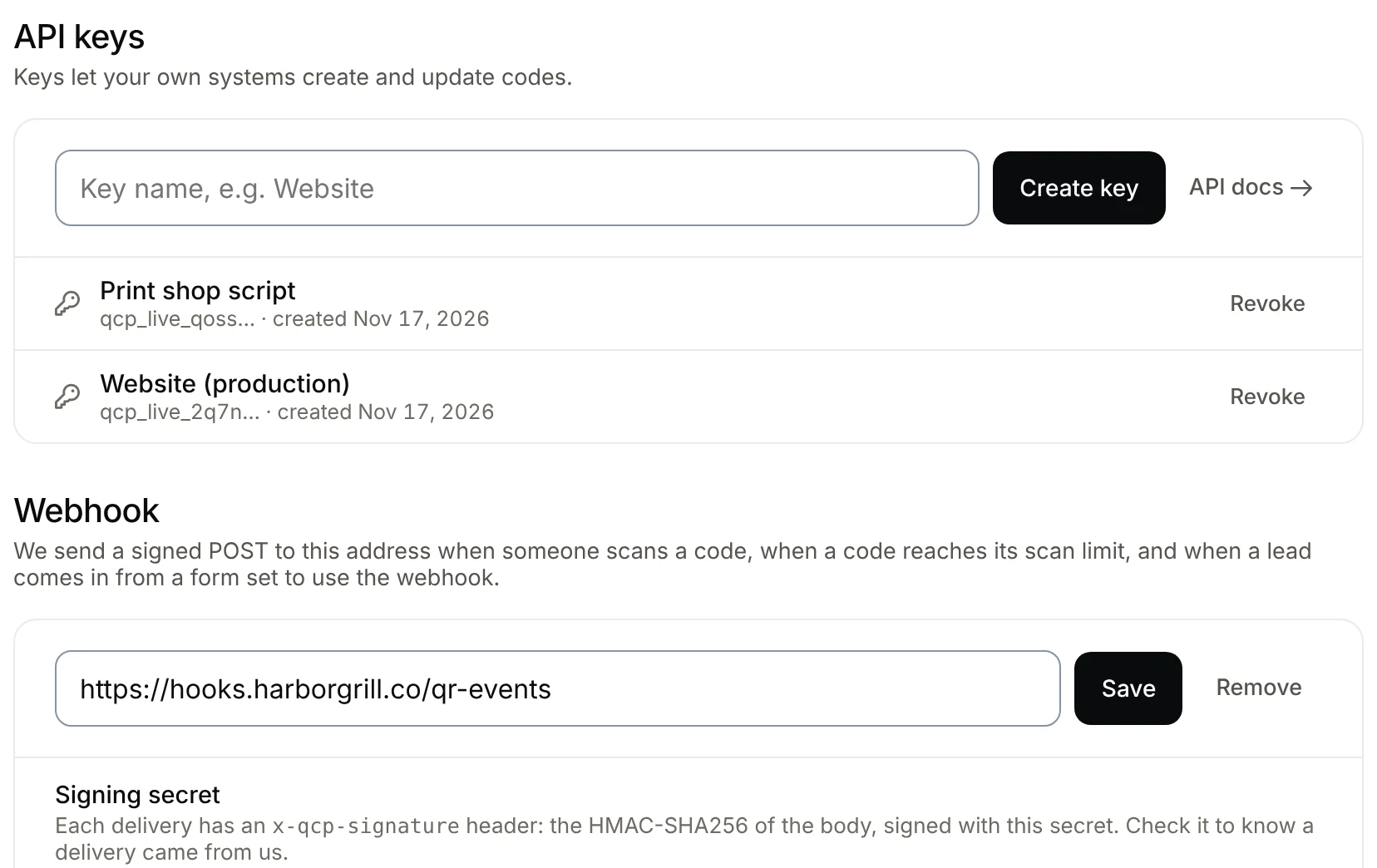 QR code APIA REST API for dynamic QR codes on Pro and Agency: create codes, change where they point, pause them and read scans. Signed webhooks on Agency.
 Canva and Figma appsYour QR codes inside Canva and Figma designs
 QR code integrationsLeads and scans to Google Sheets, Slack, HubSpot, Pipedrive, Salesforce, Zapier, Make and Google Analytics 4
- PricingFree, Lite, Pro and Agency, monthly or yearly.