QR codes for event registration
A poster can do more than announce the date. Put a registration form behind its code, see who signed up from which poster, and export the list for the door on the day.
In short
How QR code event registration works
In shortThe poster’s code opens a short form. Every sign-up lands in one list, tagged with the poster or flyer it came from, and you export a door list the day before.
At a glance
- Registration form
- Template with ticket type and guests
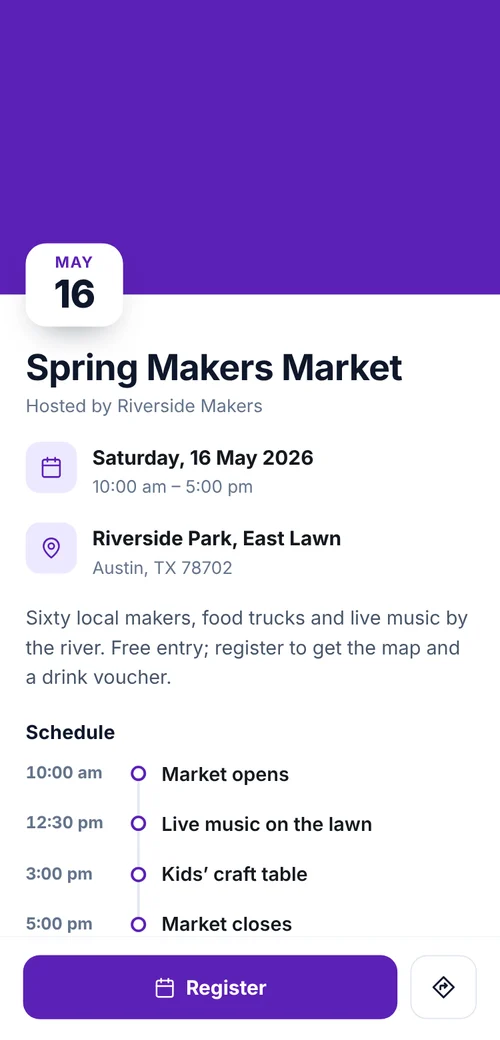
- Event page
- Date, venue, map and agenda
- Where sign-ups came from
- Each reply tagged with its code
- Door list
- Export to CSV
- After the event
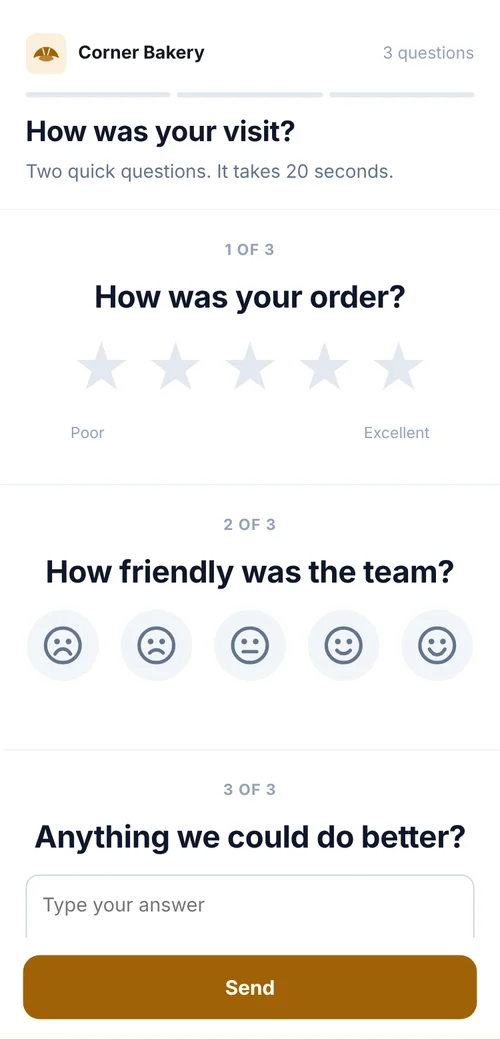
- Point the code at photos or a feedback form
The workflow
From poster to door list
Create the form
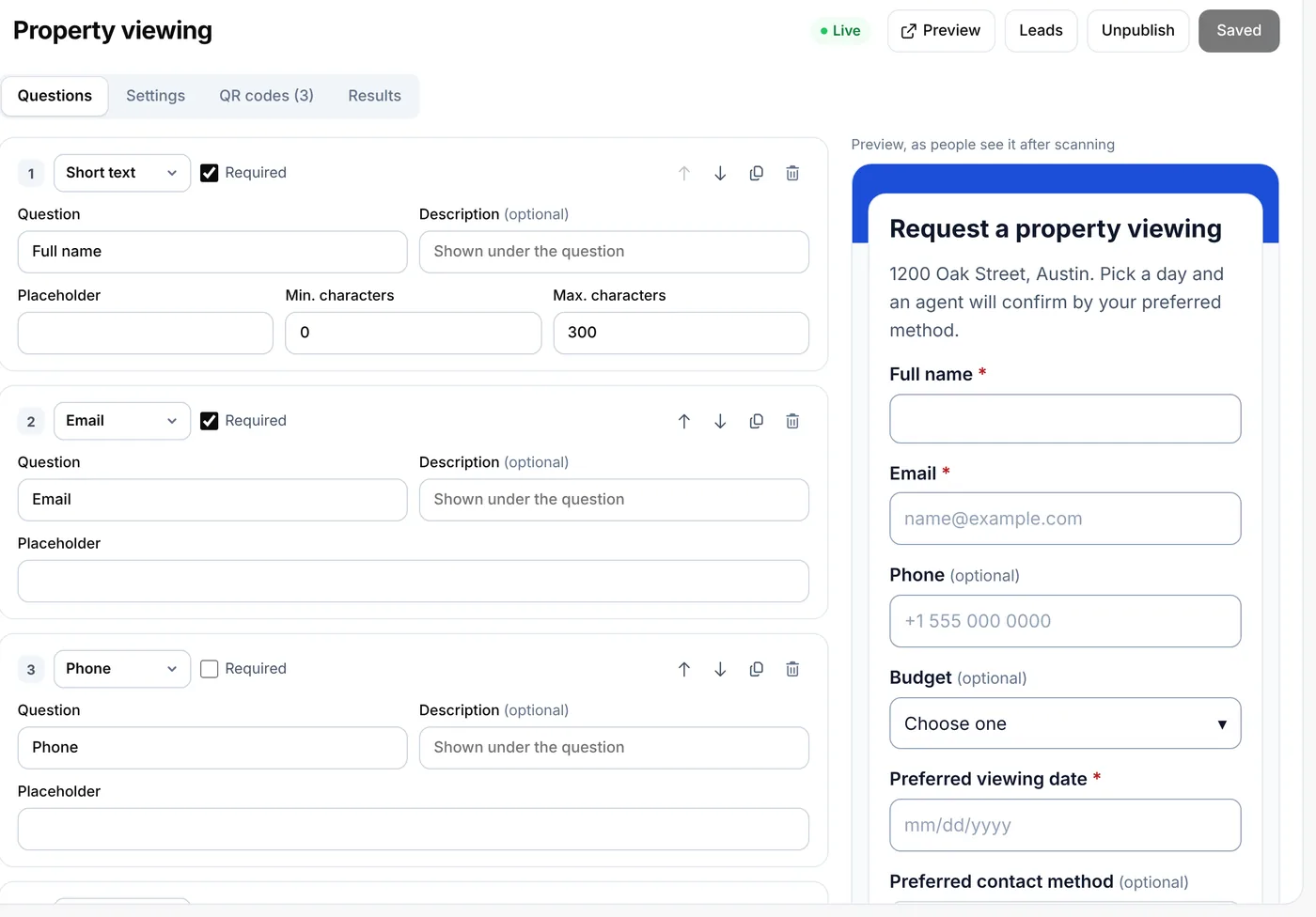
From the event registration template: name, email, ticket type, number of guests and a consent question.
One code per placement
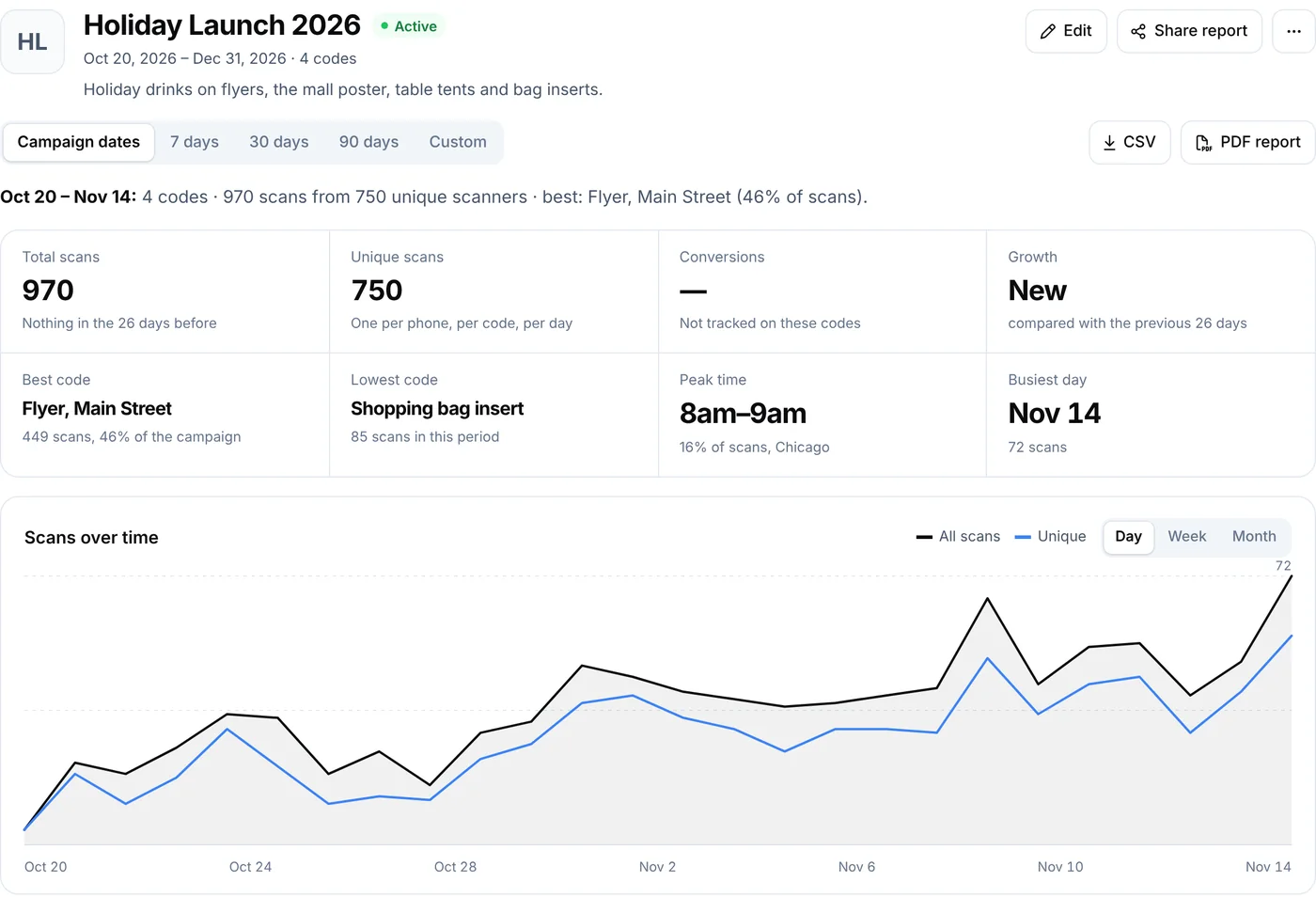
Poster, flyer and social post, grouped in a campaign for the event.
Follow sign-ups
In Leads as they arrive, with an email for each one if you want it.
Export the door list
As a CSV the day before. After the event, point the poster at a feedback form.
The codes
What the codes open
A form alone is fastest. Add an event page when people need the agenda and map first.
- Registration formA short form with every reply tagged with the code it came from.
- Event pageDate, venue, map and agenda, with the form on it, built in the page builder.
- CampaignPosters, flyers and posts side by side in one campaign.
- After the eventThe same poster code, now opening photos or a feedback form.
Placement
Where each code goes
For social posts and emails, share the form link instead of the code: people are already on their phone.
| Compared | What it opens | Print it at |
|---|---|---|
| Posters | The registration form or event page | 4–8 in (10–20 cm) |
| Flyers and handouts | The same form, on its own code | 1–1.2 in (2.5–3 cm) |
| At the door | The form for walk-ins, so everyone is on one list | 4–6 in (10–15 cm) |
| Tickets and badges | The agenda page | 0.8–1 in (2–2.5 cm) |
Plans
What it costs
Lite and Pro start with a 7-day free trial.
Lite, $9 a month or $72 a year
- 3 forms and 500 replies a month
- Suits community events, school events and workshops
- CSV export and email alerts
Pro, $24 a month or $192 a year
- 100 forms and 10,000 replies a month
- For conferences and recurring series
- Team seats and your own domain
Good to know
Mistakes to avoid
- The same code everywhereSeparate codes show which placement brought sign-ups.
- Long formsName, email and number of guests is enough to start.
- A closed form after the eventPoint the poster at photos or a feedback form instead.
- No consent questionAdd one if you plan to email people about future events.
FAQ
Questions people ask
Can’t find yours? A person answers every email within 2 working days.
Email usCan I limit the number of sign-ups?
Plans have a monthly limit on replies. To cap an event, pause the form or the code when you’re full.
Can people pay through the form?
No. Forms collect registrations, not payments. Link to your ticketing page if you sell tickets.
What should the poster code open after the event?
Change it to photos, a thank-you page or a feedback form. The poster keeps working.
Keep reading