QR codes for schools and colleges
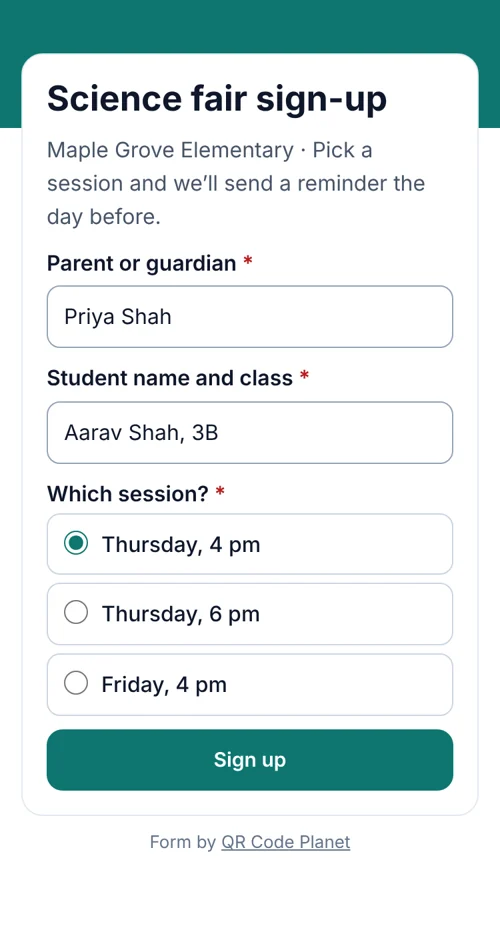
A notice goes home in a backpack and the date changes the next day. With a dynamic code the paper stays right: the code opens the current notice, the sign-up form or the class page.

In short
What schools use QR codes for
In shortMostly sign-up forms and notices that change after the paper has gone home. A dynamic code opens the current version, and replies land in one list you can export and delete after the event.
At a glance
- Event sign-ups
- Form behind a code, replies in Leads
- Notices
- Dynamic code, update the page any time
- Class resources
- Link or PDF code
- Feedback
- Short rating form
- Many codes at once
- Bulk create from a spreadsheet
The workflow
A sign-up that survives a date change
Make the sign-up form
From the event registration template: name, class, number of guests and a consent question for parents.
Print the code on the notice
With a label such as “Scan to sign up for the science fair”.
Watch replies arrive
In Leads, filtered by event. Export a CSV for the class list.
Change details, not paper
If the date moves, update the page the code opens.
The codes
Where schools use them
Most are a form or a page that changes over the term.
- Event sign-upsA form for fairs, trips and parents’ evenings, with replies in one list.
- NoticesA page you can update after the letter has gone home.
- Classroom resourcesReading lists, video lessons or a PDF, one code per room.
- Parent feedbackA rating and a comment after an event, with contact details optional.
Privacy
Collect only what you need
Ask for the minimum: a name and a class are usually enough, especially about children. Add a consent question so parents know how answers are used.
Set Keep leads so replies are deleted automatically after a set time, and sign-ups don’t outlive the event. For the details, read How to collect leads with QR codes.
Placement
Where each code goes
| Compared | What it opens | Print it at |
|---|---|---|
| Letters and newsletters home | The sign-up form or notice | 1–1.2 in (2.5–3 cm) |
| Noticeboards and gates | The event page | At least 4 in (10 cm) |
| Classroom doors | That room’s resources page, made in bulk | 2–3 in (5–8 cm) |
| Open day entrance | A visitor sign-in form | 4–6 in (10–15 cm) |
| Open day exit | A feedback form | 4–6 in (10–15 cm) |
Plans
What it costs
Lite and Pro start with a 7-day free trial.
Free
- Static codes to a link or a PDF you host
- No watermark, no expiry
Lite, $9 a month or $72 a year
- 3 forms and 500 replies a month
- Notices you can update, up to 25 dynamic codes
- Pro ($24 a month) adds 100 forms, 250 codes and 3 staff seats
Good to know
Mistakes to avoid
- Asking for too muchA name and a class or grade is usually enough for an event.
- Keeping replies foreverSet Keep leads so sign-ups are removed after the event.
- The date in two placesIf it might change, put it only on the page the code opens.
- A small code in a busy cornerGive it space, a margin and a line saying what it opens.
FAQ
Questions people ask
Can’t find yours? A person answers every email within 2 working days.
Email usDo parents need an app?
No. The phone camera opens the form in the browser.
Can I delete sign-ups after the event?
Yes. Delete them by hand, or set Keep leads so older replies are removed automatically.
Can I make a code for every classroom?
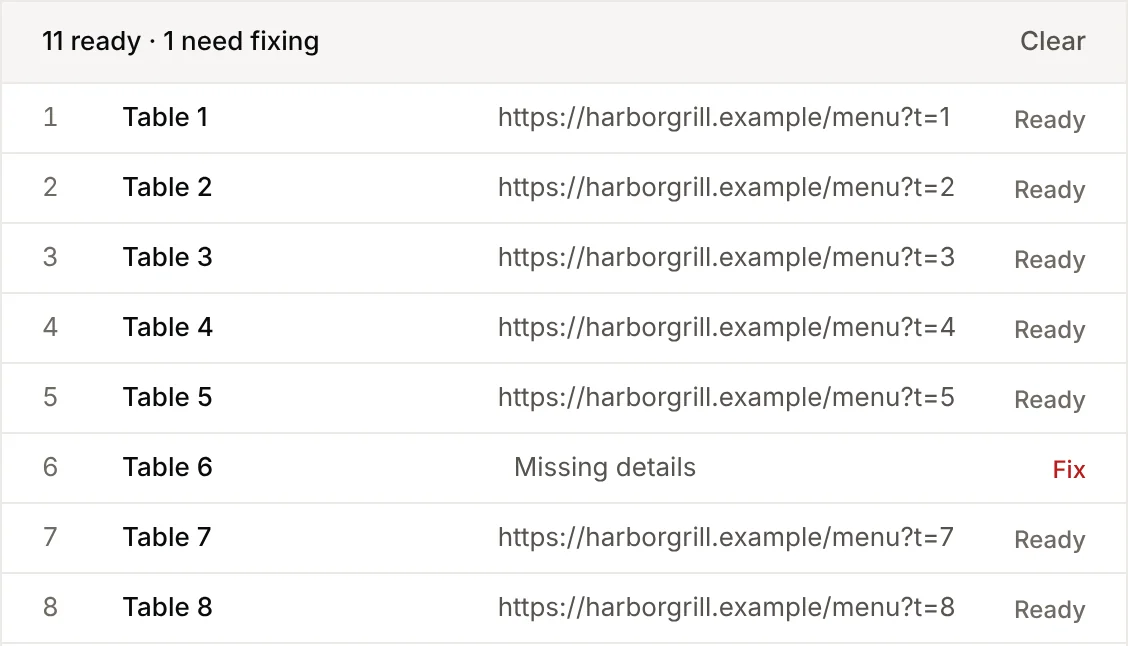
Yes. Bulk creation makes one code per row of a spreadsheet and gives you a ZIP to print.
Keep reading