

A gym timetable that isn’t out of date by Wednesday
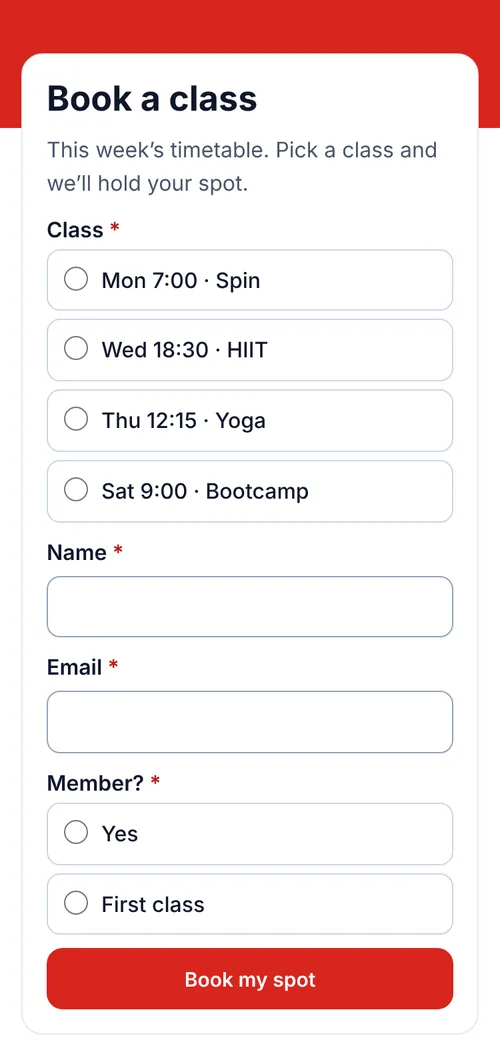
The timetable on the wall is out of date by Wednesday, and the class list is a clipboard at the desk. Print one QR code on the poster and the changing-room mirror sticker instead: it opens this week’s timetable and takes class sign-ups. When the schedule changes you edit the page, not the poster.
In short
What a gym uses QR codes for
In shortA timetable that changes without a new poster, class sign-ups, a new-member form, a loyalty card for regulars and a way to report broken equipment. Each is a page or form we host behind a dynamic code, so the poster at the door and the sticker on the mirror can open a new week every Monday.
If you cancel, the posters and mirror stickers still open the timetable as you last left it, because the code points to a short link we run, not to your plan. Until you subscribe again, the timetable can’t be edited, and sign-ups, event registrations and new stamps stop. The pledge sets this out.
At a glance
- Class sign-ups
- A form with this week’s classes, or registration with QR tickets
- Timetable
- A page or PDF you replace each week; the printed code stays
- Member forms
- New-member details and consent, in one Leads list
- Loyalty card
- A reward for regular visits, dumbbell icon (any paid plan)
- Plans
- Any paid plan; 14-day free trial on Lite and Pro
The workflow
A timetable that updates itself
Put the timetable online
A page from the gym or yoga template, or upload the PDF you already make.
Add sign-ups
A form listing this week’s classes, or registration with places and a waitlist for a special session.
Print one code
At the door, the desk and the changing rooms. It never needs reprinting.
Change it on Monday
Edit the page or swap the PDF. Everyone who scans sees the new week.
The codes
What each code does
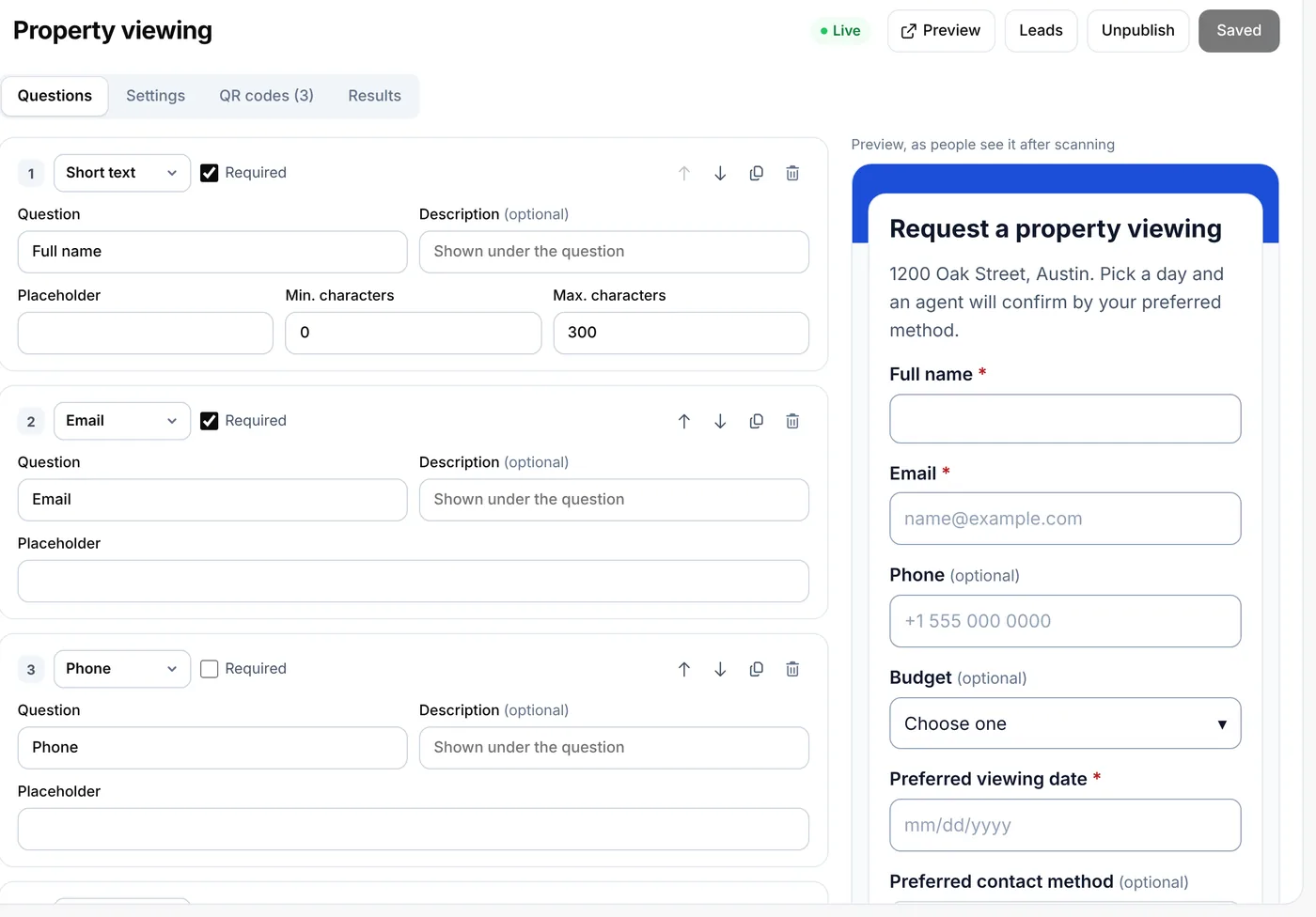
- Class sign-upsA form with the week’s classes as choices. Sign-ups land in Leads, where you can search by class, and in a Google Sheet if you like. Lead forms.
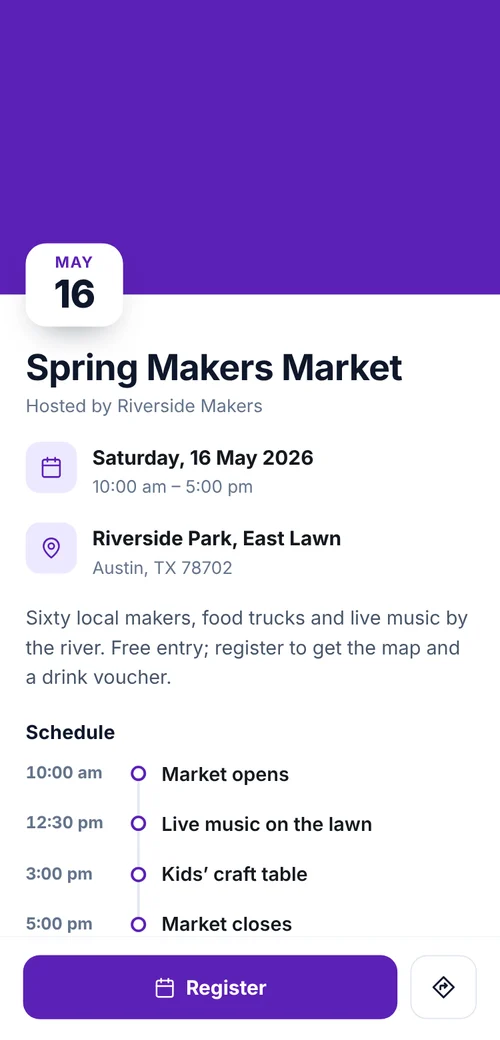
- Workshops and special sessionsAn event page with registration: a set number of places, a closing time, a waitlist and a QR ticket for each person, checked in with the app at the door. Event tickets.
- TimetableA page or a PDF you replace each week. On Pro, a smart redirect can open the weekend timetable on Saturdays.
- New-member formsContact details, goals and a consent question that records the wording agreed to and when.
- Loyalty card“Ten classes, the eleventh is free.” Members join from your page; staff stamp at the desk. Loyalty cards.
- Equipment faultsA code on each machine opens a short fault form, with a photo on Pro. See maintenance logs.
Sign-ups
A form or event registration?
For the weekly timetable, a form is simplest: one form, the classes as choices, and you change the choices each week. You see who signed up for what in Leads, and can export the list.
For something with a fixed number of places, such as a workshop, a bootcamp in the park or an open day, use an event page with registration. It stops at the number of places you set, puts extra people on a waitlist, and gives everyone a ticket with its own QR code to scan at the door. Tickets are free: registration doesn’t take payments. Lite allows 100 attendees per event, Pro 1,000.
Placement
Where each code goes
Codes on the gym floor get sweat and cleaning spray: laminate them, with a matte finish. More in the printing guide.
| Compared | What it opens | Print it at |
|---|---|---|
| Entrance and front desk | The timetable and class sign-ups | 2–3 in (5–8 cm) |
| Changing-room mirror sticker | Sign-ups for the next class | 1.5–2 in (4–5 cm) |
| Each machine | The fault report form for that machine | 1–1.5 in (2.5–4 cm) |
| Flyers and window | The new-member form or a trial class sign-up | 1.2–2 in (3–5 cm) |
Plans
What it costs
Lite and Pro start with a 14-day free trial.
Free
- Instagram and social codes
- A Wi-Fi code for members
- The Google review code
- No watermark, no expiry
Lite, $9 a month or $72 a year
- 3 forms and 500 sign-ups a month
- Event registration for 100 people per event
- Timetable pages and PDFs you can replace
- One loyalty program for 300 members
- Pro ($24 a month) adds 10,000 sign-ups a month, 1,000 per event, photo uploads, time-based redirects and team seats
Good to know
Before you start
- No memberships or paymentsWe don’t bill members or sell class passes. Link to your own system for that.
- Class sizes on forms aren’t cappedA form takes every sign-up. Use event registration when places are limited.
- Consent isn’t a legal waiverA consent question records what was agreed and when. Check your waiver’s wording with your own adviser.
- Date the timetableWrite the week on the page so members know it’s current.
FAQ
Questions people ask
Can’t find yours? A person answers every email within 2 working days.
Email usCan members book a class by scanning a QR code?
Yes. The code opens a sign-up form with the week’s classes, and each sign-up lands in your Leads list. For limited places, use an event page with registration and a waitlist.
How do I update the timetable without reprinting?
Make the code dynamic and point it at a page or PDF. Edit the page or upload the new PDF; the poster on the wall stays the same.
Can I check people in at the door?
For events with registration, yes: scan each ticket with the QR Code Planet app, which also works offline, or tick names off the attendee list.
Can I limit a class to 15 people?
With event registration, yes: set the places and turn on the waitlist. A form doesn’t cap sign-ups.
Can members pay for classes through the code?
No. We don’t take payments; link a code to your own booking or payment page if you have one.
Keep reading
Related
 QR code event check-inRegistration, QR tickets and check-in.
 QR lead formsClass sign-up and member forms.
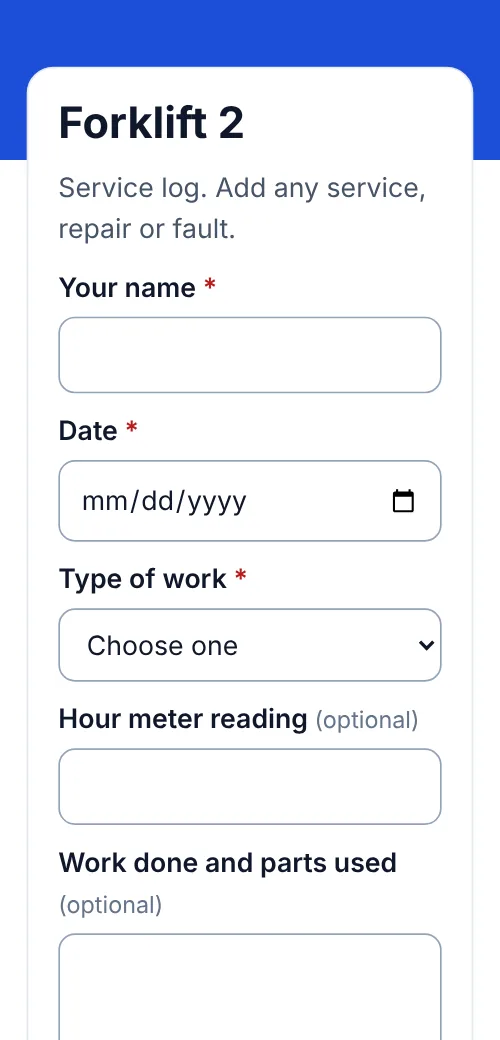 QR codes for equipment maintenance logsA service log on each machine, not in an office drawer.
- Page templatesBrowse 36 mobile landing page templates for restaurants, salons, gyms, clinics, events and weddings. Add your details and connect it to a QR code.
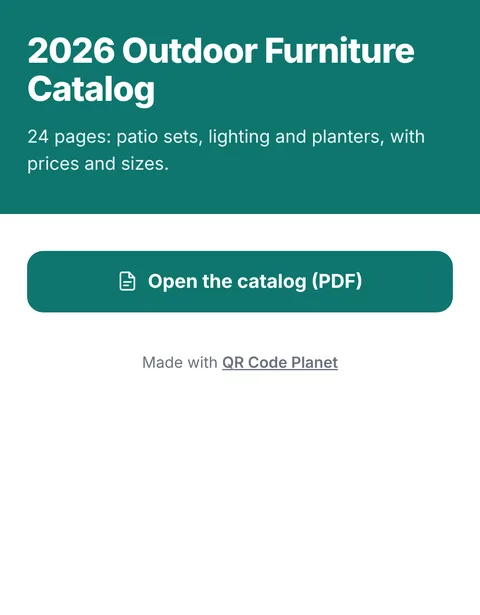 PDF QR codeUpload a PDF, print the code, swap the file any time.