
Your QR codes, right inside Canva and Figma
Search your codes and drop them into a poster, a menu or a slide without downloading a file. Make a new code from a link without leaving the design, in your brand’s style.
 Spring menu poster · A3Share
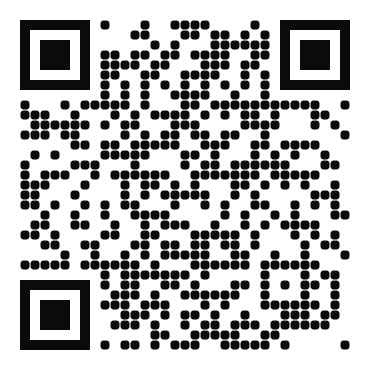 Spring menuDynamic
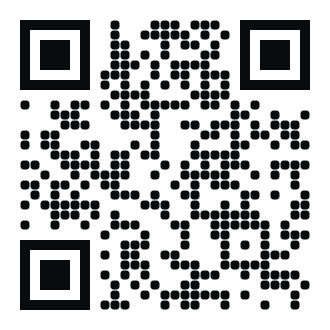 Guest Wi-FiStatic
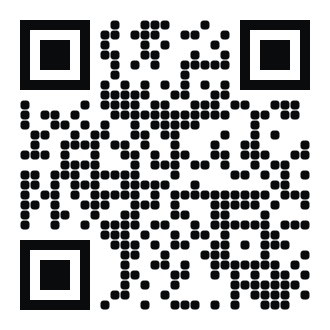 Open dayDynamic
 FeedbackDynamic
Scan for the menu
Definition
What do the Canva app and the Figma plugin do?
In shortThey put the QR codes from your QR Code Planet workspace into your designs. Sign in once, search your codes, and insert one as a sharp SVG image in Canva or as vector layers in Figma. You can also make a new static or dynamic code from a link without leaving the design.
Canva: Waiting for Canva’s review. Until Canva approves it, it isn’t in Canva’s Apps panel yet. Figma: Coming to Figma Community soon, once Figma has reviewed it.
At a glance
- Plans
- Every plan, Free included
- Static codes
- Every plan (Free: 10 a month)
- Dynamic codes
- Within your plan’s limit (Free: 3)
- Formats
- SVG or PNG in Canva, vector layers in Figma
- Disconnect
- Settings → Connected apps
How it works
From your codes to your design
Open the app
In Canva, open QR Code Planet from the Apps panel. In Figma, run the QR Code Planet plugin.
Sign in once
Choose Sign in, allow access on qrcodeplanet.com and pick the workspace. Your password is never shared with Canva or Figma.
Find a code
Search by name, link or short link, and filter static or dynamic codes.
Add it
Click or drag it onto the page. It looks exactly like a download from the website, frame and logo included.
Features
What you can do from Canva and Figma
- Make a new codePaste a link and choose static (opens the link directly, forever) or dynamic (change where it goes after printing, and see scans).
- Use your brand stylesPick a saved style from your brand kit. If the workspace locks its template, codes keep the locked colours, shape, logo or frame.
- Workspaces and teamsEach connection works in the workspace you pick, with your role there: viewers can add codes, editors can also make them, folder limits apply.
- In your controlDisconnect any time in Settings → Connected apps. Owners and admins can disconnect anyone’s app from their workspace. New codes show in the activity log.
Plans
What each plan includes
| Feature | Free | Lite | Pro | Agency |
|---|---|---|---|---|
| Canva app and Figma plugin | Included | Included | Included | Included |
| Make static codes | 10 a month | Included | Included | Included |
| Make dynamic codes | 3 in total | 25 | 250 | 2,000 |
| Brand kit styles and locked template | Not included | Not included | Included | Included |
Lite is $9 a month and Pro $24 a month; both start with a 14-day free trial.
Good to know
Good to know
- Secure sign-inStandard OAuth with PKCE. Apps get short-lived tokens, and can’t change or delete your existing codes.
- Sharp at any sizeSVG and vectors stay crisp on a billboard. PNG is 2,048 pixels wide.
- Same codes everywhereA code added to a design is the same code as in My codes: dynamic ones keep their scan counts and can be edited later.
- StatusCanva: Waiting for Canva’s review. Until Canva approves it, it isn’t in Canva’s Apps panel yet. Figma: Coming to Figma Community soon, once Figma has reviewed it.
Also new
More new features
Each works with the dynamic codes, pages and forms you already have.
- Retargeting pixelsShow ads to people who scanned
- IntegrationsGoogle Sheets, HubSpot, Zapier and Make
- A/B testingSplit scans between two or three pages
- Wallet passesCards, coupons and tickets in Apple and Google Wallet
- Multi-language pagesEach scanner reads the page in their language
- Table orderingOrders to the table and table bookings
- Event ticketsQR tickets and check-in with your phone
- Loyalty cardsDigital stamp cards, no app to install
- Team business cardsOne design for everyone, managed in one place
- GS1 Digital LinkPackaging QR codes for Sunrise 2027
- SSO & activity logSAML sign-in and a log of every change
- AI assistants (MCP)Manage codes from Claude and ChatGPT
FAQ
Questions people ask
Can’t find yours? A person answers every email within 2 working days.
Email usIs the Canva app free?
Yes. Any QR Code Planet account can connect, Free included. Free accounts make 10 static codes a month and have 3 dynamic codes; paid plans have more.
Where do I find the Canva app?
The Canva app is waiting for Canva’s review, so it isn’t in Canva’s Apps panel yet. This page will say when it is.
Does the code in Canva or Figma still work if I edit its link later?
Yes, for dynamic codes: the image holds the short link, so changing where it goes in QR Code Planet changes it for every design and every print.
Can the app delete or change my codes?
No. It can read your codes and make new ones, nothing else.
Does it use my brand kit?
Yes, on Pro and Agency. Pick one of the kit’s saved styles, and a locked template is applied to codes made by editors.
How do I disconnect?
In Settings → Connected apps on the website, or More → Connected apps in the app. Signing out inside Canva or Figma disconnects too.
Keep reading
Related
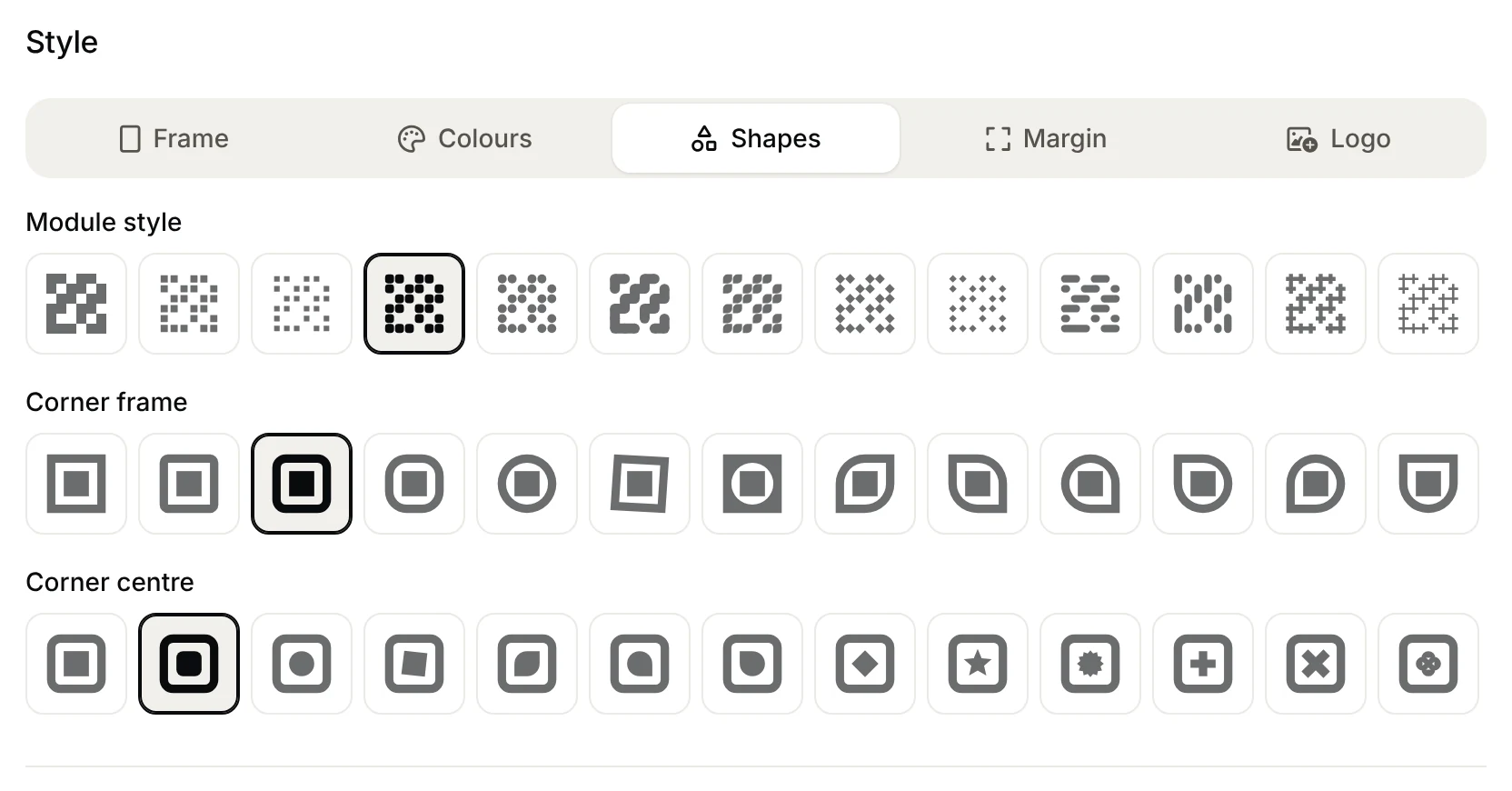 QR code designDesign QR codes with your colours, 17 module shapes, frames with a call to action and your logo. A built-in scan check keeps every code scannable.
 QR code integrationsLeads and scans to Google Sheets, Slack, HubSpot, Pipedrive, Salesforce, Zapier, Make and Google Analytics 4
 Dynamic QR codesChange the link after printing and see who scans. Codes keep working after you cancel.
- PricingFree, Lite, Pro and Agency, monthly or yearly.