

- Home
- QR code types
- WhatsApp QR code
WhatsApp QR code generator
Let customers message you without saving your number first. One scan opens WhatsApp with your number filled in and, if you like, a message already typed, such as “Hi, I’d like to place an order.”
Definition
What is a WhatsApp QR code?
In shortA WhatsApp QR code opens a chat with your number, with a message already typed if you like. Customers don’t need to save your number first. It’s free and made in your browser.
The code contains a wa.me link, WhatsApp’s official “click to chat” address, with your number in international format and an optional message. When scanned, the phone opens WhatsApp straight into a chat with you. The customer still presses send, so nothing goes out without them.
At a glance
- Price
- Free
- Opens
- WhatsApp or WhatsApp Business
- Pre-filled message
- Optional
- Code type
- Static
- Bulk
- Yes, from a spreadsheet on every paid plan
How it works
Make one in four steps
Choose WhatsApp
Open the generator and pick the WhatsApp type.
Enter your number with the country code
For example +44 for the UK or +92 for Pakistan. Leave out the leading zero of the local number.
Write the first message
The text customers will see, or leave it blank.
Download
Add a frame like “Chat with us” so people know what will happen.
Ideas
Ideas that work well
- Takeaway and delivery“Hi, I’d like to order” on menus and flyers.
- BookingsSalons, clinics and tutors on their shop window or card.
- After-sales supportOn packaging or a warranty card, with the product name in the message.
- Several branches or staffMake one code per number in one go with bulk creation.
Good to know
Limitations
- A new number means a new codeA WhatsApp code is static. If the number might change, use a dynamic link that points to the
wa.meaddress instead. - The scanner needs WhatsAppWithout it, the link opens WhatsApp’s web page, which asks them to download the app.
FAQ
Questions people ask
Can’t find yours? A person answers every email within 2 working days.
Email usDoes it work with WhatsApp Business?
Yes. The link opens whichever WhatsApp app is linked to the number.
Can I see how many people scanned?
Not with a static code. Make a dynamic URL code pointing to your wa.me link and you’ll get scan counts.
Is my number visible?
Yes, once the chat opens the customer sees your number, the same as if they’d typed it.
Keep reading
Related
 QR code typesAll 28 types: what each one does and which are free.
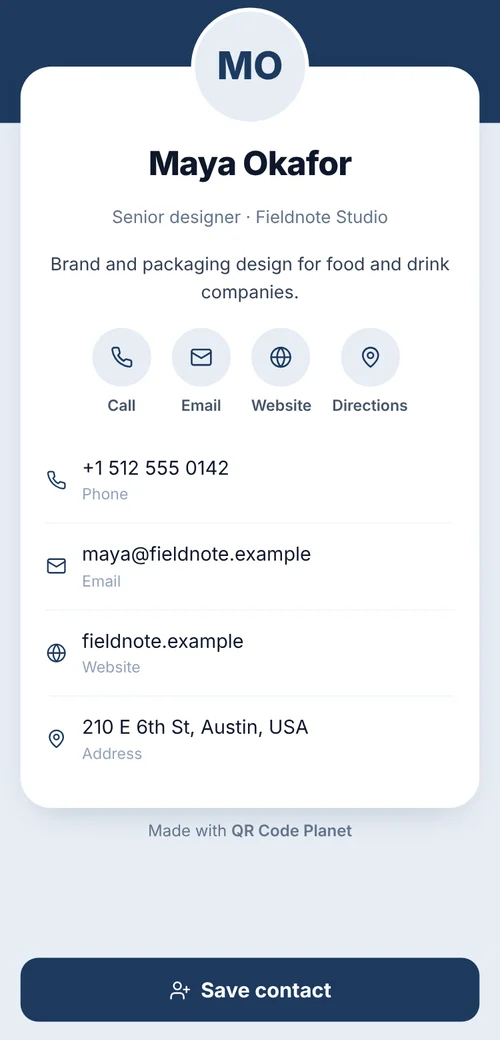
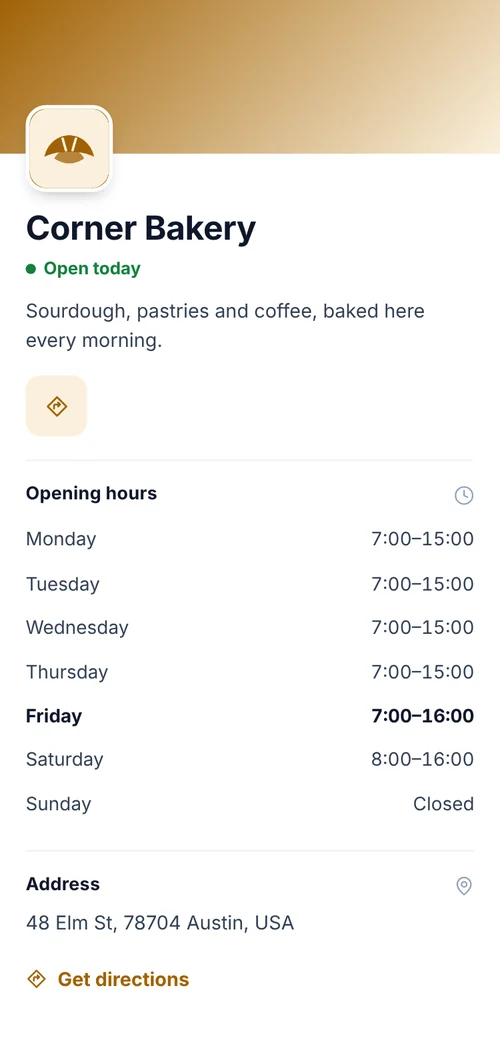 QR codes for businessesContact cards, packaging, flyers and reviews, with team plans.
 Wi-Fi QR codeGuests scan once and they’re on your network. No password typing.
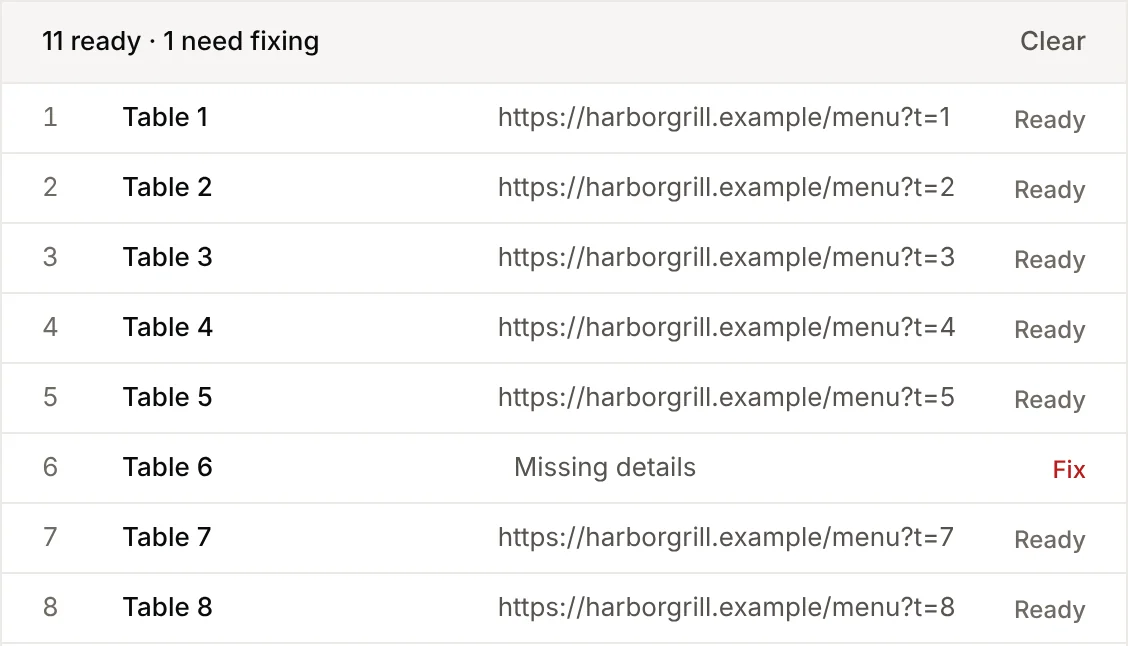 Bulk QR codesUpload a spreadsheet, get a ZIP of codes. 15 types supported.