

Multilingual QR codes: one code, every visitor’s language
Add languages to a hosted page and each scanner sees it in their phone’s language, with a switcher to change it. The text is translated for you, and you can edit every line.
Definition
What is a multilingual QR code?
In shortA multilingual QR code opens a page that shows itself in the scanner’s language. One printed code serves the same menu in English, Spanish and Arabic, picked from each phone’s language setting.
Choose the page’s main language and the extra ones. The text is translated automatically, you can change any translation, and Arabic, Urdu, Persian and Hebrew are laid out right to left.
At a glance
- Languages
- 32
- Extra languages per page
- Lite 1, Pro 5, Agency 10
- Language picked by
- The phone, or the switcher on the page
- Translations
- Automatic, then yours to edit
- Pages
- Menu, business, event, coupon, links, contact and more
How it works
Translate a page, print one code
Open a hosted page
A menu, business page, event, coupon, links page or another hosted page.
Add languages
Pick the main language and the extra ones your plan allows. The text is translated for you.
Review the text
Change any translation. Labels such as “Opening hours” are translated too.
Print one code
Scanners get their phone’s language; a small bar on the page lets them switch.
Which language
Which language a scanner sees
The page checks, in order: a language in the link (for example ?lang=es), the language the person picked on that page before, their phone’s language, and last the page’s main language.
When you change the original text, that line shows in the main language until you translate it again, so nobody sees an old price in another language.
Languages
The 32 languages
Any of them can be the main language or an extra one.
- English
- Spanish
- French
- German
- Italian
- Portuguese
- Dutch
- Polish
- Turkish
- Russian
- Ukrainian
- Arabic
- Urdu
- Persian
- Hebrew
- Hindi
- Bengali
- Chinese (Simplified)
- Japanese
- Korean
- Indonesian
- Malay
- Vietnamese
- Thai
- Greek
- Swedish
- Danish
- Norwegian
- Finnish
- Czech
- Romanian
- Hungarian
Use cases
Who it helps
- RestaurantsTourists read dishes and allergens in their own language. See the menu QR code.
- HotelsA room guide for guests from anywhere.
- EventsOne poster for an international crowd.
- PackagingOne pack for several countries. See GS1 Digital Link.
Plans
What each plan includes
| Feature | Free | Lite | Pro | Agency |
|---|---|---|---|---|
| Page languages | Not included | Included | Included | Included |
| Extra languages per page | Not included | 1 | 5 | 10 |
| Automatic translation | Not included | Included | Included | Included |
Translations already on a page keep showing if the plan ends; adding or changing them needs a paid plan.
Good to know
Good to know
- Hosted pagesWorks on menu, business, event, coupon, links, contact, social, feedback, PDF, images, video, audio and app pages. Builder pages and forms are not included.
- Check what mattersMachine translation is a good start. Have a speaker check prices, allergens and anything legal.
- Link to a languageAdd ?lang=es to the page link to open it in Spanish, for a Spanish flyer.
- One codeNo separate code for each language, and nothing to reprint when you add one.
Also new
More new features
Each works with the dynamic codes, pages and forms you already have.
- Retargeting pixelsShow ads to people who scanned
- IntegrationsGoogle Sheets, HubSpot, Zapier and Make
- A/B testingSplit scans between two or three pages
- Wallet passesCards, coupons and tickets in Apple and Google Wallet
- Table orderingOrders to the table and table bookings
- Event ticketsQR tickets and check-in with your phone
- Loyalty cardsDigital stamp cards, no app to install
- Team business cardsOne design for everyone, managed in one place
- GS1 Digital LinkPackaging QR codes for Sunrise 2027
- SSO & activity logSAML sign-in and a log of every change
FAQ
Questions people ask
Can’t find yours? A person answers every email within 2 working days.
Email usDo I need a separate QR code for each language?
No. One code opens the page in each scanner’s language, and a bar on the page lets them switch.
How does the page know the visitor’s language?
From the phone’s language setting, unless the visitor picked another language on the page before or the link names one.
Can I edit the translations?
Yes. Every translated line can be changed by hand, and only changed text is sent for translation again.
Which languages are there?
32, including Spanish, French, German, Arabic, Hindi, Urdu, Chinese, Japanese and Korean. Right-to-left languages are laid out right to left.
Keep reading
Related
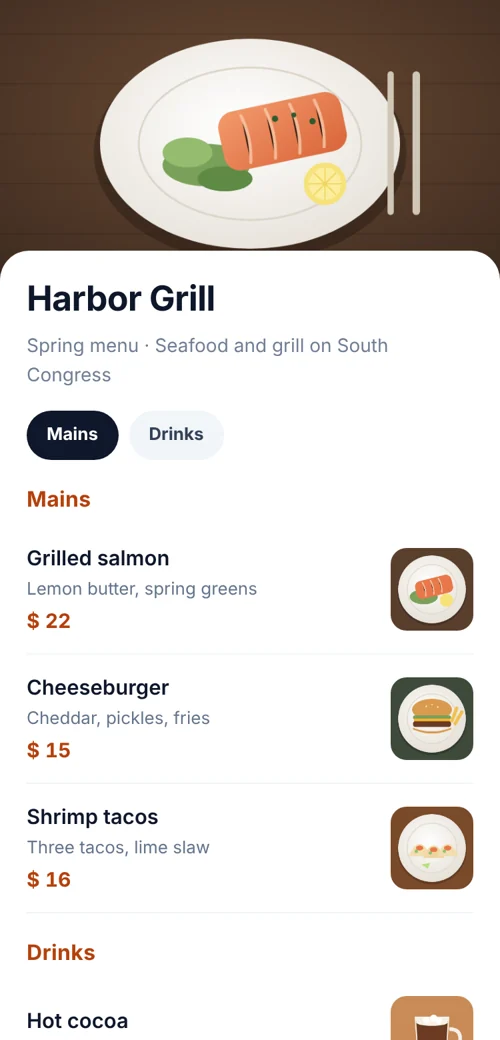 QR code menuA mobile menu page with sections and prices. Edit it any time.
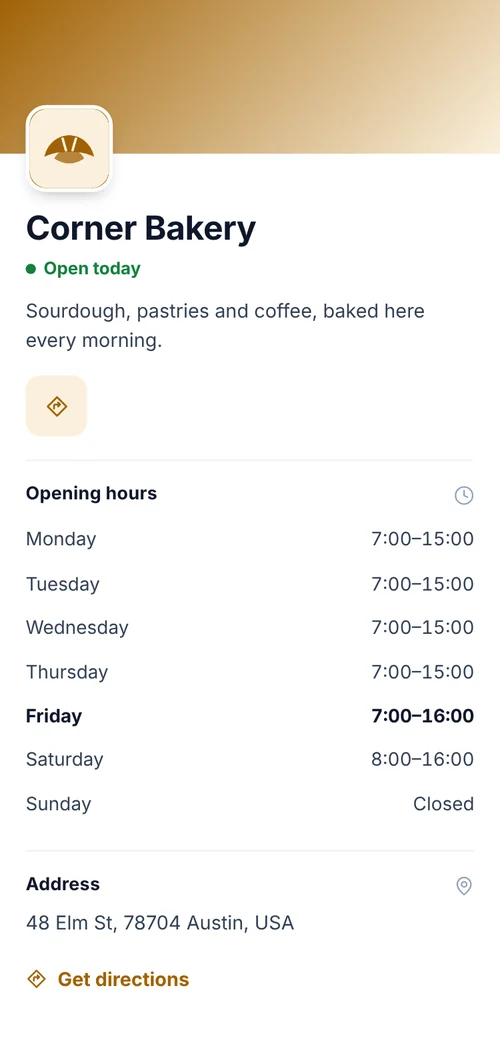 Business page QR codeOpening hours, address, contact and links.
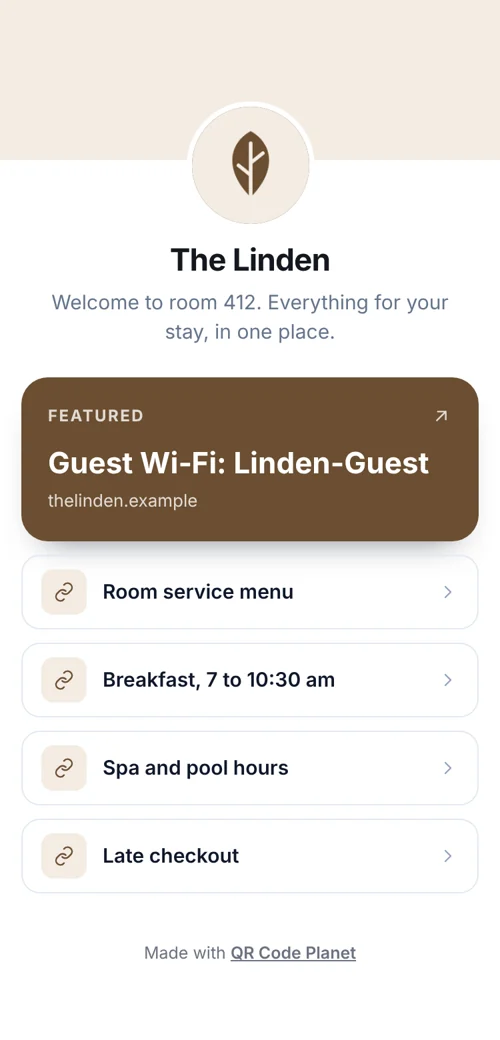 QR codes for hotelsGuest Wi-Fi, a room page in each guest’s language, menus and review codes.
- QR codes for restaurantsMenus, orders to the table, bookings and loyalty cards from codes you can update.