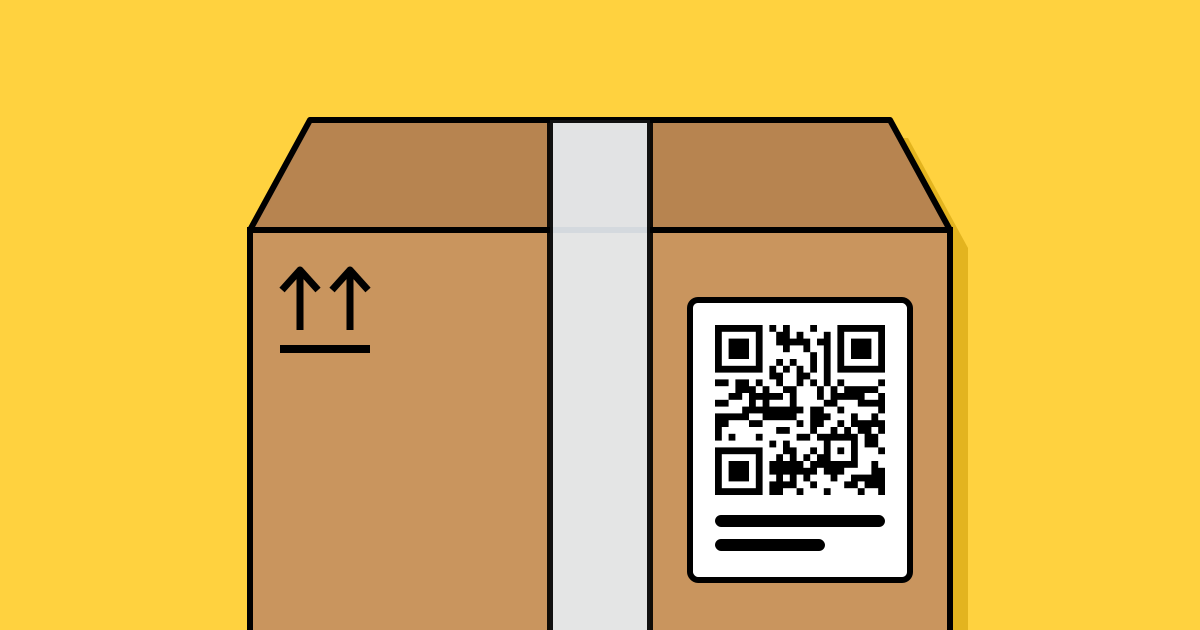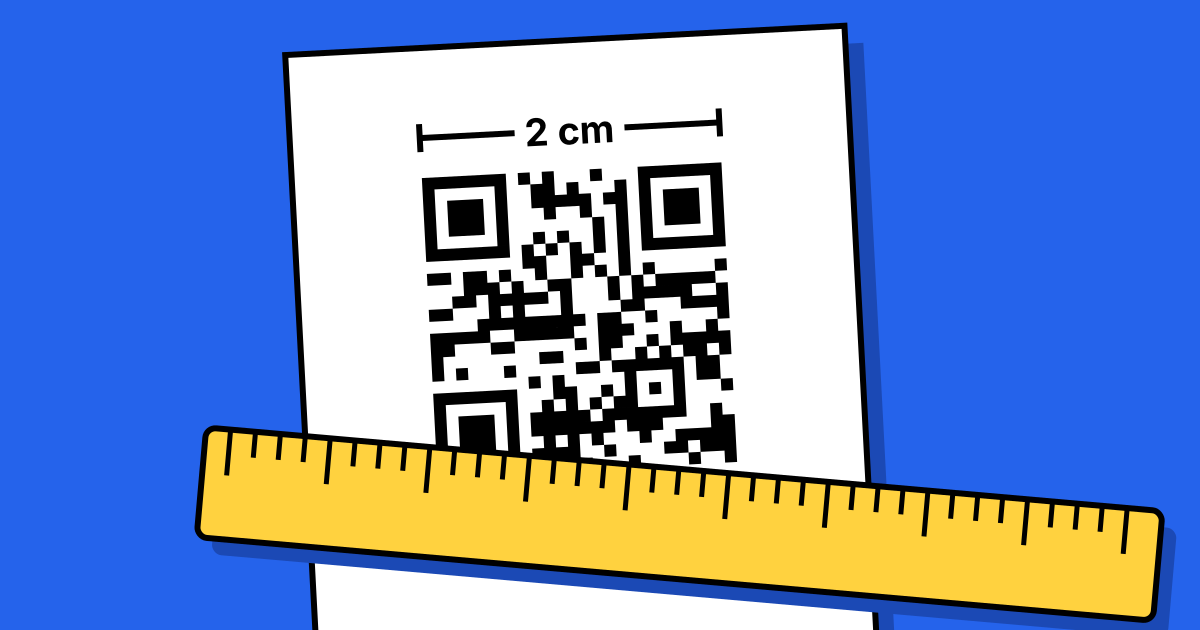
Short answerA useful rule: make the code at least one tenth as wide as the distance it will be scanned from, and never smaller than 2 cm (0.8 in). Print dark on light with strong contrast, keep an empty margin of four modules around it, use a vector file (SVG, PDF or EPS), and test the printed proof on two phones.
Size by scanning distance
| Where | Scanned from | Minimum width |
|---|---|---|
| Business card, product label | 15–25 cm | 2–2.5 cm |
| Table tent, menu, flyer | 30–40 cm | 3–4 cm |
| A4 poster on a wall | 1 m | 10 cm |
| Shop window | 2 m | 20 cm |
| Banner or billboard | 5–10 m | 50 cm–1 m |
The generator on QR Code Planet suggests a size for the distance you choose. Long static content makes a denser pattern; if you need to print small, a dynamic code stays simple because it only holds a short link.
Contrast and colour
- Dark code on a light background. Inverted (light on dark) codes fail on many phones.
- Strong contrast: black, navy or dark green on white or cream works; pastels don’t.
- Avoid gradients and patterned backgrounds behind the code.
The quiet zone
Leave an empty margin around the code, ideally at least four modules wide (a module is one small square). The QR standard calls for it, and it’s how the camera finds where the code starts. DENSO WAVE, which invented the QR code, explains the margin in its guide to the code area. Don’t let text or images creep into it.
File formats
- SVG, PDF or EPS for print: they’re vectors, so they stay sharp at any size.
- PNG for screens, slides and websites.
- Never enlarge a small PNG or a screenshot for print; edges blur and scans fail.
Materials and finishes
- Matte finishes avoid glare under lights; glossy lamination can reflect and block the scan.
- Curved surfaces such as bottles distort the code; keep it small relative to the curve, or place it on a flat label.
- Outdoors, use UV-resistant inks. Faded codes stop scanning before they look faded to people.
- Higher error correction helps codes survive scratches and dirt. DENSO WAVE describes the four levels in its error correction guide.
The test before any print run
- Print one proof at the final size on the final material.
- Scan it on an iPhone and an Android from the real distance, in the real light.
- Check the landing page loads quickly on mobile data, not just office Wi-Fi.
- Add a short label and a typed URL under the code for people who can’t scan.
FAQ
Questions people ask
Can’t find yours? A person answers every email within 2 working days.
Email usWhat’s the smallest QR code that works?
Around 2 cm wide for a short link scanned up close. Below that, many phones struggle.
Does colour matter?
Contrast matters more than colour. Any dark colour on a light background usually works.
Which file should I send the printer?
PDF or SVG. Both are vector, so the printer can scale them without losing sharpness.