Apple Wallet and Google Wallet passes from a scan
Contact, coupon and event pages get an Add to Apple Wallet or Add to Google Wallet button. People keep your card, coupon or ticket on their phone, next to their other passes.

Definition
What is a wallet pass?
In shortA wallet pass is a card people keep in Apple Wallet or Google Wallet on their phone. On QR Code Planet a Contact page becomes a business card, a Coupon page a coupon and an Event page a ticket, each made from the page with one switch.
You don’t need an Apple or Google developer account: the passes are made and signed for you.
At a glance
- Plans
- Pro and Agency
- Pages
- Contact (vCard Plus), Coupon, Event
- Also for
- Team business cards and loyalty cards
- Button
- Apple Wallet on iPhone, iPad and Mac; Google Wallet elsewhere
- Design
- The page’s main colour and its PNG logo or photo
How it works
One switch per code
Make the page
A Contact, Coupon or Event page on a dynamic code, or open one you already printed.
Switch on Add to wallet
Code settings → Add to wallet. A preview shows what the pass will show.
People tap the button
iPhone, iPad and Mac get Add to Apple Wallet; Android and other devices get Add to Google Wallet.
Passes
What each pass shows
| Compared | The pass | What it shows |
|---|---|---|
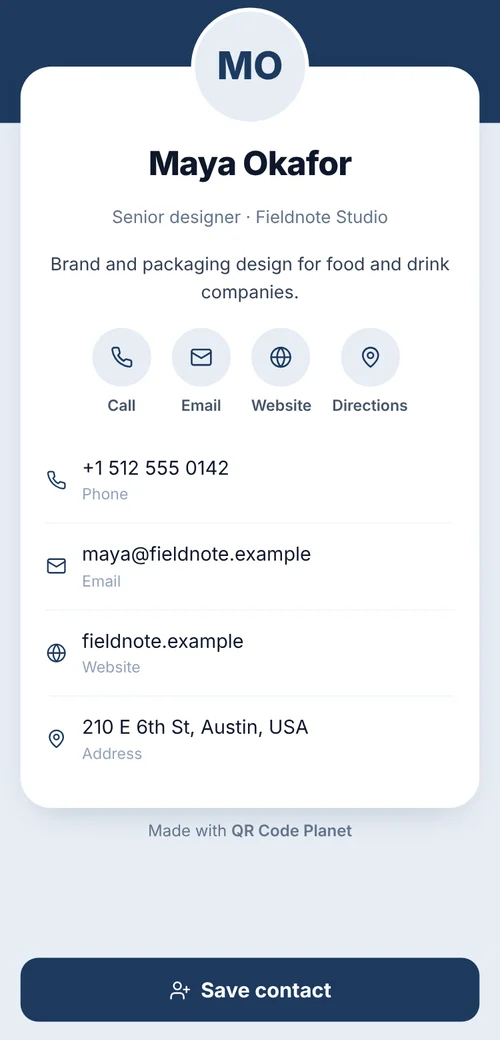
| Contact page | Business card | Your details and a QR code that opens your contact |
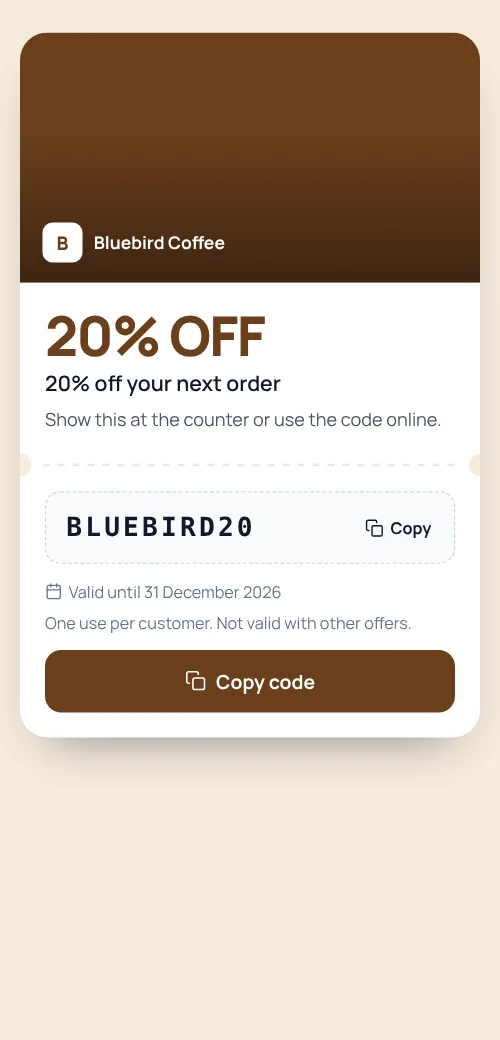
| Coupon page | Coupon | The offer, the code and the expiry date |
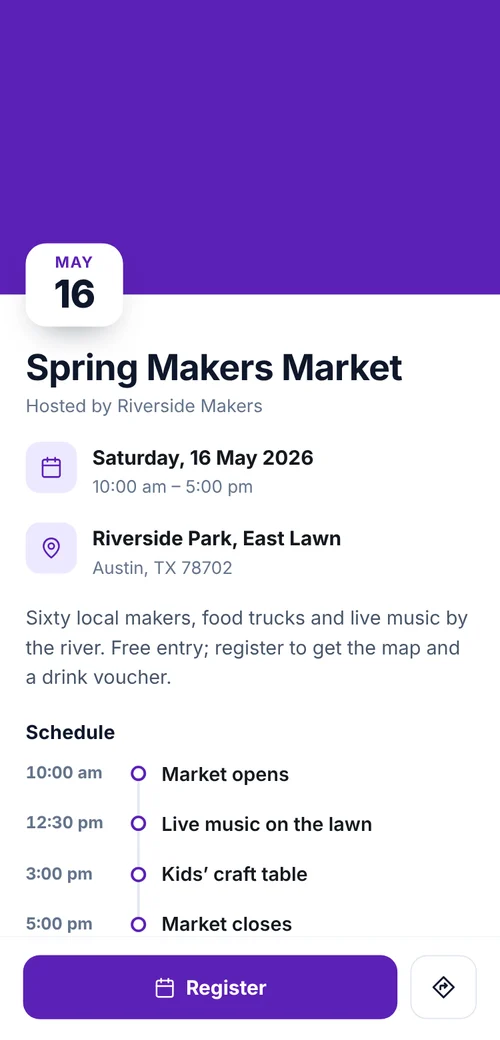
| Event page | Ticket | Date, time and venue |
| Loyalty card | Stamp card | The stamps collected and the reward |
Use cases
Why a pass beats a screenshot
- Business cards at eventsPeople save your card in their wallet instead of a paper card they’ll lose. See team business cards.
- Coupons that get usedThe offer waits in the wallet until they’re at your counter.
- Event ticketsGuests keep the date, time and venue with their other tickets.
- Loyalty cardsA stamp card in the wallet. See loyalty cards.
Plans
What each plan includes
| Feature | Free | Lite | Pro | Agency |
|---|---|---|---|---|
| Wallet passes | Not included | Not included | Included | Included |
| Contact, Coupon and Event passes | Not included | Not included | Included | Included |
| Passes for team cards and loyalty cards | Not included | Not included | Included | Included |
Pro is $24 a month or $192 a year and starts with a 7-day free trial.
Good to know
Good to know
- Passes show the page as it wasA pass is made from the page when someone adds it. After an edit, adding it again gives the new version.
- Use a PNG logoThe pass uses the page’s logo or photo when it’s a PNG; otherwise a plain icon in the page colour.
- Not counted as scansAdding a pass doesn’t count as a scan of your code.
- If the plan endsThe button hides until you’re back on Pro or Agency.
Also new
More new features
Each works with the dynamic codes, pages and forms you already have.
- Retargeting pixelsShow ads to people who scanned
- IntegrationsGoogle Sheets, HubSpot, Zapier and Make
- A/B testingSplit scans between two or three pages
- Multi-language pagesEach scanner reads the page in their language
- Table orderingOrders to the table and table bookings
- Event ticketsQR tickets and check-in with your phone
- Loyalty cardsDigital stamp cards, no app to install
- Team business cardsOne design for everyone, managed in one place
- GS1 Digital LinkPackaging QR codes for Sunrise 2027
- SSO & activity logSAML sign-in and a log of every change
FAQ
Questions people ask
Can’t find yours? A person answers every email within 2 working days.
Email usDo I need an Apple or Google developer account?
No. QR Code Planet makes and signs the passes. You only switch them on for a page.
Which pages can offer a pass?
Contact (vCard Plus), Coupon and Event pages, plus team business cards and loyalty cards.
Which phones show which button?
iPhone, iPad and Mac show Add to Apple Wallet. Android and other devices show Add to Google Wallet.
Can I change a pass after people saved it?
Edit the page and new passes show the change. Passes already saved show the page as it was until the person adds it again.
Keep reading