- Home
- QR code scan alerts
QR code scan alerts: know your codes are working
Get an email on a code’s first scan, or a daily or weekly count. We also warn you when a code goes quiet or is about to stop.
Definition
What are QR code scan alerts?
In shortScan alerts are emails that tell you a QR code has been scanned, and how often, without opening a dashboard.
In QR Code Planet you choose an email for each dynamic code. Your account also gets a weekly report and warnings about codes that need a look.
At a glance
- Plans
- Every paid plan
- For each code
- First scan, daily or weekly
- For your account
- Weekly report and milestones
- Warnings
- Ending soon, near its limit, gone quiet
- Real time
- Webhooks on Agency
The problem
A printed code can fail quietly
A poster comes down, a sticker gets covered, a coupon runs out. Without alerts you find out weeks later, when you remember to check.
| Compared | Checking by hand | With scan alerts |
|---|---|---|
| Is the new code working? | You scan it yourself and hope | An email on its first real scan |
| How did this week go? | Log in and add it up | A Monday email, compared with last week |
| A code stops getting scans | Nobody notices | An email after 30 quiet days |
| A code is about to end | It just stops | An email 3 days before |
How it works
Turn on alerts in three steps
Open a code
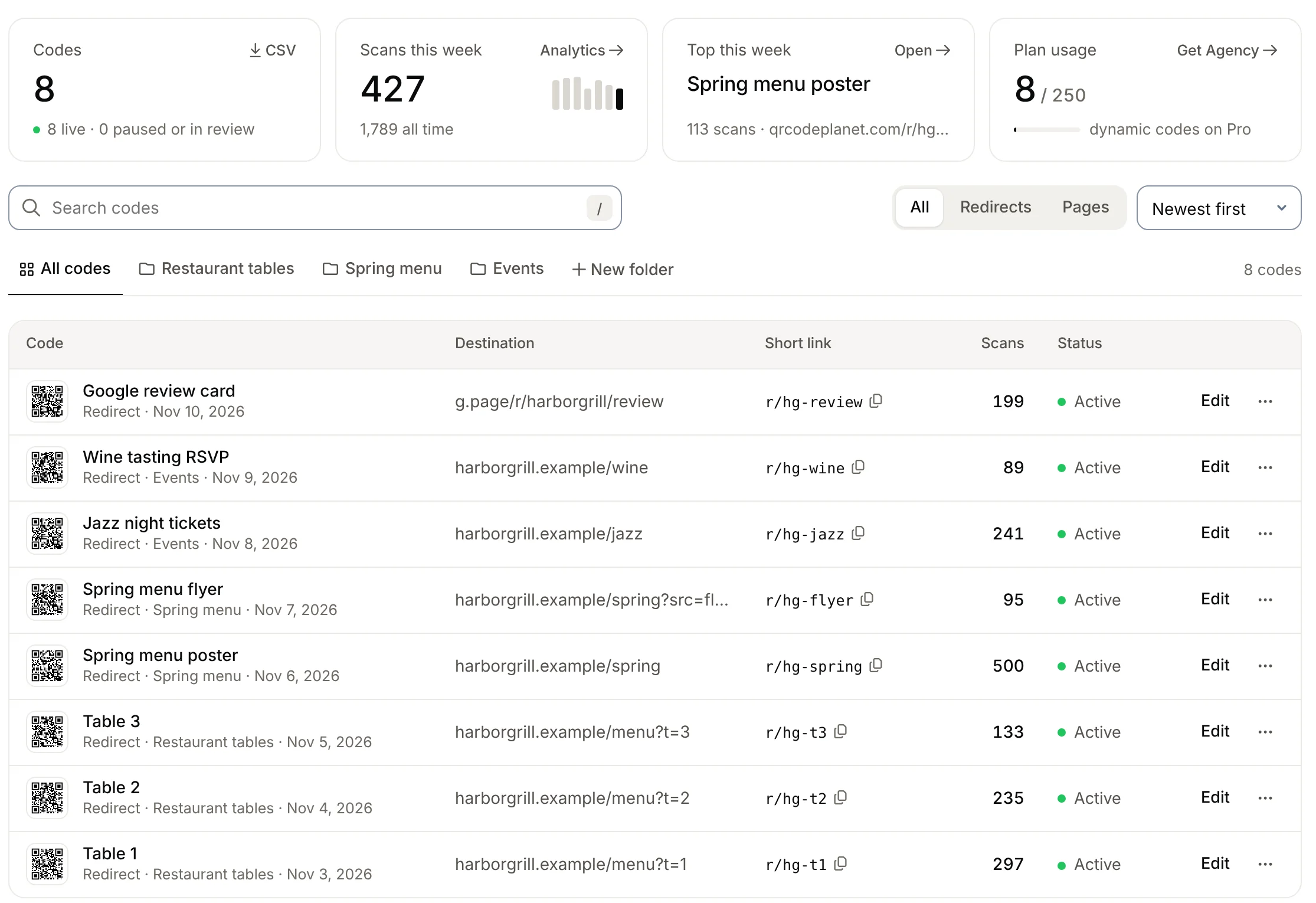
In My codes, open the code you care about.
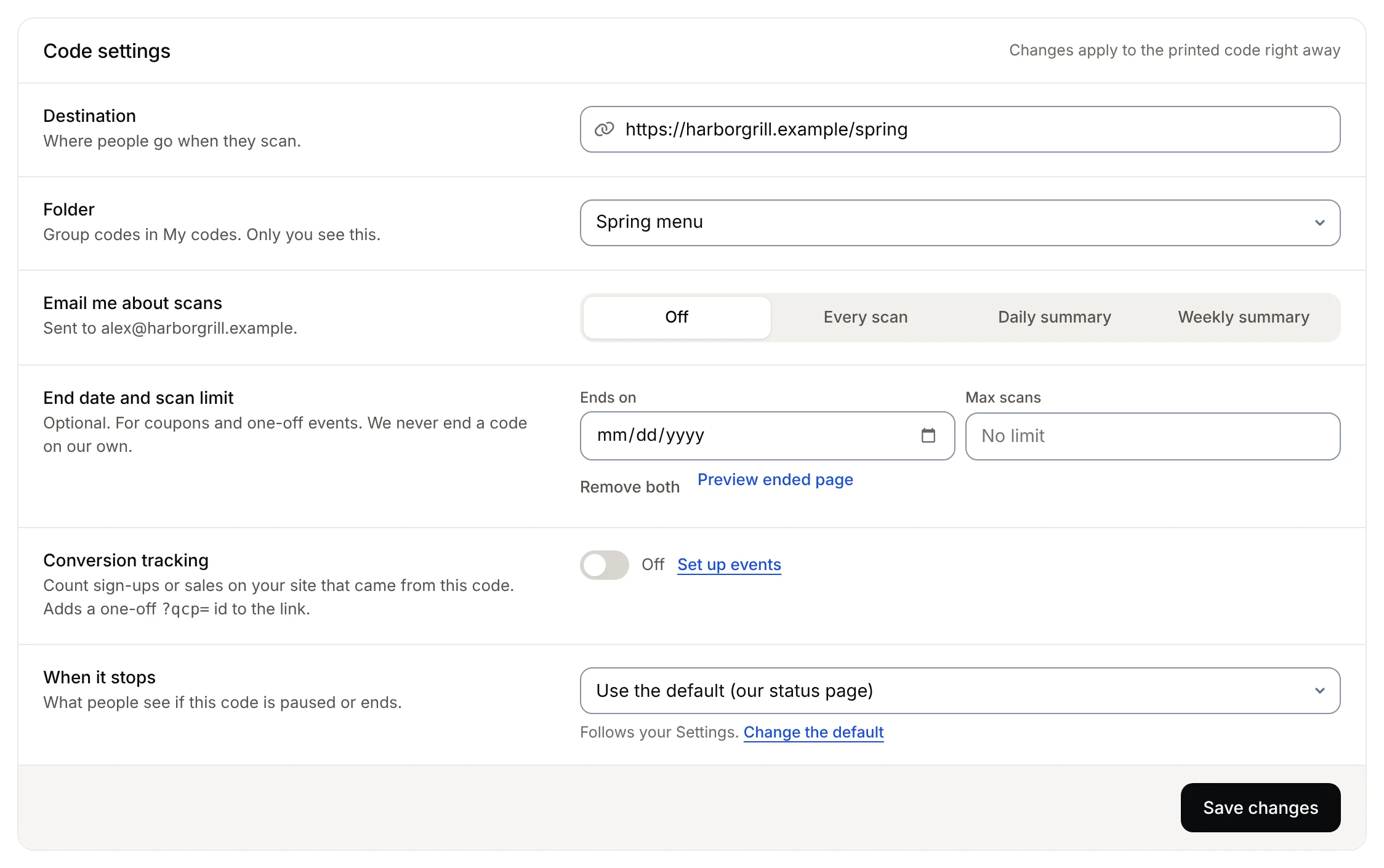
Choose an email
First scan, a daily summary or a weekly summary.
Read it in your inbox
Each email has the count and a button to the details.
Each code
Emails for one code
Pick one for each code. Set the choice new codes start with in Settings.
- First scanTells you the code works, and the city of its first scan.
- Daily summaryYesterday’s scans, every morning.
- Weekly summaryThe last 7 days, every Monday.
All your codes
Emails about your whole account
These are on by default. Turn any of them off in Settings → Notifications.
- Weekly reportEvery Monday: scans across all your codes, your top five, and the change from the week before.
- MilestonesWhen a code reaches 100, 1,000, 10,000 or 100,000 scans.
- Gone quietA code that used to get scans has had none for 30 days. The poster may have come down.
- Ending soon3 days before a code’s end date.
- Near its limitWhen a code has used 90% of its scan limit.
- Close to your plan limitWhen you’ve used most of your plan’s dynamic codes.
Instant
Need every scan as it happens?
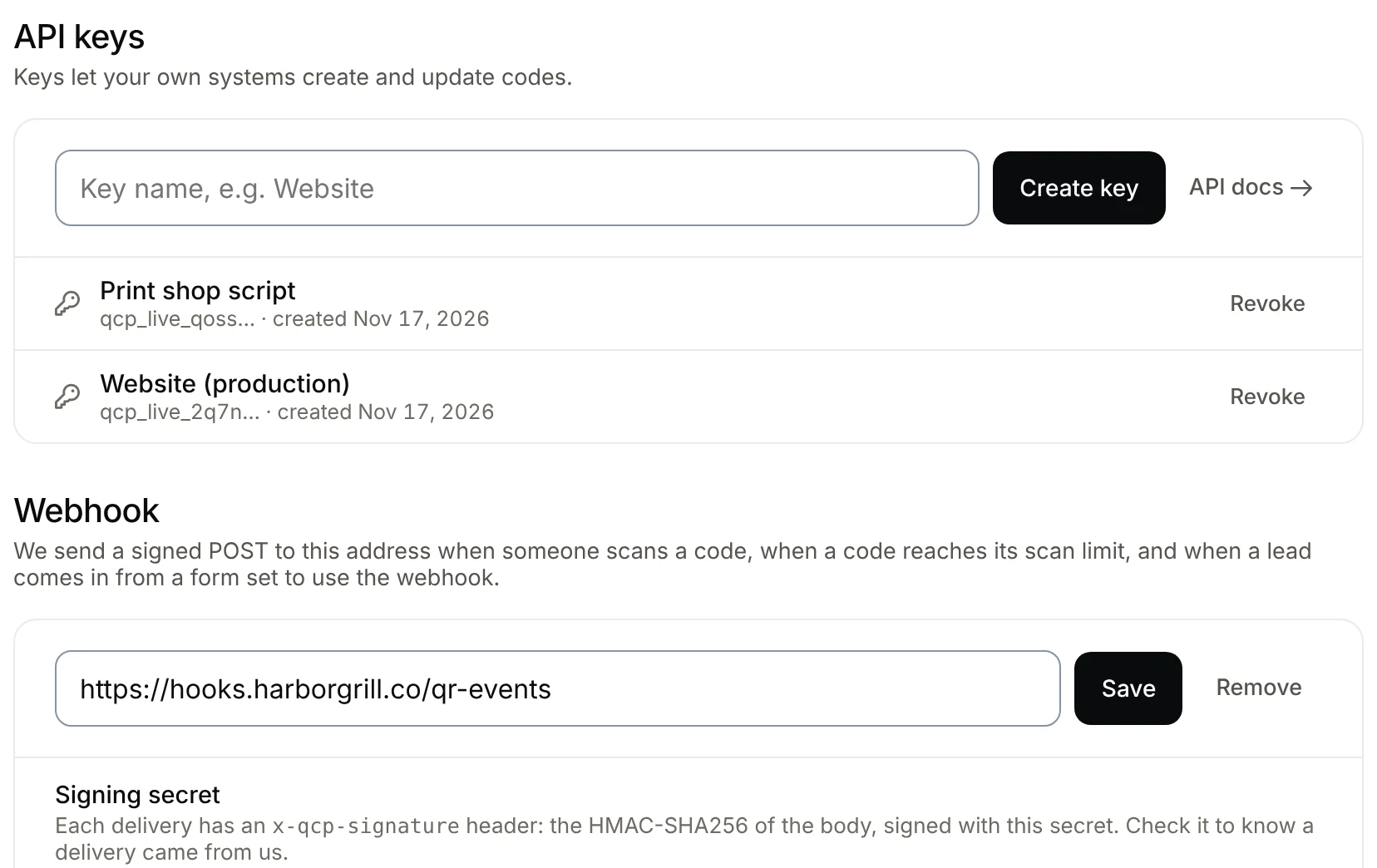
On Agency, a webhook sends each scan to your own system the moment it happens, with the country, city and device. Use it for Slack, a CRM or a live screen.
Plans
What each plan includes
| Feature | Free | Lite | Pro | Agency |
|---|---|---|---|---|
| Dynamic codes | 3 | 25 | 250 | 2,000 |
| Scan emails for each code | Not included | Included | Included | Included |
| Weekly report and milestones | Not included | Included | Included | Included |
| Gone quiet and ending soon | Not included | Included | Included | Included |
| Scan webhooks | Not included | Not included | Not included | Included |
Static codes open their link directly, so we never see their scans and can’t send alerts for them.
Good to know
Before you rely on it
- Bots aren’t countedLink previews, crawlers and scripts don’t trigger alerts or add to counts.
- Counts, not peopleAlerts say how many and roughly where. Never who scanned, and no IP addresses.
- Where they goCode emails go to the account that owns the code.
- Dynamic codes onlyA static code goes straight to its link, so it can’t be counted.
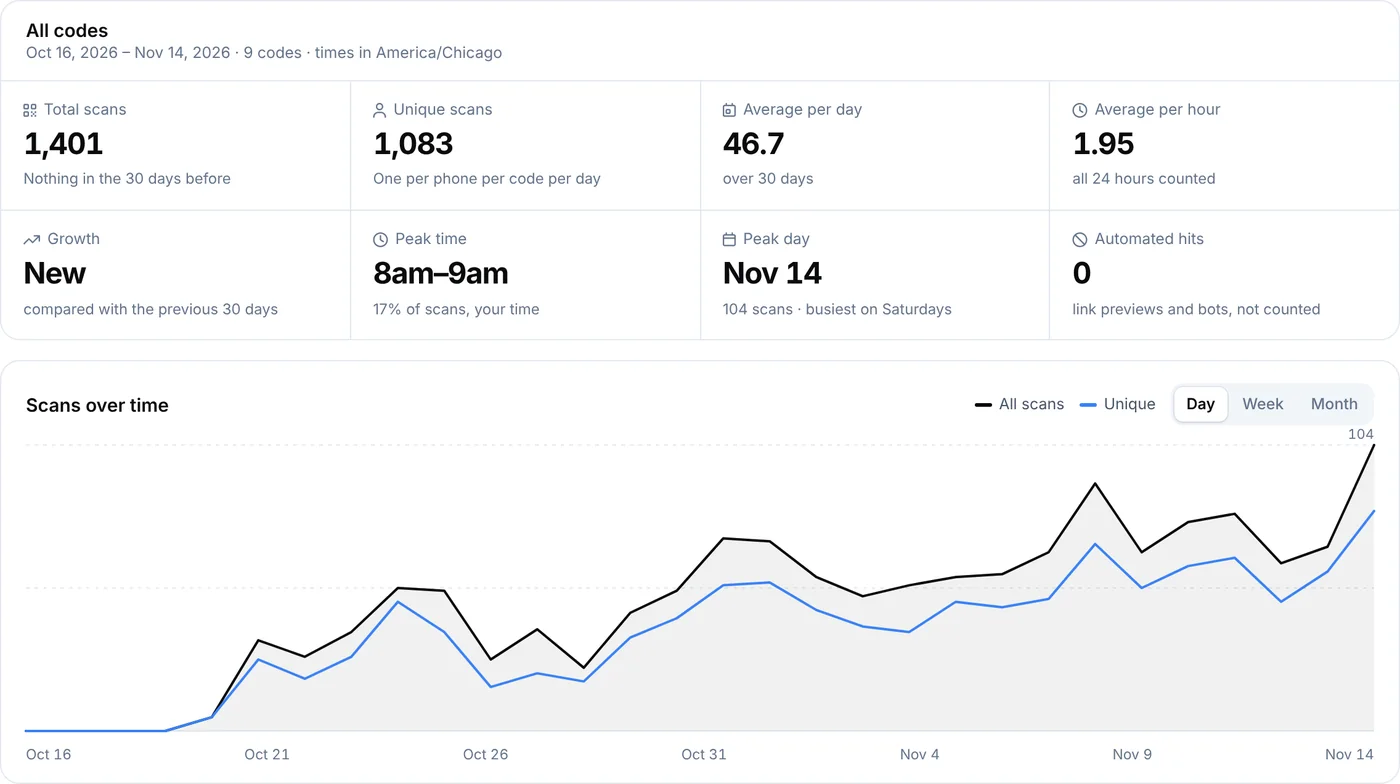
- More detailFor times of day, devices and unique scans, open analytics.
- Easy to stopSet a code back to Off, or turn account emails off in Settings.
FAQ
Questions people ask
Can’t find yours? A person answers every email within 2 working days.
Email usCan I get an email when my QR code is scanned?
Yes. Open a dynamic code and choose an email for it: first scan, a daily summary or a weekly summary.
Do I get alerts for static codes?
No. A static code opens its link directly, so its scans never reach us.
Will I know if a code stops working?
If a code that used to get scans gets none for 30 days, we email you so you can check the poster or sign.
Can my team get the emails?
Code emails go to the account that owns the code. On Agency, a webhook can send every scan to a shared tool such as Slack.
Do alerts include who scanned?
No. They include counts and, for a first scan, a city. We don’t store names or IP addresses with scans.
How do I turn them off?
Set the code’s email back to Off on its page. Account emails can be switched off one by one in Settings.
Hear about scans without logging in
Open any dynamic code and choose how often to get an email.
Free QR codes. No watermark. No expiry.
Keep reading