

QR codes for equipment maintenance logs
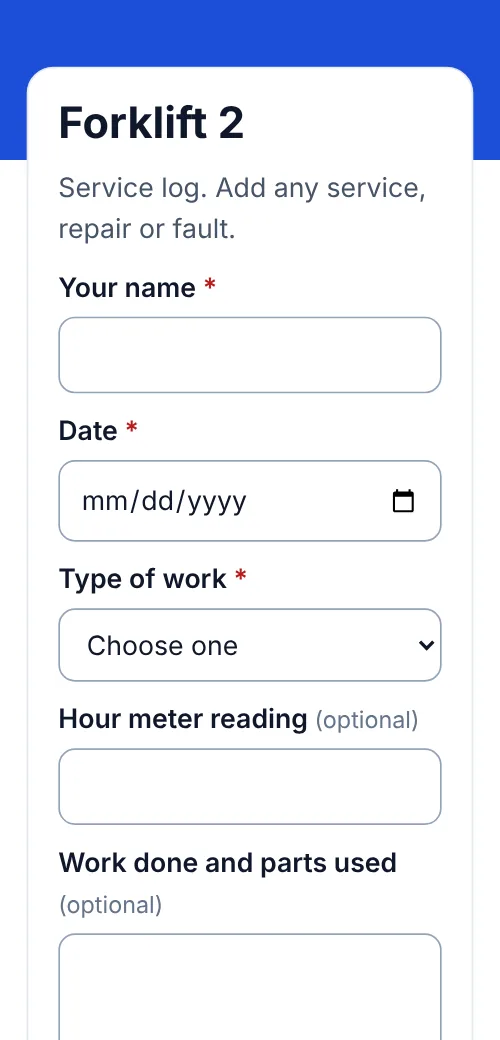
The service book is never next to the machine, and half the repairs never get written down. Put a QR code on each machine: whoever services it scans, fills in a short form, and the entry lands in one list with the machine it came from.
In short
How a QR maintenance log works
In shortEach machine gets its own QR code that opens the same short service form. Whoever does the work scans it and records what was done, by whom and when. Every entry lands in your Leads list tagged with that machine, so one filter shows its full service history.
At a glance
- How it works
- One QR code per machine opens a short service form
- Each entry records
- Who, date, work done, parts, hours, photo (Pro)
- Where entries go
- One list, each tagged with its machine
- Records
- Filter by machine, export to CSV
- Plans
- Any paid plan; 7-day free trial on Lite and Pro
The workflow
One form for every machine you own
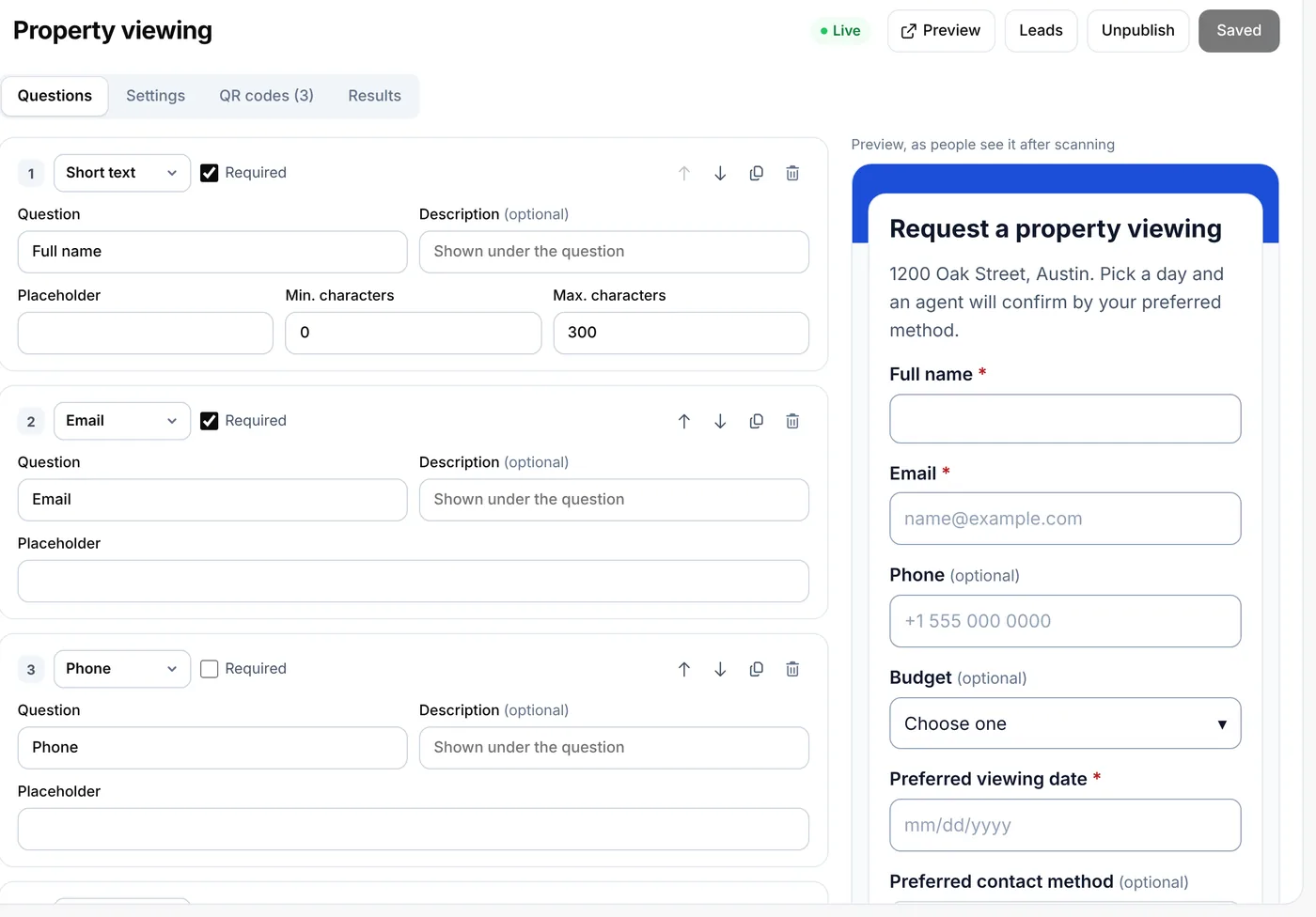
Make the service form
Name, date, a dropdown for the job (service, repair, cleaning, fault), notes, hours or meter reading, and a photo on Pro.
One code per machine
Make a code for each machine on the form’s QR codes tab, named like your asset list: “Forklift 2”, “Oven B”.
Label the machine
A durable label where people will see it: by the controls, on the door or on the guard.
Look it up later
Filter Leads by code for one machine’s history, set statuses to track open faults, and export to CSV.
Uses
What people log this way
- Workshop and plant machineryServices, repairs and meter readings.
- Commercial kitchensOven, fryer and fridge cleaning and faults.
- Buildings and officesBoilers, air conditioning and lifts, by contractor.
- Gyms and studiosTreadmills and bikes, with faults reported by staff.
- Vehicles and toolsVans, trailers and power tools, checked before use.
- Fault reportsStaff report a broken machine with a photo (Pro).
Compared
Service book or QR log?
| Compared | Paper service book | QR log |
|---|---|---|
| Where the record is | In an office drawer | In your account, from any phone |
| Who can add to it | Whoever has the book | Anyone who scans the machine |
| Finding one machine’s history | Page through the book | Filter by its code |
| Open faults | Easy to lose | A status on each entry |
| Sharing with an auditor or buyer | Photocopies | A CSV export |
Placement
Where each code goes
| Compared | What it opens | Print it at |
|---|---|---|
| By the controls or display | The service form for that machine | 1–1.5 in (2.5–4 cm) |
| On a door, guard or panel | The same code, where technicians open it | 1–1.5 in (2.5–4 cm) |
| Vehicles | The check form, inside the driver’s door | About 1 in (2.5 cm) |
Plans
What it costs
Lite and Pro start with a 7-day free trial.
Free
- Not included: forms need a paid plan
Lite, $9 a month or $72 a year
- 3 forms and 500 entries a month
- Up to 25 codes, one per machine
- Pro ($24 a month) adds 250 codes, 10,000 entries a month, photo answers and team seats
Good to know
Before you start
- Scanning shows the form, not the historyThe person scanning sees the service form. The history is in your account, in Leads.
- No service reminders yetWe don’t yet email you when a machine is due. Keep service dates in your calendar for now.
- Anyone can scanMake the name question required, and check entries you don’t recognise.
- Keep entries long enoughSet your lead retention to keep entries for the life of the machine, or export them.
FAQ
Questions people ask
Can’t find yours? A person answers every email within 2 working days.
Email usCan I see the service history of one machine?
Yes. Every entry records the code that was scanned, so filtering Leads by that code shows that machine’s entries.
Do technicians need an account or an app?
No. The phone’s camera opens the form in the browser, and they send it like any web form.
Can I use one form for different kinds of machines?
Yes. Up to 30 questions per form, each required or optional. Use a separate form when a machine needs very different questions; Lite includes 3 forms, Pro 100.
Can I track open faults?
Yes. Give each entry a status, add notes, and filter by status to see what’s still open.
How many machines can I label?
One code per machine. Lite includes 25 dynamic codes, Pro 250 and Agency 2,000.
Keep reading
Related
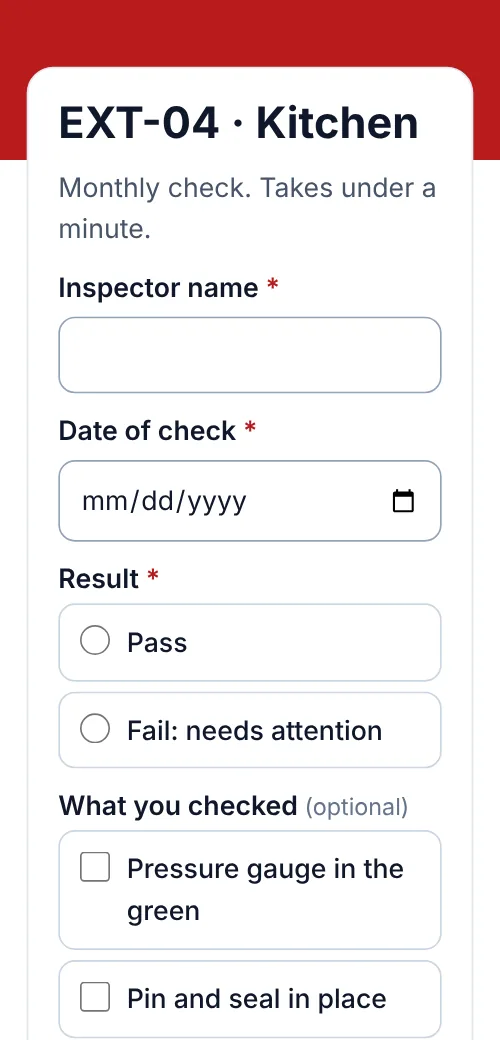 QR codes for fire extinguisher inspectionsMonthly extinguisher checks logged by scan, one list per building, CSV export.
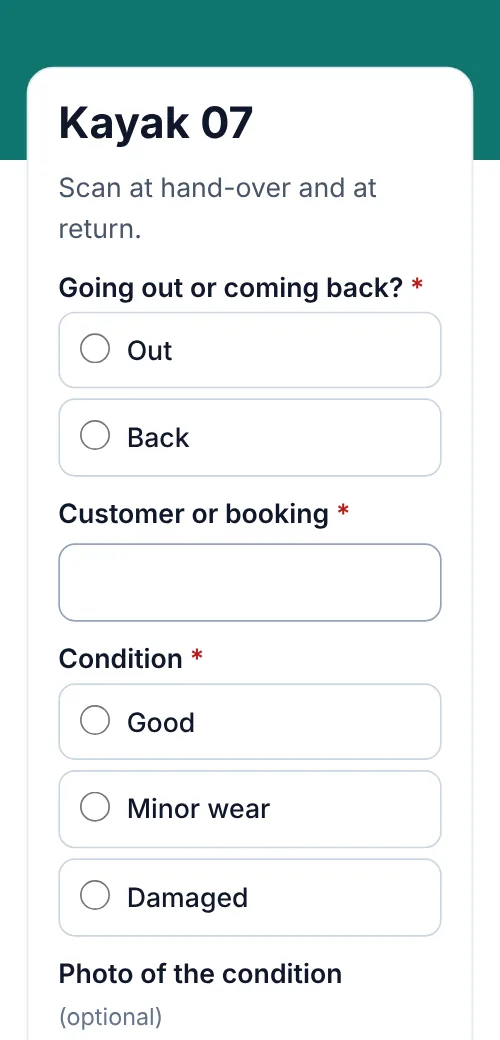 QR codes for rental check-out and returnsHand-outs and returns logged by scan, condition notes and photos, one list per item.
 QR lead formsThe forms behind these codes.
 QR codes for businessesContact cards, flyers, reviews and loyalty cards, with integrations and team plans.