

- Home
- QR code types
- Google Maps QR code
Google Maps QR code generator
Type an address or a place name and get a QR code that opens it in Google Maps. People scan and tap Directions, with nothing to type.
Definition
What is a Google Maps QR code?
In shortA Google Maps QR code holds a link to a place. Scanning it opens Google Maps on that place, where one tap starts directions. It’s free as a static code.
The code holds a Google Maps search link for the address or name you typed. Type the full address, with the city, so Maps finds the right place.
At a glance
- Price
- Free as a static code
- You enter
- An address or a place name
- Opens
- Google Maps, in the app or the browser
- Code type
- Static, or dynamic on a paid plan
- Leaves our servers?
- A static code is made in your browser
How it works
Make one in four steps
Choose Maps
Open the generator and pick the Maps type.
Type the address or place
Include the city. For a business, its name as it appears on Google Maps works well.
Style it
Colours, shapes and a frame such as “Scan for directions”.
Download and print
PNG for screens; SVG, PDF or EPS for print. Add a frame so people know what the code does.
Where to use it
Where a Maps code helps
- InvitationsWeddings, parties and events at a venue people don’t know.
- Flyers and adverts“Find us here” for a shop, a clinic or a market stall.
- Property boardsThe exact location of a viewing.
- Business cardsYour office or showroom.
Good to know
Things to know
- Test the resultScan the code and check Maps opens the right place before you print.
- Static codes can’t be editedA static Maps code keeps its content in the pattern. To change it, make a new code.
- Choose Dynamic to edit laterOn a paid plan you can save it as a dynamic code. A scan redirects to the Maps link. You can then change it after printing and see scan counts.
- It also works on iPhoneThe link opens the Google Maps app if it is installed, or Google Maps in the browser.
FAQ
Questions people ask
Can’t find yours? A person answers every email within 2 working days.
Email usIs a Google Maps QR code free?
Yes, as a static code: no watermark and no expiry. A free account includes 10 static codes a month; paid plans have no limit.
Does it need the Google Maps app?
No. Without the app the link opens Google Maps in the browser.
We moved. Do I need a new code?
A static code, yes. A dynamic code can be pointed at the new address without reprinting.
Keep reading
Related
 Google review QR codeCustomers scan and land straight on your Google review form.
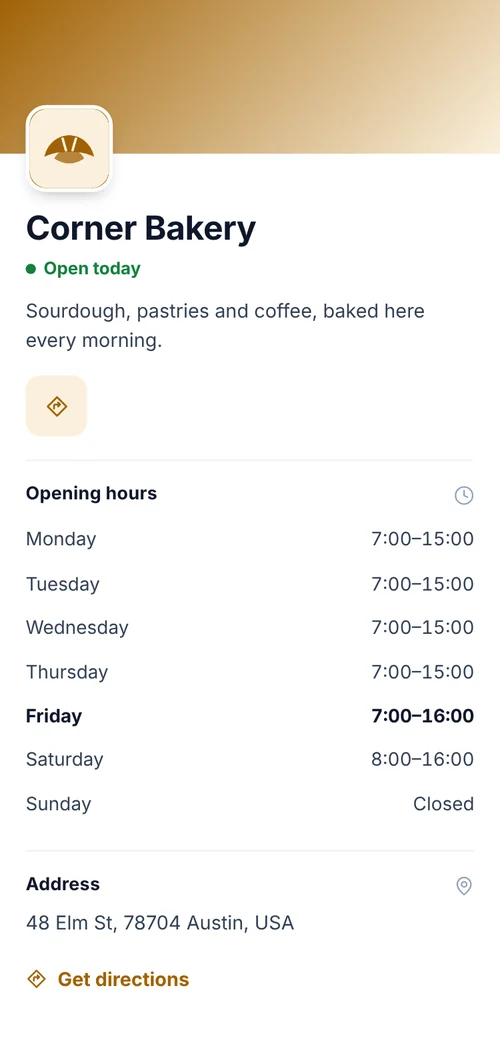 Business page QR codeOpening hours, address, contact and links.
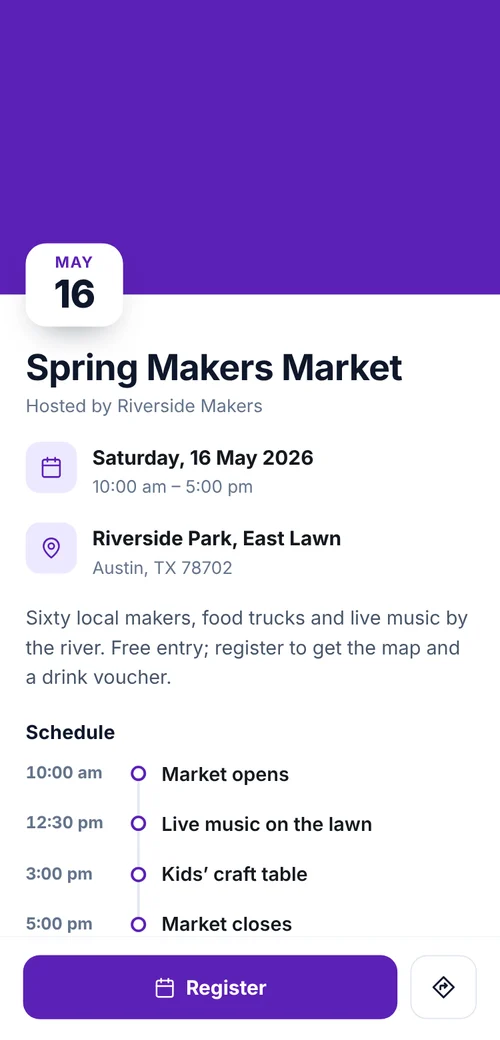 QR codes for event registrationRegistration forms behind posters and flyers, replies tagged by poster, CSV door list.
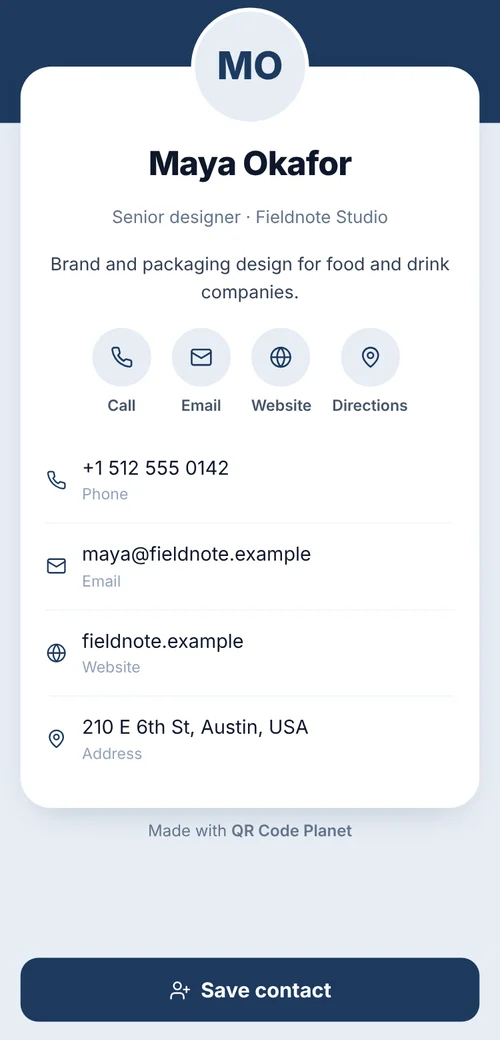 QR code typesAll 28 types: what each one does and which are free.