

- Home
- QR code types
- Tripadvisor QR code
Tripadvisor QR code generator
Paste the link to your Tripadvisor page. Guests scan at the table, the front desk or the exit and land on your listing, ready to leave a review.
Definition
What is a Tripadvisor QR code?
In shortA Tripadvisor QR code opens your Tripadvisor page, such as your restaurant, hotel or attraction listing. Guests can read reviews or write one in a few taps. It’s free as a static code.
Ask at the right moment: on the bill folder, the room card or the exit sign, when the visit is fresh. Tripadvisor’s rules don’t allow paying or rewarding guests for reviews, so ask without an offer.
At a glance
- Price
- Free as a static code
- You enter
- The link to your Tripadvisor page
- Opens
- Your listing in the Tripadvisor app or browser
- Needs the app?
- No: it opens in the browser when the app isn’t installed
- Code type
- Static, or dynamic on a paid plan
- Leaves our servers?
- A static code is made in your browser
How it works
Make one in four steps
Choose Tripadvisor
Open the generator and pick the Tripadvisor type.
Paste your page’s link
Open your listing on Tripadvisor and copy its address, or use the link from your owner tools.
Style it
Colours, shapes, your logo and a frame that says what the code does.
Download and print
PNG for screens; SVG, PDF or EPS for print. Add a frame like “Review us”.
Where to use it
Where a Tripadvisor code helps
- RestaurantsOn the bill folder, table tents and receipts.
- HotelsOn key card sleeves and in the room.
- Attractions and toursAt the exit, or on the ticket.
- Next to Google reviewsWith a Google review code, so guests choose.
Good to know
Things to know
- Don’t reward reviewsTripadvisor doesn’t allow offering anything for a review. Just ask.
- Choose Dynamic to change it laterOn a paid plan, save it as a dynamic code. You can then point it somewhere else after printing and see how many people scanned.
- One code, several placesWith a dynamic code you can switch between Tripadvisor and Google later without reprinting.
- Check before you printScan the code and make sure your own listing opens.
FAQ
Questions people ask
Can’t find yours? A person answers every email within 2 working days.
Email usIs a Tripadvisor QR code free?
Yes, as a static code: no watermark and no expiry. A free account includes 10 static codes a month; paid plans have no limit.
Which link should I use?
The address of your listing on Tripadvisor works for everyone. Guests can read reviews there and tap to write one.
Can I use it for a hotel and a restaurant?
Yes. Make one code per listing, each with its own link.
Keep reading
Related
 Google review QR codeCustomers scan and land straight on your Google review form.
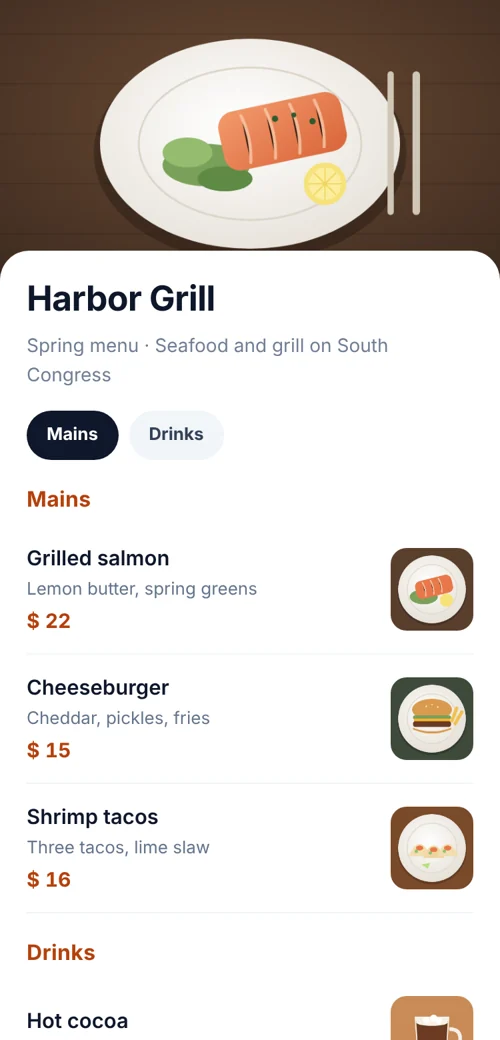 QR codes for restaurantsTable tents that show today’s prices. Edit the menu, not 40 tents.
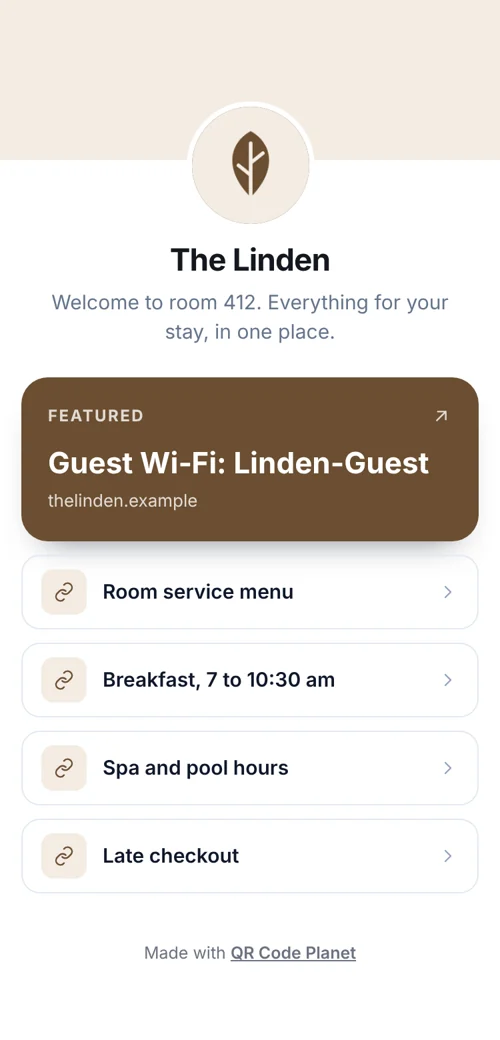 QR codes for hotelsRoom cards that stay right when breakfast hours change, in each guest’s language.
 QR code typesAll 40 types: what each one does and which are free.