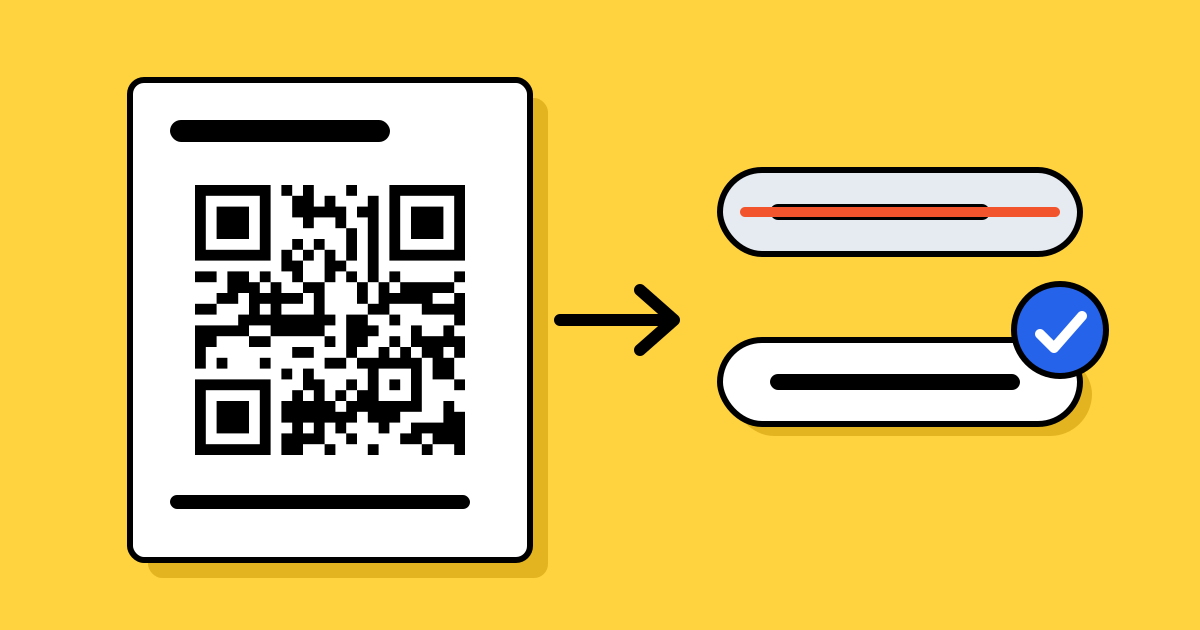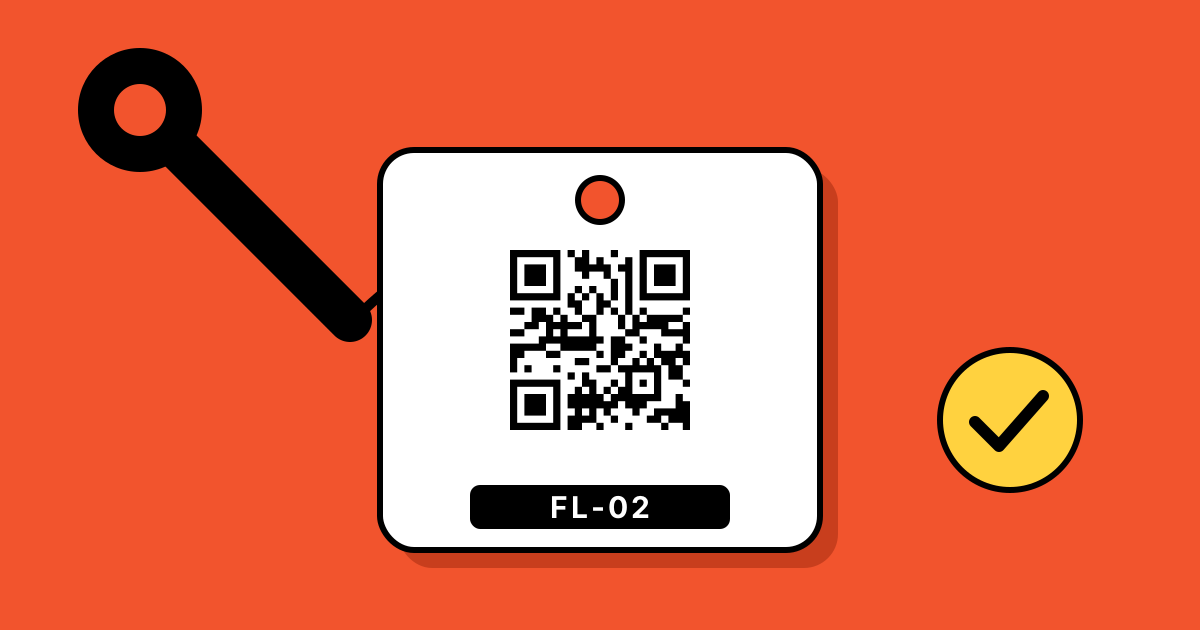
Short answerGive every item an ID, such as FL-02 for forklift 2, and print one QR code per item on a durable label. The code can open the manual, a form to log a check or report a fault, or the item’s page in your own system. Use dynamic codes when the destination might change, and test one label on site before printing the batch.
1. Decide what a scan should open
| The code opens | Good for | Code type |
|---|---|---|
| The manual or safety sheet | Operators who need instructions at the machine | A link or a PDF code |
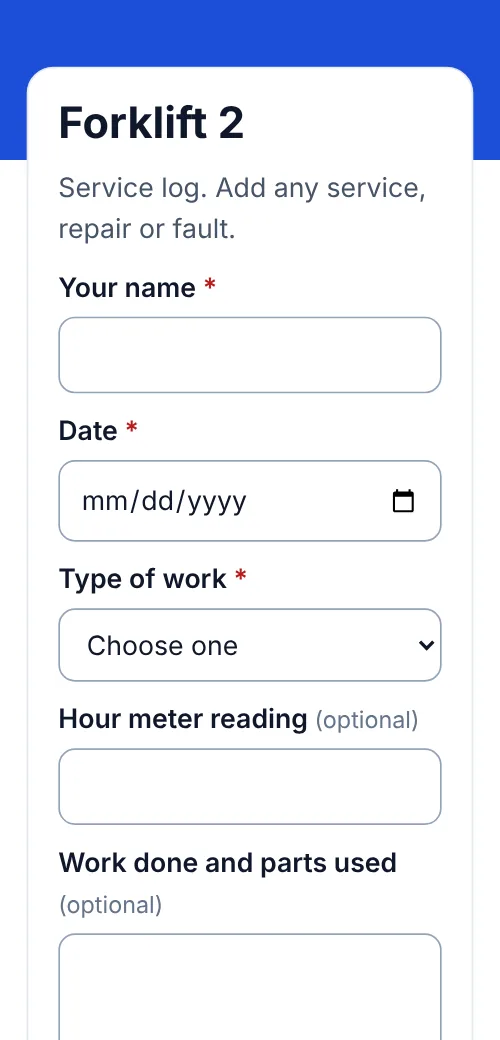
| A short form to log a check, service or fault | Inspections and maintenance records | A form behind a dynamic code |
| The item’s page in your own system | Teams that already track assets in software | A link with the item’s ID in it |
| Just the ID as text | Stock counts with no internet | A text code |
Pick one main job per code. A scan that opens a menu of choices is slower than one that opens the right thing.
2. Give every item an ID
- Short and readable: a type and a number, such as
EXT-04orFL-02. - Printed under the code: people can still read it if the code is scratched or a phone is flat.
- The same in every place: on the label, in the code’s name and in your spreadsheet, so records line up.
3. Static or dynamic?
A static code stores the destination in the pattern. It’s free and never expires, but the link can’t change, so it suits text IDs and links that will never move.
A dynamic code holds a short link you can redirect later, and counts scans. For labels that stay on equipment for years, that’s the safer choice: if the manual moves or you change systems, you update the link instead of relabelling the building. See can you edit a QR code after printing?
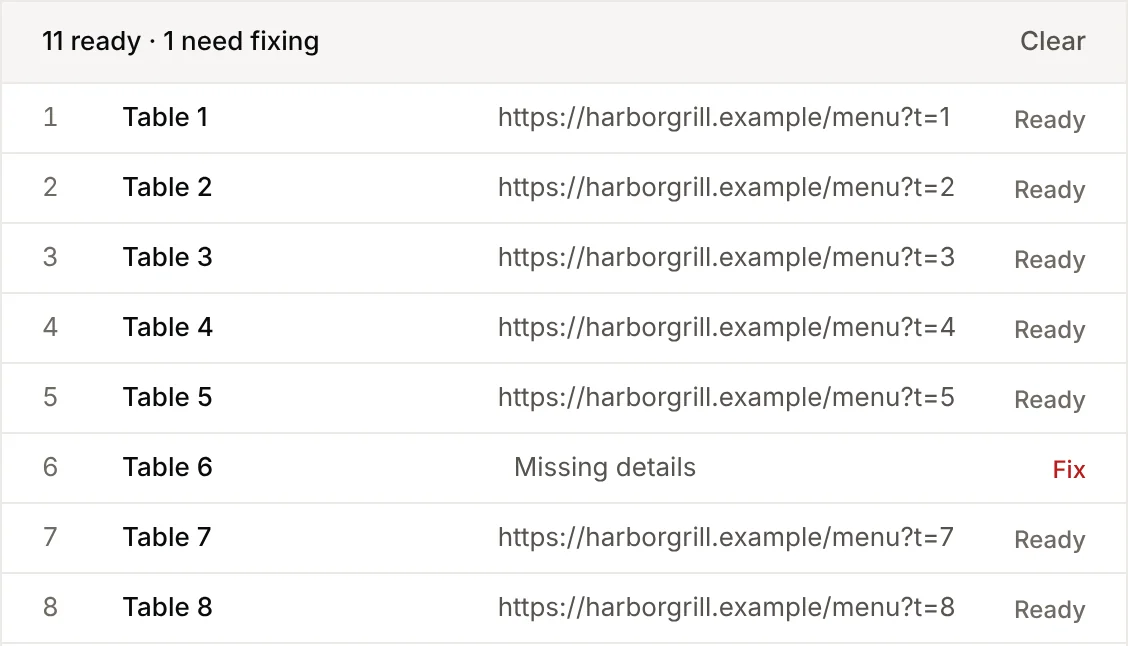
For many items at once, bulk creation makes one code per row of a spreadsheet, named from your IDs.
4. Choose a label that lasts
| Where it goes | Label | Size |
|---|---|---|
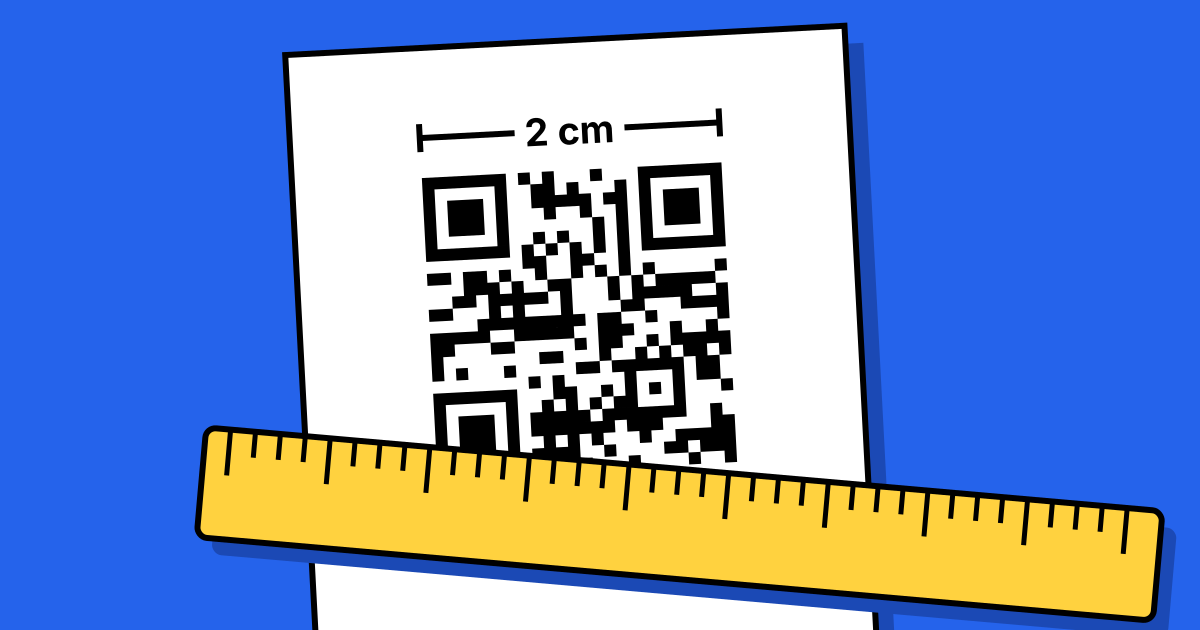
| Indoor tools and office equipment | Laminated paper or polyester labels | About 1 in (2.5 cm) |
| Workshops, kitchens, cleaning with chemicals | Laminated polyester or vinyl | 1–1.5 in (2.5–4 cm) |
| Outdoors, vehicles, heat | UV-resistant vinyl or anodized aluminium | 1.5 in (4 cm) or more |
Use black on white, keep the empty border around the code, and avoid curved surfaces where possible. Sizes for longer distances are in the printing guide, and placement tips in where to put a QR code.
5. Test one, then label everything
- Stick one label on the real item and scan it in the real light, with gloves on if staff wear them.
- Check what opens on a phone, including any form, and that a test entry arrives.
- Keep a printed sheet of spare codes for replacements.
Examples
Three common setups, step by step: fire extinguisher inspections, equipment maintenance logs and rental check-out and returns.
FAQ
Questions people ask
Can’t find yours? A person answers every email within 2 working days.
Email usWhat should an equipment QR code link to?
The one thing people need at the machine: usually the manual, or a form to log a check, a service or a fault.
How big should a QR code asset tag be?
About 1 in (2.5 cm) for items scanned up close. Go to 1.5 in (4 cm) or more outdoors, on vehicles, or where labels get dirty.
Do QR code asset tags need internet?
Scanning doesn’t. Opening a link, form or dynamic code does. A text code with the ID works offline.
Can I change where an asset tag points after printing?
Yes, if it’s a dynamic code. A static code’s destination is fixed in the pattern.