Short answerThe uses that work best for small businesses are the ones that answer something a customer wants right then: leaving a Google review, seeing the menu, joining the Wi-Fi, booking the next visit, saving your contact, claiming an offer or giving feedback. Put each code where that moment happens, and say what the scan does.
At the counter and the till
- Ask for a Google review. A code that opens your review form straight away, placed by the till or on the receipt, catches people when they are pleased. The full method is in get more Google reviews with QR codes.
- Book the next visit. Salons, barbers, clinics and repair shops can link to their booking page or a short booking form, so the next appointment is made before the customer leaves.
- Follow on social media. One code for a page of links covers Instagram, TikTok, Facebook and your website, instead of four codes or four handles.
At the table and in the waiting area
- Show the menu or price list. A menu code lets you change dishes and prices without reprinting. Keep a few paper copies for people who prefer them.
- Share the Wi-Fi. A Wi-Fi code joins the network in one scan, with no password spelled out loud. It works even before the guest is online.
- Collect feedback. A short feedback page on the table or in the waiting room gives unhappy customers a private place to speak up.
On the door and the window
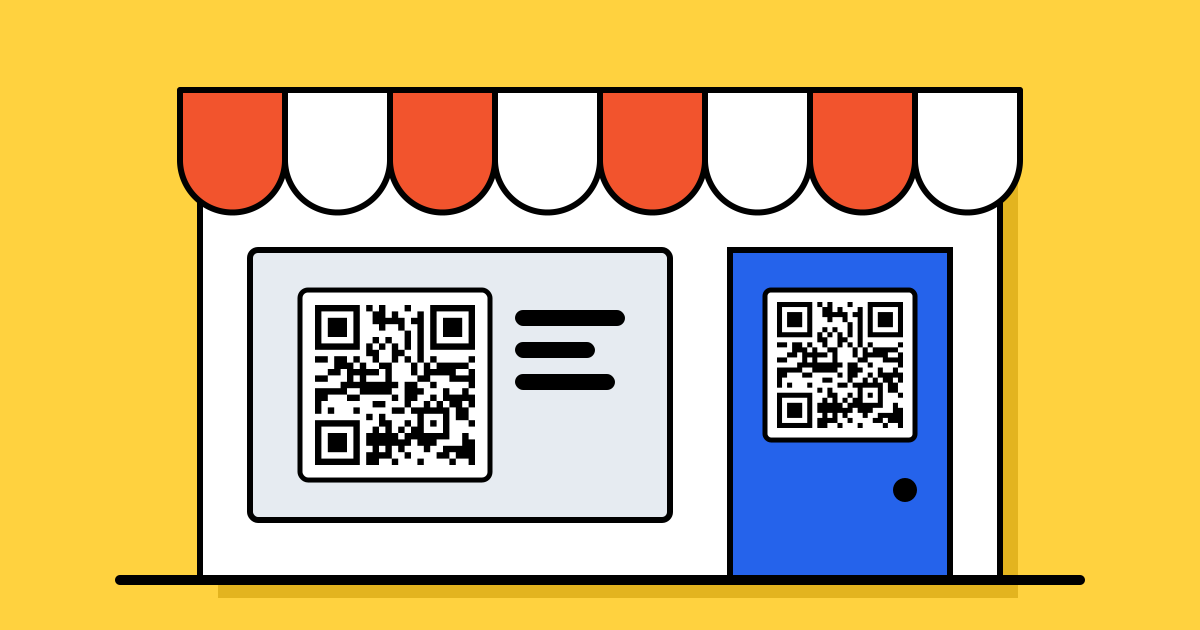
- Take messages after hours. A WhatsApp code on the door lets people ask a question or place an order when you are closed.
- Promote this month’s offer. A coupon code in the window gives passers-by a reason to come in. With a dynamic code, swap the offer each month on the same sign.
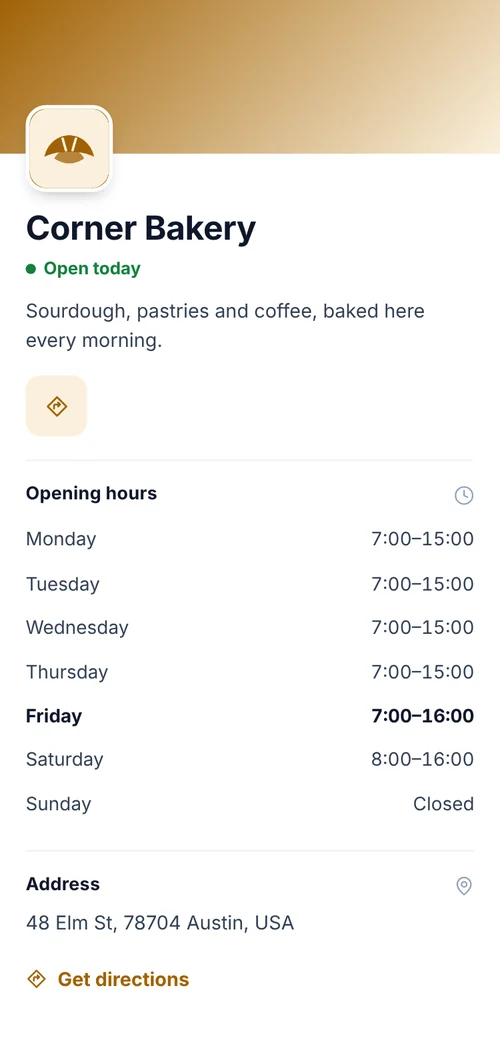
- Show opening hours and directions. A business page holds hours, address, phone and a map link, and you can update it for holidays.
On things customers take home
- Business cards and flyers: a contact code saves your details to their phone. See QR codes for business cards.
- Packaging and bags: link to care instructions, a how-to video, refills or a reorder page. See QR codes on product packaging.
- Receipts and loyalty cards: sign people up to your mailing list or loyalty scheme with a short form, with consent asked properly. See how to collect leads with QR codes.
How to pick where to start
Don’t do all twelve at once. Start with the question customers ask you most (“What’s the Wi-Fi?”, “Can I see the menu?”, “Are you open Sunday?”) and the thing you most want from them, usually a review or a repeat visit. Two or three well-placed codes do more than a dozen on every surface.
Make them work
- Say what the scan does. “Scan for today’s menu” works better than a bare code. Wording ideas are in what to write next to a QR code.
- Put it where people pause: the counter, the table, the queue, at eye level. More in where to put a QR code.
- Use dynamic codes for anything that changes. Menus, offers, hours and booking links change; a dynamic code lets you update them without reprinting.
- Count the scans. Scan stats come with a paid plan. Give each spot its own code and you will see whether the window or the counter brings more people. See how to track QR code campaigns.
- Check your printed codes now and then. A sticker over your code, or a faded print, is easy to miss. The checks are in are QR codes safe?
FAQ
Questions people ask
Can’t find yours? A person answers every email within 2 working days.
Email usWhat is the best first QR code for a small business?
Usually a Google review code by the till, or a menu or Wi-Fi code if customers ask for those often. Start with what customers ask you most.
Do I need a dynamic code?
For anything that changes, such as menus, offers, hours or booking links, yes: you can update it without reprinting. A free account includes 3. A Wi-Fi or contact code can stay static.
How many QR codes should a small shop have?
Two or three, each with one clear job and placed where customers pause. Too many codes on one wall get ignored.
Can I see which QR code gets scanned most?
Yes, with dynamic codes on a paid plan. Give each place its own code and compare their scans.