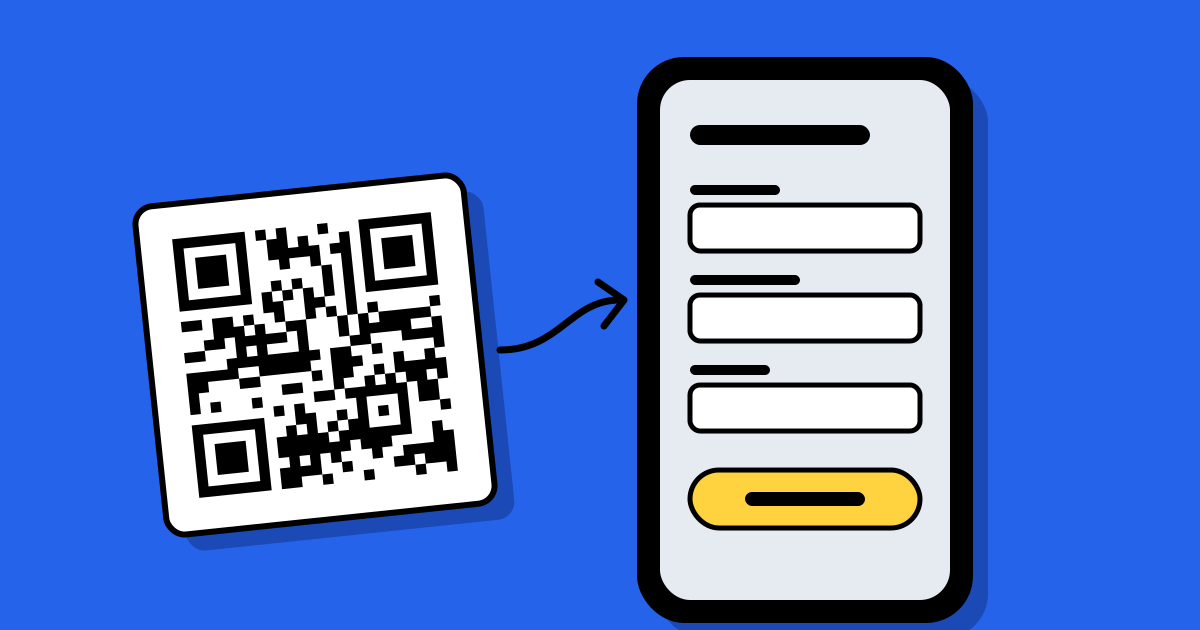
Short answerOpen the form, click Send, choose the link tab and copy the link (tick “Shorten URL” for a forms.gle address). Paste it into a QR code generator as a URL code, download it and scan it with a phone before printing. Use a dynamic code if you might switch to a different form later.
1. Copy the form’s link, not the editor’s
The address in your browser while you build the form ends in /edit. That link opens the editor and asks people to request access. The link to share is elsewhere:
- Open the form and click Send at the top right.
- Choose the link tab (the chain icon).
- Tick Shorten URL to get a short
forms.gleaddress. - Click Copy.
A shorter link makes a simpler pattern, which scans more easily when the code is printed small.
2. Check the settings that stop people answering
Most “the QR code doesn’t work” complaints about forms are really settings that block people who scan from their phone. Check these in the form’s Settings tab before printing:
| Setting | What it does to people who scan |
|---|---|
| Limit to 1 response | Asks everyone to sign in to a Google account first. Many people give up at that screen. |
| Restrict to users in your organization | Only people signed in to your company or school account can open it. |
| Accepting responses turned off | Everyone sees a “no longer accepting responses” message. |
| Collect email addresses (verified) | Asks people to sign in so Google can confirm the address. “Responder input” lets them type it instead. |
Open the copied link in a private browser window, signed out. What you see there is what a stranger sees after scanning.
3. Make the code
Paste the link into a generator as a URL QR code. A free code stores the form’s link for good, so replacing the form later means reprinting. If the poster will stay up for months, or you want to count scans, make a code whose link you can change after printing; here is how to choose.
Google Chrome’s share menu can also make a basic code for any page. It has no logo or frame, and its link can’t be changed after printing.
4. Test it, then print
- Scan it with two different phones, from the distance people will stand.
- Fill in the form once from the scan, then check the reply arrived in the Responses tab.
- Print one copy at the real size first. Sizes for each distance are in the printing guide.
Next to the code, say what people get and how long it takes, such as “Scan to sign up (1 minute)”. More wording in what to write next to a QR code.
When a Google Form isn’t enough
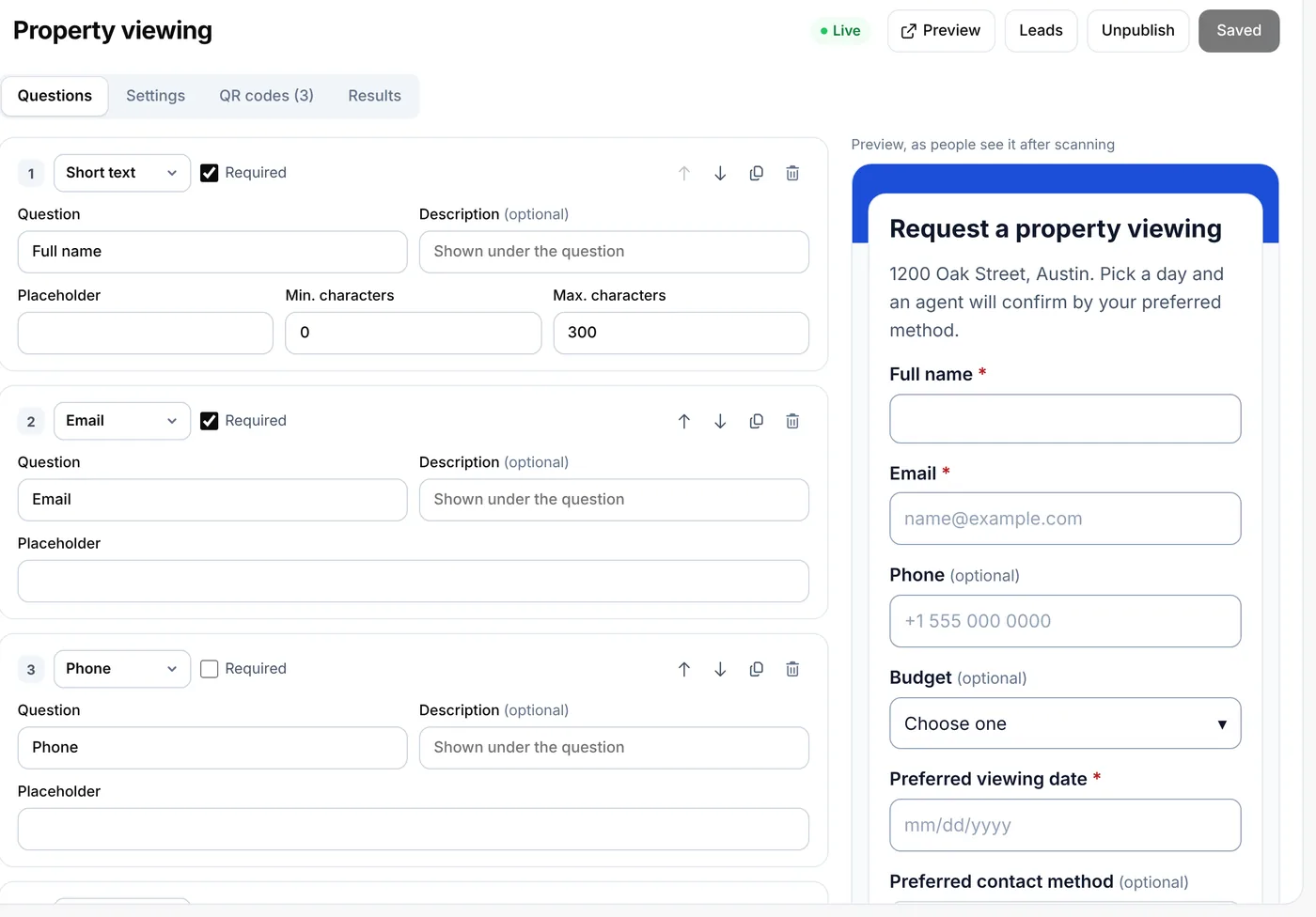
A Google Form can’t tell you which poster, table or flyer a reply came from, unless you make a separate form for each. If that matters, a form built into the QR code service records the code behind every reply. On QR Code Planet, lead forms do this on paid plans, with one list of replies tagged by code. The trade-offs are in how to collect leads with a QR code.
FAQ
Questions people ask
Can’t find yours? A person answers every email within 2 working days.
Email usDoes Google Forms make QR codes?
No. Google Forms gives you a link to share. You turn that link into a QR code with a generator, or with Chrome’s basic share menu option.
Why does my Google Form QR code ask people to sign in?
A setting needs a Google account, usually “Limit to 1 response”, a verified email question, or a restriction to your organization. Turn it off and test the link signed out.
Will the QR code still work if I edit the form?
Yes. Editing questions doesn’t change the form’s link. Only a new form gets a new link; a dynamic code lets you point the printed code at it.
Is a QR code for a Google Form free?
Yes. A static URL code is free and never expires. A dynamic code, which you can change and track, needs a paid plan.