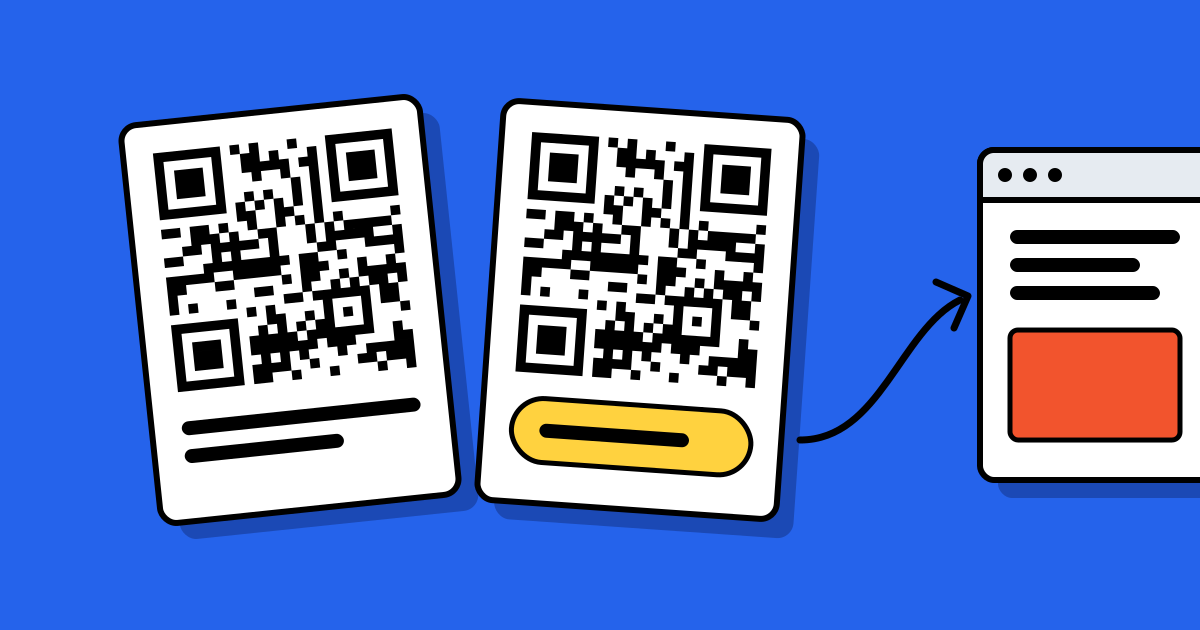
Short answerYes, if it is a dynamic QR code. A dynamic code holds a short link, and you can change where that link goes at any time without touching the printed pattern. A static code holds the final content itself, so it can’t be edited. To change a static code you make a new one and print it again.
Why one kind can change and the other can’t
A QR code is a picture of some text. In a static code, that text is your content: the web address, the Wi-Fi password, the contact details. Change one character and the picture has to change, which means new artwork and a new print run.
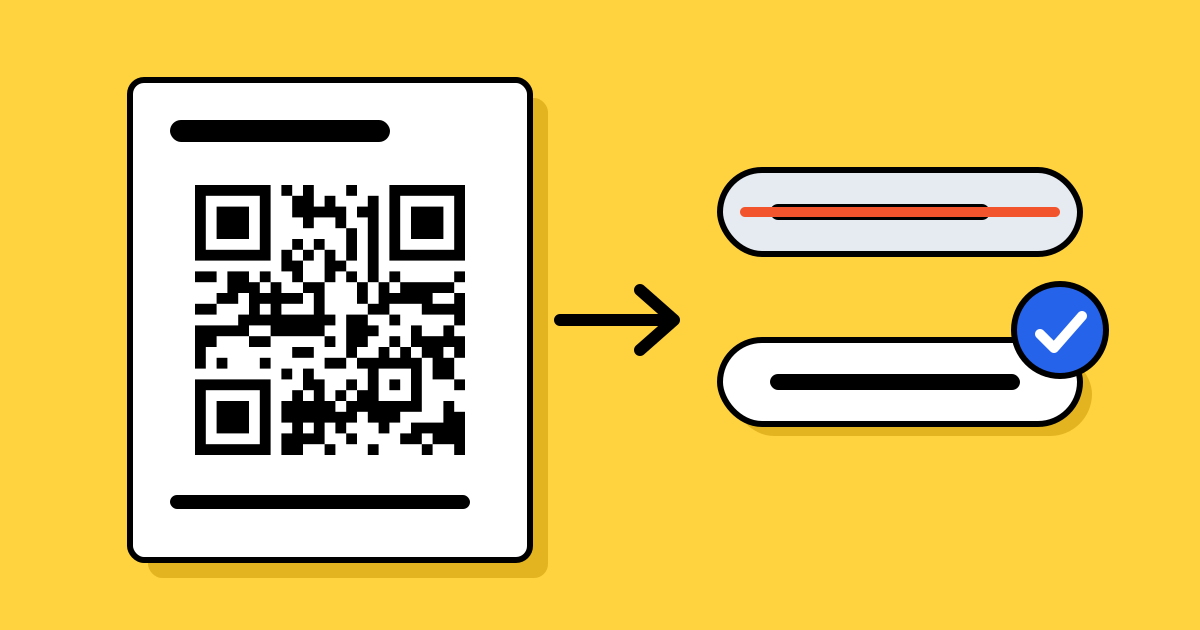
In a dynamic code, the text is a short link that belongs to the service you made it with. When someone scans, the service looks up where that link should go today and sends them there. You change the destination in your account; the printed picture stays the same. A fuller comparison is in static vs dynamic QR codes.
How to tell which kind you printed
Scan the code and read the address your phone shows before you tap it.
- If it shows your own web address, exactly as you typed it, the code is static.
- If it shows a short link on the QR service’s domain, or on a domain you connected to it, the code is dynamic. Ours look like
qrcodeplanet.com/r/…. - A Wi-Fi, contact card, text, email or SMS code that works with no internet connection is static.
You can also look in the account you made it in. Dynamic codes are listed there with an option to edit the destination.
What you can change on a dynamic code
| You can change | You can’t change |
|---|---|
| Where the code goes | The short link inside the printed pattern |
| Whether it is live or paused | The colours, shape or logo of codes already printed |
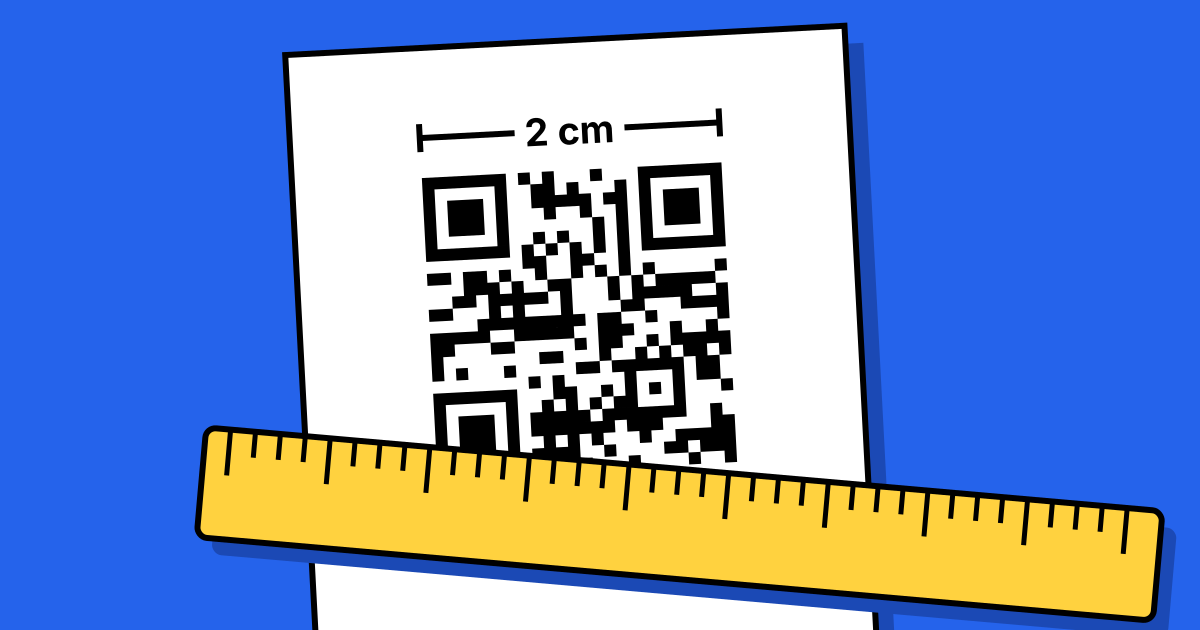
| An end date, a schedule or a scan limit | The size it was printed at |
| A password, tracking tags and scan alerts |
Changes take effect for the next person who scans. Nothing needs to be reprinted or redistributed.
If the printed code is static
You can’t edit it, but you may not need to reprint.
- Redirect the old address. If the code points to a page on a website you control, set up a redirect from that address to the new page. The code still opens the old address, and your site passes people on. This is the best fix when it’s available.
- Put the new content at the old address. If the page still exists, update the page instead of the code.
- Cover it. For a small number of items, print the new code on stickers and place them over the old one. Cover the whole old code, including its margin, so cameras don’t pick up both.
- Reprint. If the code points somewhere you don’t control, or holds content such as a Wi-Fi password, a new code is the only way.
A static code can’t be turned into a dynamic one afterwards. The two hold different text, so the patterns differ.
Before your next print run
Use a dynamic code for anything that might change during the life of the print: menus, price lists, packaging, signs, business cards and campaign material. Use a static code when the content is fixed for good, such as a link to your home page, or when it has to work offline.
Dynamic codes depend on the service that runs the short link, so check what happens if you stop paying. With us, a free account includes 3 dynamic codes, and paid plans include more, and Lite and Pro start with a 7-day free trial. If a plan ends, your codes keep redirecting to their last destination; with more than 3, they can’t be edited again until the account subscribes. Other reasons a printed code can fail are in why QR codes stop working.
Whichever kind you choose, scan a printed proof before the full run. The checks are in the QR code printing guide.
FAQ
Questions people ask
Can’t find yours? A person answers every email within 2 working days.
Email usCan I change the link in a QR code without changing the code?
Yes, if the code is dynamic. You change the destination in your account and the printed code stays the same.
Can a static QR code be made dynamic?
No. A dynamic code holds a different link, so it has a different pattern. You would make a new code and print it.
How quickly does an edit take effect?
Straight away. The next scan goes to the new destination.
Does editing a dynamic code reset its scan count?
No. With us the code keeps its scan history when the destination changes.
Can I change the design of a printed code?
Not on paper already printed. You can download the same dynamic code in a new design for future prints, and both versions go to the same place.