Short answerGive every placement its own dynamic QR code, group the codes in one campaign, and add the same UTM tags to all of them with a different utm_content for each placement. Scan counts then show which placement people scanned most, and Google Analytics shows what they did on your site afterwards.
1. One code per placement
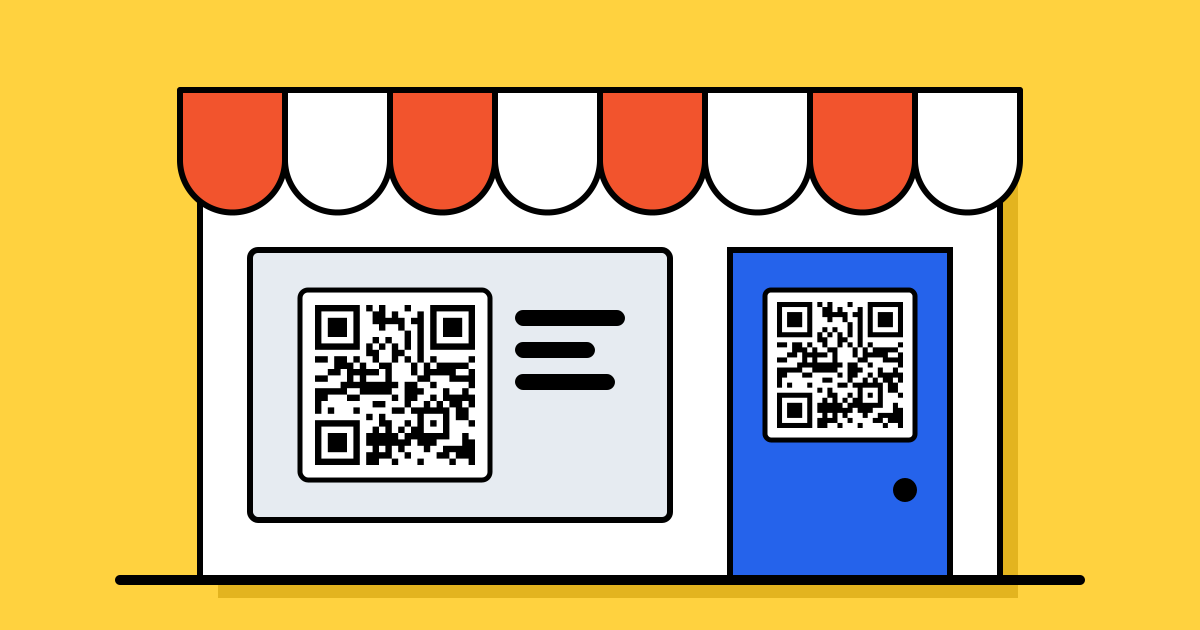
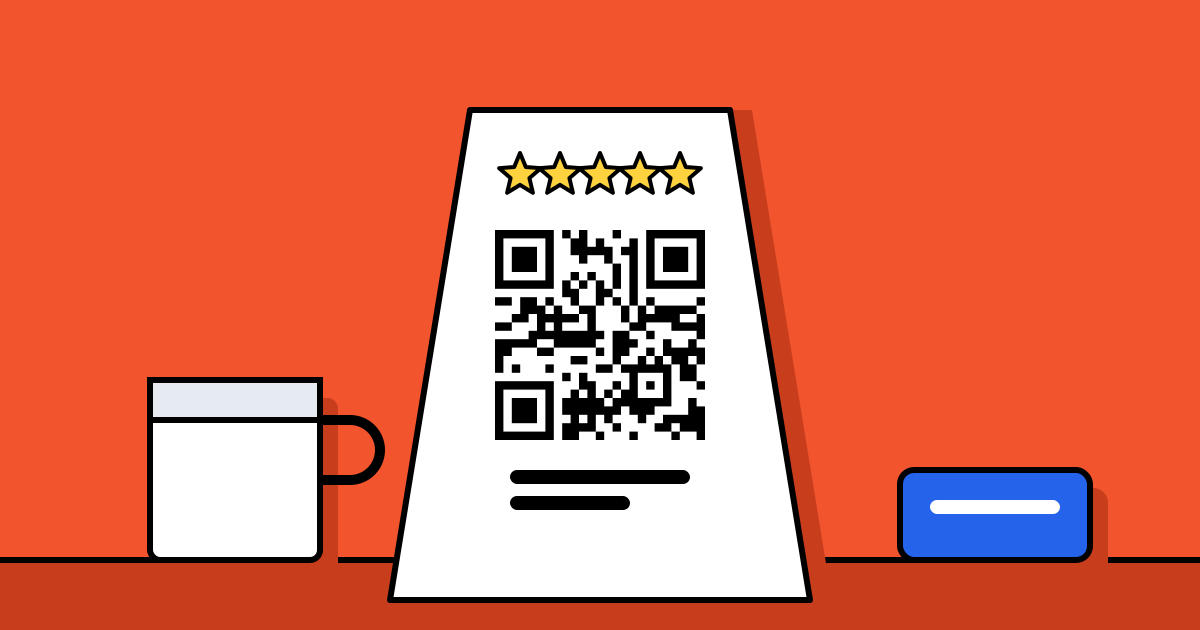
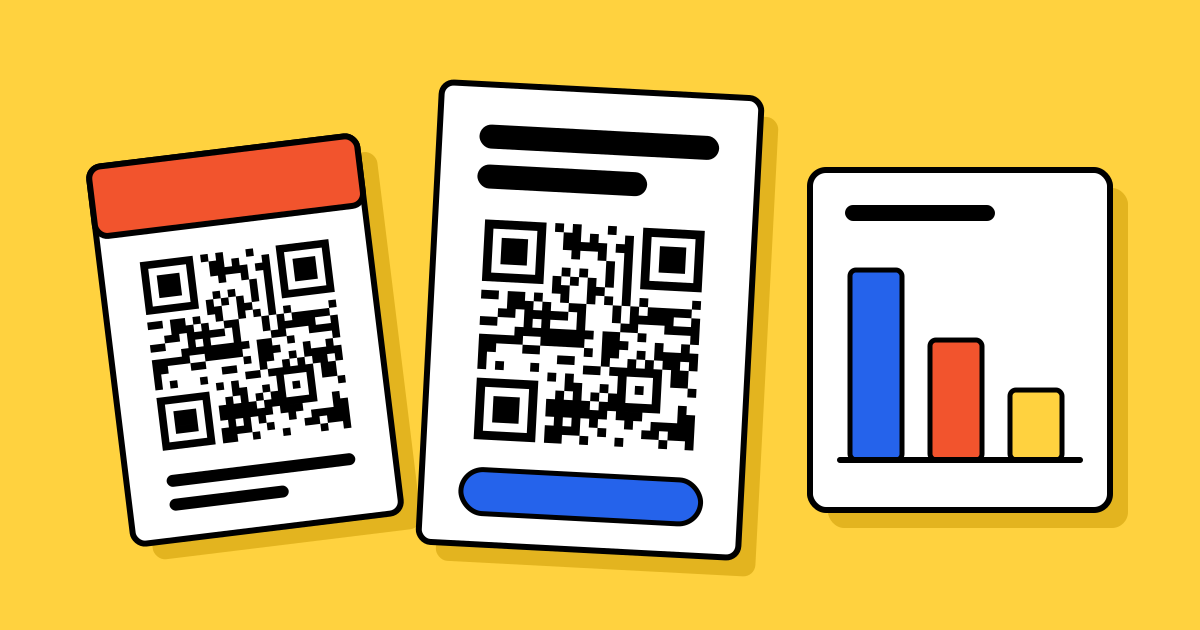
The most common mistake is printing the same code everywhere. Then every scan looks the same and you can’t tell the poster from the flyer. Make a separate dynamic code for each place the code will appear: “Flyer, Main Street”, “Poster, mall entrance”, “Table tent”. They can all open the same page.
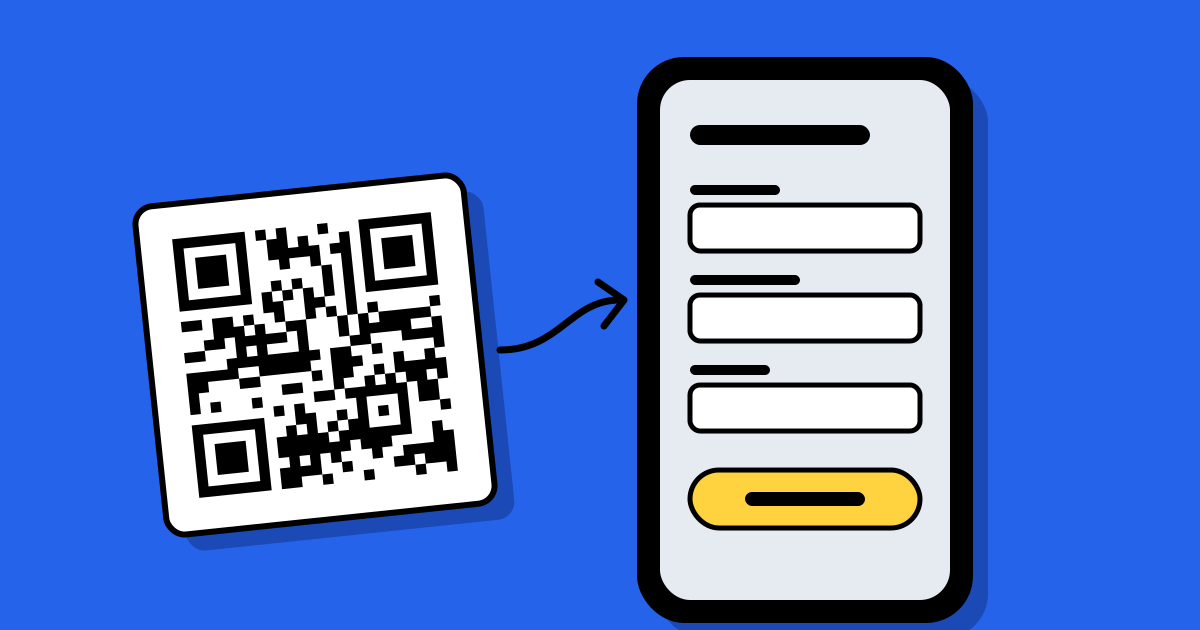
Static codes can’t be tracked at all: the link is stored in the pattern and the scan never reaches us. Tracking needs a dynamic code, which goes through a short link that counts the scan and then sends the person on.
2. Group the codes in a campaign
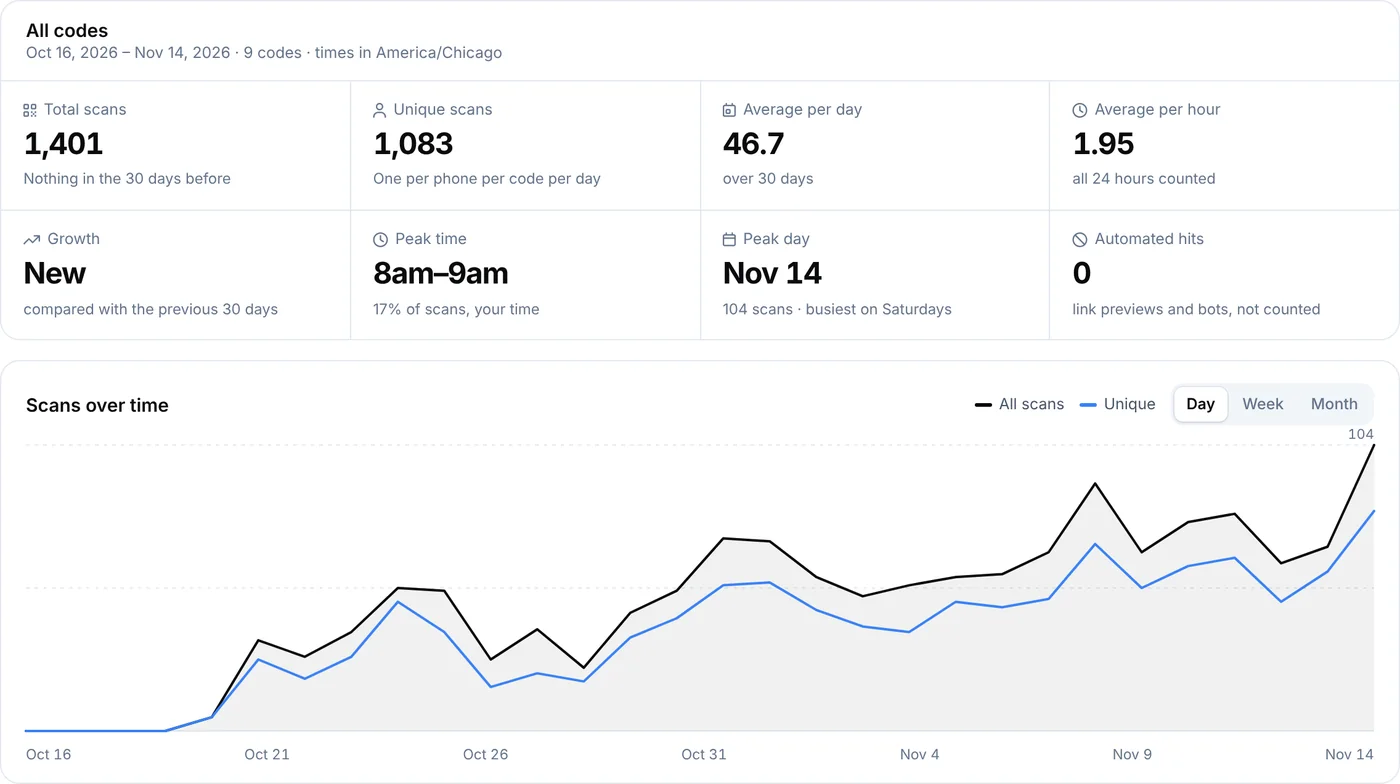
A campaign keeps the codes for one push together, with a name and dates. Instead of opening each code and adding up scans by hand, you get one report with every code side by side and each one’s share of the scans.
3. Add UTM tags once
UTM tags are labels added to the end of a link so Google Analytics knows where a visit came from. Set them on the campaign and every code in it carries them:
- utm_source: where it came from, for example
offline - utm_medium: the medium, for example
qr_code - utm_campaign: the campaign, for example
spring_sale_2027 - utm_content: the placement, for example
mall_poster. Set this one on each code.
A code’s own tag replaces the campaign’s, tag by tag, so each placement keeps the shared source, medium and campaign but adds its own content. Tags are added to codes that open a website; hosted pages and forms aren’t tagged.
4. Read the results
- Scans and unique scans. A scan is someone opening the code. Unique scans count each phone once per code per day, so one person scanning three times counts once.
- Each placement’s share. The code with the biggest share is your best spot. A code with almost no scans may be badly placed, too small or missing a reason to scan.
- Time and place. Scans by hour and day show when people notice the code; countries, cities and devices show who.
- What happened next. Open Google Analytics and filter by your utm_campaign to see visits, sign-ups or sales from each placement.
Why the numbers don’t match
Scan counts and Google Analytics measure different things. A scan is counted when the code is opened; Analytics counts a visit only once your page has loaded and its tracking runs, which can depend on cookie consent. People close the page early, block trackers or lose signal, so Analytics usually shows fewer visits than scans. Link previews and bots aren’t counted as scans. Neither number is a sale on its own.
Before you print
- Scan every code from the print proof, not just the screen.
- Give people a reason: “Scan for 10% off” beats a bare code.
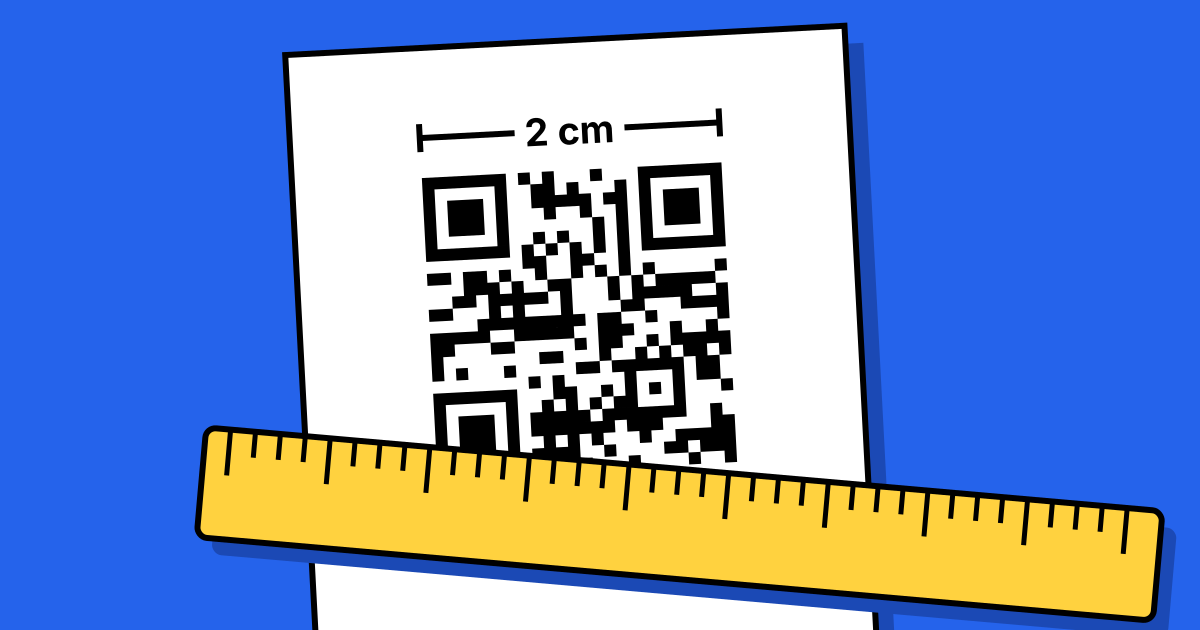
- Size the code for the distance: about 2.5–3 cm for a table tent, 10–20 cm for a poster read from a few metres. See the printing guide.
FAQ
Questions people ask
Can’t find yours? A person answers every email within 2 working days.
Email usCan I track a static QR code?
No. A static code holds the link itself, so the scan never passes through a server that could count it. Use a dynamic code for anything you want to measure.
Do I need Google Analytics?
No. The campaign report counts scans on its own. Google Analytics, with UTM tags, adds what people did on your website after scanning.
Can I share the results with a client?
Yes. A campaign report can be shared as a read-only link that doesn’t show where the codes send people or your other codes, and you can turn the link off at any time.
Which plans include campaigns?
Campaigns are part of the paid plans. See pricing for what each plan includes.