

QR codes for fire extinguisher inspections
Paper tags fade, go missing and only show the last few months. Put a QR code on each extinguisher instead: staff scan it, answer four questions, and the check lands in one list with the extinguisher it came from.
In short
How a QR inspection log works
In shortEach extinguisher gets its own QR code that opens the same short check form. The person doing the monthly check scans it and records who, when and pass or fail. Every check lands in your Leads list tagged with that extinguisher, so you can see one unit’s history or a whole building’s month.
At a glance
- How it works
- One QR code per extinguisher opens a short check form
- Each check records
- Inspector, date, pass or fail, notes, photo (Pro)
- Where checks go
- One list, each tagged with its extinguisher
- Records
- Filter by extinguisher, export to CSV
- Plans
- Any paid plan; 7-day free trial on Lite and Pro
The workflow
Set it up once, check in under a minute
Make the check form
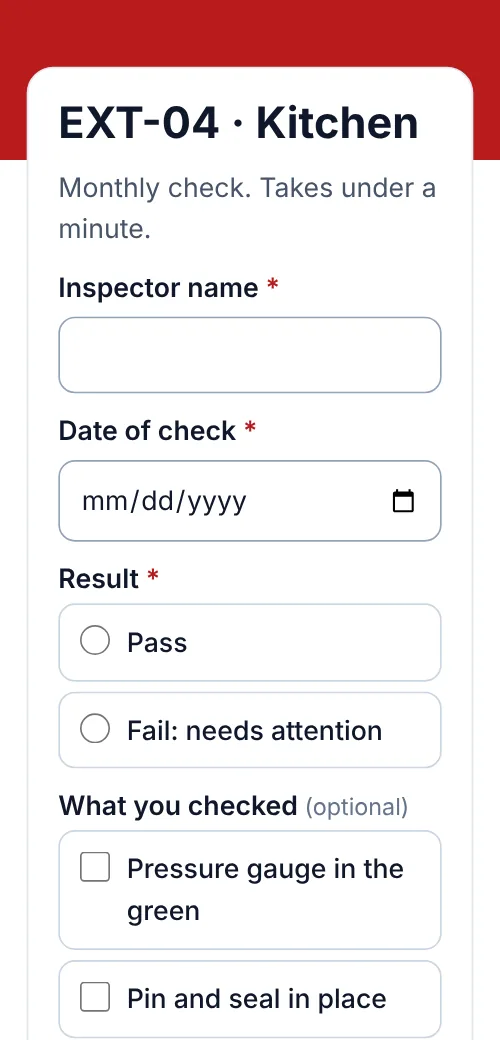
A blank form with: inspector name, date, pass or fail, notes, and a photo question on Pro.
One code per extinguisher
Make a code for each unit on the form’s QR codes tab and name it, such as “EXT-04 Kitchen”.
Stick it on the unit
A small weatherproof label on the extinguisher or the wall bracket, next to the paper tag.
Review the month
Filter Leads by code to see one unit’s history, or export the month as a CSV.
Compared
Paper tag or QR log?
Most sites keep both: the paper tag for the annual service, the QR log for monthly checks.
| Compared | Paper tag | QR log |
|---|---|---|
| History you can see | The months that fit on the tag | Every check, for as long as you keep replies |
| Proof of the check | Initials | Name, date, answers, photo (Pro) |
| Finding a failed unit | Walk the building | Filter the list for “Fail” |
| Sharing records | Photograph each tag | Export a CSV |
| Cost | Cents per tag | Any paid plan |
The rules
What the log covers, and what it doesn’t
In the US, OSHA requires portable extinguishers to be visually inspected monthly and to get an annual maintenance check, with the annual date recorded and kept for a year. Other countries have their own rules, so check yours.
A QR log is a record of the monthly visual check your staff do. It doesn’t replace the annual service by a qualified technician or the tag they attach.
Placement
Where each code goes
| Compared | What it opens | Print it at |
|---|---|---|
| On the extinguisher | The check form for that unit | About 1 in (2.5 cm) |
| On the wall bracket or cabinet | The same code, if the unit gets swapped | 1–1.5 in (2.5–4 cm) |
| Office or plant room | A printed list of codes, for replacements | Any size |
Plans
What it costs
Lite and Pro start with a 7-day free trial.
Free
- Not included: forms need a paid plan
Lite, $9 a month or $72 a year
- 3 forms and 500 checks a month
- Up to 25 codes, one per extinguisher
- Pro ($24 a month) adds 250 codes, 10,000 checks a month and photo answers
Good to know
Before you start
- Scanning shows the form, not the historyThe person scanning sees the check form. The history is in your account, in Leads.
- No overdue reminders yetWe don’t yet email you when a unit misses its monthly check. Filter Leads by date to spot gaps.
- Anyone can scanMake “Inspector name” a required question, and check replies you don’t recognise.
- Keep replies long enoughSet your lead retention to keep checks for as long as your records must be kept.
FAQ
Questions people ask
Can’t find yours? A person answers every email within 2 working days.
Email usCan I see the inspection history of one extinguisher?
Yes. Every check records the code that was scanned, so filtering Leads by that code shows that unit’s checks.
How many extinguishers can I track?
One code per extinguisher. Lite includes 25 dynamic codes, Pro 250 and Agency 2,000, and every code can open the same form.
Can inspectors add a photo?
Yes, on Pro and Agency, with a file upload question: PNG, JPG, WebP, GIF or PDF, up to 10 MB.
Does this make us compliant?
It gives you a dated record of each monthly check. Whether that meets your local rules depends on where you are; the annual service still needs a qualified technician.
Can I get an email when a unit fails?
Each form can email you and anyone you add for every new reply, with the answers in the email.
Keep reading
Related
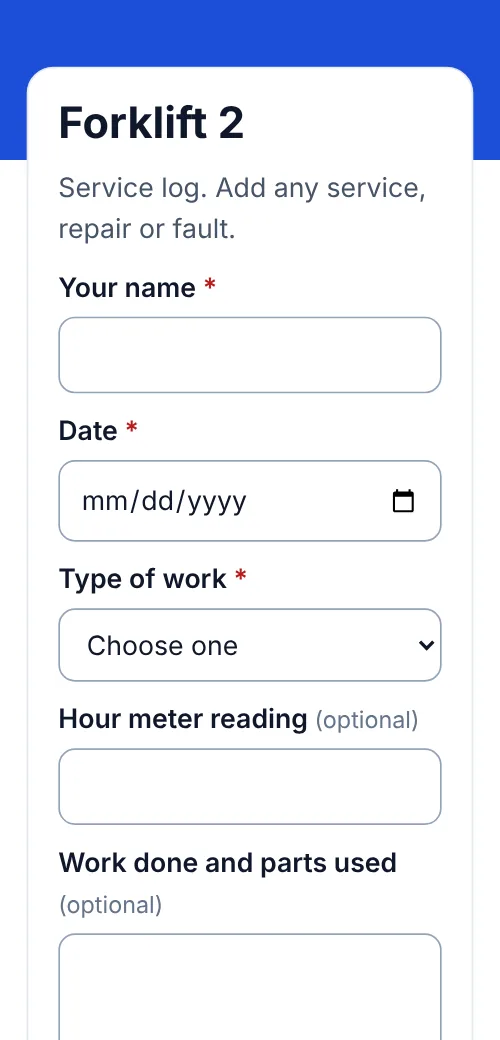 QR codes for equipment maintenance logsService and repair logs by scan, one code per machine, CSV export.
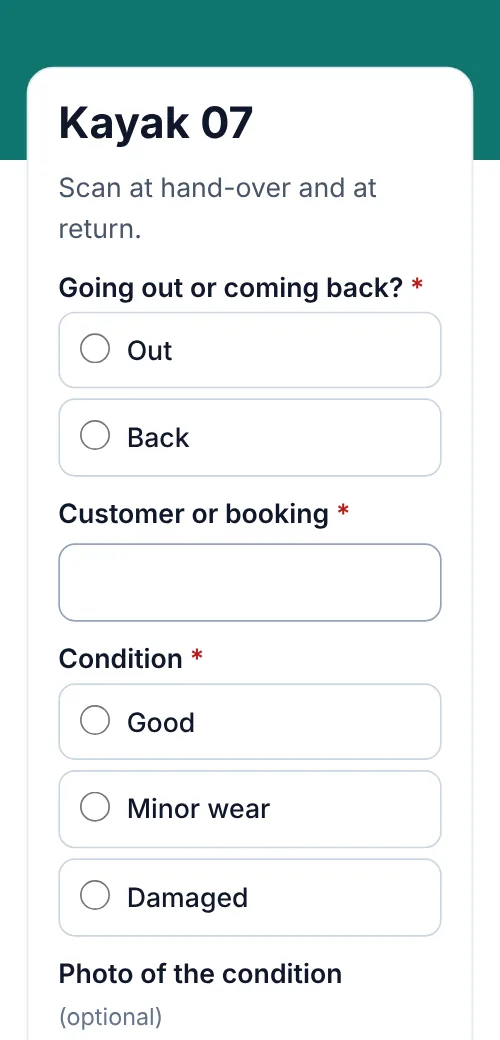 QR codes for rental check-out and returnsHand-outs and returns logged by scan, condition notes and photos, one list per item.
 QR lead formsThe forms behind these codes.
- PricingFree, Lite, Pro and Agency, monthly or yearly.