Short answerUse dynamic codes for anything that might change, such as the schedule, room signs and the event page, so you can update them after printing. Use a static Wi-Fi code for the venue network, and a feedback page code at the end of each session.
Five codes most events need
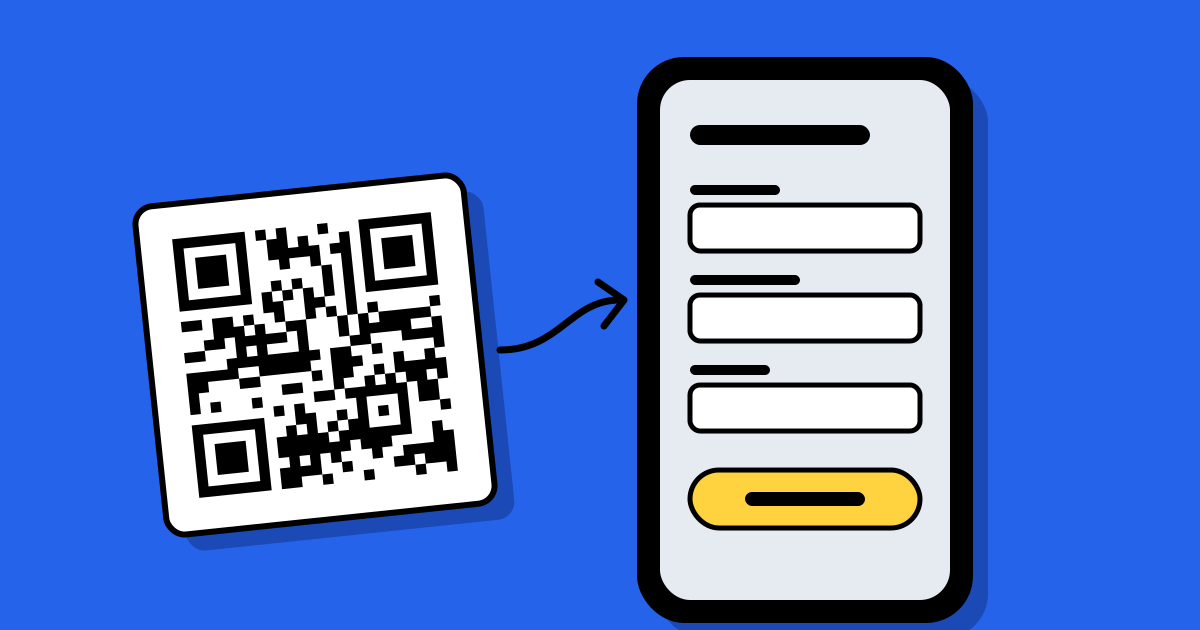
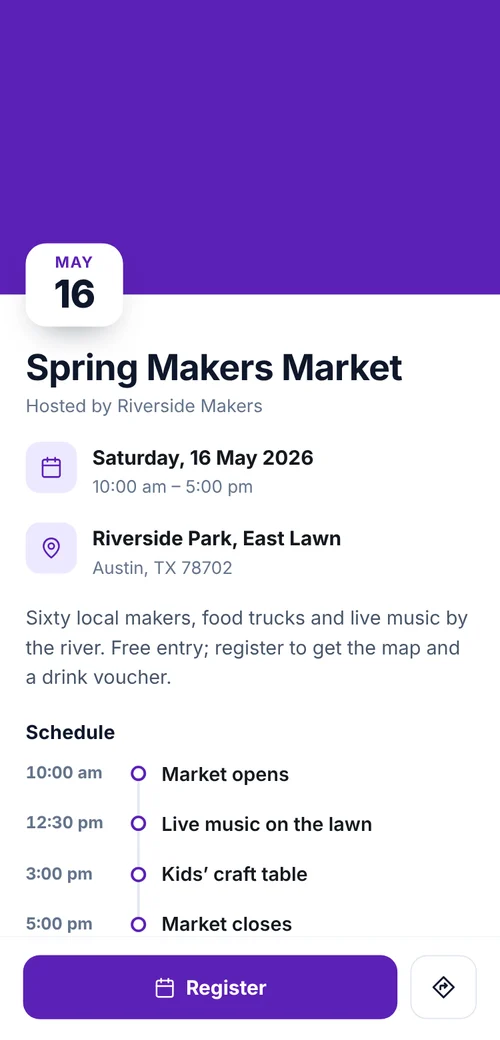
- Event page on invitations and posters: date, place, details and an add-to-calendar button. A hosted Event page does this.
- Schedule on badges and lanyards, as a dynamic link, so last-minute changes reach everyone.
- Venue Wi-Fi at registration and on tables, as a free static Wi-Fi code.
- Room signs, one dynamic code per room pointing to that room’s sessions.
- Feedback on the last slide of each session, opening a short survey page.
Make them in bulk
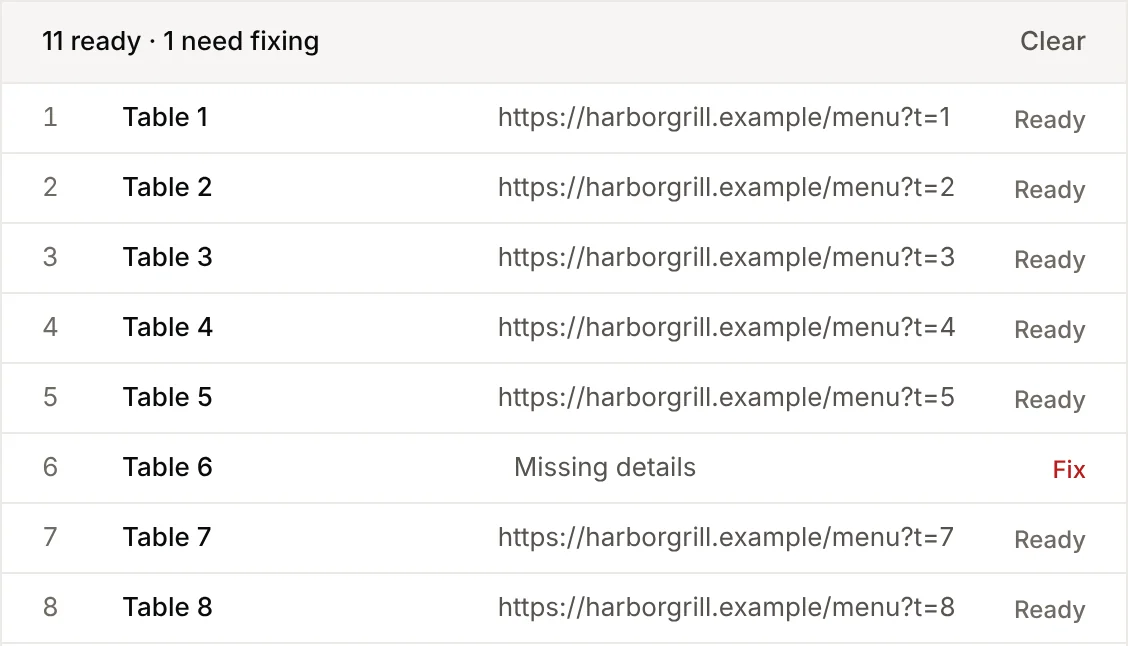
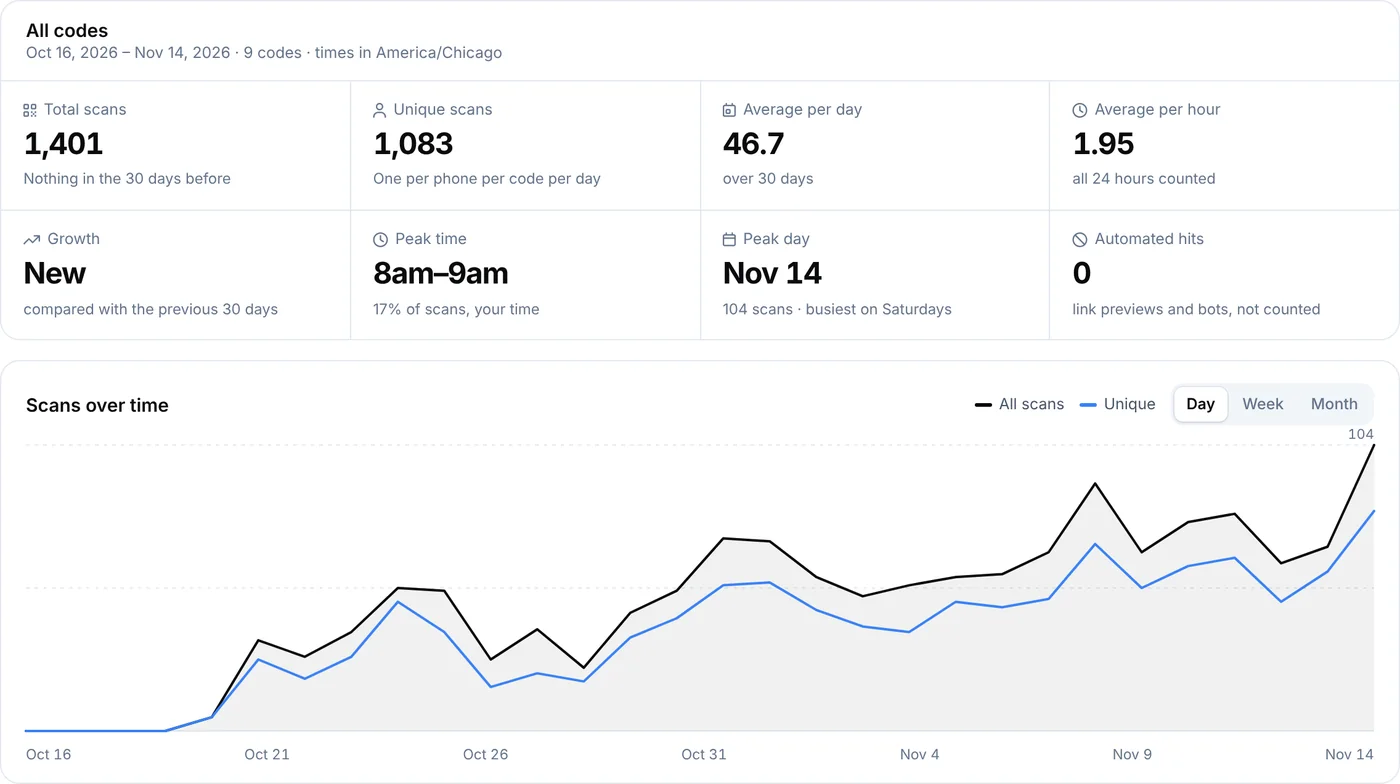
For one code per room, session or exhibitor, list them in a spreadsheet and use bulk creation. Each code gets its own scan count, which shows which sessions drew interest after the event.
Printing for venues
- Badges are read at arm’s length: 2.5–3 cm.
- Room signs read from 1–2 m: 10–20 cm.
- Slides on a projector: make the code fill at least a sixth of the slide height and leave it up long enough to scan.
- Venue lighting is often dim; matte paper and high contrast matter more than usual.
After the event
Point the dynamic codes to recordings, slides or next year’s registration page. The badges people take home keep being useful instead of leading to an outdated schedule.
FAQ
Questions people ask
Can’t find yours? A person answers every email within 2 working days.
Email usCan a QR code be a ticket?
Ticketing systems generate unique codes per attendee and check them at the door. Use your ticketing platform for that; QR Code Planet is for the information around the event.
How many people scanned the schedule?
Open the code in My codes to see scans by day and hour. See analytics.