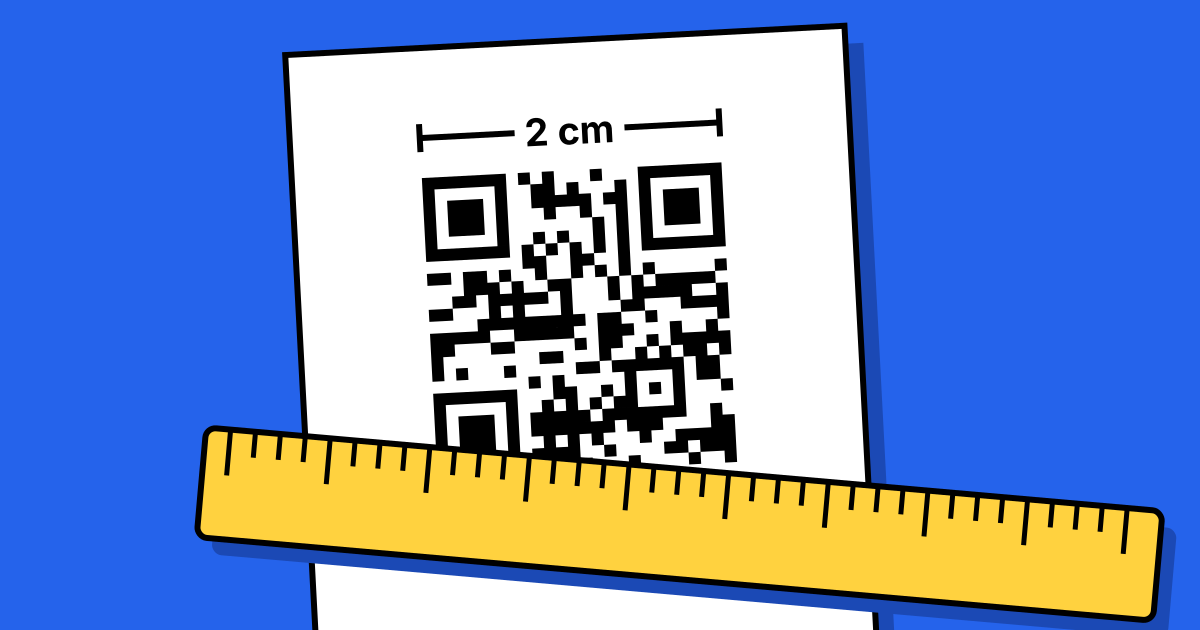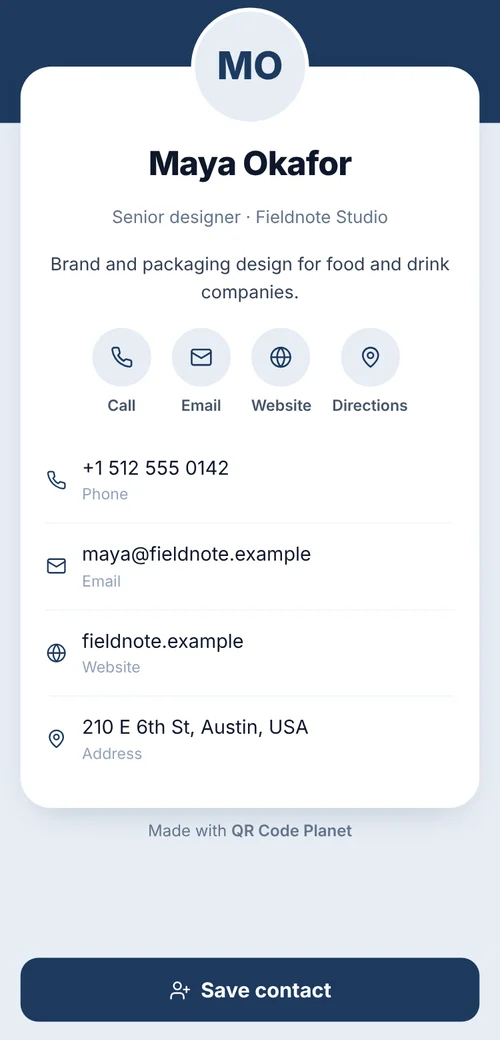
Short answerUse a vCard QR code to save your name, number, email and company straight into the phone’s contacts; it’s free and works offline. Use a hosted contact page (vCard Plus) if you want a photo, links and the ability to update details after printing. Print it at least 2 cm wide.
Which code to use
| Compared | vCard (static) | vCard Plus (hosted page) |
|---|---|---|
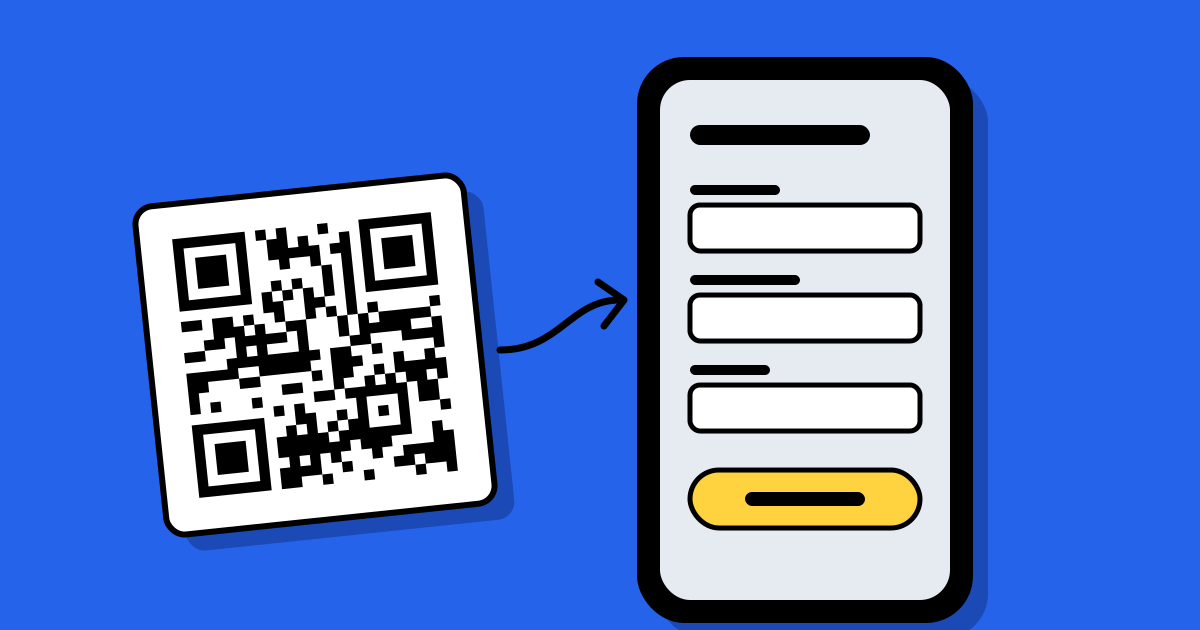
| What happens on scan | “Add contact” appears with your details | A contact page opens, with a save button |
| Update after printing | No | Yes |
| Photo and links | No | Yes |
| Scan counts | No | Yes |
| Cost | Free | Any paid plan |
A static vCard stores every field in the pattern, so the more you add, the denser it gets. Keep it to the essentials: name, phone, email, company, website. A vCard Plus code only holds a short link, so it stays simple however much you put on the page.
Size and placement
- At least 2 cm wide; 2.5 cm is safer for a dense vCard.
- On the back of the card, with a quiet zone of a few millimetres all round.
- A tiny label such as “Scan to save my details” tells people what it does.
- Avoid metallic foils and embossing on the code itself; they reflect and distort.
Cards for a whole team
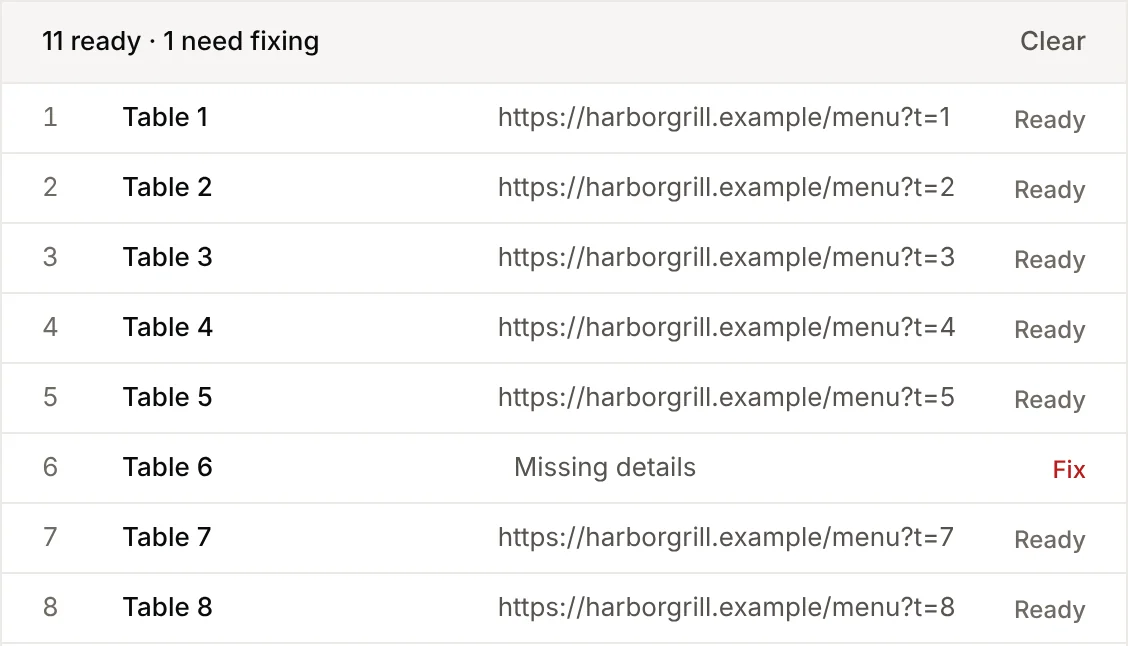
Export your staff list to a spreadsheet with one row per person, then use bulk creation with the vCard template. You get a ZIP with one code per person, named after them, ready for your printer.
Design tips
- Match your brand colour, but keep it dark on a light background.
- A small logo in the centre works on a vCard Plus code; on a dense static vCard, leave it out.
- Download SVG or PDF and send that to the printer, not a screenshot.
FAQ
Questions people ask
Can’t find yours? A person answers every email within 2 working days.
Email usDoes a vCard code work without internet?
Yes. All the details are in the code, so the phone can save the contact offline.
What if my number changes?
A static vCard needs new cards. A vCard Plus page can be updated and the cards keep working.