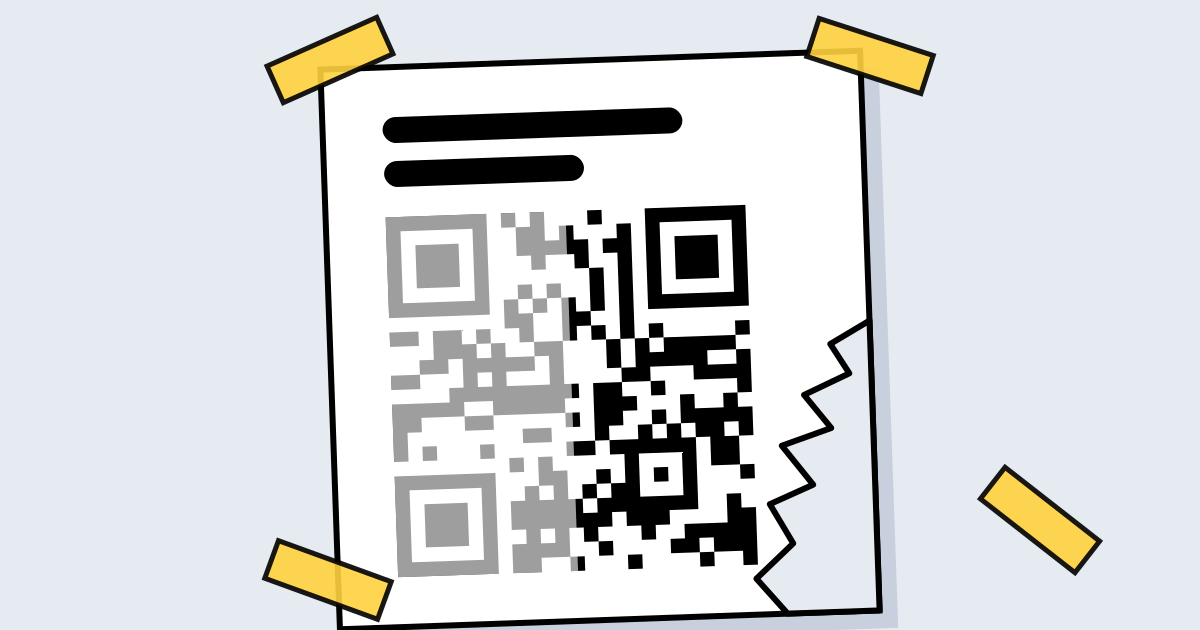
Short answerScanning a QR code is about as safe as reading a link: the code itself can’t install anything. The danger is “quishing”, a fake code that leads to a phishing page asking for a password or payment. Check the address your camera shows before opening it, and never enter payment details on a page reached from a code you weren’t expecting.
How QR scams work
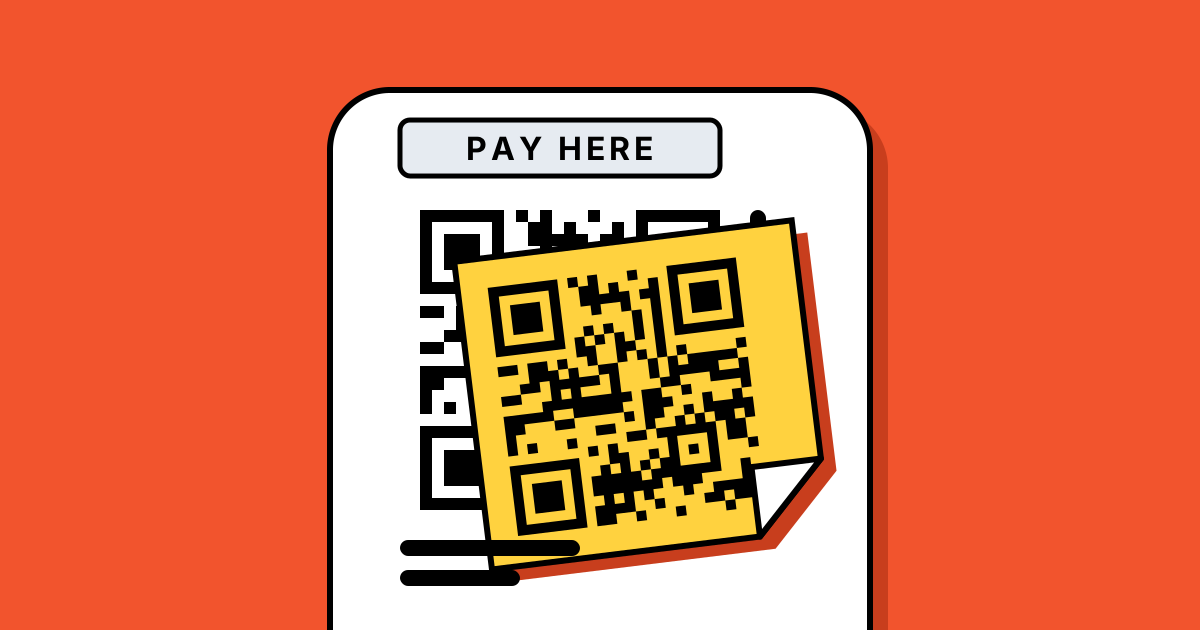
- Stickers over real codes on parking meters, EV chargers and restaurant tables, leading to fake payment pages.
- Codes in emails and parcels claiming a delivery problem, an account lock or a prize.
- Codes that hide the address, because people can’t read a QR code the way they can read a link.
The US Federal Trade Commission describes these patterns in its consumer alert, “Scammers hide harmful links in QR codes to steal your information”.
Five checks before you open a scanned link
- Look at the preview. Phone cameras show the address before opening it. Does the domain match who you expect?
- Check for a sticker. On meters and signs, feel for a label placed over the original code.
- Be wary of urgency. “Pay now or lose your parcel” is a scam signal, in a QR code or anywhere else.
- Don’t log in from a code. If a code asks you to sign in, go to the company’s app or type its address yourself instead.
- Pay through the official app for parking and bills, not a page opened from a street code.
For businesses printing codes
- Put a readable address next to the code, so customers can see where it goes.
- Use your own domain for dynamic short links (on QR Code Planet Pro), so the preview shows your name.
- Check your printed codes regularly for stickers placed over them.
- Protect the account that controls dynamic codes with a strong password and two-step sign-in, since whoever controls it controls where the codes go.
What QR Code Planet does
Every destination added to a dynamic code is screened before it’s saved, including against a list of blocked sites. Codes used for phishing, malware or illegal content are turned off, and people who scan them see a neutral warning page instead. Anyone can report a code from the warning page or our contact form. Static codes are made on your device, so their content never passes through us.
FAQ
Questions people ask
Can’t find yours? A person answers every email within 2 working days.
Email usCan a QR code give my phone a virus?
Not by itself. It can only open a link; harm comes from what you do on that page, such as downloading an app or entering details.
Are QR codes in restaurants safe?
Usually, but check for stickers over the original and look at the address preview before opening.
How do I report a malicious QR code made with QR Code Planet?
Use the report link on the scan page or our contact form. A person reviews every report.