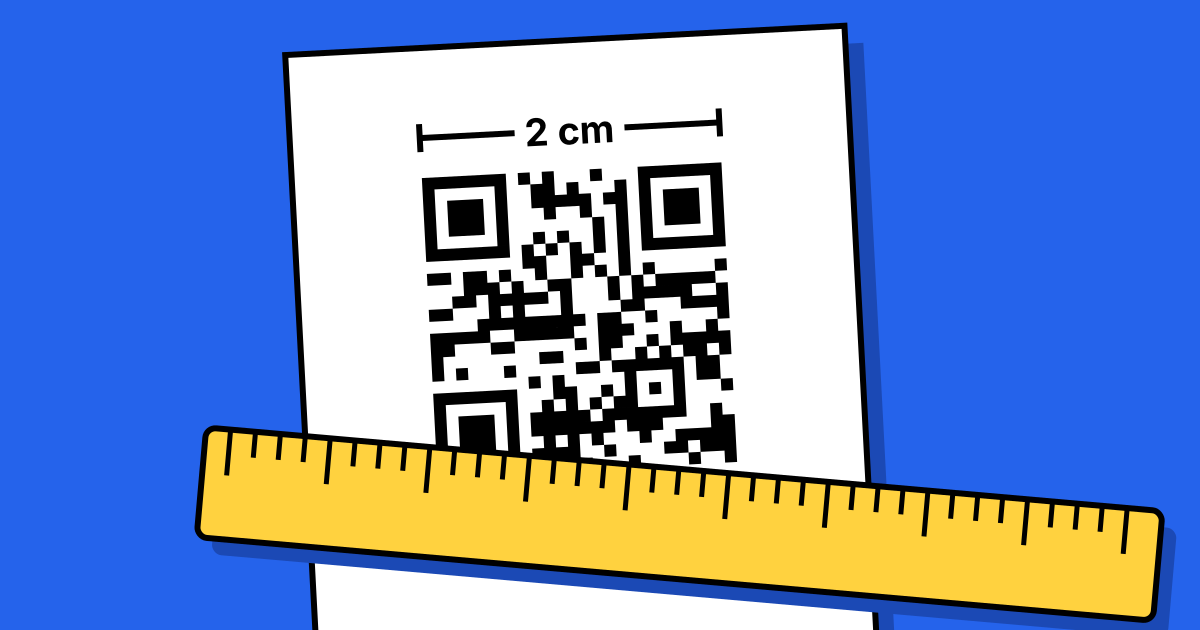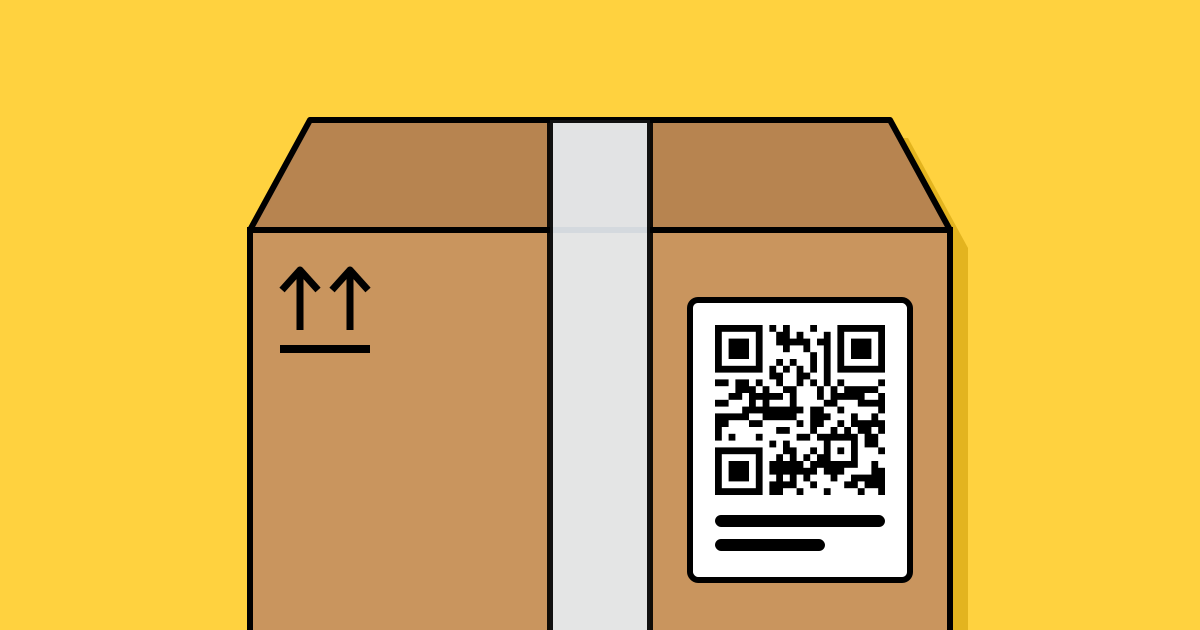
Short answerUse a dynamic QR code on packaging, so you can change where it points without reprinting boxes, and pick a provider that won’t switch codes off if your plan changes. Print it at least 2 cm wide on a flat area, with high contrast and a short label that says what scanning gives the customer.
What packaging codes are good for
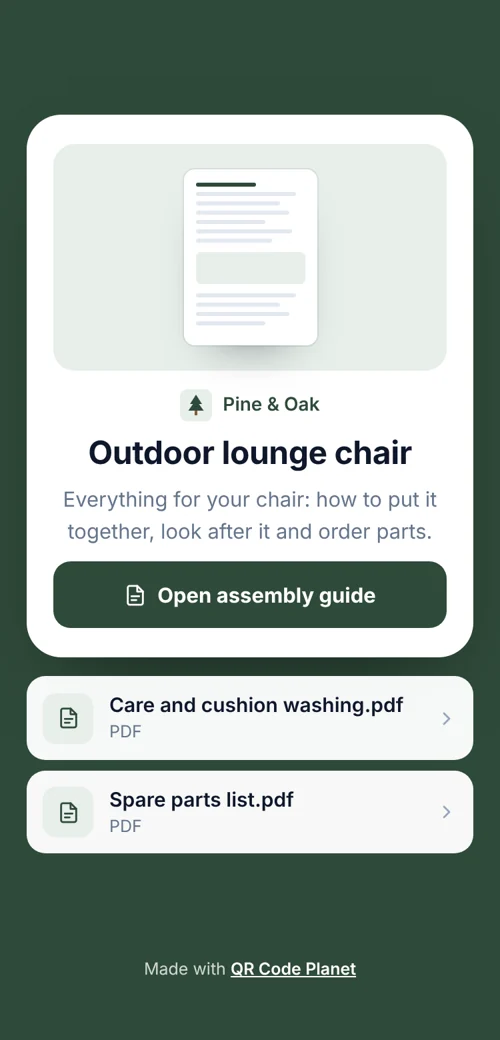
- Setup guides and manuals, often a PDF or a video page.
- Reordering consumables, straight to the product page.
- Warranty registration and support, for example a WhatsApp chat.
- Reviews, a few weeks after purchase, via an insert card.
- Ingredients, origin and recycling information that doesn’t fit on the label.
Why dynamic is worth it here
A batch of 10,000 boxes might be on shelves for two years. In that time your website will probably change. With a dynamic code, you update the destination once and every box follows. You also see how many customers scan, which tells you whether the code earns its space on the label. See static vs dynamic.
The flip side is dependency: your boxes now rely on the QR provider. Check what happens to codes if you stop paying. On QR Code Planet they keep redirecting to their last link, and on Pro and Agency you can use your own domain so the link is yours.
Printing on packaging
- At least 2 cm wide for close scanning; larger on shelf-facing panels.
- Flat panels scan best. On bottles and tubes, keep the code narrow relative to the curve.
- Check contrast on the actual substrate: kraft card and metallic films change how ink looks.
- Run a press proof and scan it on two phones before approving the run.
More detail in the printing guide.
One code per product
If you sell many SKUs, make one code per product with bulk creation from your product list. Each code gets its own scan count, so you can see which products’ customers use the guide.
FAQ
Questions people ask
Can’t find yours? A person answers every email within 2 working days.
Email usShould the code go on the outside or inside of the box?
Outside if it helps people choose in the shop; inside (on an insert) for setup and reviews after purchase.
Do I need a GS1 barcode instead?
Retail checkouts still need a barcode. A QR code for customers is separate; GS1 is moving towards QR-based codes that do both, so talk to your GS1 office for retail use.