Short answerCopy your review link from your Google Business Profile, turn it into a Google review QR code, and put it where customers are when they’re happiest: the bill, the counter, the receipt or the packaging. Ask every customer, never offer a reward for reviews, and use one dynamic code per spot if you want to see which works best.
1. Get your review link
Sign in to your Google Business Profile and choose Ask for reviews (or Read reviews → Get more reviews). Copy the short link Google gives you. It opens the review form for your business, not just your listing, which saves the customer a tap and a scroll.
2. Make the code
- Choose Google review in the generator and paste the link.
- Add your colours or logo if you like; the preview checks it still scans.
- Add a short frame or label that says what happens: “Enjoyed your visit? Leave us a review”.
- Download SVG or PDF for printing.
A static review code is free and keeps working as long as your review link does.
3. Put it where people are happy
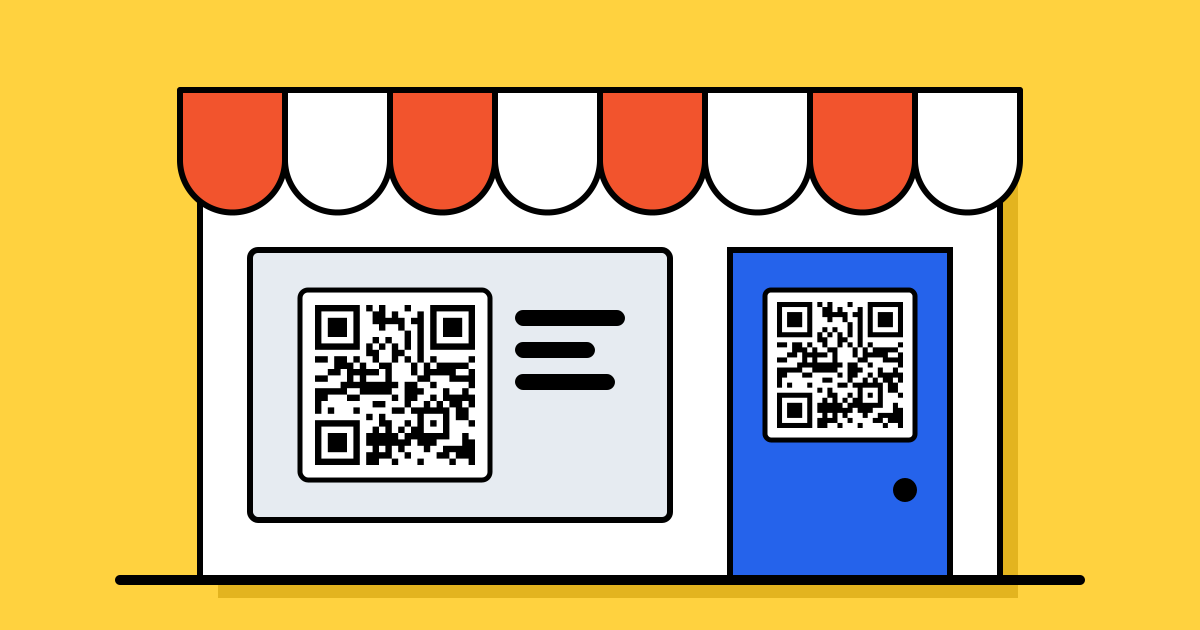
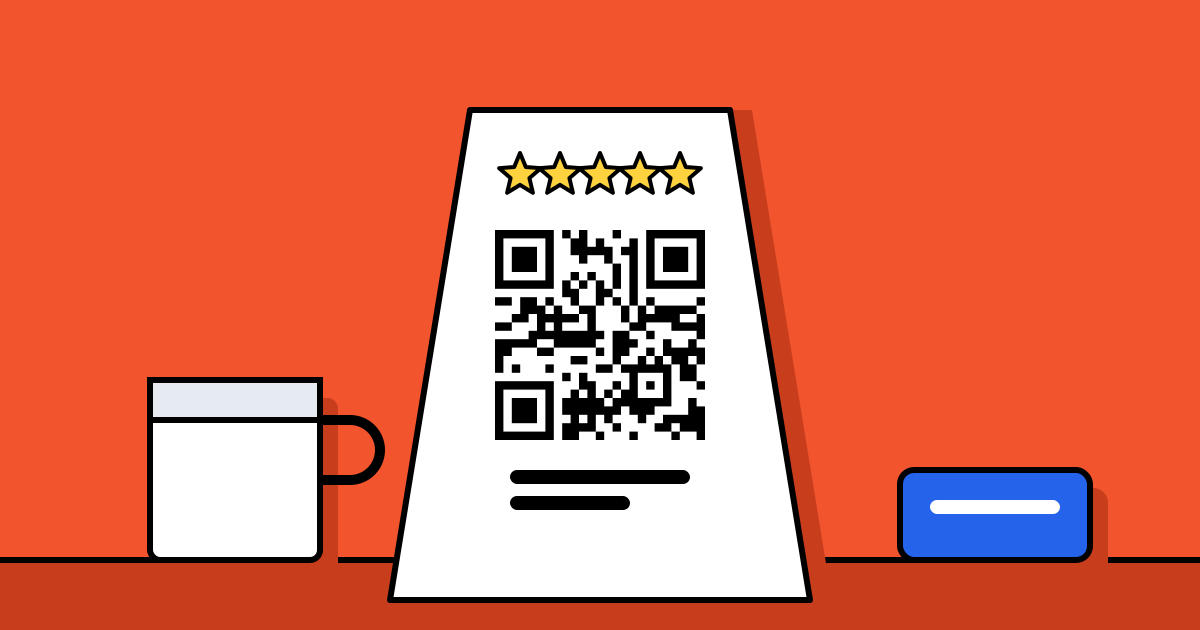
- Restaurants and cafés: on the bill folder or a table tent, seen while people wait to pay.
- Shops: at the counter next to the card reader, and printed on receipts.
- Salons, clinics and hotels: at reception as people leave, or on the room card.
- Online orders: on a thank-you card in the box.
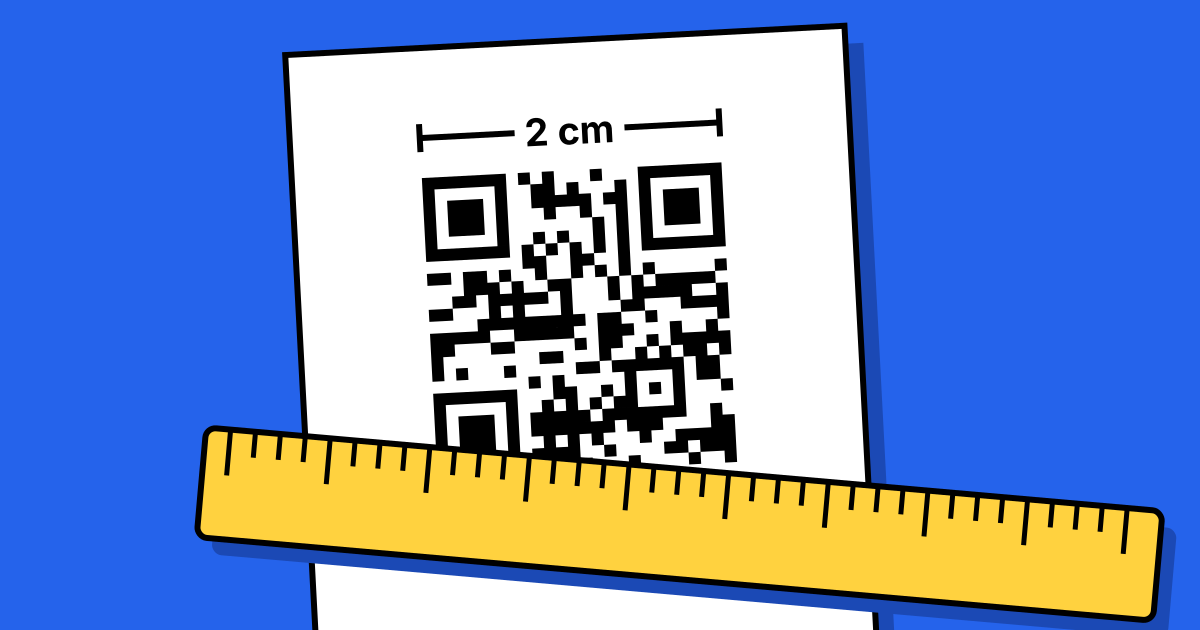
Size it for the distance: about 2.5–3 cm on a table tent or receipt, larger on a wall. See the printing guide.
4. Ask, briefly
A code alone gets some reviews. A code plus one sentence from a person gets many more: “If you enjoyed it, a Google review really helps us; the code takes you straight there.” Ask at the end, when the service is done, not while people are still eating or waiting.
5. Stay within Google’s rules
Google’s review policies don’t allow offering discounts, gifts or anything else in exchange for reviews, and don’t allow asking only happy customers (sometimes called review gating). Ask everyone the same way. Reviews collected against these rules can be removed by Google.
See which spot works
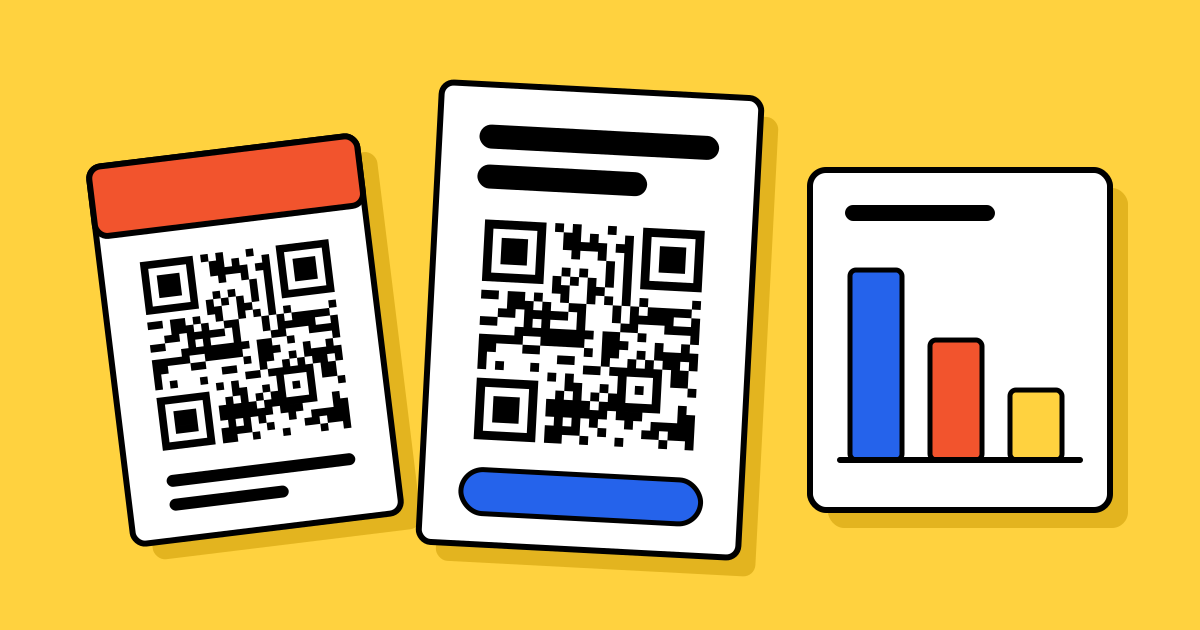
A static code can’t be counted. If you want to know whether the bill folder beats the receipt, make a dynamic code for each spot with the same review link. Each one gets its own scan count by day and hour, and you can group them in a campaign to compare them side by side. Scans aren’t reviews, but the spot with the most scans is usually the one bringing reviews in.
FAQ
Questions people ask
Can’t find yours? A person answers every email within 2 working days.
Email usIs a Google review QR code free?
Yes. It’s a static code type with no watermark and no expiry. Dynamic codes, for counting scans, are part of the paid plans.
Do customers need an app?
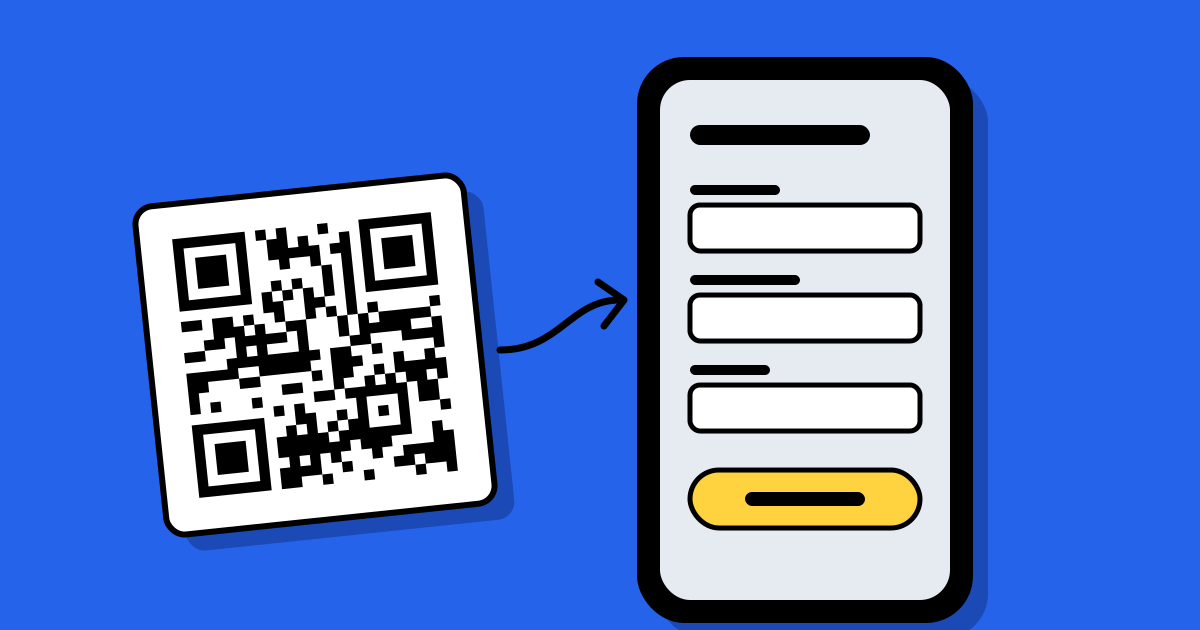
No. The phone camera opens the link in the browser or the Google Maps app, straight on the review form.
Can I send unhappy customers to a private form instead?
Google doesn’t allow selectively asking only happy customers for reviews. You can offer a separate feedback form as well, but ask everyone for a Google review the same way.
Can I offer a discount for a review?
No. Google’s policies don’t allow incentives for reviews. You can thank people, but not reward the review.