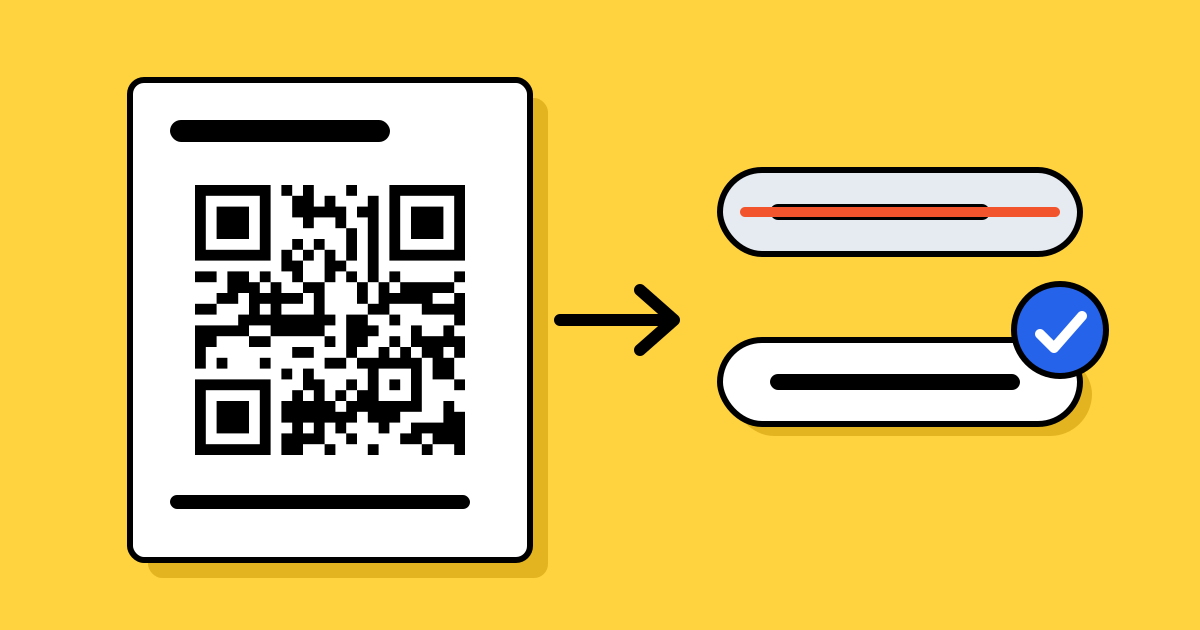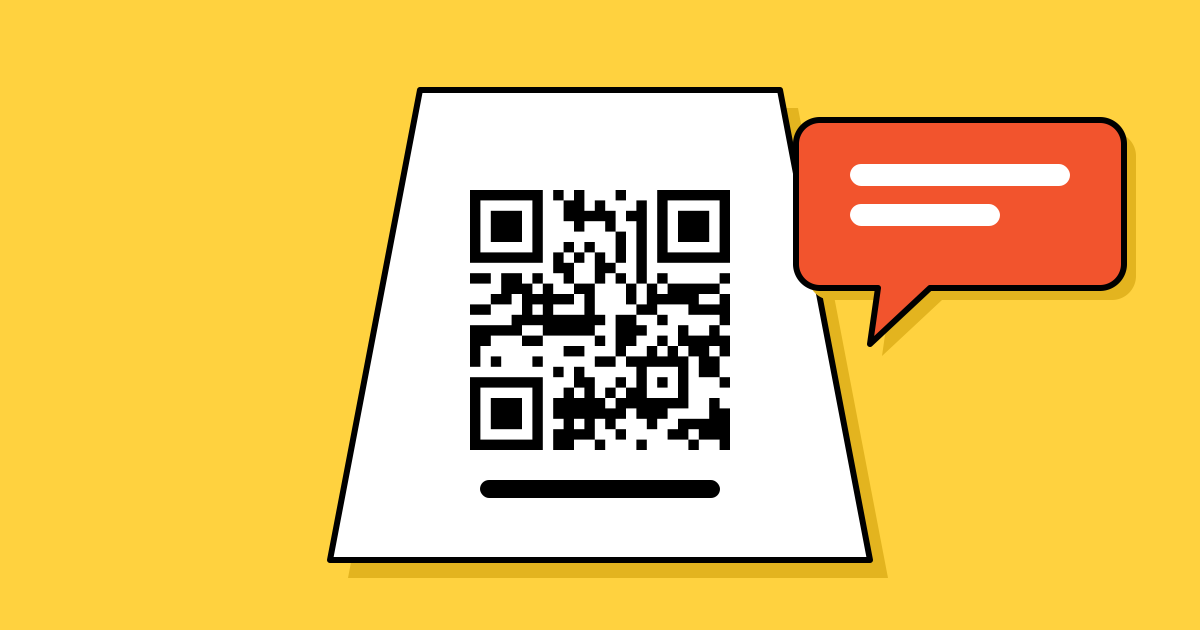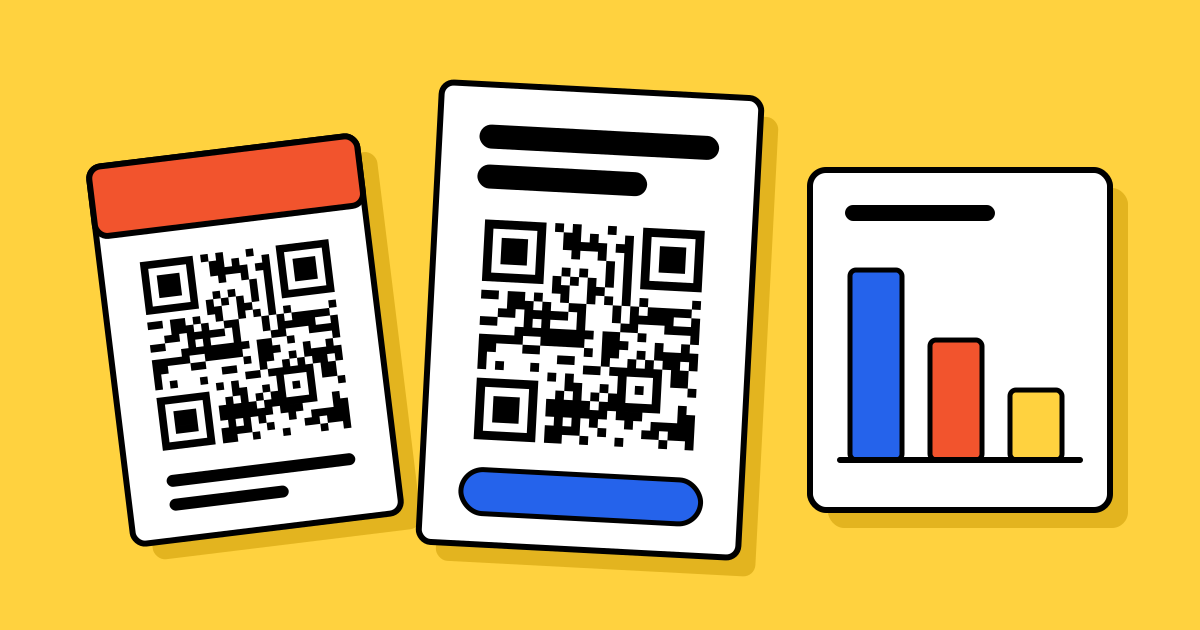
Short answerMake the code big enough for the farthest viewer (about a tenth of the viewing distance), keep it on screen long enough to get a phone out, and show it dark on a white box with a clear margin. On websites and emails, always add a tappable link too, because many readers are already on their phone.
Size for the back row
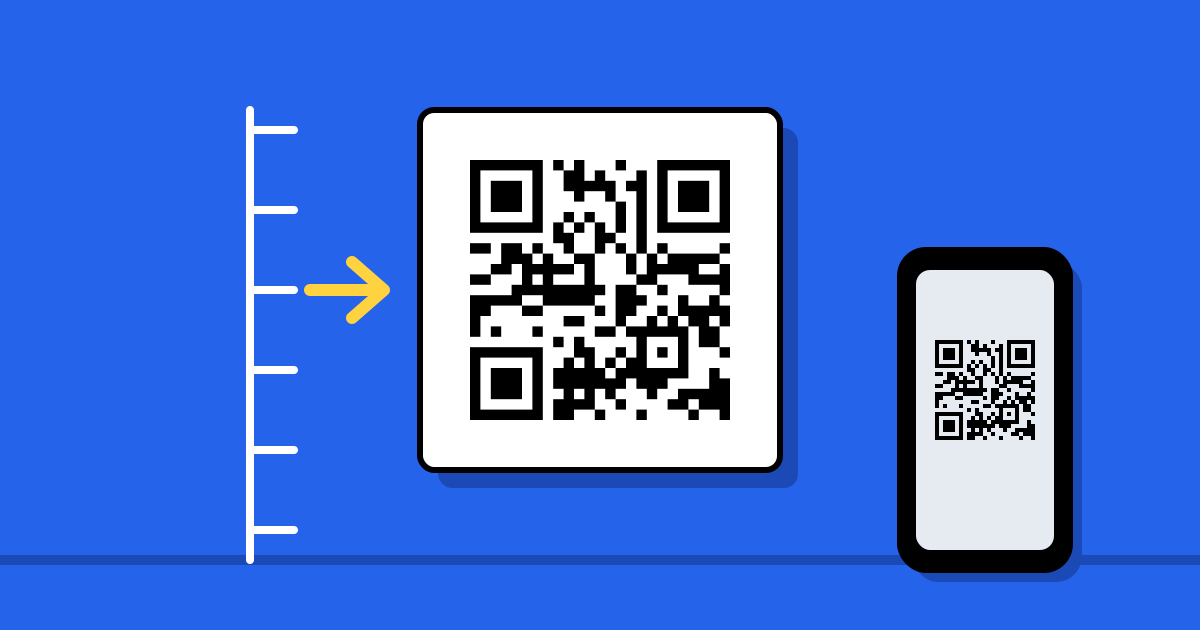
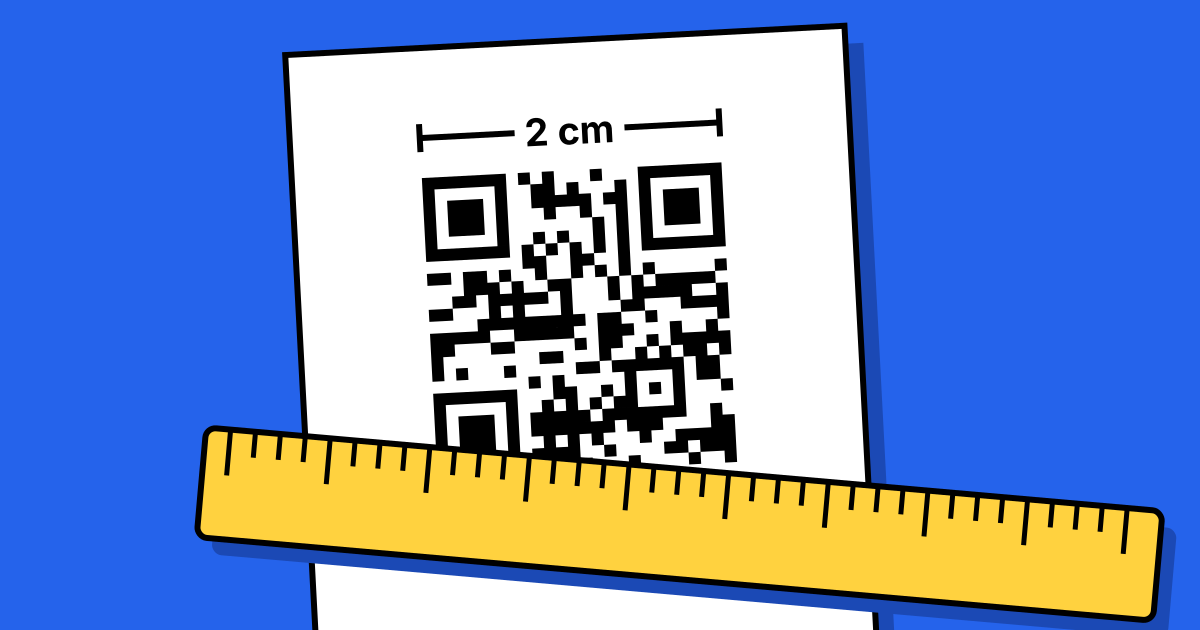
The rule from print still works: make the code at least a tenth as wide as the distance it will be scanned from. Someone 5 metres from a screen needs a code about 50 cm wide on that screen. The full table is in the printing guide.
- Slides: give the code a large share of the slide, not a corner. In a big room, a code that fills most of the slide height is not too much.
- Digital signs and menu boards: size it for where people stand or queue, not for someone right in front.
- TV: viewers sit across the room, so the code needs to be large on screen, and it is safer away from the very edges, which some TVs crop.
Give people time
Printed codes wait. Codes on screen don’t. People need time to notice the code, get their phone out, open the camera and aim.
- On a slide, leave it up while you talk, and bring it back at the end. Saying “scan this now” helps.
- On a rotating sign, show the code on every slide or hold it long enough for a scan, not just a moment.
- In a TV or video ad, keep the code on screen for as much of the ad as you can, not only the last second.
Contrast and glare
- Put the code on a white box, with a clear margin of at least four modules on every side. Don’t place it over video, photos or a busy background.
- Dark on light. Light codes on dark backgrounds fail on many phones. The same rules as print apply; see error correction for why a logo is fine and low contrast isn’t.
- Mind the brightness. Very bright LED signs can wash a code out on camera. If test scans struggle, turn the brightness down or the code up in size.
- Avoid motion. Don’t animate, zoom or slide the code while it is on screen. Let it sit still.
Keep the pattern simple
Screens and video blur fine detail: low resolution, video compression and a camera pointed at a screen all soften edges. A code with fewer, larger squares survives that better. A long web address makes a dense pattern; a dynamic code holds only a short link, so its pattern stays simple. Export PNG at the size it will be shown, or SVG where the software accepts it, rather than enlarging a small image.
Websites and emails: add a link
Many people read websites and emails on their phone, and a phone can’t easily scan its own screen. A code alone leaves them stuck. Use both:
- Always put a tappable link or button next to the code, or instead of it on mobile.
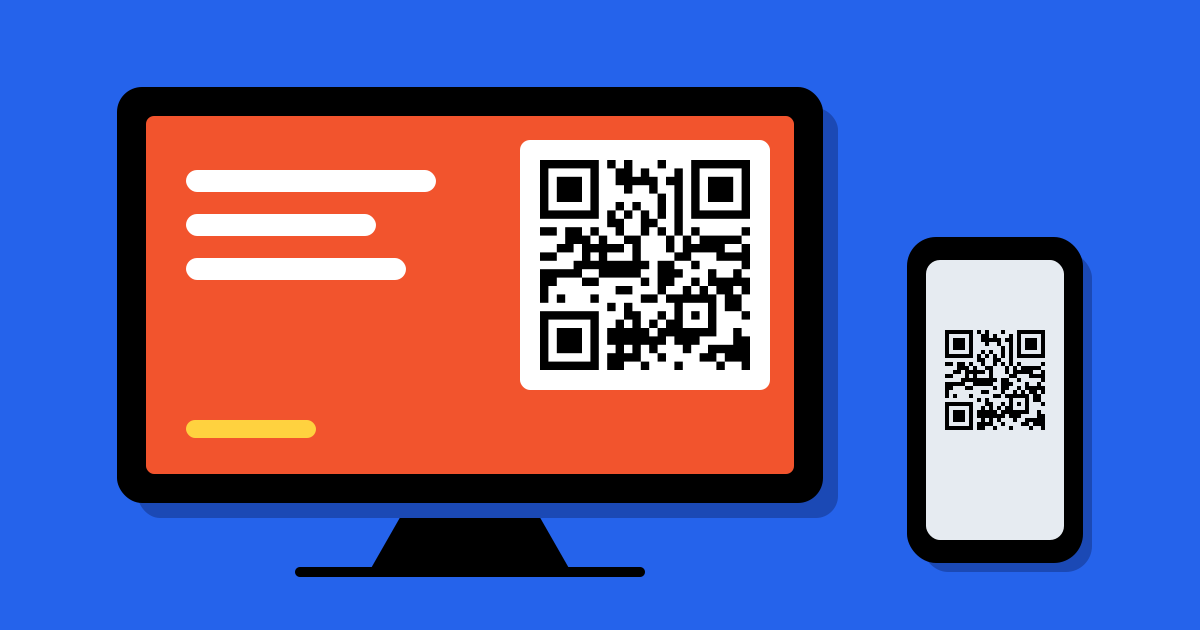
- Use the code for handing off from a computer to a phone: downloading an app, opening a page on the go, or joining a call.
- Mind dark mode. A code saved with a transparent background can turn black on black in a dark-mode email. Export it with a solid white background and margin.
Someone who only has the code on their own phone can still open it from a screenshot; the steps are in how to scan a QR code.
Know which screen worked
Give each screen its own dynamic code: one for the TV ad, one for the slide deck, one for the shop sign. Their scans are counted separately, so you can see which one brought visitors. You can also change the destination after the slides are shared or the ad is booked. Setting this up is in how to track QR code campaigns.
Test it like a viewer
Before it goes live, stand where the audience will be, at the farthest seat or across the room, and scan with an ordinary phone. Try a second phone if you can. If it takes more than a moment, make the code bigger or simpler.
FAQ
Questions people ask
Can’t find yours? A person answers every email within 2 working days.
Email usCan a phone scan a QR code from a TV or monitor?
Yes. Cameras read codes from screens as well as from paper, as long as the code is large enough, sharp and on a light background.
How long should a QR code stay on screen?
Long enough for someone to notice it, get their phone out and aim. Several seconds is the bare minimum; on slides, leave it up while you talk.
Should I put a QR code in an email?
Only alongside a normal link. Many people read email on the phone they would scan with, so the link is what they will use.
What file format is best for screens?
PNG at the size it will be shown, with a white background. Use SVG where the software accepts it, since it stays sharp at any size.